
Felo
AI Video Generator: Text to Video and Image to Video
Felo AI Video Generator turns a text prompt or a reference image into a finished clip. Describe the subject, action, camera and style — the agent plans the shots, picks the right video model, and generates ready-to-share video in minutes. Create cinematic 21:9 clips, square posts or vertical 9:16 stories from the same prompt, at up to 2K resolution. Every example on this page was made the same way: one input in, one clip out. Preview the result, adjust with a follow-up, and download when it looks right.
Three ways to make an AI video
Start from a sentence, a single image, or a first and last frame. The agent picks the matching mode and model for each shot.
Start from a prompt
Text to video
Describe the subject, action, camera and style. The agent plans the shots, writes the camera moves and generates the clip — no footage or editing timeline needed.
Animate a still
Image to video
Upload a reference image and describe how it should move. Use it to animate a photo, product shot or character design while keeping the original composition.
Control the ending
First and last frame
Provide an opening and a closing frame, and the model generates the motion between them for precise transitions and consistent endings.
Use Cases
AI video examples: prompts you can reuse
Every clip below was generated with Felo from a written prompt or a still image. Open one to read the full prompt, then press Use prompt to start from it.
How to generate an AI video with Felo
Three steps from idea to finished clip.
- 1
Describe your video
Type a prompt or drop in a reference image. One sentence is enough — the agent can search the web for context and plan the shots from there.
- 2
The agent plans the video
Felo breaks your idea into a shot list, picks a video model for each shot, and matches aspect ratio, resolution and duration.
- 3
Generate, refine and share
Preview the result, adjust with a follow-up in the same thread, then download or share the finished video.
Video models in one workspace
Each model has its own strengths. MiniMax H3 is available today — pick it in video settings, or let the agent decide.
MiniMax H3
Available nowText-to-video and image-to-video with durations from 4 to 15 seconds, up to 2K, in six aspect ratios from 21:9 to 9:16.
- Durations
- 4–15 seconds
- Resolution
- 768P or 2K
- Aspect ratios
- 21:9, 16:9, 4:3, 1:1, 3:4, 9:16
- Inputs
- Text, image, first and last frame
Seedance 2.5
Coming soonByteDance's video model, built for fast, motion-heavy short clips.
Wan 3.0
Coming soonAlibaba's Wan video line, focused on flexible generation modes.
Gemini Omni Flash
Coming soonGoogle's Gemini video model, made for fast multimodal generation.
Kling 3.0
Coming soonKuaishou's Kling model, known for cinematic motion and character consistency.
What you can create with the AI video generator
The same composer covers vertical social clips, product spots, cinematic scenes and animation.
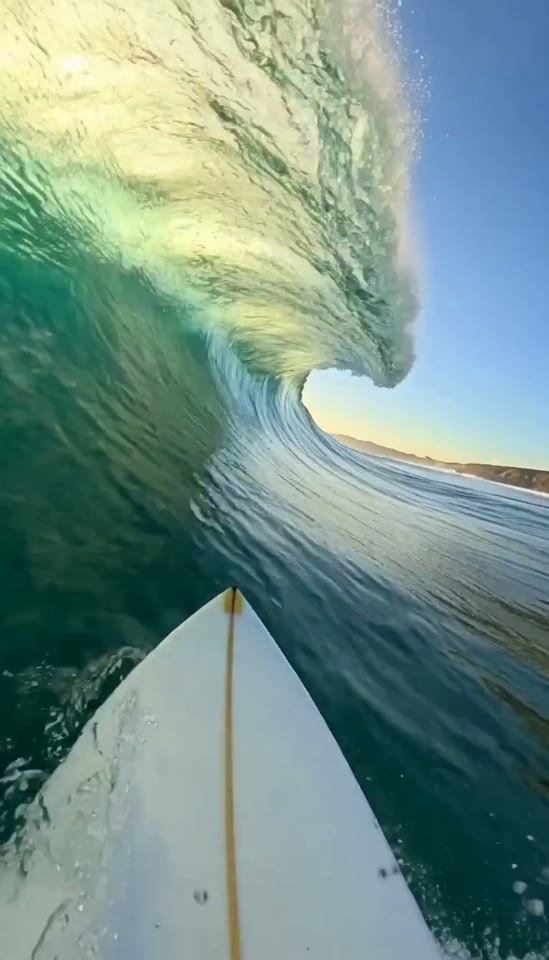
Social media and short-form
Vertical 9:16 clips for Reels, Shorts and TikTok, generated from a sentence or a still.
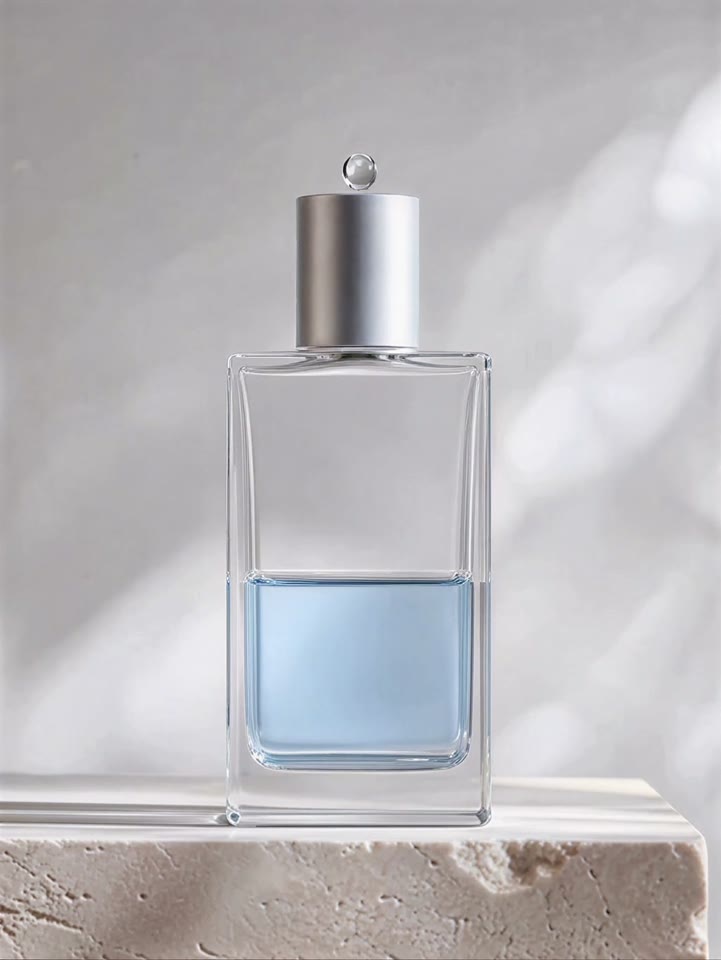
Product and advertising
Studio-style product shots with controlled camera moves, lighting and liquid detail.
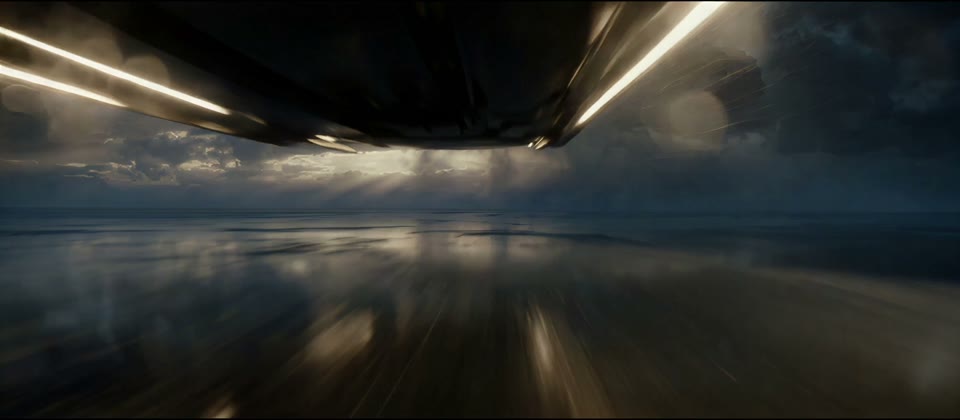
Cinematic storytelling
Multi-shot scenes with camera direction, consistent subjects and a soundscape.
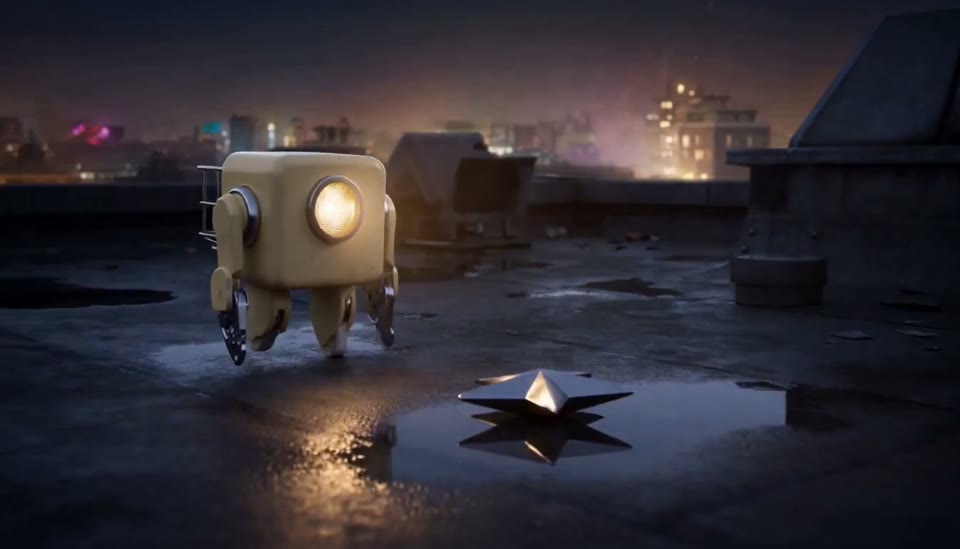
Animation and illustration
Stylized 3D, 2D and illustrated worlds from the same prompt box.
Why create videos with Felo AI

Prompt once, get a plan
The agent turns a single sentence into a shot list with camera moves and sound, instead of leaving you to write a spec.
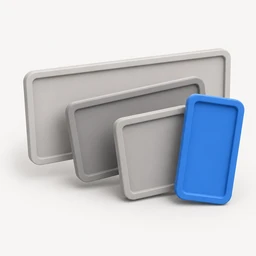
Six aspect ratios
From 21:9 cinematic to 9:16 vertical — one prompt, formatted for the screen it will play on.
Up to 2K resolution
Generate at 768P for quick drafts or 2K when the clip has to hold up on a big screen.

Reuse any showcase prompt
Every example on this page carries its full prompt. Open it, press Use prompt, and make it yours.
Browse the demo examplesHow to write an AI video prompt
A useful prompt reads like a shot description. Cover these five elements and the agent can plan the camera work and sound.
- 1
Subject
Who or what is on screen — appearance, materials, clothing and the details that must stay consistent.
- 2
Action
What happens, and how the scene changes from the first frame to the last.
- 3
Camera
Shot size, angle and movement: push in, track, arc around, pull out.
- 4
Style
Live action or animation, lighting, palette, film stock or a visual reference.
- 5
Sound
Ambience, effects and music. Optional, but it changes how the final clip feels.
Example prompt
“A small cream-colored maintenance robot on a wet rooftop finds a dim star in a puddle. It lifts the star into a repair basket, climbs three steps and launches it back into the sky; its headlamp beam brightens the star as it rises. Stylized 3D animation, soft painted metal, rainy reflections, gentle celesta music.”
Key takeaways
- One prompt is enough: the agent turns a sentence into a shot list and selects a video model.
- Text-to-video, image-to-video and first-and-last-frame generation share one composer.
- Six aspect ratios from 21:9 to 9:16, at 768P for drafts or 2K for the final cut.
- Every example includes its full prompt — open one and press Use prompt.
Explore more Felo video tools
Frequently asked questions
- What is an AI video generator?
- An AI video generator turns a written prompt or a reference image into video. Felo adds an agent layer on top: it plans the shots, picks a video model and keeps the context, so you can refine the result in the same thread instead of starting over.
- Can AI generate a video from text?
- Yes. Describe the subject, action, camera and style in a sentence or two, and Felo AI Video Generator produces a finished clip. You can also start from a reference image and animate it.
- Can I turn a photo into an AI video?
- Yes. Upload an image as the first frame, describe how it should move, and Felo generates the motion from that starting point. First-and-last-frame mode also lets you set the closing frame.
- Which video models does Felo AI use?
- MiniMax H3 is available today, with Seedance 2.5, Wan 3.0, Gemini Omni Flash and Kling 3.0 on the way. Each model shows its own limits for duration, ratio and reference media.
- How long can a generated video be?
- MiniMax H3 generates clips from 4 to 15 seconds. You can pick the duration in video settings before generating.
- Can I make a vertical video?
- Yes. Choose 9:16 for Reels, Shorts and TikTok, 16:9 for YouTube, or 21:9 for a cinematic frame. The same prompt can be generated again in a different ratio.
- How long does it take to generate a video?
- Most clips finish in a few minutes. Shorter drafts at 768P come back faster; 2K takes a little longer.
- Can I edit a video after it is generated?
- Yes. Ask a follow-up in the same thread to adjust the shot, style or length, and a new version is generated without starting over.
- Can I reuse the prompts in the examples?
- Yes. Every example on this page includes its full prompt. Press Use prompt to place it in the composer, then change the subject, style or aspect ratio.
- Is Felo AI Video Generator free?
- Felo AI Video Generator runs in the browser. Video generations use Felo points, and the pricing page lists the points included with each plan.
Make your next video with Felo
Describe it in a sentence, or start from a showcase prompt.
Rate this page
4.9 / 58,923 ratings