10 Best AI PPT Skills for Claude Code CLI in 2026 (Ranked & Tested)

We tested 10 Claude Code skills for generating presentations. From PowerPoint automation to interactive slides, here's what actually works — with Felo Slides leading the pack.
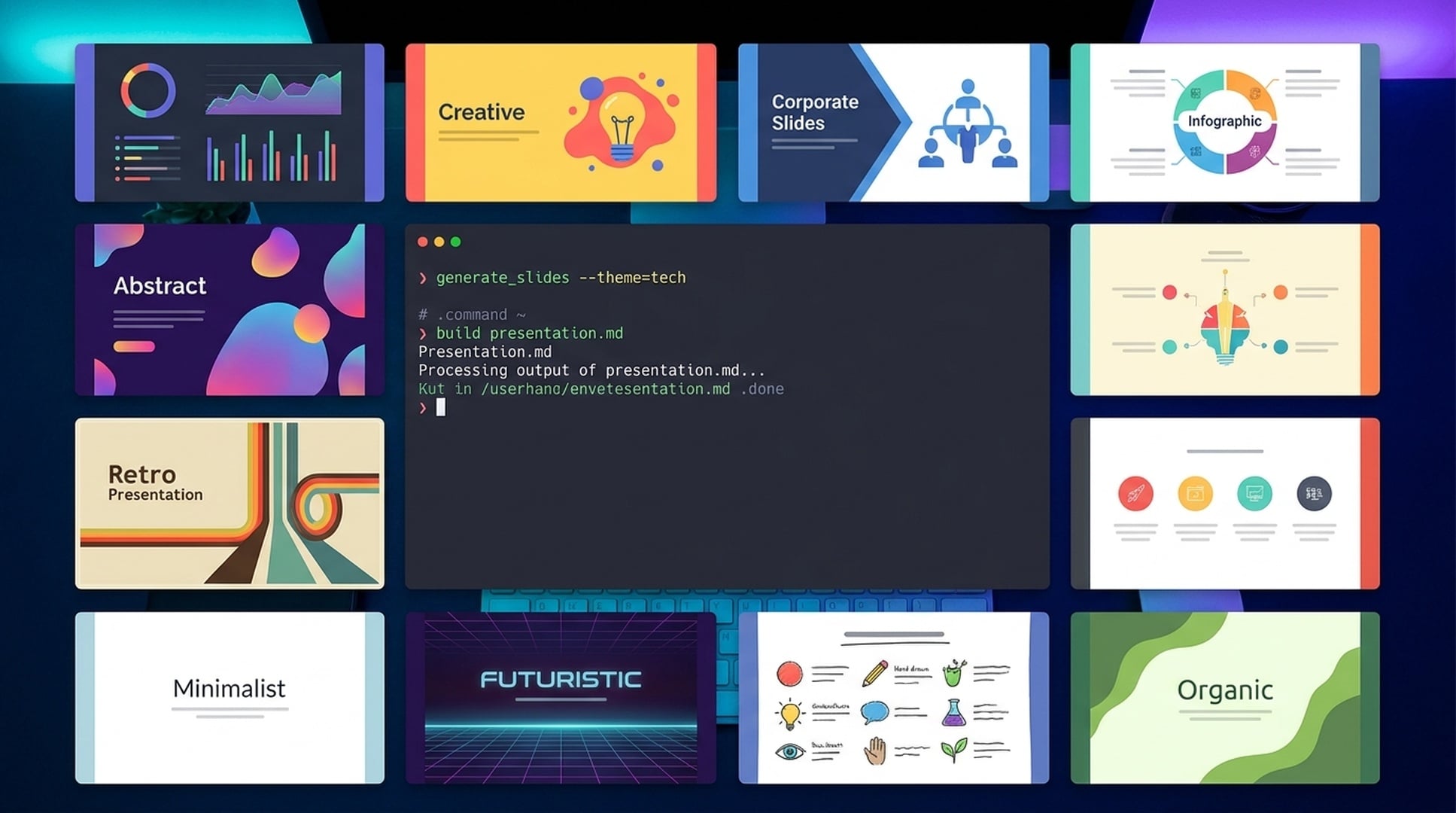
If you're building presentations in 2026 and you're still opening PowerPoint manually, copying content from your terminal, and spending an hour on formatting — you're doing it the hard way.
Claude Code has evolved into a full development environment, and one of its most underrated capabilities is presentation generation. With the right skills installed, you can turn research findings, code analysis, or project updates into polished slide decks without ever leaving your terminal.
But here's the problem: there are dozens of presentation skills in the Claude Code ecosystem, and most of them fall into one of two traps. Either they generate slides that look good but say nothing useful, or they produce content-rich decks that look like they were designed in 2015.
I spent two weeks testing every major AI PPT skill available for Claude Code. I ran the same benchmark prompts through each one, measured output quality, checked export compatibility, and timed the workflows. Some skills impressed me. Most didn't.
Here are the 10 best AI PPT skills for Claude Code in 2026, ranked by real-world usability.
How I Tested These Skills
To keep this comparison fair, I used the same evaluation criteria for every skill:
Test prompt: "Create a 10-slide investor pitch deck for an AI-powered supply chain optimization platform. Include market size, problem statement, solution overview, traction metrics, competitive landscape, business model, team, roadmap, and funding ask."
Scoring dimensions (each out of 10):
- Content quality — Does it generate substantive content or generic filler?
- Design quality — Are the slides visually professional and well-structured?
- Speed — How long from command to finished deck?
- Ease of use — How simple is installation and the command syntax?
- Export quality — Does the .pptx file open cleanly in PowerPoint/Google Slides?
- Workflow integration — Does it chain well with other Claude Code skills?
I also tested each skill with follow-up edits, multi-language requests, and custom branding requirements to see how they handle real-world scenarios.
The Rankings: 10 Best AI PPT Skills for Claude Code
1. Felo Slides — The Complete Package
Score: 54/60 | Content 9 | Design 9 | Speed 9 | Ease of Use 10 | Export 9 | Integration 8
Felo Slides is the most polished AI presentation skill for Claude Code, and it's not particularly close.
What makes it different:
Unlike skills that just format text into slide shapes, Felo Slides has a built-in AI research engine. When you give it a prompt, it doesn't just rearrange your words — it runs a live web search, gathers current data, structures a narrative arc, and generates slides with real substance.
My test experience:
I ran the investor pitch prompt. Felo spent about 90 seconds researching the supply chain AI market, then generated a 10-slide deck in roughly 3 minutes total. The result included:
- Specific market size figures with sources
- Competitive landscape with actual company names
- Realistic traction metrics formatted as charts
- A logical narrative flow from problem to solution to ask
The design was clean and modern — not flashy, but professional. Every slide had proper visual hierarchy. The .pptx export opened perfectly in both PowerPoint and Google Slides with no formatting issues.
Installation:
/plugin marketplace add Felo-Inc/felo-skills
/plugin install felo-slides@felo-ai
Usage:
felo slides "Create a 10-slide Series A pitch deck for an AI logistics startup"
Best for: Developers, founders, consultants, and researchers who need data-backed presentations fast.
Standout features:
- Built-in AI research (gathers real data before generating)
- 50+ language support with native phrasing
- Brand template upload (.pptx format)
- Async processing (doesn't block your terminal)
- Works seamlessly after
felo searchcommands
Limitations: Requires a Felo API key (free tier available at felo.ai/settings/api-keys).
2. PowerPoint Creator — Solid Structure, Generic Content
Score: 46/60 | Content 7 | Design 8 | Speed 8 | Ease of Use 8 | Export 8 | Integration 7
PowerPoint Creator is a well-built skill that generates structured .pptx files from text outlines or data. It's reliable and produces clean output, but the content tends to be more generic than Felo's research-backed approach.
What it does well:
The skill excels at taking existing content and packaging it into slides. If you already have your talking points written out, PowerPoint Creator will structure them logically, apply consistent formatting, and deliver a polished deck.
Where it falls short:
When you give it a topic without detailed input, it generates placeholder-style content. The investor pitch test produced slides with correct section headers but vague bullet points like "Strong market opportunity" and "Experienced leadership team" — true statements that don't say much.
Best for: Users who have content ready and need fast formatting.
Installation: Available through the Claude Code skills marketplace.
3. Claude for PowerPoint (Official) — Template-Focused
Score: 44/60 | Content 6 | Design 9 | Speed 7 | Ease of Use 7 | Export 9 | Integration 6
This is Anthropic's official PowerPoint integration. It's designed for users who already have corporate templates and need to generate slides that match existing brand guidelines.
Strengths:
If you work in an enterprise environment with strict branding requirements, this skill is valuable. It can load your company's .pptx template and generate new slides that inherit the exact fonts, colors, and layouts.
Weaknesses:
Content generation is basic. The skill assumes you're providing most of the substance and it's just handling the formatting. For the investor pitch test, it gave me a well-structured outline but minimal actual content.
Best for: Enterprise teams with established templates.
4. Slidev Skill — Developer-Friendly Interactive Slides
Score: 42/60 | Content 7 | Design 7 | Speed 6 | Ease of Use 6 | Export 5 | Integration 9
Slidev generates web-based slide decks using Markdown and Vue.js. The output is interactive HTML presentations, not traditional .pptx files.
Why it's interesting:
If you're presenting to a technical audience and want live code demos, interactive diagrams, or embedded visualizations, Slidev is powerful. It integrates beautifully with other Claude Code workflows — you can generate slides that pull live data from APIs or display real-time code execution.
The trade-off:
You can't export to PowerPoint. The output is a web page. For many business contexts, that's a dealbreaker. But for developer conferences, internal tech talks, or engineering reviews, it's excellent.
Best for: Developers presenting to technical audiences.
5. Visual Explainer Skill — Rich HTML Presentations
Score: 40/60 | Content 6 | Design 8 | Speed 7 | Ease of Use 6 | Export 4 | Integration 7
Visual Explainer generates rich HTML pages or slide decks with diagrams, data tables, and visual aids. It's particularly good for explaining complex systems or processes.
Strengths:
The visual output is impressive. If you need to explain a technical architecture, data pipeline, or workflow, Visual Explainer can generate diagrams and annotated visuals that make the concepts clear.
Limitations:
Like Slidev, it outputs HTML, not .pptx. And the content generation is more focused on visuals than narrative — you'll need to provide most of the text yourself.
Best for: Technical documentation and system architecture presentations.
6. Office Document Skills (PPTX Module) — Versatile but Manual
Score: 38/60 | Content 5 | Design 6 | Speed 6 | Ease of Use 7 | Export 8 | Integration 8
This is a broader skill set that includes PowerPoint generation alongside Word, Excel, and PDF handling. The PPTX module is functional but requires more manual input than specialized presentation skills.
What it offers:
Good integration with other document types. If you're generating a report in Word and need matching slides, this skill can maintain consistency across formats.
What it lacks:
AI-driven content generation. You're essentially using Claude as a PowerPoint automation tool rather than a presentation creator. It's more "do what I say" than "figure out what I need."
Best for: Users who need multi-format document generation.
7. Frontend Design Skill (Slide Mode) — Beautiful but Niche
Score: 36/60 | Content 4 | Design 10 | Speed 5 | Ease of Use 5 | Export 3 | Integration 6
Primarily a UI design skill, but it has a presentation mode that generates visually stunning slide concepts. The catch: output is design mockups, not editable slides.
Why it's here:
If you need to pitch a design concept or show visual direction for a brand, this skill produces gorgeous output. Think mood boards and style guides in slide format.
Why it's ranked lower:
It's not a general-purpose presentation tool. You can't use it for a quarterly business review or investor pitch. It's a specialized tool for a specific use case.
Best for: Designers and creative teams.
8. Firecrawl + Presentation Combo — Data-Rich but Manual
Score: 35/60 | Content 8 | Design 4 | Speed 4 | Ease of Use 4 | Export 6 | Integration 9
This isn't a single skill — it's a workflow that combines Firecrawl (web scraping) with a presentation generator. You scrape data, then feed it to a slide builder.
The upside:
You get incredibly data-rich presentations. If you're analyzing competitor websites, market trends, or public datasets, this workflow can pull in real-time information and structure it into slides.
The downside:
It's a multi-step process that requires you to orchestrate the tools. Not beginner-friendly, and the design output depends on whichever presentation skill you pair it with.
Best for: Data analysts and researchers comfortable with multi-tool workflows.
9. Agent Skills for Presentation — Experimental
Score: 32/60 | Content 6 | Design 5 | Speed 5 | Ease of Use 4 | Export 5 | Integration 7
A collection of experimental skills that use multi-agent workflows to generate presentations. Interesting concept, inconsistent execution.
The idea:
One agent researches, another structures the narrative, a third designs the slides. In theory, this should produce better results than single-agent generation.
The reality:
The coordination overhead often produces slower results without meaningfully better quality. And when one agent in the chain fails, the whole workflow breaks.
Best for: Developers experimenting with agent architectures.
10. Command-Line PPT Generator — Bare Bones
Score: 28/60 | Content 4 | Design 3 | Speed 8 | Ease of Use 6 | Export 7 | Integration 5
A lightweight skill that converts Markdown outlines into basic .pptx files. Fast and simple, but the output looks like it was made in 2010.
What it does:
Takes a Markdown file with headers and bullet points, converts it to slides. That's it. No AI content generation, no design intelligence, no research.
When to use it:
If you already have a perfectly written outline and just need it in slide format immediately, this works. For anything else, use a better tool.
Best for: Quick conversions of existing content.
Side-by-Side Comparison
| Skill | Content | Design | Speed | Ease of Use | Export | Integration | Total |
|---|---|---|---|---|---|---|---|
| Felo Slides | 9 | 9 | 9 | 10 | 9 | 8 | **54** |
| PowerPoint Creator | 7 | 8 | 8 | 8 | 8 | 7 | 46 |
| Claude for PowerPoint | 6 | 9 | 7 | 7 | 9 | 6 | 44 |
| Slidev Skill | 7 | 7 | 6 | 6 | 5 | 9 | 42 |
| Visual Explainer | 6 | 8 | 7 | 6 | 4 | 7 | 40 |
| Office Document Skills | 5 | 6 | 6 | 7 | 8 | 8 | 38 |
| Frontend Design Skill | 4 | 10 | 5 | 5 | 3 | 6 | 36 |
| Firecrawl + Presentation | 8 | 4 | 4 | 4 | 6 | 9 | 35 |
| Agent Skills | 6 | 5 | 5 | 4 | 5 | 7 | 32 |
| CLI PPT Generator | 4 | 3 | 8 | 6 | 7 | 5 | 28 |
Which Skill Should You Use?
For most users → Felo Slides
If you need to generate presentations regularly and want them to contain actual substance (not just formatted bullet points), Felo Slides is the clear winner. The built-in research capability and clean design output make it the most complete solution.
For enterprise teams with strict branding → Claude for PowerPoint
If you work in a corporate environment where every slide must match exact brand guidelines, the official Claude for PowerPoint skill is worth the setup effort.
For technical presentations → Slidev
If you're presenting to developers and want interactive, web-based slides with live code examples, Slidev is the best choice.
For design pitches → Frontend Design Skill
If you're a designer showing visual concepts, this skill produces the most beautiful output — just know it's not for general business presentations.
For data-heavy analysis → Firecrawl + Presentation workflow
If your presentations are primarily data-driven and you need to pull information from multiple web sources, the Firecrawl combination gives you the most control.
Real-World Workflow: Research to Slides in 5 Minutes
Here's how I use Felo Slides in my actual workflow:
Scenario: You need to present competitive analysis findings to your team in 30 minutes.
Step 1: Run a deep search
felo search "AI supply chain optimization platforms 2026 market landscape"
Step 2: Review findings in your terminal, identify key insights
Step 3: Generate the deck
felo slides "Create a 12-slide competitive analysis deck on AI supply chain platforms, include market leaders, feature comparison, pricing models, and strategic recommendations, executive audience"
Step 4: Download the .pptx, make final tweaks, present
Total time: About 5 minutes. The alternative — manually building this in PowerPoint — would take 90 minutes minimum.
Tips for Getting Better Output from Any PPT Skill
Be specific about your audience. "Investor pitch" and "team update" produce very different decks. Tell the skill who's watching.
Specify slide count. Most skills default to 8-12 slides. If you need exactly 10 for a 20-minute slot, say so.
Include key sections. Instead of "marketing deck," try "marketing deck covering Q2 results, channel performance breakdown, budget allocation for Q3, and hiring plan."
Chain with research skills. The most powerful presentations come from chaining research → analysis → slides. Let Claude gather information first, then generate the deck with that context.
Always review the output. AI gives you a strong first draft, not a final product. Spend 5 minutes adjusting key numbers and adding your insights.
The Future of AI Presentations in Claude Code
The presentation skills ecosystem is evolving fast. Here's what I expect to see in the next 6-12 months:
Real-time data integration: Skills that pull live data from APIs and update slides automatically.
Multi-modal generation: Combining text, code, diagrams, and data visualizations in a single workflow.
Collaborative editing: Skills that let multiple team members contribute to a deck within Claude Code.
Template marketplaces: Pre-built templates for specific industries and use cases.
Voice-to-slides: Speak your presentation outline, get a finished deck.
For now, Felo Slides is the most complete solution available. But the gap between the top skills and the rest is narrowing. Competition is good — it means better tools for everyone.
Get Started with Felo Slides
Install the best AI PPT skill for Claude Code and generate your first deck in under 3 minutes:
/plugin marketplace add Felo-Inc/felo-skills
/plugin install felo-slides@felo-ai
Get your API key from felo.ai/settings/api-keys, then try:
felo slides "Create a 10-slide product launch deck for an AI search engine"
No signup wall. No credit card for the free tier. Just a skill that turns your ideas into slides.