9:16 AI Video Hooks: Design the Opening Before You Generate

Design a clear 9:16 AI video opening in Felo. Plan composition, motion and sound, try three prompt structures and review the finished hook on a phone.
Felo tools: Vertical Video Generator · Text to Video.
A vertical video hook needs an opening the viewer can understand quickly. Before generating the clip, decide what is visible in the first composition, what changes during the shot and what the viewer should want to see next.
A 9:16 setting provides a tall frame. It does not decide where the subject belongs, whether the action fits or how the shot supports a caption added later. Those are composition decisions you can make in the brief.
This guide focuses on creating one vertical opening shot with Felo, then reviewing it in the context of a finished video. The suggested prompts are creative starting points, not tested retention formulas.
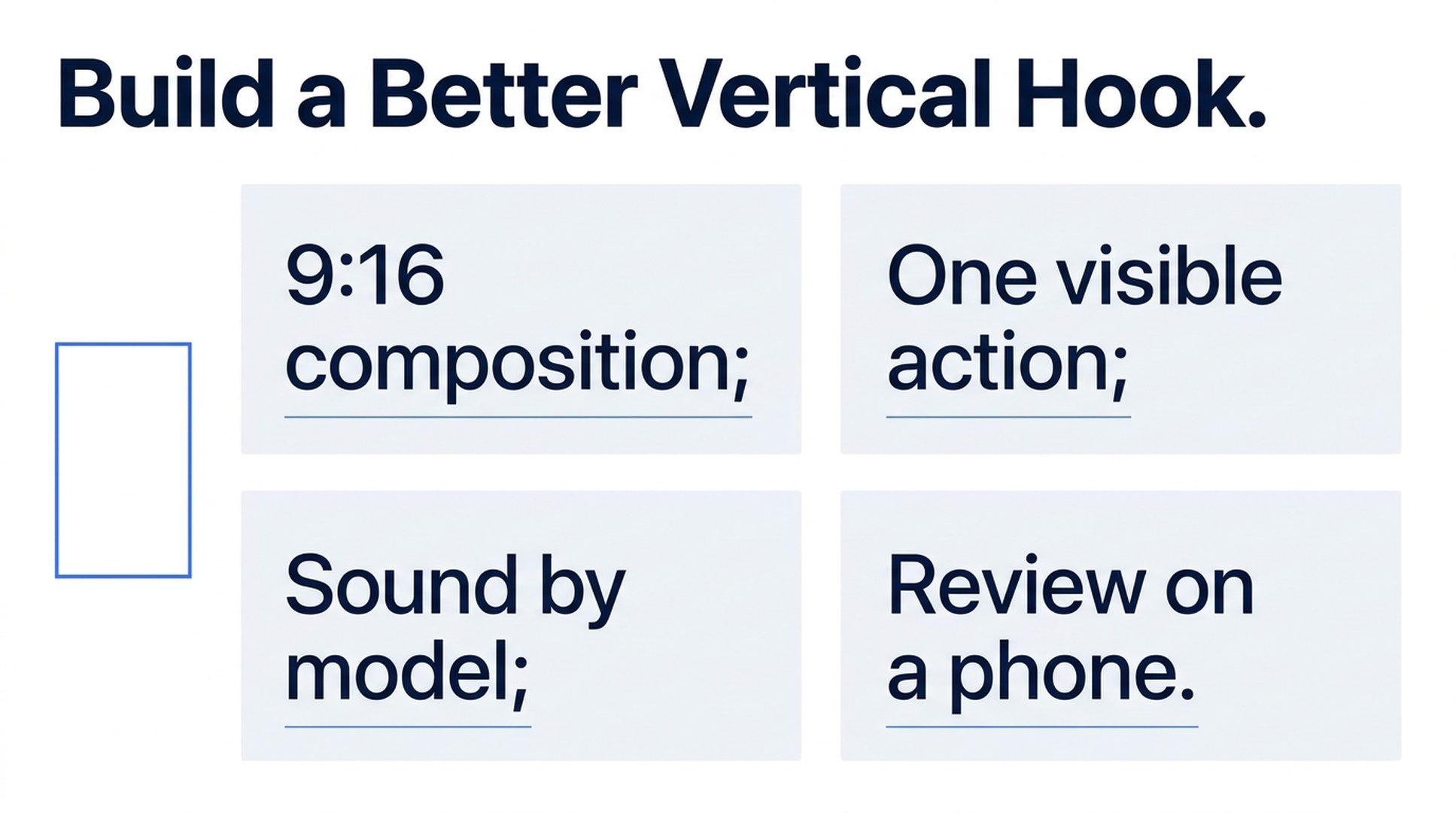
Illustrative guide; not a screenshot or a generated-video result.
Give the opening one visible job
Write a one-sentence description of what the first shot reveals. Examples include a lid opening to show an object, a light moving across a textured surface or a curtain exposing the room behind it.
Then describe why that action belongs at the beginning of your video. A reveal can introduce the subject. A detail can pose a visual question. A visible process can set up an explanation in the next shot.
Avoid an opening that requires several unrelated events before it makes sense. If the prompt begins with a room, changes to a street and then introduces the product, the intended subject may arrive too late for the structure you planned.
The goal is clarity in the first composition and a reason for the next moment to occur. It is not a promise that a particular visual device will produce a fixed engagement rate.
Compose for the tall frame from the start
A vertical composition has less horizontal room for movement. If a subject travels sideways, describe a short path or ask the camera to follow. If the camera pulls back, make sure the wider view still gives the subject enough visual importance.
Keep essential details away from the extreme edges. Plan space for your own captions and interface overlays, then review the actual platform preview before publishing. Do not rely on a universal margin: interfaces and placements vary.
Use a reference image that supports the intended vertical framing. A wide photograph with important objects at both edges may require a different composition instead of a simple crop.
Felo's vertical video page documents native 9:16 generation. Treat it as a composition choice during creation, rather than an automatic reframing or captioning tool for an existing video.
Choose a model around the opening's requirements
All four current Felo video models support 9:16. Their other controls differ:
| Opening requirement | A relevant option to examine |
|---|---|
| A silent high-resolution insert | MiniMax H3, including native 2K within its supported duration range |
| Generated sound with a reference-based shot | Seedance 2.5, up to 720P in Felo |
| A short first/last-frame transition with optional sound | Wan 3.0 Prime, starting at 2 seconds |
| A specified opening, intermediate composition and ending | Kling 4.0, with first/middle/last frames and silent output |
These are capability-based starting points, not visual-quality rankings. Check the current model and sound table, then inspect the result in the actual vertical frame.
For Seedance, choose frame inputs or reference media; the two approaches cannot be combined for one clip in the current integration. For Wan, do not plan an additional reference collection beyond the supported frame workflow.
Three opening-shot prompts to adapt
The following original examples have not been rendered as a controlled test. Set the ratio to 9:16 and choose a compatible duration in the interface. A six-second clip is a convenient starting brief, but you can trim the selected opening in your editor.
1. Reveal the subject through one action
A small wooden box fills the lower center of a vertical composition on a plain table. The camera stays still at a slight downward angle. The lid opens slowly to reveal one bright blue ceramic object inside. Soft light comes from the left. Keep the object visible as soon as the lid clears it. Leave the upper area visually quiet for a title added later. One continuous shot, no extra objects or generated text.
Inspect: Is the box already readable in the opening? Does the reveal expose the object clearly? Does the lid's movement remain plausible?
This structure works as a visual introduction when the next shot explains the object. The reveal needs a purpose beyond movement alone.
2. Begin with a texture and reveal its context
Begin close to the woven texture of a canvas bag in a vertical frame. Slowly move the camera back a short distance to reveal the front pocket and the bag's outline on a simple pale background. Keep the bag stationary. Use soft side light to make the texture visible. End with the whole front pocket and upper straps in view. No cuts or text.
Inspect: Can the viewer see a meaningful texture at the start? Does the pull-back reveal the same object? Are the straps and pocket consistent?
Keep the move short enough that the subject remains prominent. A large reveal that leaves the bag tiny at the bottom of the frame weakens the intended focus.
3. Show a process already beginning
A close vertical view of clear water being poured into a transparent glass on a dark table. The pouring action is already beginning in the opening composition. Keep the camera fixed and the glass fully visible. Side lighting reveals the water stream and small ripples. The pour stops and the water settles before the clip ends. Plain background, no text or cuts.
Inspect: Is the action understandable immediately? Do the stream, rim and water level behave plausibly? Does the ending give the next cut room to breathe?
For an audio-capable model, add a short sound instruction such as “a gentle pour and quiet room ambience.” Check the generated sound itself; do not assume audio quality from the presence of an audio option.
Make the opening readable with and without sound
Design the visible event so that the subject and action make sense without a soundtrack. Sound can support the event, but the composition should not depend on an unheard explanation.
For generated sound, choose a model that supports it. Seedance and Wan provide audio options in the current Felo matrix, while MiniMax H3 and Kling 4.0 are silent. If the final video uses a separate voiceover or music track, assemble and balance those elements in your editing workflow.
Add exact subtitles, labels and calls to action afterward. That keeps the wording editable and lets you match text duration to the accepted take.
Review two openings in the same finished context
If you want to compare opening ideas, keep the rest of the video consistent. Use the same surrounding shots, text and soundtrack, then change only the opening you are evaluating.
Before any audience test, perform a basic viewing check on a phone. Is the subject large enough? Does the action stay inside the visible frame? Does the caption cover the important detail? Does the opening connect naturally to the next shot?
Only audience data can establish whether one version improves retention or another campaign outcome. A generated clip that looks more dramatic is not automatically a better-performing hook.
Record which opening you used and what changed. This makes the comparison useful for the next brief instead of turning it into a collection of unrelated creative variations.
Frequently asked questions
Does choosing 9:16 automatically make a strong hook?
No. The setting determines the frame shape. You still need a clear subject, visible action and useful connection to the rest of the video.
Can I turn a wide clip into a vertical one here?
This Felo workflow generates new vertical clips. It should not be treated as an automatic crop, reframe or captioning tool for an existing file.
Do I need a very short generated clip?
Choose a supported duration that gives the action room to complete. The final opening can be selected and timed in your editor.
Will these prompts improve retention?
They are suggested shot structures, not measured performance claims. Compare finished versions with your own audience if retention is the goal.
Plan one opening action and try it in Felo's vertical video generator, then review the result on the device where it will be watched.
This post is also available in 简体中文, 日本語, 한국어, 繁體中文, हिन्दी, Français, العربية, Русский, اردو, Bahasa Indonesia, Deutsch, Tiếng Việt, Türkçe, Italiano, ไทย, Español, বাংলা and Português.