AI Art Gen — Create Unique Visuals from Any Text Prompt

Generate custom images, illustrations, and visuals from text prompts using Felo's AI image tools. No design skills required.
You need an image. You open a stock photo site, scroll for 20 minutes, and everything either costs money or looks like it was shot in 2009. Sound familiar?
AI art generators solve this. Describe what you want — in plain English — and get a custom image in seconds. No design skills, no subscriptions to five different tools, no waiting.
Felo's AI image tool is built for exactly this: practical visual creation for people who need images for work, not just for art's sake.
Try Felo AI Image Generator — Free, No Signup →
What Is an AI Art Generator?
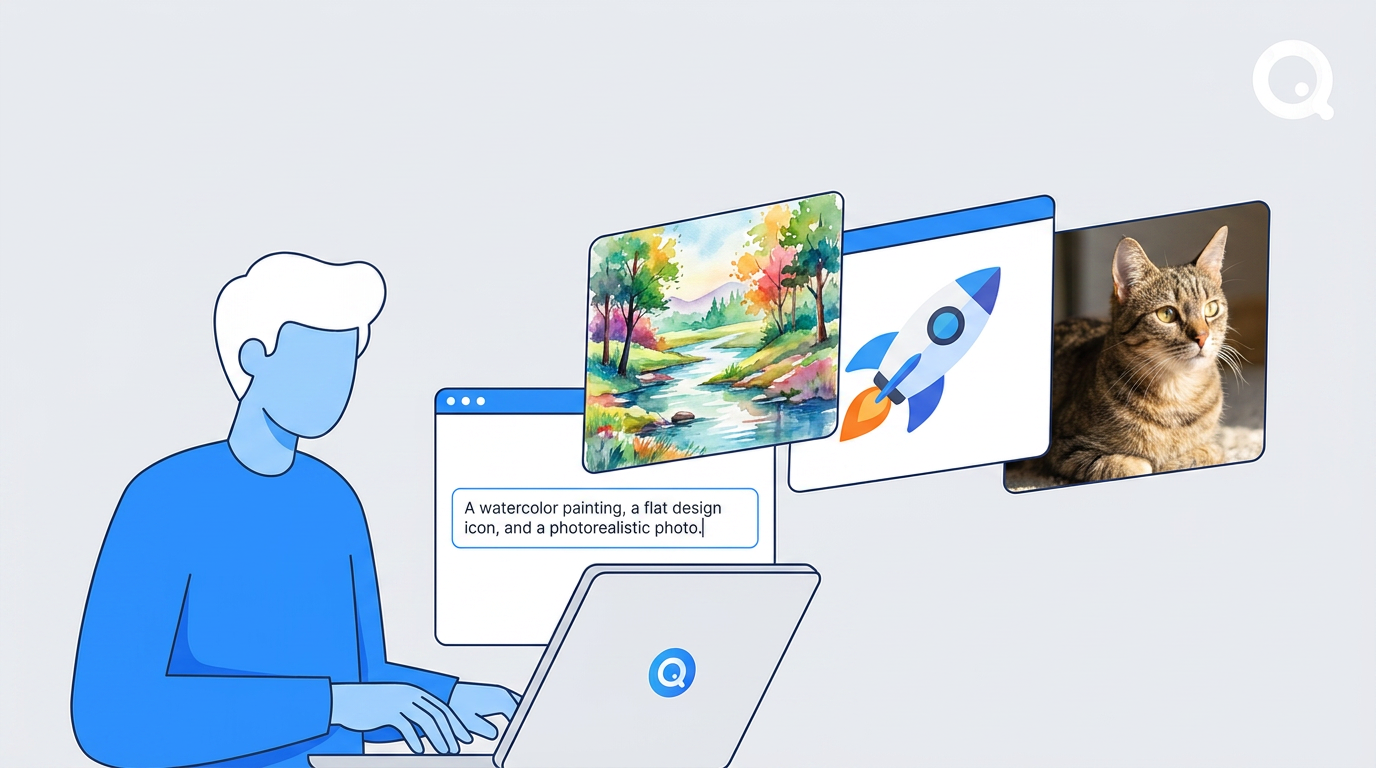
An AI art generator takes a text prompt — a description of what you want to see — and produces an image. You type something like "a minimalist flat-design illustration of a person working at a laptop, blue and white color scheme" and the AI generates it.
The technology behind it doesn't matter much for everyday use. What matters: you describe it, you get it.
Common use cases:
- Blog and article header images
- Social media visuals for LinkedIn, Instagram, or X
- Presentation slide backgrounds and illustrations
- Marketing materials — posters, flyers, banners
- Logo concepts and brand mood boards
- Internal documents and reports that need a visual
The difference between AI art generators is in quality, style range, speed, and — critically — what else they connect to. A standalone image tool is useful. An image tool that feeds directly into your slides, posters, and design workflow is more useful.
How to Use Felo's AI Image Generator
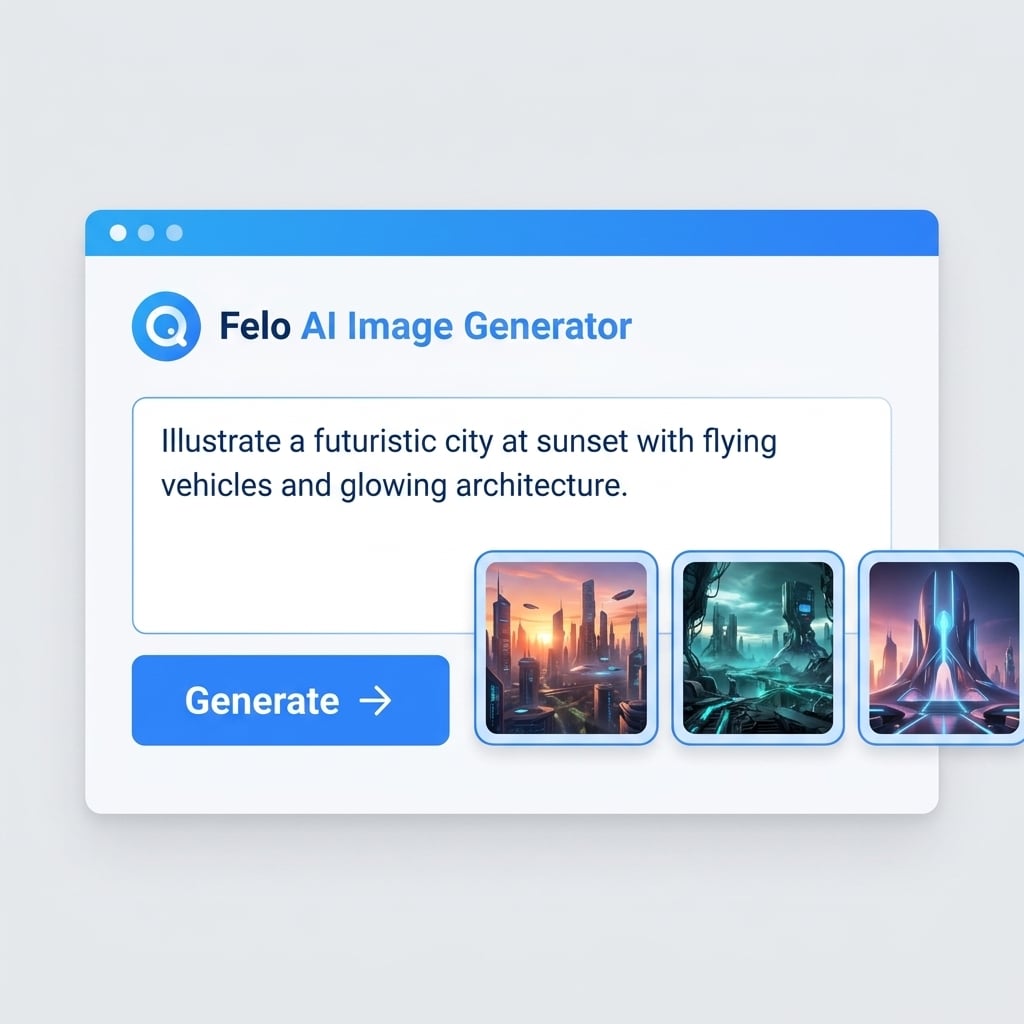
Felo's AI Image tool is designed to get you from prompt to usable image in under a minute.
Step 1: Open the Tool
Go to felo.ai/tools/ai-image. No account required to start.
Step 2: Write Your Prompt
Describe what you want. Be specific about:
- Subject — "a coffee cup on a wooden desk"
- Style — "photorealistic", "flat design", "watercolor", "minimalist"
- Mood or color — "warm tones", "dark background", "vibrant"
- Composition — "close-up", "wide shot", "overhead view"
The more specific your prompt, the closer the result to what you had in mind.
Step 3: Generate
Hit generate. Felo produces multiple variations so you can pick the one that works best.
Step 4: Download or Use Directly
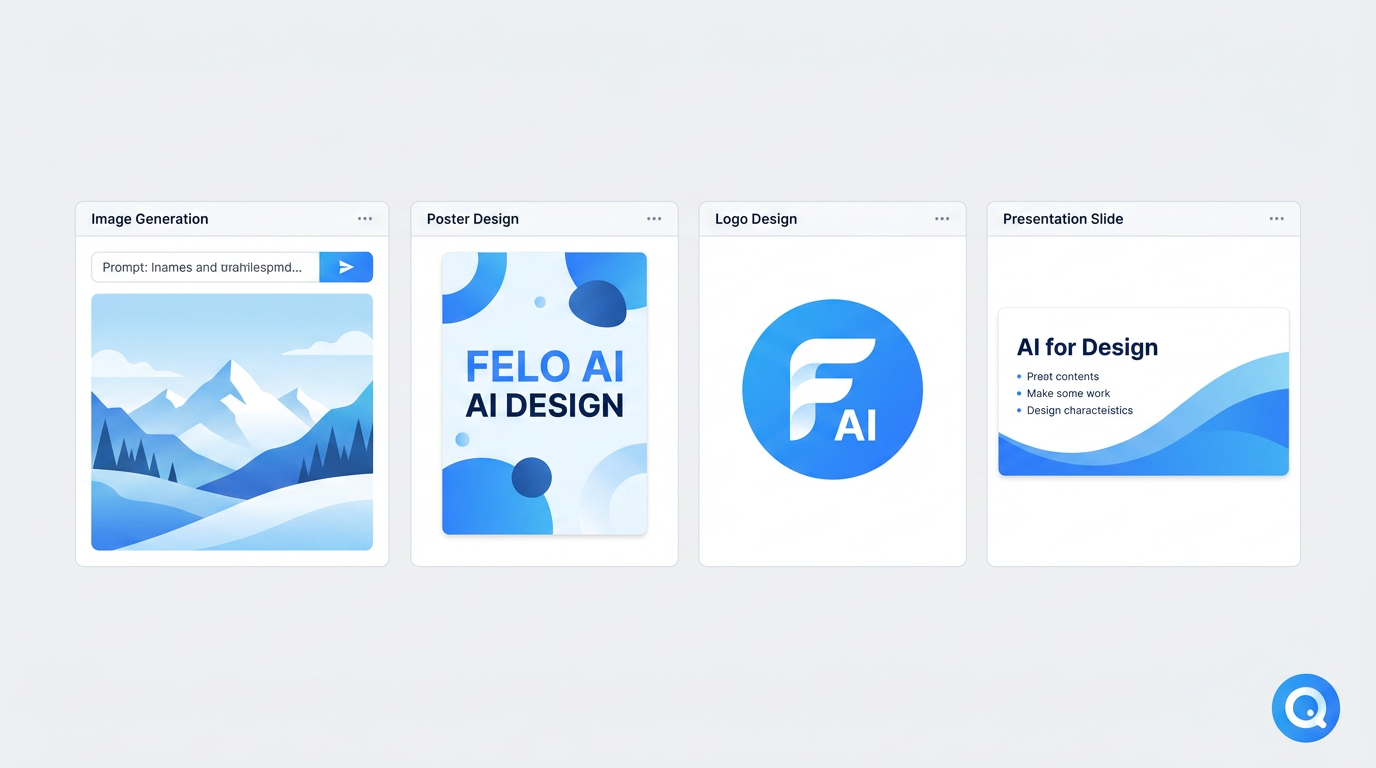
Download the image, or use it directly in Felo's other tools — drop it into a slide deck, a poster, or a social media post without switching apps.
What You Can Create with Felo's Image Tool
Content and Blog Images
Header images, section dividers, concept illustrations — the kind of visuals that make an article look finished rather than thrown together. Describe the topic and style, and you have a custom image that fits your content instead of a generic stock photo.
Social Media Visuals
Posts with a visual component consistently outperform text-only on LinkedIn, Instagram, and X. Felo's AI image tool lets you generate on-brand visuals quickly — describe the post topic, specify the style, and you have something ready to publish. Try the Social Media Writer for platform-specific post generation.
Presentation Backgrounds and Illustrations
Felo's image tool connects directly to its Slides workflow. Generate a background image, drop it into your presentation, and keep moving. No exporting, no re-importing.
Marketing Materials
For posters, flyers, and banners, Felo's AI Poster Generator takes the image further — adding text, layout, and design elements on top of the generated visual. Or use the AI Designer for full creative control over layouts, cards, and marketing assets.
Logo Concepts and Brand Visuals
Early-stage brand exploration: generate a few visual directions, see what resonates, then refine. The AI Logo Generator helps you create professional logo concepts in seconds — faster than briefing a designer for initial concepts.
Felo AI Image vs. Other AI Art Generators
Most AI art generators are built for artists and creators who want to explore styles, generate large batches, or fine-tune models. That's a legitimate use case — but it's not the only one.
Felo's AI image tool is built for a different user: someone who needs a good image for a specific purpose, right now, and wants to keep working without switching tools.
What Makes Felo Different
- Integrated workflow: Generated images feed directly into Felo's slides, poster generator, and design tools. You're not downloading and re-uploading.
- Multiple AI models: Choose from standard diffusion models, GPT-Image 2 for cleaner text rendering in infographics and banners, or Nano Banana Pro for character consistency in branded visual series.
- Practical output focus: The tool is optimized for images that work in professional contexts — presentations, marketing, content — not just aesthetically interesting art.
- No steep learning curve: You don't need to learn prompt engineering techniques or model-specific syntax. Plain descriptions work.
Where Dedicated Art Tools Have an Edge
If you need fine-grained control over style, want to train on your own images, or are producing large volumes of art for creative projects, tools like Midjourney or Leonardo offer more depth. Felo is the right choice when you need a good image fast, as part of a broader work task.
Tips for Better AI Art Gen Results
Be Specific, Not Vague
"A professional image" produces generic results. "A flat-design illustration of a team meeting, muted blue and gray palette, minimal style" produces something usable.
Name the Style Explicitly
Style keywords that work well: photorealistic, flat design, minimalist, watercolor, isometric, line art, corporate illustration, editorial photography style.
Describe What You Don't Want
Some tools support negative prompts. If you don't want a cluttered background, say so: "clean white background, no text, no watermark."
Generate Multiple Versions
Don't stop at the first result. Generate 3-4 variations and pick the best one. The difference between versions can be significant.
Match the Image to Its Destination
A blog header needs different proportions than a social media square. Specify the aspect ratio or intended use in your prompt when it matters.
Frequently Asked Questions
Is Felo's AI Art Generator Free?
Yes — you can start generating images at felo.ai/tools/ai-image without creating an account. Free tier access is available; higher-volume or premium model access may require a plan.
Can I Use AI-Generated Images Commercially?
Images generated with Felo can be used for commercial purposes. For specific licensing details, check Felo's terms of service at felo.ai.
What Image Styles Does Felo Support?
Felo supports a wide range of styles through its AI image models — photorealistic, illustrated, flat design, abstract, and more. The GPT-Image 2 model is particularly strong for images requiring clear text. Nano Banana Pro handles character consistency for series or branded visuals.
How Is Felo Different from Midjourney or DALL-E?
Midjourney and DALL-E are standalone image generation tools. Felo's AI image capability is part of a broader productivity suite — the generated images connect directly to slides, posters, social media content, and other tools. If you need images as part of a work output (not just as standalone art), Felo's integrated approach saves significant time.
Do I Need to Know How to Write Prompts?
No. Plain descriptions work. You don't need to learn model-specific syntax or advanced prompt engineering. Describe what you want in normal language and iterate from there.
Start Creating
AI art gen isn't just for designers or artists. It's for anyone who needs a good image and doesn't want to spend an hour finding or making one.
Describe what you need. Get it in seconds. Use it in your work.
Try Felo AI Image — no signup required →
Or explore the full suite of Felo AI design tools →: image generation, logo design, poster creation, presentation slides, and social media content — all in one platform.
Disclosure: This article was written by the Felo team. We've aimed to provide accurate and useful information about AI art generation, including where other tools may be a better fit for specific use cases.
This post is also available in 简体中文, 日本語, 한국어, 繁體中文, हिन्दी, Français, العربية, Русский, اردو, Bahasa Indonesia, Deutsch, Tiếng Việt, Türkçe, Italiano, ไทย, Español, বাংলা and Português.