AI Context Switching Between Projects: Why It Breaks and How to Fix It

Switching between projects with AI agents causes context bleed, lost decisions, and wasted time. Here's how to manage context switching in OpenClaw, Claude Code, and other AI agents.
You're deep into a client's billing system. You've spent 40 minutes building up context — the database schema, the edge cases, the specific way this client handles refunds. Then a Slack message pulls you to a different project.
You switch. Your AI agent switches with you. And when you come back to the billing system an hour later, all that context is gone. You're re-explaining the schema, re-describing the edge cases, re-briefing an agent that has amnesia.
This isn't a bug in your AI agent. It's a fundamental gap: AI agents are built for single-session tasks, not for the reality of switching between multiple projects throughout a day.
Here's why context switching breaks AI workflows, and practical ways to fix it depending on your setup.
Why AI Context Switching Is Worse Than Human Context Switching
When you context-switch between projects, you lose some mental momentum. Studies put the recovery time at 15-25 minutes. But at least you remember the project exists. You remember the client's name, the tech stack, the decision you made last week.
Your AI agent doesn't. When you switch contexts, the agent:
- Loses all accumulated understanding from the previous session
- Has no memory of decisions — "we chose Stripe" means nothing in a new session
- Can't distinguish between projects — if you mention "the database migration," it might pull from the wrong project
- Starts from zero every time you switch back
For people who work on one project for weeks at a time, this is a minor annoyance. For freelancers with five clients, PMs tracking four features, or developers on three codebases, it's a daily tax on productivity.
The Three Types of Context Loss
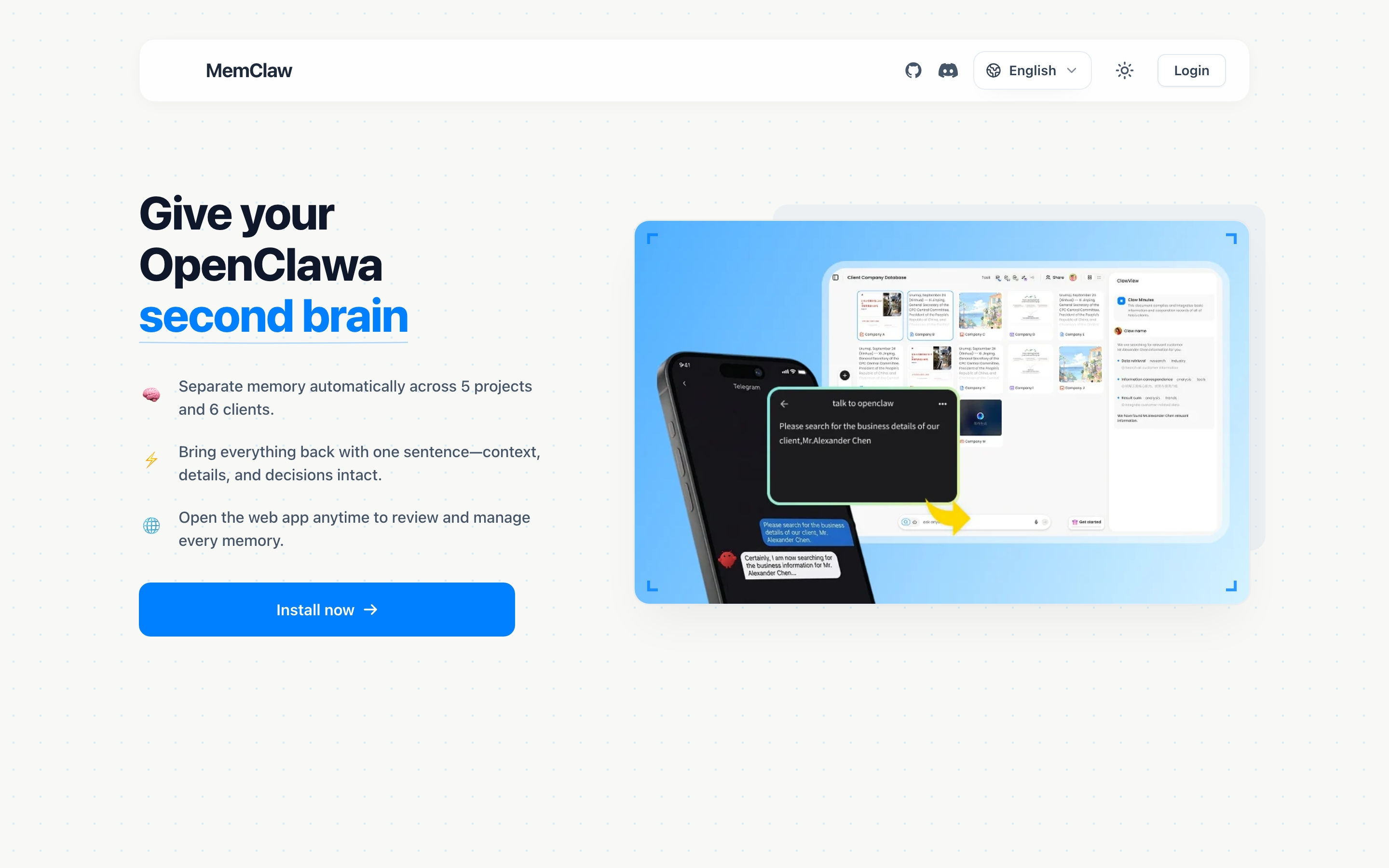
Not all context switching problems are the same. Understanding which type you're dealing with helps you pick the right fix.
Type 1: Session Loss
You close the terminal or end a conversation. Next session, the agent has no memory of the previous one. This is the most basic form — every AI agent has this problem by default.
Type 2: Project Bleed
You work on two projects in the same day. Context from Project A leaks into Project B. The agent applies decisions, preferences, or assumptions from the wrong project.
Example: You're building a React app for Client A and a Vue app for Client B. You switch to Client B, and the agent starts suggesting React patterns because that's what it was working on 30 minutes ago.
Type 3: Decision Amnesia
You made an important decision three days ago — which auth provider to use, how to handle error states, what the client's budget constraint is. When you return to the project, the agent doesn't know about it. You either re-make the decision or waste time re-explaining.
Most people experience all three. The fixes are different for each.
Fix 1: Directory-Based Isolation (Solves Type 2)
The simplest form of project isolation: put each project in its own directory with its own instructions.
For Claude Code users:
Create a CLAUDE.md in each project root:
~/projects/client-a/CLAUDE.md   → Client A context
~/projects/client-b/CLAUDE.md   → Client B context
Always start Claude Code from the right directory:
cd ~/projects/client-a && claude
For OpenClaw users:
Keep a text file per project with your standard briefing. Paste it at the start of each session. Less elegant, but functional.
What it solves: Type 2 (project bleed) — as long as you stay in the right directory.
What it doesn't solve: Type 1 (session loss) and Type 3 (decision amnesia). CLAUDE.md doesn't update itself. It only knows what you manually write in it.
Fix 2: Explicit Context Saving Habits (Solves Type 3)
Decision amnesia happens because decisions live only in chat history, which disappears between sessions. The fix: save decisions to a persistent location.
End-of-session ritual:
Before closing a session, ask:
"Summarize the key decisions and current status from this session in bullet points"
Copy the output into your project notes, CLAUDE.md, or whatever system you use.
During the session:
When you make an important decision:
"Note: we decided to use Stripe instead of PayPal because the client already has a Stripe account"
Then save that somewhere persistent.
What it solves: Type 3 (decision amnesia) — if you're disciplined about it.
What it doesn't solve: It's manual and easy to forget. After a long session, the last thing you want to do is documentation.
Fix 3: Workspace-Based Memory (Solves All Three Types)
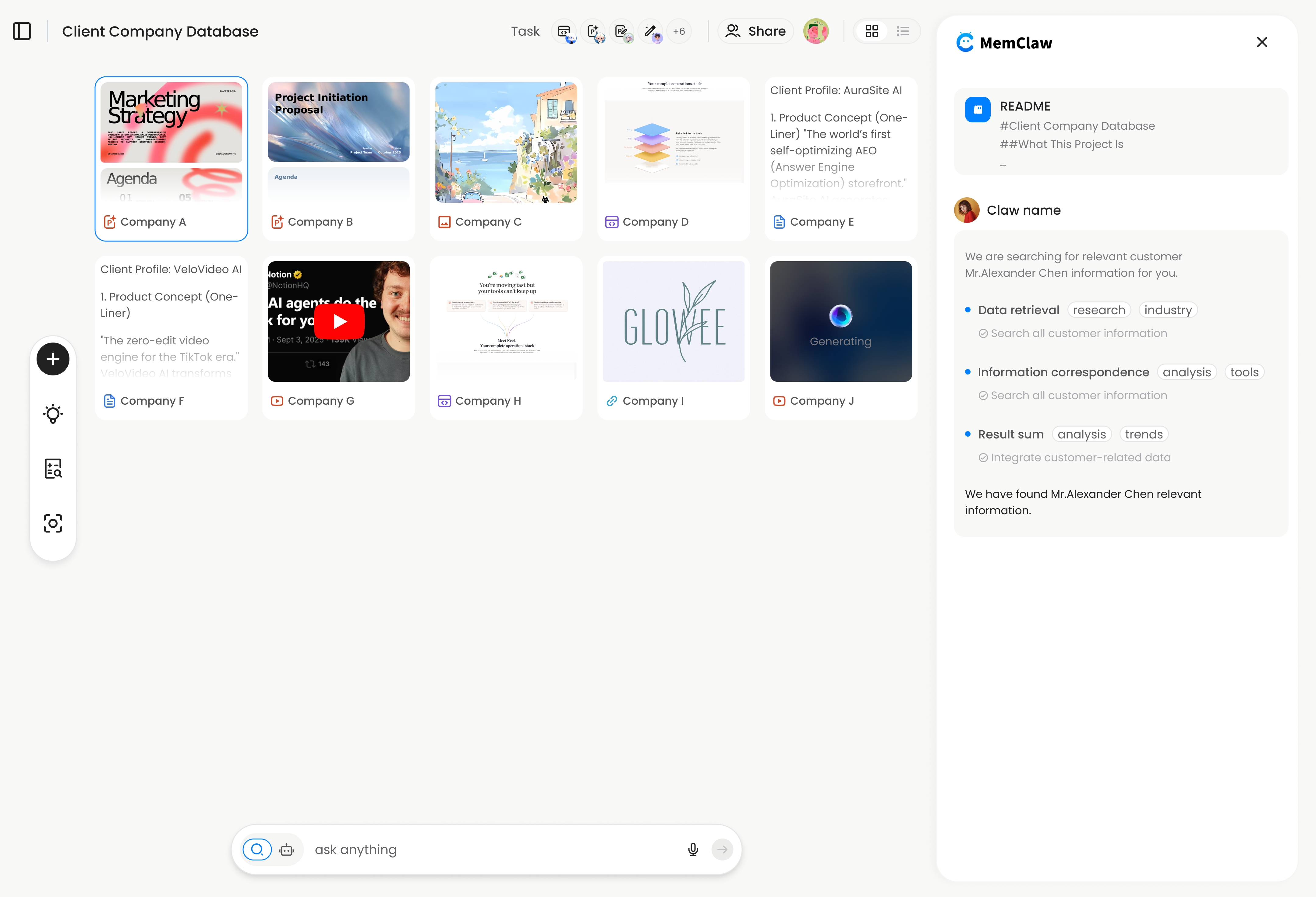
If you need a solution for all three types — session loss, project bleed, and decision amnesia — you need per-project persistent memory.
MemClaw takes this approach: each project gets its own workspace with a living README, artifacts, and tasks that persist across sessions and agents.
The workflow:
Start a session:
"Load the Client Acme workspace"
Work normally. MemClaw captures decisions and progress in the background.
Switch projects:
"Load the Client Beta workspace"
Acme's context is saved. Beta's context loads. No bleed.
Come back three days later:
"Load the Acme workspace"
Full context restored in about 8 seconds — what the project is about, what's been decided, what's in progress, what's next.
Setup:
export FELO_API_KEY="your-api-key-here"
# Get key at: https://felo.ai/settings/api-keys
For Claude Code:
/plugin marketplace add Felo-Inc/memclaw
/plugin install memclaw@memclaw
For OpenClaw:
bash <(curl -s https://raw.githubusercontent.com/Felo-Inc/memclaw/main/scripts/openclaw-install.sh)
What it stores per workspace:
- Living README — project background, preferences, current status. Updates as you work.
- Artifacts — documents, reports, URLs saved during conversations
- Tasks — auto-tracked as the agent works
What it solves: All three types. Session persistence (Type 1), project isolation (Type 2), and decision memory (Type 3).
Works across Claude Code, OpenClaw, Gemini CLI, and Codex — same workspace, same memory, regardless of which agent you're using.
Choosing the Right Fix
| Your situation | Recommended approach |
|---|---|
| 2 projects, same machine, developer | CLAUDE.md per directory |
| 3+ projects, different clients | MemClaw workspaces |
| Occasional context loss, low overhead | End-of-session save habit |
| Multiple agents (OpenClaw + Claude Code) | MemClaw (cross-agent workspaces) |
| Team handoffs between people | MemClaw (team sharing) |
These approaches stack. You can use CLAUDE.md for static coding conventions and MemClaw for dynamic project state — they complement each other.
The Real Cost of Not Fixing This
It's easy to dismiss context switching overhead as "just a few minutes." But the math adds up:
- 3 projects × 2 switches per day × 10 minutes re-briefing = 1 hour per day
- That's 5 hours per week spent telling your AI agent things it should already know
For freelancers billing by the hour, that's directly lost revenue. For team leads, that's lost engineering capacity. The fix doesn't have to be complex — even a well-maintained CLAUDE.md saves significant time. But for anyone managing more than a couple of projects, per-project persistent memory pays for itself on day one.
Getting Started
Pick the approach that matches your pain:
- Mild (occasional confusion): Add a CLAUDE.md to your main project. Put tech stack, conventions, and current status in it.
- Moderate (daily context switching): Start an end-of-session save habit. Takes 2 minutes, saves 10 next time.
- Severe (3+ projects, constant switching): Set up MemClaw. Two commands to install, then "Create a workspace called [project]" for each active project. memclaw.me
The goal: spend your time building, not re-explaining.
MemClaw is made by the Felo team. View the code at github.com/Felo-Inc/memclaw.