How to Use an AI Post Generator (Free and Fast)

An AI post generator turns a topic or brief into platform-ready social media posts in seconds. Here's how to use Felo's free AI post generator to create better content faster.

Social media content takes more time than it should. You need a fresh angle, the right tone for each platform, and enough posts to stay visible — while also doing everything else. An AI post generator cuts through that. Give it a topic or brief, and it outputs a draft post in seconds.
Felo's AI post generator is free to use with a free account and built into the same platform as its AI search tools. This guide covers what these tools actually do and how to use Felo to produce social content faster.
Try Felo's AI post generator free at felo.ai
What is an AI post generator?
An AI post generator uses large language models to create social media posts from a prompt, topic, or source content. You give it an input — a keyword, a URL, a brief description, or a research summary — and it outputs a draft formatted for the platform you're targeting.
The useful ones do more than fill in words. They adapt tone and length to the platform, work in relevant keywords, and produce copy that doesn't read like it came from a template.
Who uses them:
- Marketers maintaining a consistent posting schedule across LinkedIn, Instagram, and X without burning out their team
- Content creators repurposing long-form content (blog posts, videos, research) into social posts
- Small business owners who need to show up online without a dedicated social media manager
- Agencies producing high volumes of on-brand content across multiple client accounts
Why use an AI social media post generator?
Save hours every week
Writing posts manually — brainstorming, drafting, editing, formatting for each platform — takes 2-4 hours per week for a modest schedule. These tools compress that to minutes. You still review and refine, but the blank-page problem disappears.
Stay consistent across platforms
Each platform has its own norms. LinkedIn rewards professional, insight-driven posts. Instagram favors short captions with strong visuals. X rewards brevity and punchy takes. Facebook works best with conversational content. A good generator produces platform-specific variants from a single source idea, so you're not rewriting the same message four times.
Overcome writer's block
Even experienced writers hit walls. These tools give you a starting point — a draft you can react to and edit — rather than a blank document. It's much easier to improve a draft than to create from scratch.
Ground posts in real research
One underused capability: feeding research into your generator. Instead of generating posts from thin prompts, use an AI search tool to gather facts and context first, then generate posts grounded in that research. The output is more specific and credible — and audiences can tell the difference.
How to generate AI posts with Felo (step-by-step)
Felo combines AI search with content generation in one workflow. You can research a topic and create posts from the results without switching tools.
Step 1: Go to felo.ai
Open Felo in your browser. Sign up for a free account to access the tools.
Step 2: Research your topic with Felo Search
Before generating a post, use Felo's AI search to gather context. Type your subject into the search bar. Felo returns a synthesized answer with source citations from real-time web results.
If you want to post about a new AI trend, search for it first. Felo summarizes the key points with sources, so your post can reference real data rather than vague claims.
Step 3: Generate your post
Go to felo.ai/tools/ai-poster-generator to access the content creation tools. Select the content type that fits your goal.
Paste in your research summary or topic brief. Add specific instructions: target platform, tone, length, key message, or call to action.
Step 4: Adapt the output for your platform
Review the generated post. For LinkedIn, check that the tone is professional and the length works (150-300 words for a text post). For Instagram, trim to a shorter caption and add hashtags. For X, cut to under 280 characters or structure as a thread opener. For Facebook, keep it conversational and add a question to encourage comments.
Most outputs need light editing, not a full rewrite. Add your own voice or a specific example to make it feel authentic.
Step 5: Copy, schedule, and publish
Copy the final post into your scheduling tool or post directly. If you're managing multiple platforms, repeat Step 4 for each variant.
Adapting AI-generated posts for different platforms
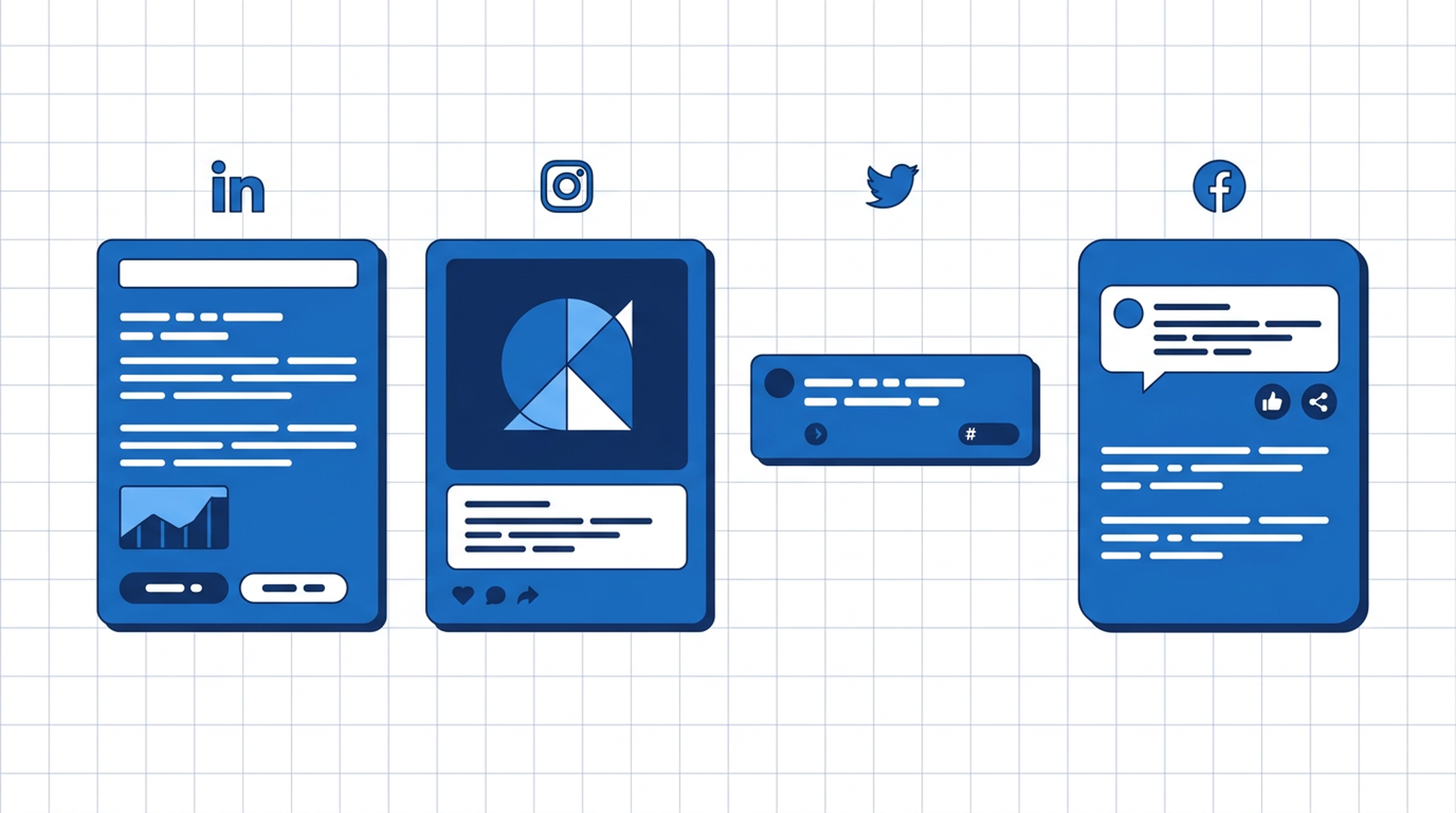
LinkedIn
LinkedIn audiences respond to professional insights and industry perspectives:
- 150-300 words for text posts; up to 700 words for thought leadership
- Lead with a strong hook: a surprising stat, a counterintuitive take, or a direct question
- Use line breaks to improve readability (LinkedIn doesn't render markdown)
- End with a question or call to action to drive comments
- 3-5 relevant hashtags is enough
Instagram
Instagram is visual-first. The caption supports the image:
- Keep captions under 150 characters for the visible preview; front-load the key message
- 5-15 relevant hashtags (mix of broad and niche)
- Emojis work well here — they break up text and add personality
- Include a clear CTA: "Save this post", "Link in bio", "Tag someone who needs this"
X (Twitter)
X rewards brevity and strong opinions:
- Single tweets: under 280 characters, punchy and direct
- Threads: open with a hook tweet, then expand in numbered replies
- Avoid corporate-sounding language — X audiences dismiss promotional content fast
- Engage with trending topics when relevant to your niche
Facebook
Facebook works best for community-building content:
- Conversational tone, as if talking to a friend
- Ask questions to encourage comments ("What's your experience with this?")
- Longer posts (200-400 words) can work if they tell a story
- Video and image posts outperform text-only on Facebook's algorithm
Tips for better results
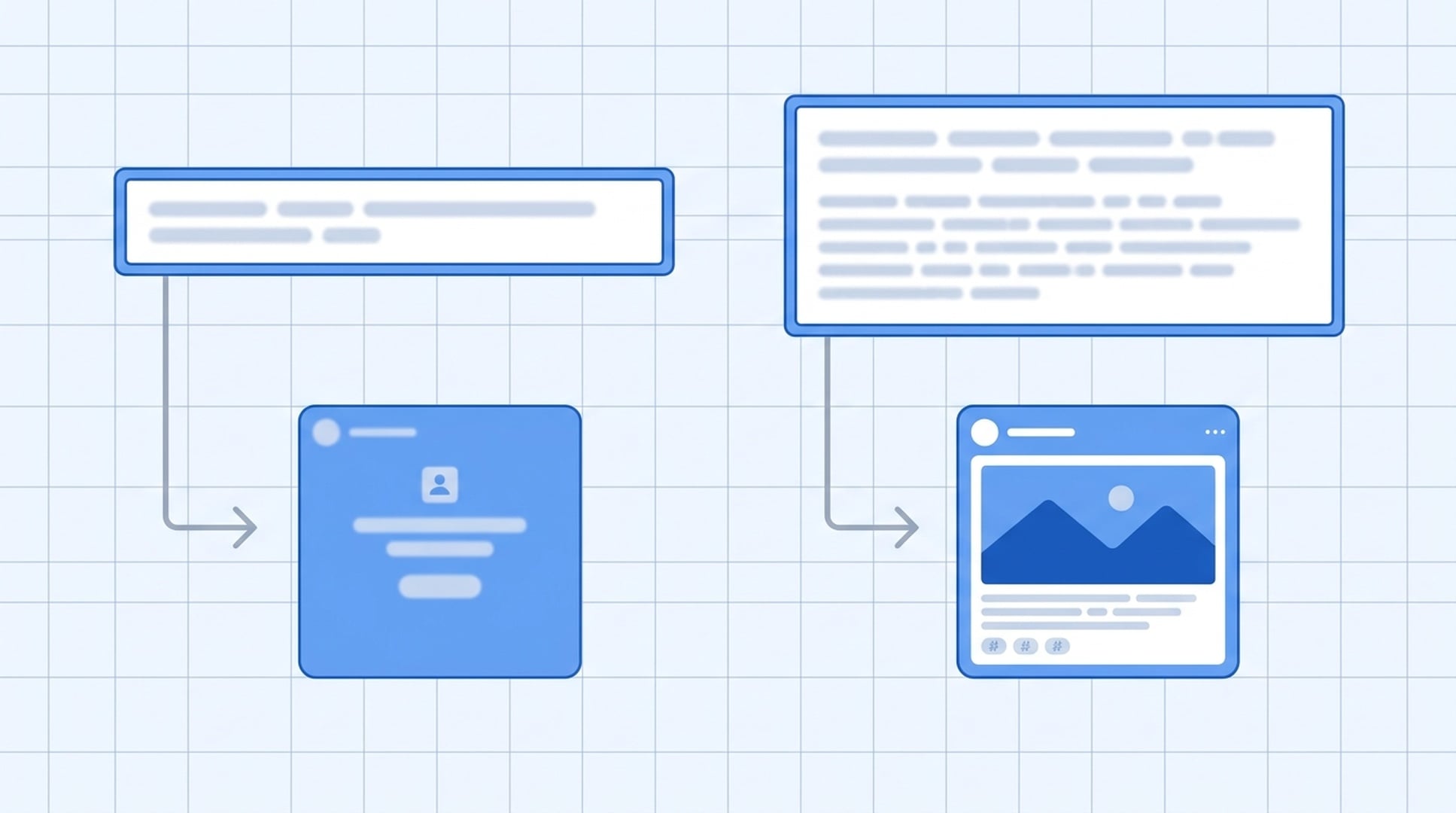
Output quality depends on input quality. Here's what works:
Be specific with your prompt. "Write a LinkedIn post about AI tools" produces generic output. "Write a LinkedIn post for a marketing manager explaining how AI post generators save 3 hours per week, with a specific example of repurposing a blog post into 5 social posts" produces something usable.
Include your brand voice. Tell the AI your tone: "professional but approachable", "casual and direct", "data-driven and authoritative". The more specific you are, the less editing you'll need.
Add real data. If you've done research first with Felo Search, paste in the key facts. Posts that reference specific numbers perform better than vague claims.
Review before publishing. These tools are fast, not infallible. Check for factual accuracy, awkward phrasing, and anything that doesn't match your brand. A 2-minute review prevents embarrassing mistakes.
Iterate on the prompt. If the first output isn't right, refine your prompt rather than starting over. Add constraints ("make it shorter", "more conversational", "add a specific example") and regenerate.
Felo's AI content creation tools cover social posts, flyers, images, and more — all in the same platform as its AI search.
Frequently asked questions
What is an AI post generator?
A tool that uses large language models to create social media posts from a prompt, topic, or source content. You provide an input — a keyword, a brief, a research summary — and it outputs a draft formatted for your target platform.
Is Felo's AI post generator free?
Yes. Felo's AI post generator is free to use. You'll need to sign up for a free account to access it. Start at felo.ai/tools/ai-poster-generator.
Can these tools create posts for multiple platforms at once?
Yes. You specify the target platform and the tool adapts tone, length, and format accordingly. You can generate multiple variants in one session.
How do I make AI-generated posts sound more human?
Add specificity and personal voice after generation. Include a real example from your experience, reference a specific data point, or add an opinion the AI wouldn't have. Reading the post aloud helps catch robotic phrasing. Use AI for the structure and first draft, then add the elements that make it yours.
What's the difference between AI post generators?
The main differences: whether the tool integrates research or just generates from prompts, platform-specific optimization, brand voice customization, and free tier limits. Felo combines AI search with content generation — you can research a topic and generate posts from the results in one workflow.
How many posts can I generate for free?
Check felo.ai/tools/ai-poster-generator for current free tier limits, as these can change.
Start generating AI posts today
The biggest friction in social media content creation is the blank page. With the right tool, you go from topic to platform-ready post in under a minute.
Felo's AI post generator is free with a free account and works alongside its AI search — research a topic and generate posts from the results in one place. Explore the full Felo AI tools suite to see what's available.