AI PowerPoint Generator That Exports Editable PPTX Files

Generate professional presentation decks with Felo AI and export them as fully editable PPTX files. Perfect for pitches, reports, lessons, and proposals.

You give an AI tool a topic, it hands you back a wall of text formatted as "slides." Then you spend the next two hours rebuilding everything in PowerPoint because the output isn't actually usable.
This is the gap most AI presentation tools ignore. They generate content, but they don't generate files you can work with.
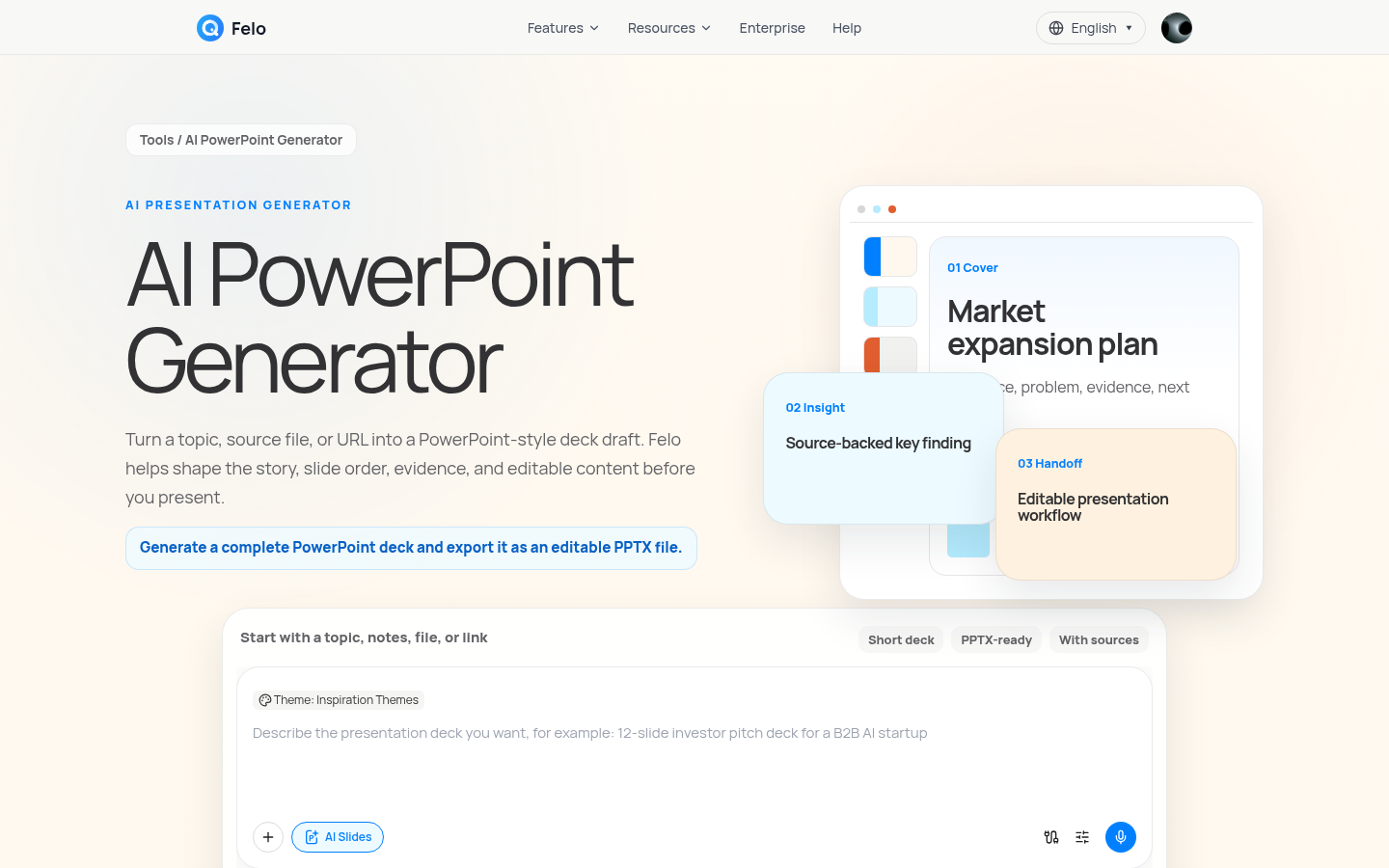
Felo's AI PowerPoint Generator closes that gap. It doesn't just suggest slide ideas — it builds a complete deck draft and lets you export it as an editable PPTX file that opens directly in PowerPoint, Google Slides, or any presentation software.
The Problem: AI Gives You Content, Not a Deck
Making a presentation is rarely just about writing bullet points. It involves:
- Structuring an argument your audience can follow
- Organizing evidence, comparisons, and data into individual slides
- Choosing a deck format that matches your goal — pitch, report, lesson, or proposal
- Handing off a draft your team can actually edit and refine
Most AI tools stop at step one. They generate text. You do the rest.
Felo treats the presentation as a complete workflow, from research to outline to slide structure to an exportable file.
What Makes Felo's AI PowerPoint Generator Different
Export to PPTX — A File You Can Actually Use
This is the core difference. After Felo generates your deck, you can download it as a PPTX file. That means:
- Open it directly in Microsoft PowerPoint
- Edit every slide, adjust layouts, apply your brand template
- Share it with your team for review and collaboration
- Present it without reformatting anything
It's not a locked-in web view. It's a real file in a format everyone in your organization already knows how to use.
Research Before Slides
A good presentation needs accurate context, not just well-formatted bullets. Felo can research your topic before building the deck — pulling in current information, structuring findings, and turning them into evidence-backed slides.
Start with a topic, add source files or links if you have them, and Felo shapes the argument before it ever touches slide design.
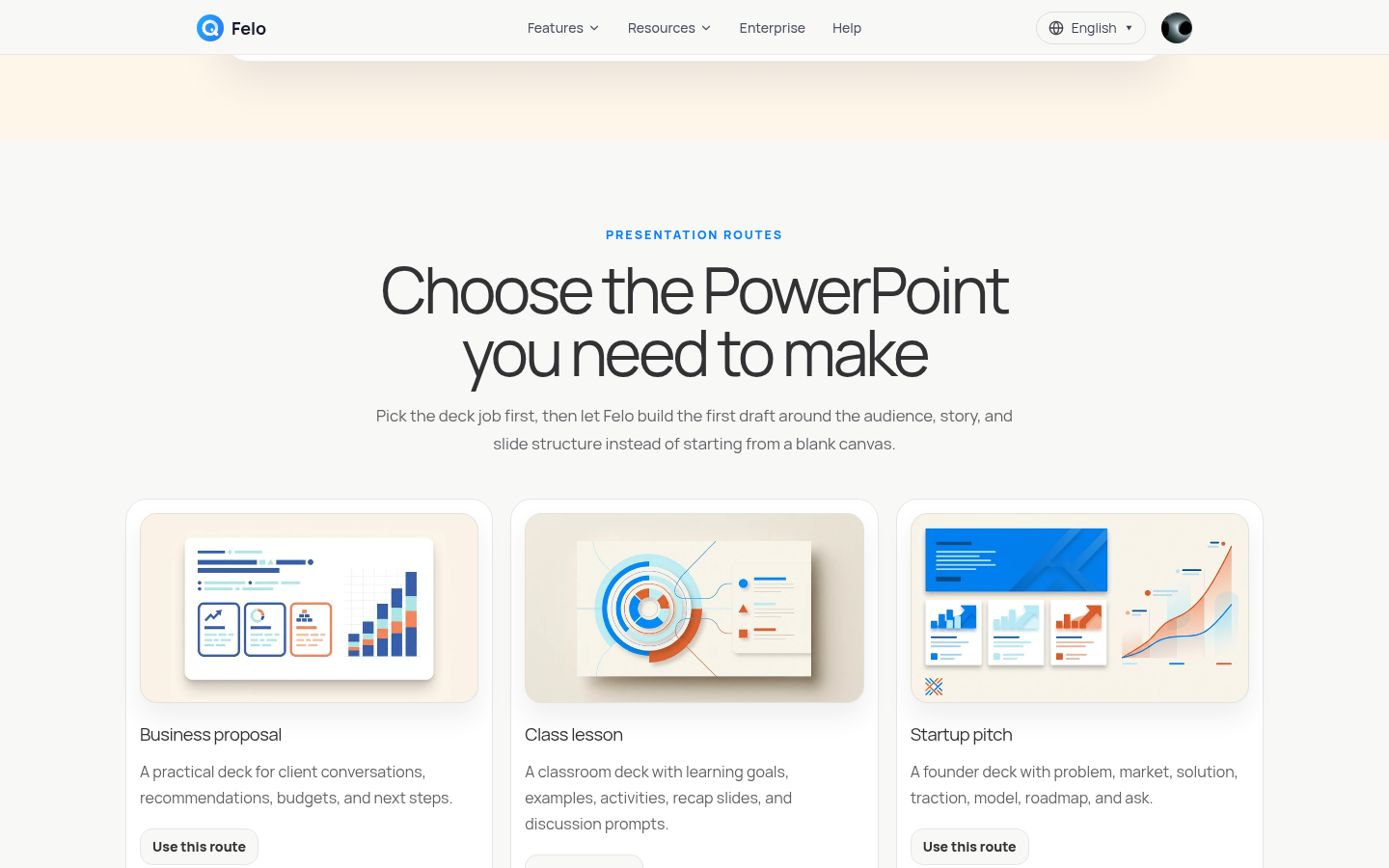
Six Deck Routes for Different Jobs
Not every presentation has the same goal. Felo recognizes this and offers specific deck types:
| Deck Type | Best For |
|---|---|
| Business Proposal | Client conversations, recommendations, budgets |
| Class Lesson | Learning goals, examples, activities, discussion prompts |
| Startup Pitch | Problem, market, solution, traction, roadmap, ask |
| Business Report | Metrics, findings, risks, leadership-ready summaries |
| Training Deck | Step-by-step process explanations for onboarding |
| Product Launch | Positioning, features, proof points, campaign timeline |
Pick the route that matches your task. Felo builds the structure around it.
How It Works: From Idea to PPTX in Four Steps
Step 1: Describe Your Deck
Tell Felo what you're building. Include:
- The topic
- Your audience
- Target slide count
- The goal or decision this deck should support
A sharper brief gives you a better-structured deck. "Q2 sales review for leadership, 12 slides, focus on regional performance and Q3 targets" will produce a very different result than "Q2 sales review."
Step 2: Add Context and Source Material
If your presentation needs to reflect real data — not just generic talking points — attach your notes, documents, or links. Felo uses them to ground the deck in actual source material.
This is where the output shifts from "AI-generated fluff" to "a draft I can actually present."
Step 3: Generate the Slide Structure
Felo turns your brief and sources into a structured deck with:
- Cover and agenda slides
- Section breaks that organize your argument
- Evidence slides with charts, comparisons, and concise takeaways
- Closing pages with next steps or calls to action
The result looks like a presentation you'd expect from a colleague, not a chatbot.
Step 4: Review, Edit, and Export as PPTX
Review the generated deck. Adjust anything that needs tweaking. Then export it as a PPTX file and take it into your normal workflow.
No conversion tools. No copy-paste. No rebuilding. Just a file you can open, edit, and present.
What a Good AI-Generated Deck Looks Like
A useful first draft has a clear structure:
- Cover and agenda — Start with the goal, audience, and sections
- Section logic — Group the story into problem, evidence, recommendation, and next step
- Evidence slides — Turn source material into charts, comparisons, and takeaways
- Editable handoff — A PowerPoint-ready draft your team can check, revise, and reuse
The difference between a presentation tool and a slide generator is whether the output respects this structure. Felo is built for the former.
Felo vs. Generic Slide Makers
| Felo AI PowerPoint Generator | Generic Slide Maker | |
|---|---|---|
| Final format | Editable PPTX file, ready for your workflow | Often web-only or locked-in formats |
| Source material | Works from prompts, notes, files, and links | Usually starts from a prompt or template |
| Structure | Research → outline → slide logic → export | Template → fill content → done |
| Best use | Pitches, reports, lessons, proposals, training | Quick visual slides when design matters most |
| Editing | Designed as a first draft to revise and reuse | Harder to adapt to existing deck processes |
If your end goal is a deck for a meeting, a client conversation, or a classroom — not just a quick visual mockup — the PPTX export matters.
Who Should Use This
- Founders who need a pitch deck by tomorrow and don't have time to start from scratch
- Consultants who build proposals weekly and want a stronger first draft
- Teachers preparing lesson decks with learning objectives and discussion prompts
- Managers writing business reports from metrics and findings
- Marketing teams planning product launches with positioning and timelines
- Anyone who has spent too long staring at a blank PowerPoint slide
Getting Started
- Go to Felo AI PowerPoint Generator
- Describe your deck — topic, audience, goal
- Add any source material you want reflected in the slides
- Generate, review, and export as PPTX
- Open in PowerPoint and make it yours
The entire process takes minutes, not hours. And the output is a file you can actually use.
Ready to stop building decks from scratch?
Try Felo AI PowerPoint Generator for Free →
This post is also available in 简体中文, 日本語, 한국어, 繁體中文, हिन्दी, Français, العربية, Русский, اردو, Bahasa Indonesia, Deutsch, Tiếng Việt, Türkçe, Italiano, ไทย, Español, বাংলা and Português.