AI Video Generator for Advertising: From Client Brief to Campaign in a Day

Agencies use AI video generators: concept pitch films, storyboard tests from a brief, one idea in four platform formats — real prompts and costs.
Every campaign starts the same way: a client brief, a pitch meeting, and a moodboard that makes three different clients imagine three different campaigns. The pitch is won by whoever makes the idea visible first — and until now, making an idea visible meant a shoot, a storyboard artist, or a week of waiting on production.
An AI video generator collapses that: you describe the idea in a sentence, and get a clip in minutes. The brief stops being something the client reads and becomes something the client watches. For an agency, that changes the calendar around every pitch.
Here's how to put one to work — specifically Felo's AI Video Generator — across the three moments where agency work either wins or waits: the client concept pitch film, the storyboard visualization that tests a direction before production is committed, and the per-platform campaign variations that turn one idea into a full flight. With the prompts, the costs, and the acceptance criteria.
What a text-to-video generator does for an agency
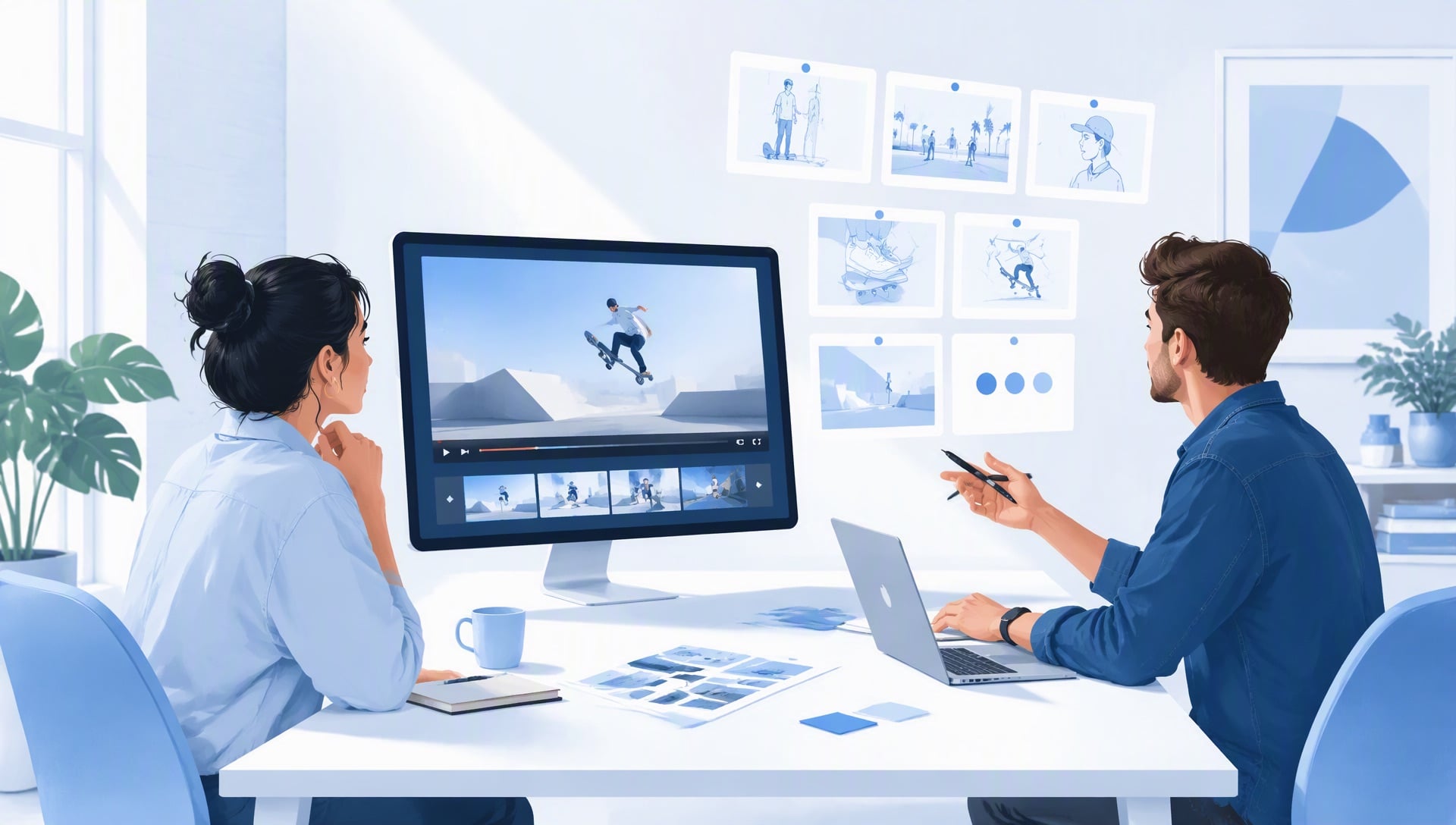
One sentence: it turns a written brief into a 4-to-15-second clip, up to 2K, horizontal or vertical. The clips it makes best are concept pieces — dense, stylized, mood-driven — which is exactly the register of a pitch film and a campaign hero. You're not shooting the ad; you're making the idea visible enough to be judged.
Two facts frame everything below. Clips run 4 to 15 seconds, and generation is billed per second: 2K costs about $0.14 per second, 768P about $0.09 (roughly 1,000 credits ≈ $1). A pitch film costs less than the pitch lunch — which is what makes testing creative directions affordable for the first time. (For the generator's full feature set — reference images, opening frames, per-second billing — see the launch announcement.)
Scenario 1: The client concept pitch film
The moodboard has a built-in failure: it shows the client references — other people's campaigns, other brands' worlds — and the client's imagination does the rest. Every viewer sees a different ad. The concept pitch film fixes exactly that: one clip that IS the campaign's idea, rendered, watchable, undeniable.
Take a pitch for a sparkling-water brand targeting runners. The pitch film is the campaign's hero moment:
"A runner at dawn on an empty city bridge, pausing to drink from a clear bottle, water droplets catching the sunrise. Slow-motion, cinematic grade, warm highlights. Fresh, triumphant, earned mood. 10 seconds, 2K."
One prompt, six elements — scene, subject, motion, camera, style, mood — and the client's imagination stops doing the work. The clip doesn't claim the production exists; it claims the idea is worth producing.
Two variants to have ready for the meeting: swap the style and mood lines. "Neon-lit night run through rain-wet streets, handheld, gritty, defiant" pitches the same brand as an urban challenger; "Trail run at golden hour through open fields, drone-wide, expansive, free" pitches it as an escape story. The room tests which audience the brand owns — in the meeting, not after a shoot.
Cost: a 10-second 2K pitch film costs about $1.38 in credits — on a conference-room screen, 2K is the right call. Variants at 768P are $0.86 each. A pitch that used to cost a sizzle-reel license or a week of production now costs less than the coffee order.
Common mistake: pitching the reference, not the concept. A pitch clip that re-creates a competitor's world shows the client the idea is derivative; the clip must be the campaign's own idea, unmistakably. If it could be another brand's ad, rewrite the prompt until it couldn't.
Scenario 2: Storyboard visualization from a written brief
The brief-to-storyboard step traditionally takes a week — a storyboard artist, two rounds of feedback, and a client meeting to discover the direction was wrong. AI video compresses the loop: turn the brief's key beats into clips in an afternoon, and the direction gets tested before any production money moves.
Take a car-share app campaign brief — three beats: the morning commute, the handoff moment, the arrival. Three clips, three prompts:
(A) "A city street at morning rush, a car pulling up to the curb, a door opening before it fully stops. Wide tracking shot, golden light, documentary realism. Efficient, generous mood. 5 seconds, 768P."
(B) "Two hands passing a set of keys through a car window, close-up, the city blurred behind. Macro lens, shallow depth of field, warm grade. Trusting, human mood. 5 seconds, 768P."
(C) "A person stepping out of a car in front of an office tower, looking back once, walking toward the door. Slow lateral move, morning light, clean composition. Settled, ready mood. 5 seconds, 768P."
The client watches three beats and the direction resolves in one meeting: the tone, the world, the promise — decided before the shoot is commissioned. If the client says "the world feels wrong," you regenerate the scene line, not the production.
Cost: three 5-second clips at 768P cost about $1.29 total. A direction decision that used to cost a storyboard session and a week now costs less than a taxi fare — and the expensive production is only commissioned after the direction survives.
Common mistake: storyboarding the production, not the direction. These clips exist to test the idea — tone, world, promise — not to pre-visualize shot-by-shot coverage. When the client starts debating lens choice, the direction has been approved; that's the win.
Scenario 3: One idea, four formats — the campaign flight
The brief demands the campaign run everywhere: 16:9 for YouTube pre-roll and connected TV, 9:16 for TikTok, Reels, and Shorts. Traditionally that's a full production schedule — or one master cut that fits none of them well. The platform kit approach fixes it: plan the formats at prompt time, generate each placement its own clip, and keep the text in the editor where it belongs.
One idea — the runner at dawn — as a four-placement flight:
16:9, 15 seconds, 2K — the story version for YouTube and CTV ($2.07). The full beat: the run, the pause, the drink, the sunrise.
16:9, 5 seconds, 768P — the bumper for pre-roll skippable slots ($0.43). The same world, one beat: the pause and the drink.
9:16, 10 seconds, 2K — the feed version for Reels and Shorts ($1.38). Vertical composition, the drink as the frame's anchor.
9:16, 5 seconds, 768P — the hook version for TikTok skims ($0.43). The single most dramatic second: droplets catching the light.
Cost: the full platform kit — four clips across two aspect ratios and two lengths — costs about $4.31 total. The 16:9 2K story is $2.07; the 9:16 2K feed version $1.38; the two 5-second hooks $0.86. Captions and supers go on per platform in the editor, where they're updateable when the offer changes.
The planning habit that matters: choose ratio and length before you prompt. "16:9, 15 seconds" and "9:16, 5 seconds" are different briefs — the first carries a story, the second carries a moment. Deciding the placements first turns one idea into four real assets instead of four regenerations of the same shot.
Common mistake: regenerating one master and cropping it per platform. Cropped 16:9 footage makes weak vertical video — the composition was built for the other shape. Plan each placement at prompt time, and each platform gets a clip composed for it.
The tool stack that makes this fast
The generator is the core, but the agency loop needs the full stack — and two pieces are free.
- AI Video Prompt Generator (free): the brief-to-prompt step. A client brief paragraph in, six-element prompts out — the difference between "we'll workshop it" and "we have prompts for the pitch film and all four placements."
- Felo AI Image (free): the same concept, as stills. The pitch deck's key visual, the campaign's moodboard stills, and the social cards — one idea, every format, all from text.
- Felo Agents with the video tool: for agencies running many briefs, the repeatable loop — brief → pitch film → platform kit — can be bundled into a custom Agent that produces the batch on command. It's a five-minute setup; our guide on creating a video-generating Agent walks through it step by step.
- The multilingual platform: when the campaign runs in more than one market, Felo generates and prompts in the language you think in, and Global Search covers 30+ languages for the market research that shapes the brief.
The stack turns "can we show this campaign as video?" from a production question into a yes-before-the-meeting. That's the agency unlock: the pitch stops waiting on production, and production starts waiting on the approved direction.
The same tool runs through the whole series: creators build ad-adjacent channel content on AI Video Generator for YouTube Creators, social teams test which hooks carry the campaign at AI Video Generator for TikTok & Social, marketing teams run the launch side at AI Video Generator for Marketing Teams, e-commerce sellers demo the products the ads sell at AI Video Generator for E-commerce, and founders pitch the ventures the campaign will launch at AI Video Generator for Founders.
The workflow: brief, six elements, refine
The six-element structure — scene, subject, motion, camera, style, mood — is the series' spine, and for agencies it's the client-comment translator. "Make it feel warmer" becomes a style-line fix; "the brand isn't landing" becomes a subject-line fix; "it's too slow" becomes a motion-line fix. Every client comment maps to one element, and one element is a one-line edit.
Felo's workflow mirrors the brief: describe the idea, add creative direction, generate — then refine by editing the prompt and regenerating. The agency diagnosis table:
| What the client says | Likely weak element | Fix |
|---|---|---|
| "Not what we briefed" | Scene or mood | Re-anchor to the brief's core promise |
| "Feels like everyone else's" | Style | Sharpen the style line: grade, lens, light |
| "Where's the product?" | Subject | Make the hero object unmistakable in frame one |
| "Doesn't work for that platform" | Motion or camera | Match pacing to the placement (5s bumpers, 15s stories) |
One-element fixes cost the same as full regenerations — but they preserve the direction the client already signed off on.
A pitch-to-flight week
Concrete beats advice. One brief, one week, from pitch to platform kit, all costs:
- Day 1: brief → pitch film at 2K ($1.38) + two direction variants at 768P ($1.72). Pitch Wednesday.
- Day 2: storyboard beats — three 5-second clips at 768P ($1.29). Direction test before production is mentioned.
- Day 3: client sign-off. Generate the platform kit: the 16:9 15-second 2K story ($2.07) and the 9:16 10-second 2K feed version ($1.38).
- Day 4: the two 5-second hooks at 768P ($0.86), plus caption and super passes in the editor (no credits).
- Day 5: archive. The pitch film, the direction test, and the full platform flight all reference the same idea.
Week total: about $8.70 — ten clips covering the pitch, the direction test, and the four-placement flight, for less than the agency's stock-footage subscription. The pitch is won and the campaign is produced before the shoot would have gotten its first quote.
What it actually costs
Felo credits run roughly 1,000 credits ≈ $1. Video is billed per second:
| Clip | 768P | 2K |
|---|---|---|
| 5 seconds | $0.43 | $0.69 |
| 10 seconds | $0.86 | $1.38 |
| 15 seconds | $1.29 | $2.07 |
Two rules for agencies. Pitch at 2K, test at 768P — the film that lands in the pitch room earns 2K; direction tests and hooks run at 768P. And budget per campaign, not per clip: $8.70 for a campaign's pitch-and-flight set is the cheapest part of the whole engagement — the shoot it replaces is the expensive one.
How to judge a generation (and when to regenerate)
- Does it hold in the pitch room? The film should read the idea in ten seconds on a conference-room screen, on mute.
- Is the direction unmistakable? The client should agree on the tone, world, and promise — or disagree loudly, which is the test working.
- Does each placement fit? Watch every format at its own size: the bumper at 5 seconds, the feed version on a phone.
One practical rule: keep on-screen text out of prompts. Rendered text is the least reliable element, and in a pitch it reads as broken production. Render the world, add the words in the editor — where they're updateable when the offer changes.
FAQ
Is the AI video generator free? Video generation is a Pro feature on Felo — there's no free tier. The per-second pricing above lets you estimate any clip before you make it. The prompt generator and AI Image are free, which is where a lean agency can start.
Can I use generated clips in client deliverables and paid media? Yes — the generator is explicitly built for ads, e-commerce, and social content. Present pitch films as what they are: concepts that show the direction, not finished production.
How long can a generated clip be? 4 to 15 seconds per clip — which maps to real ad lengths: 5-second bumpers, 10-second feeds, 15-second stories, cut together for anything longer.
Which formats does it generate? Horizontal and vertical — 16:9 for pre-roll and connected TV, 9:16 for TikTok, Reels, and Shorts. Plan the ratio per placement at prompt time.
Do I need to write prompts in English? No. Felo is a multilingual platform — Global Search alone covers 30+ languages — and the generator responds to the description's clarity, not its language. Write the prompt in the language you think in, even when the client doesn't.
What if the pitch film doesn't match the client's brief? Fix one element — scene, mood, or style — and regenerate. The discipline is the same as with clients: address one comment at a time, and don't rewrite what the client already signed off on.
The campaign used to wait on the shoot; now the shoot waits on the approved direction. The pitch film, the direction test, the platform flight — each one is a brief, a prompt, and a meeting away. The agency that makes ideas visible first wins the work, and visible now costs less than the pitch lunch.
Try Felo AI for Free → and see your campaign before the client does.
This post is also available in 简体中文, 日本語, 한국어, 繁體中文, हिन्दी, Français, العربية, Русский, اردو, Bahasa Indonesia, Deutsch, Tiếng Việt, Türkçe, Italiano, ไทย, Español, বাংলা and Português.