AI Video Generator for Marketing Teams: From Product Launch to Ad Creative

How marketing teams use AI video generators: pre-launch teasers, campaign concept A/B tests, and event promos from a text prompt — with real prompts, costs, and workflows.
Launch dates don't move. The teaser, the ad creative, the event promo — they all get requested in the same week the product goes live, and most teams have one editor and zero slack. Something has to give, and it's usually the video quality.
An AI video generator for marketing gives the team a second, faster production lane: describe the shot, get a clip in minutes, iterate without a shoot. The launch still owns the calendar; the video no longer owns the team.
Here's how to put one to work — specifically Felo's AI Video Generator — across the three highest-pressure moments in a marketing calendar: the pre-launch teaser, the campaign concept A/B test, and the event promo. With the prompts, the costs, and the acceptance criteria.
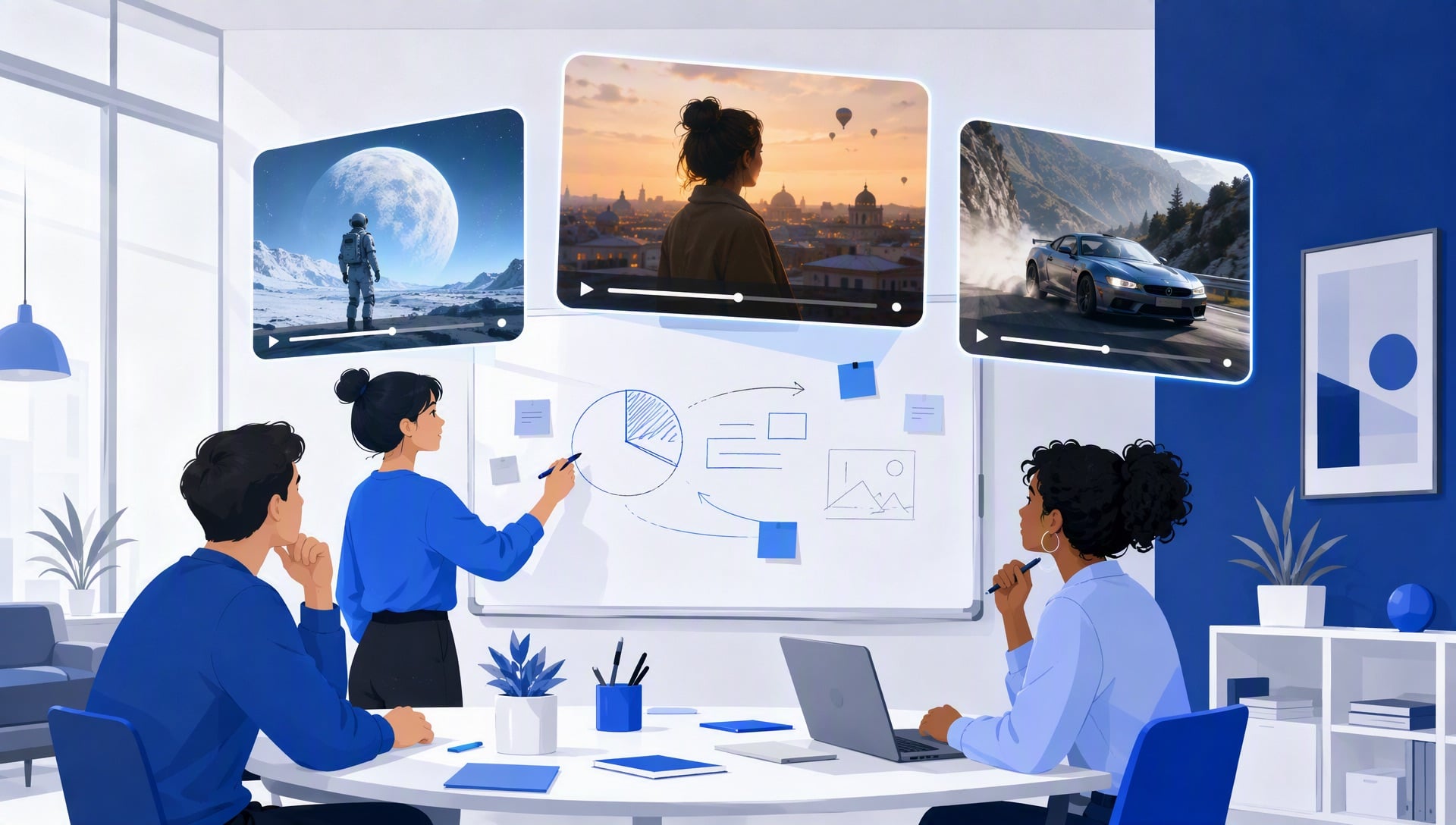
What a text-to-video generator does for a marketing team
One sentence: it turns a written brief into a 4-to-15-second clip, up to 2K, horizontal or vertical. For a marketing team, that means the concept stage stops being the bottleneck. You no longer need a shoot or an edit session to know whether an idea has legs — you need a prompt and three minutes.
The clips it produces best are the ones marketing asks for most: teasers that build anticipation, concept tests that settle a direction, and promos that support a moment. All three are short, visual, and driven by a written brief — which is exactly the format AI video handles well.
Two facts frame everything below. Clips run 4 to 15 seconds, and generation is billed per second: 2K costs about $0.14 per second, 768P about $0.09 (roughly 1,000 credits ≈ $1). That math is what makes A/B testing video concepts affordable for the first time. (For the generator's full feature set — reference images, opening frames, per-second billing — see the launch announcement.)
Scenario 1: The pre-launch teaser, before the product page exists
The teaser's deadline is the launch date, but its raw material — the product, the screenshots, the press assets — often doesn't exist until the week of. Marketing teams in this spot usually pick between shipping nothing and shipping a generic "coming soon" card.
A text-to-video generator changes the calculation: you can tease the feeling of the product before the product exists. Write what the launch will feel like — the mood, the setting, the motion — and generate it. A teaser is a concept piece, not a spec sheet; viewers don't need to see the interface, they need to feel the arrival.
Example prompt for a SaaS launch teaser:
A dark conference room, a single spotlight over an empty pedestal. Slow orbiting camera, light fog catching the beam. Cinematic, deep blacks, subtle blue rim light. Anticipation, restrained power. 12 seconds, 2K.
Two style variants to test: "Bright, airy, optimistic, high-key lighting" turns the same pedestal into a friendly consumer launch. "Gritty, handheld, documentary" turns it into a challenger-brand statement. Same deadline, three possible identities for the launch — test them before you commit the campaign's visual language.
Cost: a 12-second 2K teaser is about $1.66 in credits. Three style variants to choose from: about $4.97. A teaser that used to cost a day of production now costs less than the team's lunch order — and you can run the test twice before Monday's review.
Common mistake: teasing the wrong thing. The teaser should dramatize the problem the product removes, not the product's features. A feature-list teaser reads as an ad; a problem teaser reads as a story. When in doubt, put the customer's before-and-after in the prompt, not the interface.
Scenario 2: Campaign concept A/B — three directions, one budget
The most expensive moment in a campaign isn't production — it's committing to the wrong concept on day one. A concept that dies after a month of production burns time, budget, and agency trust. The fix is cheap, fast video tests before the expensive version is commissioned.
The workflow: for the same campaign brief, generate three concept clips in different directions — different moods, different styles, different scene choices. Share them in the review, pick the strongest, and let the winning direction guide the full production. The clips are throwaway by design: their job is to force a decision, not to ship.
Example prompts for a single brief, three directions:
(A) "A busy city street at night, neon signs reflecting on wet asphalt. Fast handheld tracking through the crowd, documentary style, high contrast. Urgent, electric mood. 10 seconds, 768P."
(B) "A calm kitchen at sunrise, a cup of coffee on a wooden table, steam rising. Slow push-in, warm tones, shallow depth of field. Quiet, trustworthy mood. 10 seconds, 768P."
(C) "Abstract geometry dissolving into particles, a logo-shaped silhouette emerging. Smooth dolly, studio lighting, minimal white space. Futuristic, premium mood. 10 seconds, 768P."
Cost: three 10-second clips at 768P cost about $2.58 total. A decision that used to require three agency treatments — or three gut feelings — now costs less than a domain name, and every stakeholder can vote with the actual look in front of them.
The testing habit that matters: judge on the channel, not the conference room. A concept meant for mobile feeds should be watched on a phone, at the size it will actually appear. Teams that review on a 27-inch monitor pick different winners than the ones reviewing on a phone — and the phone is the one that decides.
Common mistake: making the concepts too similar. Three variations of the same mood are not an A/B test; they're one idea with different wallpaper. The concepts should disagree — on tone, on audience assumption, on story — so the review actually surfaces a preference.
Scenario 3: The event or roadmap promo
Launch week is rarely the only video ask. There's the webinar, the roadmap announcement, the conference appearance — each one a mini-deadline with its own collateral. Each one would traditionally mean another request to the overbooked editor.
These promos share a shape: announce a moment, build urgency, point somewhere. That shape is prompt-friendly. For an event, generate a 10-second clip that dramatizes the date and the stakes; pair it with a countdown in your editor.
Example prompt for a product event promo:
A giant glowing calendar page on a dark stage, the date magnifying in slow zoom. Cinematic lighting, particles drifting in the air. Monumental, inevitable mood. 10 seconds, 2K.
Cost: a 10-second 2K clip is about $1.38 in credits. Three of them — webinar, roadmap, conference — cost about $4.14 and clear the whole quarter's promo asks in one sitting.
Common mistake: pasting the agenda into the prompt. Promos work when they dramatize the moment, not when they list the speakers. Keep dates and names out of the generator — render the feeling, add the specifics in your editor where they're easy to update when the date slips.
The tool stack for marketing teams
The generator is the core, but three supporting tools make the loop faster — and two are free.
- AI Video Prompt Generator (free): the brief-to-prompt step. A marketer's brief is usually a paragraph of strategy; this tool distills it into the six elements the generator needs. It's the difference between "we'll workshop the prompt" and "we have a prompt."
- Felo AI Image (free): the same concept, as key visuals. Teasers and promos share a visual language — generate the static version for the landing page, the video version for the feed, from one concept.
- Felo Agents with the video tool: for teams that run concept tests weekly, the repeatable loop — brief → three concepts → folder of results — can be bundled into a custom Agent. Ask, and it produces the batch. Our guide on creating a video-generating Agent is a five-minute setup.
The stack turns "can we see this idea as video?" from a production request into a yes-that-takes-three-minutes. That's the whole point: video becomes a thinking tool, not a delivery item.
Creators run the same tool for trailers, hooks, and B-roll — see AI Video Generator for YouTube Creators for the creator playbook.
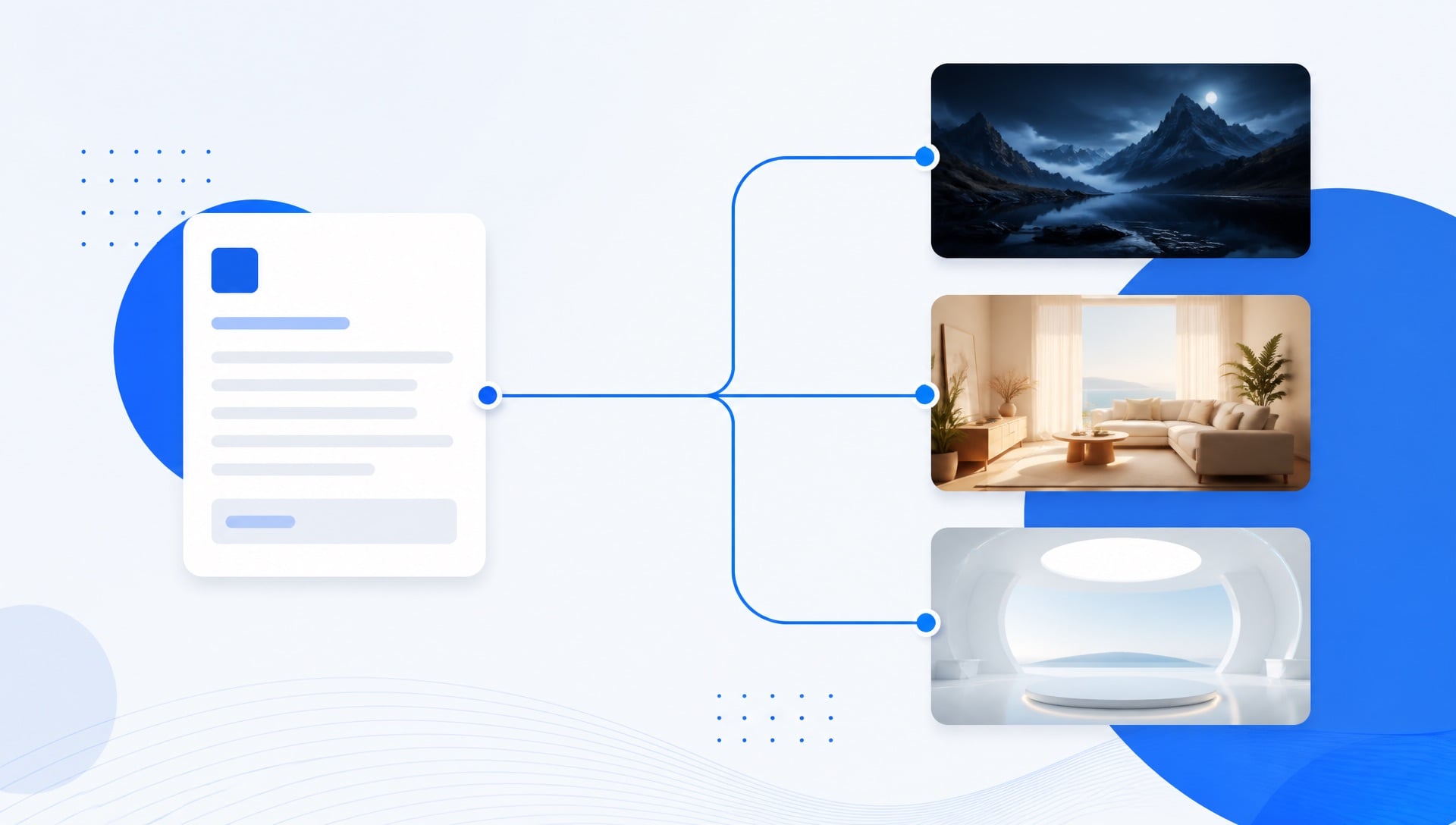
The workflow: brief, six elements, refine
The same six-element structure that powers creators' prompts powers marketing's: scene, subject, motion, camera, style, mood. Scene sets the world, subject is the hero, motion and camera are the direction, style is the brand's look, mood is the promise.
Felo's workflow mirrors the brief: describe the idea, add creative direction, generate — then refine by editing the prompt and regenerating. First results are rarely final; the discipline is fixing one element at a time:
| What looks wrong | Likely weak element | Fix |
|---|---|---|
| Doesn't match the brand | Style | Rewrite the style line (warm vs cold, clean vs gritty) |
| Static, lifeless | Motion or camera | Change the move (push-in → tracking, slow → fast) |
| Wrong emotional read | Mood | Strengthen the mood line (trustworthy → urgent) |
| Wrong world | Scene or subject | Correct the setting and hero, keep the rest |
One-element fixes cost the same as full regenerations — but they preserve the idea the team already signed off on.
A two-week launch sprint plan
Concrete beats advice. A realistic pre-launch sprint, with costs:
- Week 1, Monday: brief → generate three teaser concepts at 768P ($2.58). Review on a phone.
- Week 1, Wednesday: winner chosen. Generate the 2K teaser ($1.66) + one refinement pass ($1.66).
- Week 1, Friday: generate three campaign concept directions at 768P for the post-launch campaign ($2.58). Stakeholder vote before the weekend.
- Week 2, Monday: event/roadmap promos, three at 2K ($4.14). Done in one sitting.
- Week 2, Wednesday: archive. Pick the strongest clips, drop them in the shared folder, hand the winners to the editor for finishing.
Sprint total: about $12.60. For a product launch — teaser, concept decision, three promos — that's the video budget of a single stock clip. The team's editor gets freed for the finishing work that actually needs a human.
What it costs a team
Felo credits run roughly 1,000 credits ≈ $1; video is billed per second:
| Clip | 768P | 2K |
|---|---|---|
| 5 seconds | $0.43 | $0.69 |
| 10 seconds | $0.86 | $1.38 |
| 15 seconds | $1.29 | $2.07 |
Two rules for teams. Concepts at 768P, finals at 2K — tests are watched on phones, finals on screens. And budget per decision, not per clip: a $15 sprint that settles a campaign direction is the cheapest decision the marketing calendar will make this quarter.
How to judge a generation (and when to regenerate)
- Does it read the brand? The clip's style and mood should match the brand language without a caption explaining it.
- Does it hold at feed size? Watch it small, on mute first. If the story survives that, it survives the feed.
- Is it worth the slot? A teaser's job is anticipation, a concept's job is a decision, a promo's job is urgency. Judge against the job, not against the trailer of a studio film.
One practical rule: keep on-screen text out of prompts. Words in generated scenes are the least reliable element — render the scene, add the text in your editor where it's updateable when the date changes.
FAQ
Is the AI video generator free? Video generation is a Pro feature on Felo — there's no free tier. The per-second pricing above lets you estimate any clip before you make it.
Can we use generated clips in paid advertising? Yes — the generator is explicitly built for ads, e-commerce, and social content. Commercial use is squarely in scope.
How long can a generated clip be? 4 to 15 seconds per clip. For anything longer, cut multiple clips together in your editor.
Does this replace our video editor? No — it replaces the waiting. The editor's time moves to finishing: branding, captions, sound, and the cuts that tie clips together. That's where the craft is anyway.
What if the concept test picks a direction and the full production still fails? Then you saved a month. The test's value is that it failed at $2.58 instead of $20,000.
Can non-editors on the team generate clips? That's the point — a campaign manager with a brief and the six-element structure can generate a concept worth reviewing. No timeline, no export wizard, no handoff delay.
Marketing teams don't lose campaigns to bad ideas; they lose them to slow video. The pre-launch teaser, the concept decision, the event promo — each one can go from brief to reviewed clip in minutes now. The launch still owns the calendar; the video no longer owns the team.
Try Felo AI for Free → and put a second production lane under your next launch.
This post is also available in 简体中文, 日本語, 한국어, 繁體中文, हिन्दी, Français, العربية, Русский, اردو, Bahasa Indonesia, Deutsch, Tiếng Việt, Türkçe, Italiano, ไทย, Español, বাংলা and Português.