AI Video Generator for YouTube Creators: Make Channel Videos in Minutes

How YouTube creators use AI video generators: channel trailers, hook clips, and cinematic B-roll from a text prompt — with real prompts, costs, and workflows.
Your upload schedule doesn't wait for your editor. Between scripting, recording, and cutting, the trailer, the hook clips, and the B-roll always end up on a "someday" list — so most channels run without them.
An AI video generator changes that equation. You describe a shot in a sentence, and the tool renders it as video in minutes. The quality bar for creators has moved: the bottleneck is no longer production, it's knowing what to ask for.
Here's how to use one — specifically Felo's AI Video Generator — for the three pieces of channel content that move the numbers most: your trailer, your hooks, and your B-roll. Along the way, you'll see the supporting tools that make the workflow faster, and the exact prompts to copy.
What a text-to-video generator can make for your channel
A text-to-video generator turns a written description into a short clip: 4 to 15 seconds, up to 2K, horizontal or vertical. It won't shoot a 20-minute documentary for you. What it's genuinely good at is the high-frequency, high-rotations pieces of channel content:
- Trailers — the one video that sells your channel to a first-time visitor
- Hook clips — short teasers that pull Shorts viewers into long-form videos
- B-roll — cutaway shots that keep talking-head videos visually alive
Each of these is short, visually-driven, and doesn't need a specific person or location to record. Which makes them exactly what AI video handles best.
There's a second reason these three are the right starting points: they're cheap to iterate on. A rejected hook costs you $0.43 and two minutes. That low cost of failure is the whole point of using AI here — you can test what a traditional pipeline would never let you test, because a traditional pipeline charges you a day of production for every attempt.
Scenario 1: A channel trailer from your channel description
Your channel description already contains everything a trailer needs: your topic, your tone, and what viewers can expect. The problem is translating that into moving images.
With a text-to-video generator, you write the description's essence as a prompt, and the tool does the "shooting." A trailer is the rare piece of content where a fully AI-generated clip works — it's meant to feel like a concept, not a vlog. Viewers expect a trailer to be dense, stylized, slightly abstract. That's precisely what AI video is good at.
Example prompt for a creator-studio trailer:
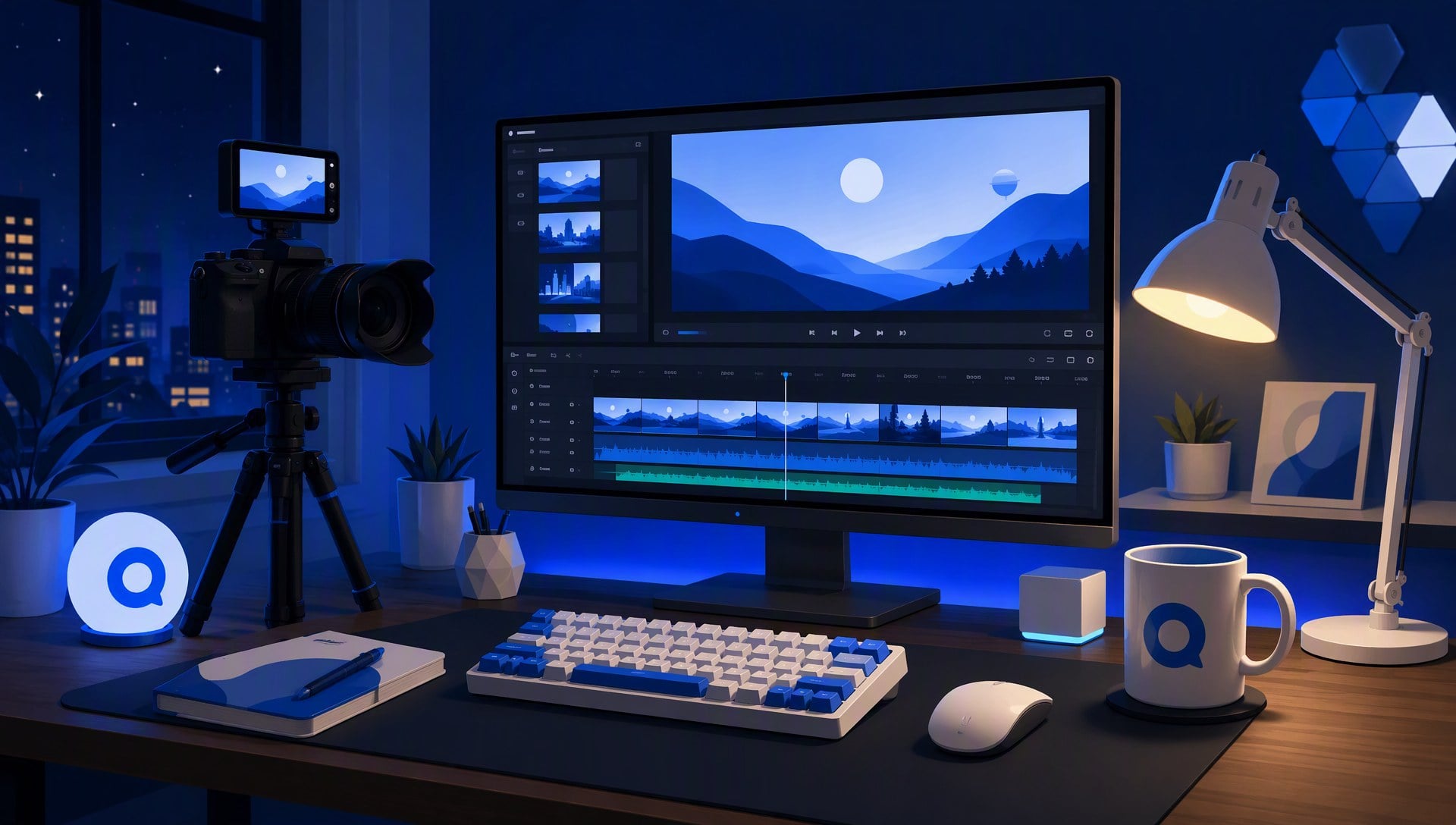
A tidy creator studio at night, warm desk-lamp glow. A mechanical keyboard, a camera rig, and a mug on the desk. Slow push-in with slight parallax, 35mm, shallow depth of field. Cinematic, warm color grade. Focused, ambitious mood. 15 seconds, 2K.
The prompt names six things, in order: scene (the studio), subject (keyboard, rig, mug), motion (slow push-in), camera (35mm, shallow depth), style (cinematic, warm grade), mood (focused, ambitious). Leave any of the six out and the result drifts — the generator has to guess what you didn't say.
Two style variants to test: swap the style line to change the whole feel. "Documentary, desaturated, handheld" turns the same studio into a behind-the-scenes piece. "Vaporwave, neon reflections, slow-motion" turns it into a hype reel. Same scene, different channel persona — generate both, and pick the one that matches how your videos actually look.
Cost: a 15-second clip at 2K costs about $2.07 in Felo credits. For the price of a coffee, your channel finally gets the trailer it's been missing — and the style test above costs $4.14 for both versions, still cheaper than a single stock clip.
Common mistake: putting the channel name in the prompt. On-screen text is where generators stumble; a misspelled channel name on your front door is worse than no trailer. Keep the prompt text-free and burn your logo in at the end in your editor.
Scenario 2: Hook clips and Shorts that tease your long videos
The Shorts feed is the free discovery channel YouTube gives every creator — but only if you have something short, visual, and provocative to post there. Most creators' problem isn't ideas, it's that producing a second video for every video doubles their workload.
Instead, generate hook clips: 5-second cinematic fragments that tease the story of your upcoming long video. Post one as a Short, and link the full video. No extra filming, no extra editing session.
Example prompt for a mystery/documentary-style hook:
A corkboard covered in notes, one paper pinned askew. A hand slams a red X stamp onto it. Fast push-in, quick cut to black. Handheld, documentary style, high contrast. Urgent, dramatic mood. 5 seconds, 768P.
The testing habit that matters: don't generate one hook and post it. Generate three takes on the same story beat — the corkboard, the stamp, and a third you'd never have filmed by hand, like a close-up of the stamp's ink bleeding in slow motion. Post the strongest as a Short, keep the others for future videos. Three takes at 768P cost about $1.29 total; one bad Short costs nothing but the experiment.
Cost: three 5-second hooks at 768P cost about $1.29 total — under a buck and a half to test three different angles on the Shorts feed. Scale it up: a creator testing five hooks a week spends about $2.15 weekly. That's less than the average channel spends on one thumbnail service.
Common mistake: matching the hook's mood to the video. A comedy video teased with a dramatic, gritty hook wins the click and loses the trust — the Shorts viewer who arrives expecting tension, gets a joke, and leaves. Match the mood line in your prompt to the video's actual tone.
Scenario 3: Cinematic B-roll when you have no footage
Talking-head channels live and die by their cutaways. A 20-minute monologue with no visual change bleeds viewers no matter how good the ideas are; the fix is B-roll, and the obstacle is that you can't film a delivery truck crossing a bridge at dawn when you're sitting in your home office.
Text-to-video solves exactly this: you don't need the footage, you need a prompt. Generate an 8-second establishing shot that matches your video's tone, drop it into your timeline, and the video breathes again.
Example prompt for a logistics/economy video:
An empty highway bridge at dawn, light fog. A single delivery truck crossing. Slow lateral tracking shot, drone-style wide angle. Teal-and-orange cinematic grade. Calm, determined mood. 8 seconds, 2K.
Matching tone matters more than matching content. A finance channel doesn't need more footage of coins — it needs a visual that carries the feeling of the segment. Watch your last three videos and write down the palette (dark + suspenseful? bright + optimistic?). Put that palette in the style and mood lines, and the generated B-roll will cut into your timeline without feeling pasted in.
Cost: an 8-second 2K clip is roughly $1.10 in credits. One video can get three or four of these for less than a stock-footage subscription — and unlike stock, it matches your video's exact tone, because you wrote it.
Common mistake: generating B-roll that's busier than the narration. B-roll's job is to support the words, not compete with them. If your prompt has fast motion and the narration is slow and explanatory, the cutaway fights the voiceover. For talking-head videos, favor slow camera moves.
The tool stack that makes this fast
The workflows above assume one tool, but there are three Felo tools that make the loop noticeably faster — and two of them are free. (For the generator's full feature set — reference images, opening frames, per-second billing — see the launch announcement.)
- AI Video Prompt Generator (free): if your idea is a sentence ("something about a delivery truck at dawn"), this tool turns it into a full six-element prompt before you ever open the generator. It's the difference between staring at a blank box and pasting a working prompt. Felo recommends pairing it with the generator for exactly this reason.
- Felo AI Image (free): same concept, still frames. Generate a thumbnail that matches your trailer or hook clips, and your Shorts-to-long-form funnel has a consistent look. One concept, two formats, both from text.
- Felo Agents with the video tool: for channels that test hooks weekly, the repeatable part — turning an idea into a brief and generating three variants — can be bundled into a custom Agent that does it on command. It's a five-minute setup; our guide on creating a video-generating Agent walks through it step by step.
The core generator is the star, but the stack is the workflow. Creators who treat video generation as a one-tool task rebuild the same prompts by hand every week; creators who use the stack spend their time choosing between results instead of writing prompts.
The workflow: brief, then six elements, then refine
Every good video prompt is built from the same six elements: scene, subject, motion, camera, style, and mood. The scene sets the place, the subject names the star, motion and camera describe the movement, style sets the look, and mood sets the feeling.

Felo's workflow mirrors this: you describe the idea, add creative direction, and generate — then refine by editing the prompt and regenerating. A mediocre first result is normal; the skill is in diagnosing which element was weak and fixing only that one:
| What looks wrong | Likely weak element | Fix |
|---|---|---|
| Colors feel off / generic | Style | Rewrite the style line only |
| Camera feels static | Motion or camera | Change the move (push-in → tracking) |
| Feels flat, no tension | Mood | Strengthen the mood line (calm → urgent) |
| Wrong place or props | Scene or subject | Correct the details, keep the rest |
Keep everything else untouched. One-element fixes are cheap; full rewrites are how you lose the idea you actually liked.
A week-one plan for your channel
Concrete beats advice. Here's a realistic first week, with exact costs:
- Day 1: Write your channel description's essence as a prompt. Generate your trailer at 768P ($1.29). Review, fix one element, regenerate ($1.29). Two hours, two versions.
- Day 2: Generate the style variant — documentary or hype, whichever fits. Post the trailer to the channel home page. ($1.29)
- Day 3: Pick your upcoming video's story beat. Generate three hook takes at 768P ($1.29). Post the strongest as a Short.
- Day 4: Generate one 2K B-roll shot that matches your next video's palette ($1.10). Put it in the edit.
- Day 5: Free day — archive the leftover takes in a folder named "future hooks." They will be used.
Week-one total: about $6 — a trailer, a Short, and better retention on one long video, for less than a single stock clip. Skip the Day 2 style variant and the same week costs about $5. The habit matters more than the plan: three hooks a week is a testing machine; one trailer a month is decoration.
What it actually costs a creator
Felo credits run roughly 1,000 credits ≈ $1. Video is billed per second:
| Clip | 768P | 2K |
|---|---|---|
| 5 seconds | $0.43 | $0.69 |
| 10 seconds | $0.86 | $1.38 |
| 15 seconds | $1.29 | $2.07 |
Two practical rules from these numbers. Test at 768P, ship at 2K — hook variants and first drafts at 768P, finals at 2K. And budget in clip-seconds, not clips: a $5 weekly budget buys roughly 60 seconds of 768P or 35 seconds of 2K. The week-one plan above (45 seconds of 768P plus one 8-second 2K clip) costs about $5 without the style variant, $6 with it.
How to judge a generation (and when to regenerate)
Not every generation is a keeper, and that's fine — regeneration is the cheap part. Use three checks:
- Does it match the brief? The mood and subject should read instantly, without you explaining.
- Does the motion hold up? Play it twice; look at the physics, the continuity, the edges.
- Is it worth the slot? This clip lives in your video for seconds at most — if it does its job (set the scene, tease the story, break the monotony), it earns its $0.43.
One practical rule: keep on-screen text out of prompts. Generators render scenes far more reliably than words. If you need a title or a caption, add it in your editor.
FAQ
Is the AI video generator free? Video generation is a Pro feature on Felo — there's no free tier. The per-second credit pricing is above, so you can estimate any clip before you make it. The prompt generator and AI Image are free, which is where a no-budget channel can start.
Can I use generated clips on my YouTube channel? Yes — the generator is built for ads, e-commerce, and social content, so channel videos are squarely in scope.
How long can a generated video be? 4 to 15 seconds per clip. For anything longer, you cut together multiple clips in your editor.
Why does the workflow say 768P for tests? Half the price per second, and hook tests live on phone screens — nobody can tell 768P from 2K on a 6-inch display. Ship 2K for anything that's going to be watched on a TV or laptop.
What if the first generation is bad? It usually is, a little. Fix one element — style, motion, or mood — and regenerate. The cost of a second attempt is the same as the first, which is the entire point of AI video: iteration is free in everything except attention.
Do I need to write prompts in English? No. Felo is a multilingual platform — Global Search alone covers 30+ languages — and the generator responds to the description's clarity, not its language. Write the prompt in the language you think in.
The creators who get ahead with AI video aren't the ones with better tools — they're the ones with better prompts. Start with a trailer, test hooks at 768P, and let the Shorts feed tell you which angles work. The math says the experiment costs less than one late-night takeout order.
Try Felo AI for Free → and see what your channel looks like with a trailer on it.
This post is also available in 简体中文, 日本語, 한국어, 繁體中文, हिन्दी, Français, العربية, Русский, اردو, Bahasa Indonesia, Deutsch, Tiếng Việt, Türkçe, Italiano, ไทย, Español, বাংলা and Português.