Best AI Agent Tools in 2026: From Chat to Complete Workflows

Compare AI agent tool categories and discover how a single API platform can give your agent search, memory, creation, and output capabilities.
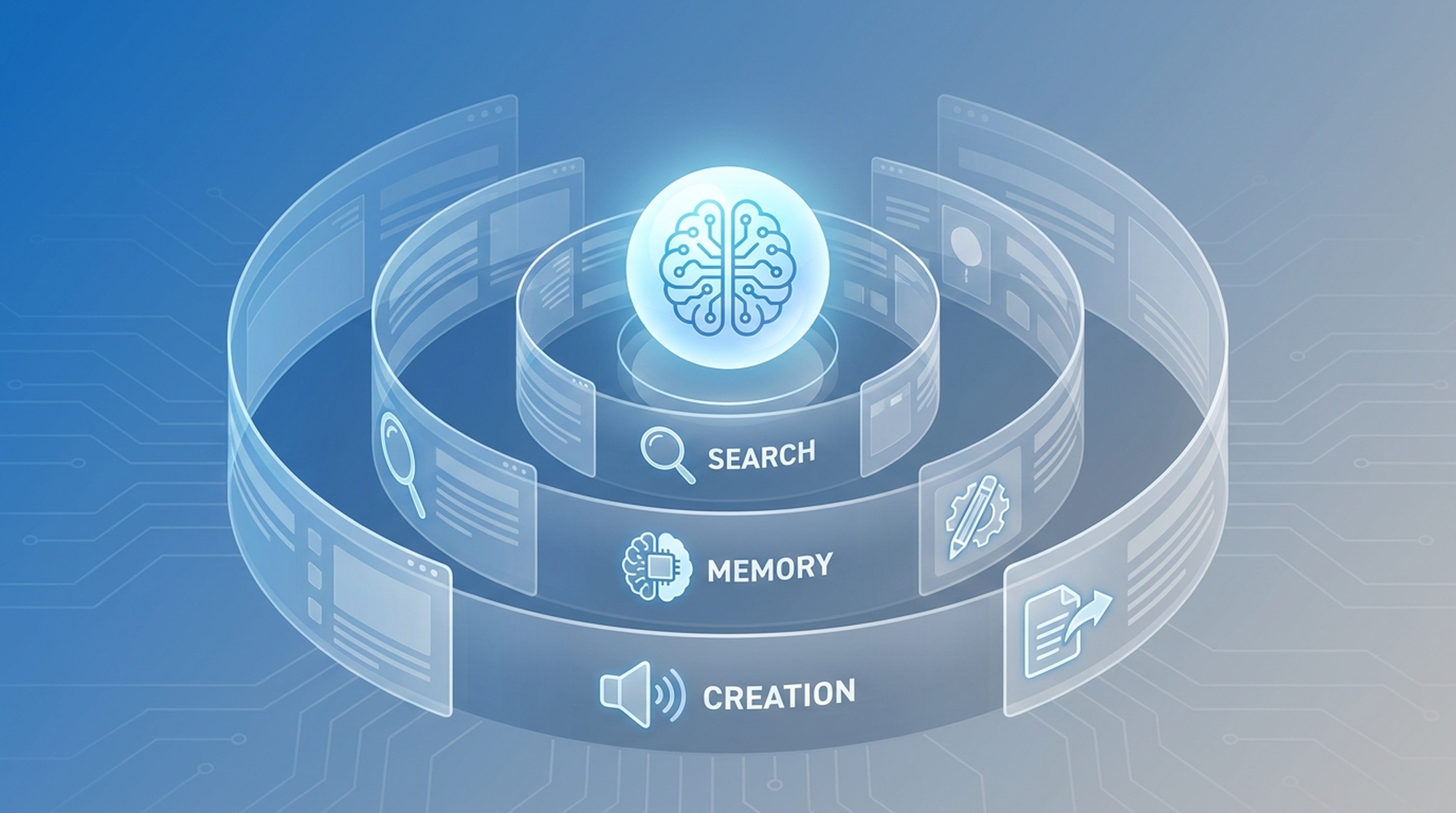
AI agents can think, plan, and write decent code. But the ones that actually get work done share something most people overlook: a proper tool stack.
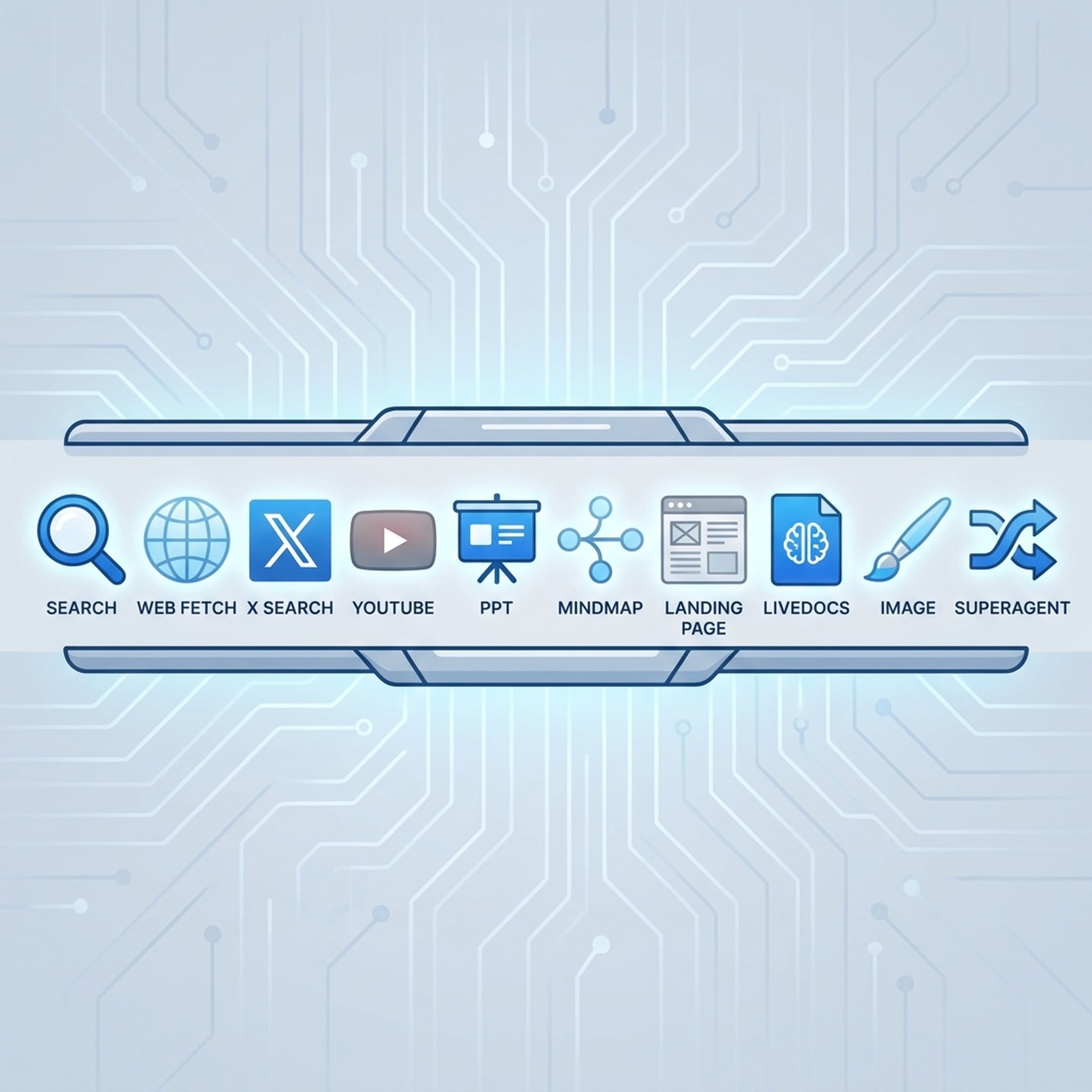
Here's a breakdown of the tool categories every serious agent needs, and how to get them all under one roof.
The Four Layers of a Complete Agent Stack
Agents that only chat are like employees with a brain but no hands. The full stack has four layers:
1. Model Layer — The Brain
This is where reasoning happens. You need access to strong models at a cost that lets you run them often.
What to look for:
- Multiple model options (Claude, GPT, Grok)
- Standard protocols (OpenAI-compatible, Anthropic-compatible)
- Low enough cost to test and iterate
The agents that win are the ones that can afford to use strong models for complex steps and cheaper models for routine ones.
2. Data Layer — Fresh Context
Training data has an expiration date. Agents need live information.
Essential tools:
- Web search — real-time answers, not cached knowledge
- Web extraction — read specific pages and pull structured content
- Social data — X (Twitter) signals, YouTube transcripts
- Video content — pull transcripts and understand video context
An agent without live data is answering from memory, not reality.
3. Memory Layer — The Workspace
Agents that forget everything between sessions waste time and produce inconsistent results.
What agents need to remember:
- Files and documents your team uploaded
- URLs and sources from past research
- Retrieved context and key findings
- Tasks, records, and comments for collaboration
Look for semantic retrieval, not just keyword search. An agent should find relevant context even when the query uses different words than the stored content.
4. Output Layer — Real Deliverables
Chat messages aren't office work. Agents need to produce things people can actually use.
Key output capabilities:
- Slide decks — themed presentations, not text descriptions of slides
- Mindmaps — visual structure for ideas and plans
- Landing pages — draft web pages with copy and layout
- Images — generated visual assets
- Reports — structured documents with sources
The difference between a fun agent and a useful one is whether it can hand you something you can send to your boss.
How Agents Are Using These Tools Right Now
Research Analysts
Market research used to take hours of manual searching, copying, and organizing. Now agents can search for data, pull sources, save findings to shared memory, and generate a presentation deck — all from one prompt.
The workflow looks like this: Search → Web Fetch → X Search → LiveDocs → PPT.
Content Teams
Content teams use agents to research topics, fetch sources, generate visuals, and draft campaign materials. One agent can go from a product idea to research, visuals, page structure, and copy.
Developers
Developers connect agents to model APIs for code reasoning, search APIs for documentation lookup, and output APIs for generating project scaffolding or documentation pages.
Daily Productivity
People running agents for daily operations use them to summarize incoming information, draft responses, organize files, and produce quick presentations for internal meetings.
The Problem With Stitching Tools Together
Most agents today get their tools one at a time. You find a search API, sign up. You need PPT generation, find another service. You want memory, pick a database. Before long you're managing:
- Multiple accounts and API keys
- Different rate limits and billing cycles
- Inconsistent protocols and response formats
- No shared context between tools
It works, barely. But it's fragile, expensive, and hard to scale.
The One-Key Approach
Felo OpenAPI solves this by putting all four layers under a single API key. One base URL, one key, access to:
Models: Claude Opus, Sonnet, Haiku, GPT-5.6, Grok — all through standard protocols.
Search and data: AI Search, Web Fetch, X Search, YouTube Subtitles.
Memory: LiveDocs with file uploads, URL resources, semantic retrieval, and collaboration features.
Output: PPT generation, mindmaps, landing pages, images.
Workflows: SuperAgent API for multi-step conversations with streaming.
The agent calls whatever tool it needs from the same capability layer. No scattered keys, no protocol mismatches.
What to Look for When Choosing Agent Tools
-
Protocol compatibility — Can your agent connect using its existing setup? OpenAI-compatible and Anthropic-compatible protocols cover most agents.
-
Tool breadth — Does the platform cover all four layers, or just one? You'll eventually need all of them.
-
Memory persistence — Can the agent remember context across sessions? LiveDocs-style shared memory is becoming table stakes.
-
Output quality — Are generated deliverables actually usable, or just rough drafts? Test the PPT, landing page, and image APIs before committing.
-
Cost structure — Model costs add up fast when agents call them repeatedly. Lower per-call costs mean longer, more thorough workflows.
Getting Started
You don't need to evaluate every tool separately. Felo OpenAPI gives you access to the full stack with one free API key.
- Create your API key
- Choose your agent setup guide
- Configure and verify the connection
Your agent already knows how to think. Give it the tools to finish the job.