Best AI Presentation Generator API in 2026

Compare AI presentation generator APIs — from PPT generation to themed slide decks. Find the best API for automated presentation creation.
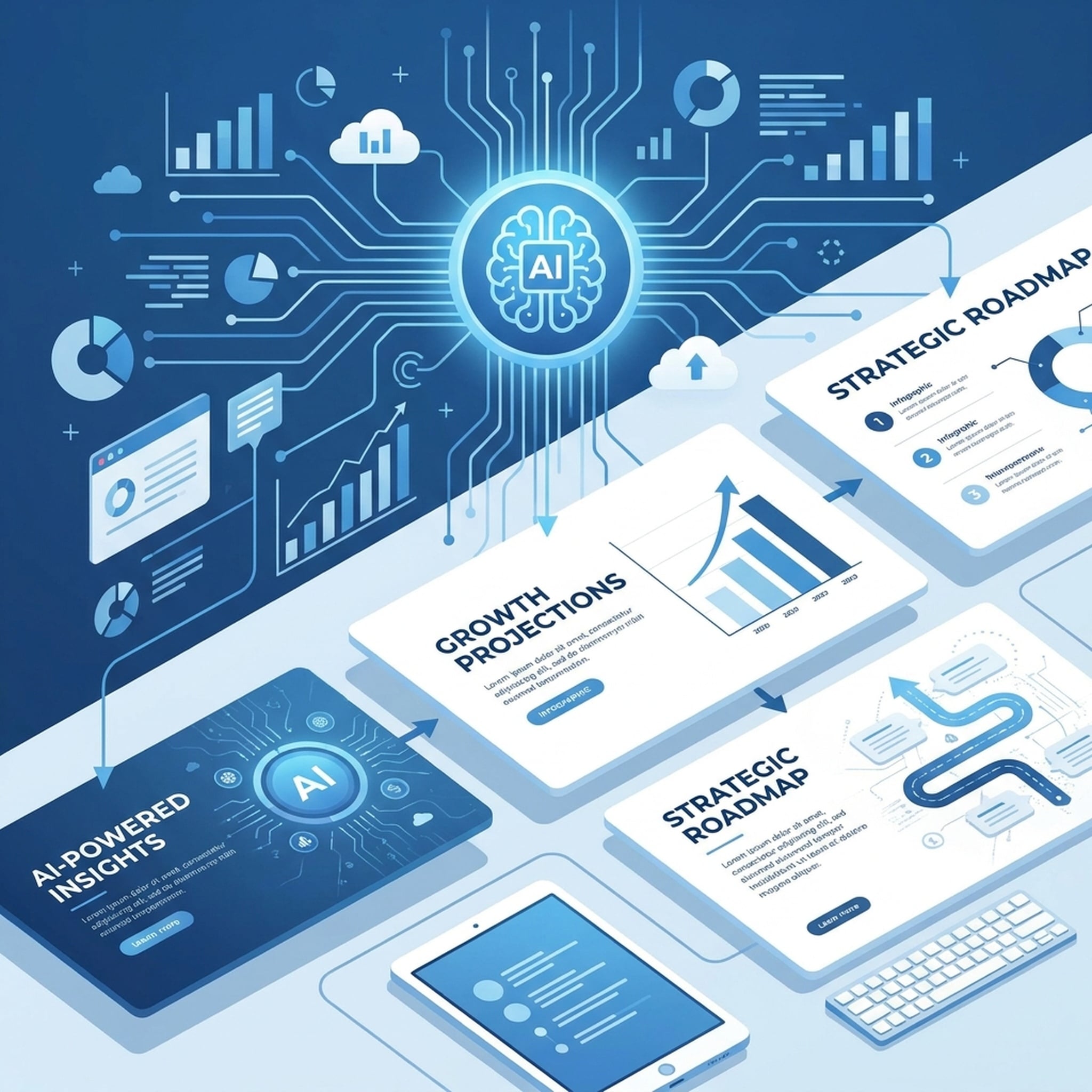
Presentations take too long to build. Research, structure, design, iterate — hours or days for something that should take minutes. AI presentation generator APIs change that.
Here's what to look for and how the options compare.
What Makes a Good Presentation API
Not all AI presentation tools are equal. A good presentation API for agents needs:
- Themed templates — consistent visual design, not blank slides
- Content structuring — automatic organization of input into logical sections
- Programmatic access — REST API that agents can call, not a web interface
- Source integration — ability to include cited evidence from research
- Downloadable output — actual files you can open, edit, and send
Presentation API Options
Felo OpenAPI PPT API
How it works: Send content via POST /v2/ppts, receive a themed slide deck.
Features:
- Themed templates via
GET /v2/ppt-themes - Content structuring and organization
- Works as part of agent workflows
- Research-backed presentations (combine with search + extraction)
- Downloadable output files
Best for: Agents that need to generate presentations as part of larger workflows — research → analysis → presentation.
Standalone AI Presentation Tools
Web-based AI presentation tools (Gamma, Beautiful.ai, etc.):
- Good visual design
- User-friendly interfaces
- Limited API access
- Not designed for agent integration
- Require manual input
Best for: Individuals creating one-off presentations. Not suitable for automated agent workflows.
Custom Presentation Generation
Building your own presentation generation:
- Full control over design
- High development cost
- Ongoing maintenance
- Template management complexity
Best for: Teams with dedicated design engineering resources.
How the Felo PPT API Works
Available Endpoints
GET /v2/ppt-themes    — List available presentation themes
POST /v2/ppts         — Generate a presentation
Basic Usage
- Check available themes:
GET /v2/ppt-themes - Send your content:
POST /v2/pptswith topic, outline, or raw content - Receive a themed slide deck — an actual file, not a description
Advanced: Research-Backed Presentations
The real power comes from combining the PPT API with search and memory:
- Agent searches for market data (
POST /v2/chat) - Reads source pages (
POST /v2/web/extract) - Saves findings to LiveDocs
- Calls PPT API (
POST /v2/ppts) with researched content - Returns a presentation with cited sources
AI Presentation Use Cases
Market Research Decks
Agent researches a market, pulls sources, and generates a themed presentation with data points and evidence.
Product Launch Presentations
Agent researches competitors, identifies positioning angles, and creates a launch deck with competitive analysis.
Internal Team Updates
Weekly or monthly updates that pull data from multiple sources and generate consistent, branded slides automatically.
Training Materials
Convert documentation and guides into structured training decks with consistent formatting.
Investor Updates
Data-rich presentations that pull financial data, market trends, and milestone tracking into clean formats.
Presentation API Comparison
| Feature | Felo PPT API | Standalone Tools | Custom | | ---|-------------|-----------------|--------| | API access | ✅ REST API | Limited/None | Build | | Themed templates | ✅ | ✅ | Build | | Agent integration | ✅ | ❌ | Build | | Research-backed | ✅ (with search) | Manual | Build | | One key for all tools | ✅ | ❌ | N/A | | Cost per deck | Low | Subscription | High dev cost | | Workflow chaining | ✅ | ❌ | Build |
Tips for Better AI Presentations
Research first. Let the agent pull fresh sources before generating. Research-backed presentations carry more weight than AI-generated talking points.
Use consistent themes. Pick a theme and use it across related presentations. Visual consistency matters more than variety.
Be specific in your prompt. Include audience, purpose, and key points. The more context, the better the output.
Generate, then refine. The API produces a strong first draft. Review, adjust messaging, and you're done in a fraction of the time.
Getting Started
- Create your free API key
- Explore the PPT API
- Generate your first presentation
Stop building slides from scratch. Let your agent research, structure, and generate them.