Best Free Online AI PPT Generators in 2026 (I Tested 8 Tools)

I tested 8 free online AI PPT generators to find which ones actually deliver usable slides. See real results from Felo AI Slides, Gamma, Canva, and more — with honest pros, cons, and recommendations.

# Best Free Online AI PPT Generators in 2026 (I Tested 8 Tools)
Nobody enjoys making slides from scratch.
You know the drill — spend an hour hunting for data, another hour writing bullet points, then two more hours fighting with alignment, fonts, and that one chart that refuses to resize properly. By the time you're done, the actual thinking behind your presentation took maybe 20 minutes. The rest was busywork.
Free online AI PPT generators promise to fix that. Feed them a topic, get a finished deck in minutes. No software to install, no credit card required, no design skills needed.
But here's the thing: most of them produce the same generic filler text wrapped in a pretty template. "The market is growing rapidly." "Innovation drives success." Slides that look fine from a distance but say absolutely nothing up close.
I wanted to find the tools that actually deliver substance — real data, clear structure, usable content — not just a good-looking shell. So I tested 8 free online AI PPT generators using the same benchmark prompt and scored them across six dimensions.
Here's what I found.
How I Tested
I gave every tool the same prompt: "Global electric vehicle market trends and forecast for 2026–2030."
This topic is specific enough to require real data (market size, growth rates, regional breakdowns) and broad enough to test how well each tool structures a complex narrative. If an AI PPT generator can handle this well, it can handle your quarterly report or client pitch.
I scored each tool on six criteria, each out of 10:
- Content quality — Does it include real data, specific insights, and logical flow? Or just vague platitudes?
- Design quality — Are the layouts clean, professional, and visually balanced?
- Speed — How fast from prompt to finished deck?
- Customization — Can you edit, restyle, and adjust the output easily?
- Export options — Does it export to .pptx, PDF, or shareable links? Any formatting issues?
- Free tier value — How much can you actually do without paying?
The Results: 8 Free AI PPT Generators Compared
1. Felo AI Slides — The One That Actually Does Research
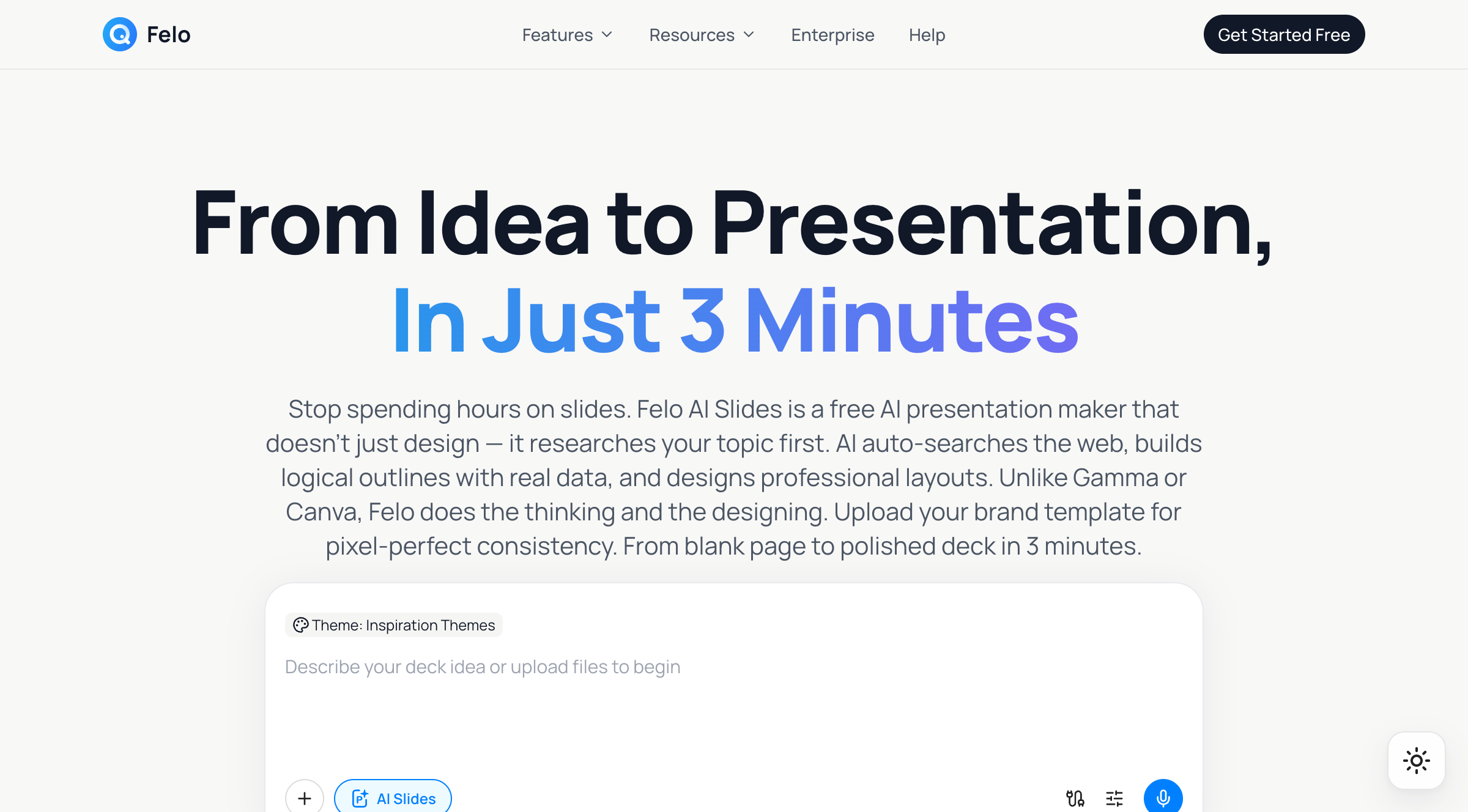
What makes it different: Felo AI Slides has a built-in AI search engine. Before generating your slides, it runs a live web search to gather current data, statistics, and sources. This is a fundamentally different approach from tools that just rearrange your input text into slide-shaped paragraphs.
My experience:
I entered the EV market prompt and Felo spent about 90 seconds researching before generating a 15-slide deck in roughly 3 minutes total. The result genuinely surprised me.
The slides included specific 2025 market size figures, year-over-year growth percentages, regional market share breakdowns (China, Europe, North America), and key policy drivers — all with source citations. This wasn't AI-hallucinated data dressed up to look real. The numbers checked out.
The design was clean and modern — not flashy, but professional. Good visual hierarchy, readable charts, consistent styling throughout. It also supports uploading your own brand template (.pptx format), which is a big deal for anyone making presentations for work. Upload your company template once, and every deck comes out on-brand.
One standout feature: Felo supports 50+ languages natively. I regenerated the same deck in Japanese and Mandarin, and the content wasn't just translated — it was rewritten with natural phrasing for each language. If you work across markets, this saves hours.
Export worked cleanly to .pptx, PDF, and web link. No formatting issues when opening in PowerPoint or Google Slides.
The free tier includes the core AI research and generation features with no credit card required. Pro unlocks unlimited generations, brand templates, and priority processing.
Score: Content 9 | Design 8 | Speed 8 | Customization 7 | Export 8 | Free tier 8 | Total: 48/60
2. Gamma — Fast and Polished, Light on Substance

Gamma is probably the most well-known AI presentation tool right now, and for good reason — it's fast, the output looks great, and the interface is intuitive.
My experience:
Gamma generated a 12-slide deck in about 60 seconds. The design was excellent — modern card-based layouts, good use of whitespace, visually engaging. If you're judging purely on aesthetics, Gamma is hard to beat.
The content, though, was surface-level. Lots of "the EV market is experiencing rapid growth" and "government policies are accelerating adoption" — true statements that don't tell you anything you couldn't find in a 30-second Google search. No specific numbers, no source citations, no data visualizations with real figures.
Gamma works best when you already have your content and just need it packaged nicely. As a research-and-generate tool, it falls short.
The free plan is generous — you get a decent number of credits per month, and the export options are solid.
Score: Content 5 | Design 9 | Speed 9 | Customization 7 | Export 7 | Free tier 7 | Total: 44/60
3. Canva Magic Design — Design King, Content Lightweight
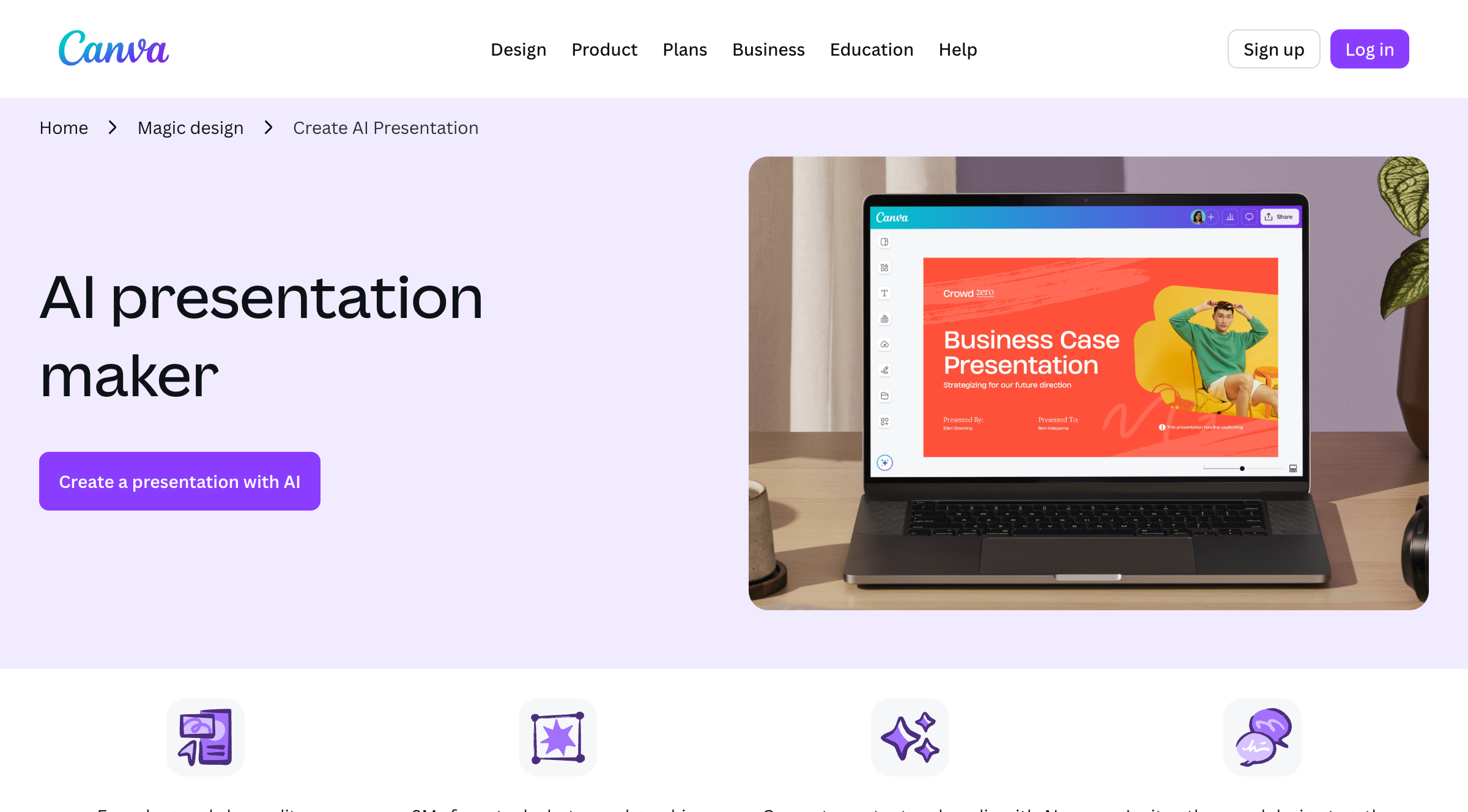
Canva's AI presentation feature leverages its massive template library and design ecosystem. It's less of an AI content generator and more of an AI design assistant.
My experience:
Canva gave me a beautiful 10-slide deck with stunning visuals. The templates are top-tier — no surprise there. But the AI-generated text was thin. It provided a framework and some placeholder-style content, expecting me to fill in the actual substance.
For the EV market topic, I got section headers and generic talking points but no data, no analysis, no sources. Canva is essentially saying: "I'll make it look amazing, but you bring the content."
If you already have a written report and need to turn it into a visual presentation, Canva is excellent. If you're starting from zero and need the AI to do the heavy lifting on content, look elsewhere.
The free tier is solid for basic use, though some premium templates and features require Canva Pro ($15/month).
Score: Content 4 | Design 9 | Speed 7 | Customization 9 | Export 8 | Free tier 7 | Total: 44/60
4. SlidesAI.io — Solid Google Slides Integration
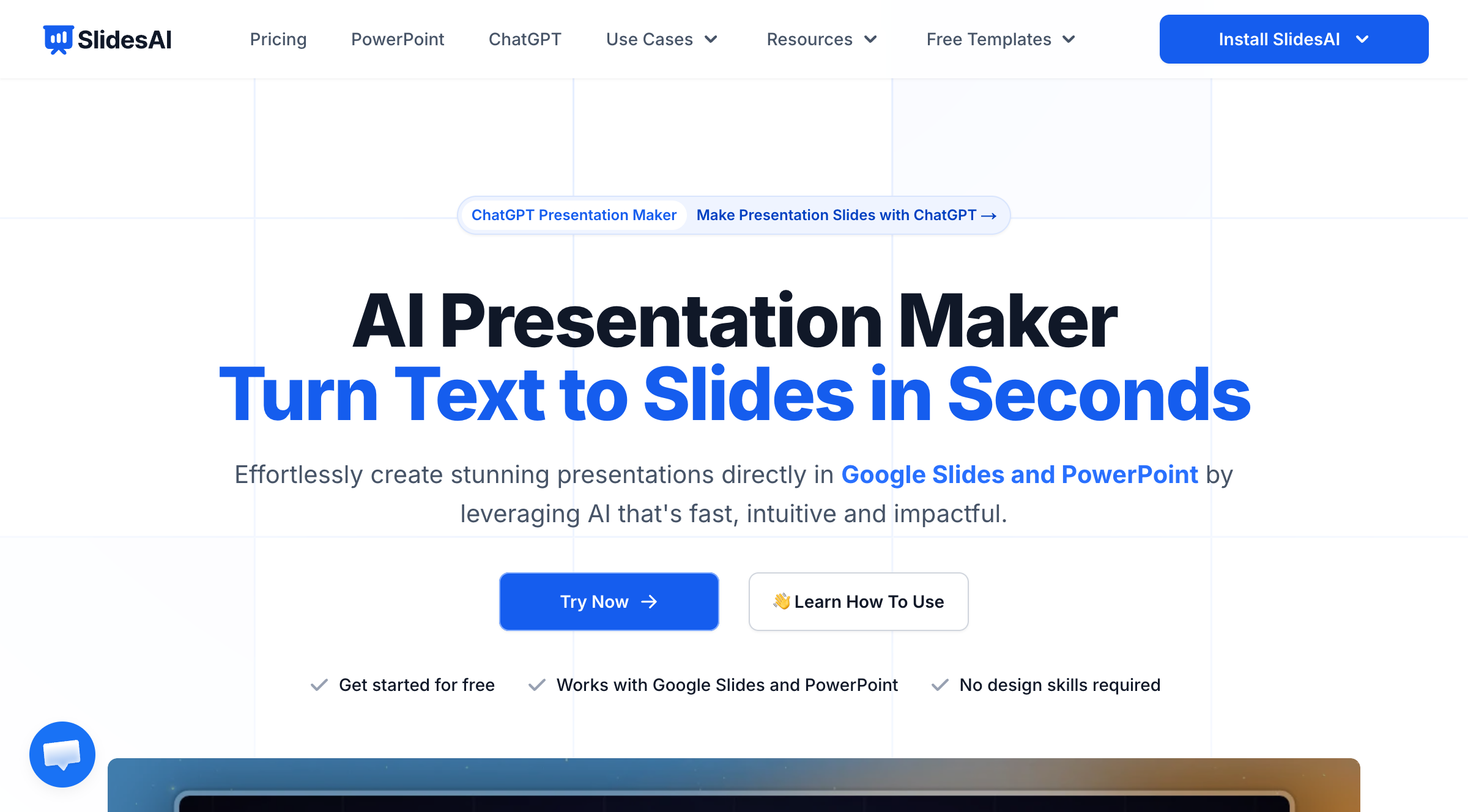
SlidesAI works as a Google Slides add-on, which means you stay in a familiar environment. It converts text input into structured slides directly within Google Workspace.
My experience:
The integration is seamless — install the add-on, paste your text or topic, and it generates slides right inside Google Slides. For teams already living in Google Workspace, this is convenient.
Content quality was middle-of-the-road. Better than Canva's AI output but not as data-rich as Felo's. The design options are limited compared to standalone tools, since you're working within Google Slides' template constraints.
Free tier gives you a limited number of presentations per month. Enough to try it out, but power users will hit the cap quickly.
Score: Content 6 | Design 6 | Speed 7 | Customization 6 | Export 7 | Free tier 6 | Total: 38/60
5. Beautiful.ai — Corporate Polish, Rigid Framework
Beautiful.ai is built for enterprise teams that need brand-consistent decks at scale. Its smart templates auto-adjust layouts as you add content.
My experience:
The auto-formatting is genuinely impressive. Drop content into a slide and it rearranges everything to look professional. For companies that produce dozens of presentations a week, this consistency is valuable.
But the AI content generation is basic — similar to Canva, it's more of a layout engine than a content engine. And the design system is rigid. If you want to break out of Beautiful.ai's predefined layouts, you'll struggle.
The bigger issue: the free tier is very limited. Most useful features sit behind the $12/month Pro plan. For a "free online AI PPT generator," it doesn't deliver much at the free level.
Score: Content 5 | Design 8 | Speed 7 | Customization 5 | Export 7 | Free tier 4 | Total: 36/60
6. Adobe Express — Familiar Brand, Average AI
Adobe Express offers an AI presentation generator as part of its broader creative suite. It's competent but unremarkable.
My experience:
The output was clean and professional — you'd expect nothing less from Adobe. But the AI-generated content was generic, and the customization options, while decent, didn't offer anything that Canva or Gamma don't already do better.
Adobe Express makes more sense if you're already in the Adobe ecosystem and want everything under one roof. As a standalone free AI PPT generator, it doesn't stand out.
Score: Content 5 | Design 7 | Speed 7 | Customization 7 | Export 7 | Free tier 6 | Total: 39/60
7. Slidesgo AI — Template-First Approach
Slidesgo has long been a go-to for free presentation templates. Their AI feature adds content generation on top of that template library.
My experience:
The templates are attractive and varied — Slidesgo's strength has always been design variety. The AI content generation is functional but shallow. It fills in the template with relevant-sounding text, but don't expect data or depth.
Good for quick, visually appealing decks where content precision isn't critical. Think classroom presentations or informal team updates, not board meetings or client pitches.
Score: Content 4 | Design 8 | Speed 8 | Customization 6 | Export 6 | Free tier 7 | Total: 39/60
8. AiPPT — Quick and Simple
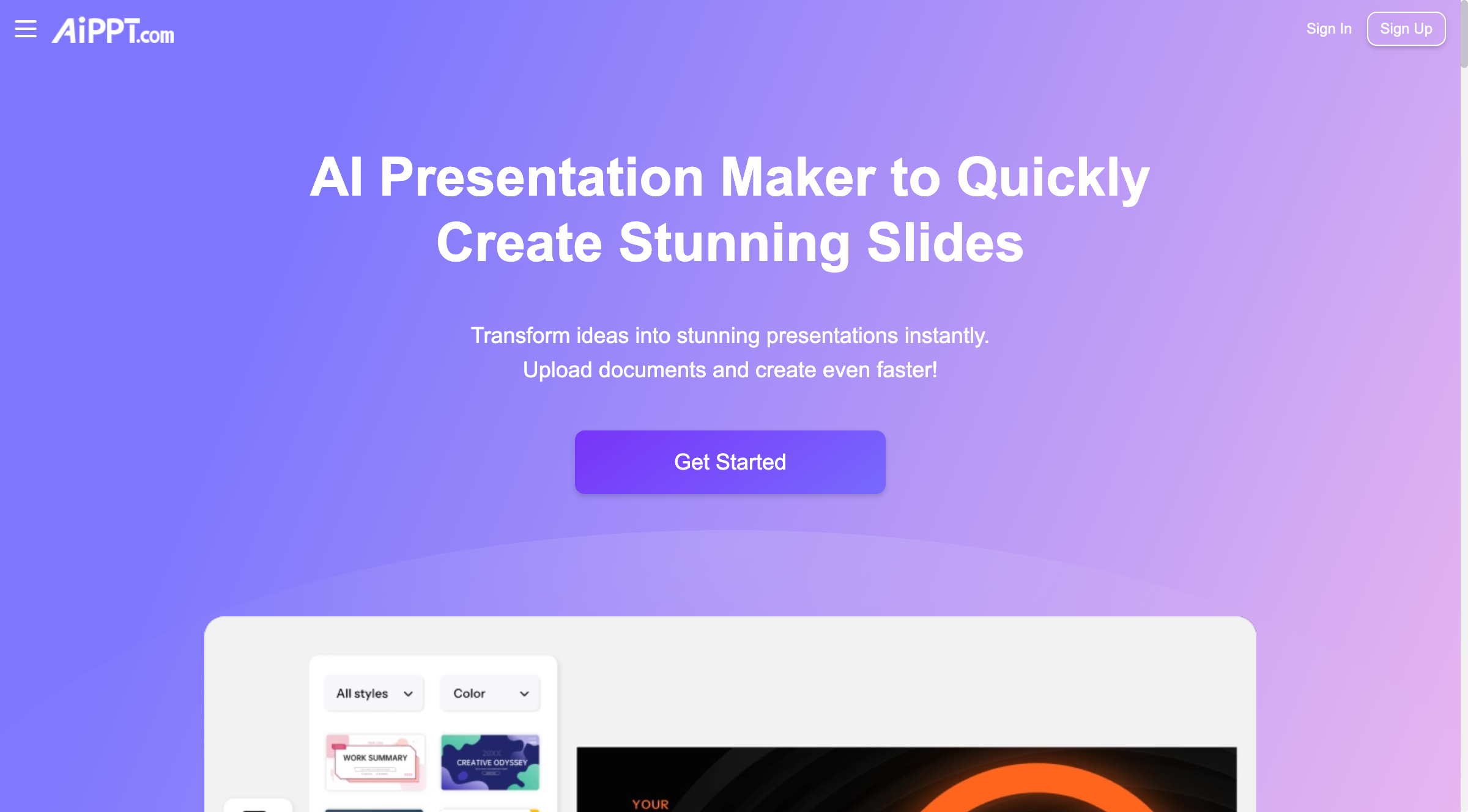
AiPPT focuses on speed and simplicity. Upload a document or enter a topic, get slides fast.
My experience:
It delivered a structured deck quickly — about 2 minutes. The content was organized logically, and the styling was consistent across slides. Nothing spectacular on either front, but nothing broken either.
The free tier allows basic generation and .pptx export. A reliable option for straightforward presentations where you need something fast and functional.
Score: Content 5 | Design 6 | Speed 8 | Customization 5 | Export 7 | Free tier 7 | Total: 38/60
Side-by-Side Comparison

| Tool | Content | Design | Speed | Customization | Export | Free Tier | Total |
|---|---|---|---|---|---|---|---|
| Felo AI Slides | 9 | 8 | 8 | 7 | 8 | 8 | 48 |
| Gamma | 5 | 9 | 9 | 7 | 7 | 7 | 44 |
| Canva Magic Design | 4 | 9 | 7 | 9 | 8 | 7 | 44 |
| Adobe Express | 5 | 7 | 7 | 7 | 7 | 6 | 39 |
| Slidesgo AI | 4 | 8 | 8 | 6 | 6 | 7 | 39 |
| SlidesAI.io | 6 | 6 | 7 | 6 | 7 | 6 | 38 |
| AiPPT | 5 | 6 | 8 | 5 | 7 | 7 | 38 |
| Beautiful.ai | 5 | 8 | 7 | 5 | 7 | 4 | 36 |
Which Free AI PPT Generator Should You Use?
It depends on what you need most:
You need slides with real data and sources → Felo AI Slides
If your presentations need to include actual research — market data, statistics, trend analysis, cited sources — Felo is the only free tool that does this automatically. Its built-in AI search engine gathers current information before generating slides, so you get substance, not filler. It's also the strongest option for multilingual presentations.
You have content ready and want beautiful design → Canva
If you've already written your content and just need it to look professional, Canva's template library and design tools are unmatched. Just don't expect the AI to write your content for you.
You want the fastest possible output → Gamma
When speed matters more than depth — a quick internal update, a brainstorm deck, a rough draft to iterate on — Gamma delivers polished slides in under a minute.
You live in Google Workspace → SlidesAI.io
If your team runs on Google Slides and you want AI assistance without switching tools, SlidesAI integrates directly into your existing workflow.
You need enterprise brand consistency → Beautiful.ai
For large teams that need every deck to follow brand guidelines automatically, Beautiful.ai's smart templates are worth the investment — though you'll likely need the paid plan.
Why "AI Research" Is the Feature That Actually Matters

Here's the pattern I noticed across all 8 tools: the biggest gap isn't in design — it's in content.
Most AI PPT generators are essentially template engines with a text generation layer on top. They take your topic, produce some grammatically correct paragraphs about it, and arrange them on nice-looking slides. The result looks professional but says nothing specific.
The problem is that a presentation without data is just an opinion deck. And in most professional contexts — sales pitches, board meetings, client proposals, investor updates — opinions without evidence don't fly.
This is where Felo AI Slides takes a different approach. By running a live web search before generating slides, it bridges the gap between "AI-generated text" and "actual research." The slides come pre-loaded with current data, specific figures, and source citations.
That distinction matters more than template variety or animation options. A deck with real numbers and clear sources builds credibility. A deck with beautiful design but vague content gets questioned in the first five minutes.
Tips for Getting Better Results from Any AI PPT Generator
Regardless of which tool you choose, these practices will improve your output:
Be specific with your prompt. "Marketing strategy" gives you generic slides. "Q3 2026 digital marketing strategy for B2B SaaS targeting European mid-market" gives you something useful. The more context you provide, the more targeted the output.
Upload reference materials. Most tools accept PDFs, Word docs, or URLs as input. If you have a report, article, or dataset that should inform the presentation, feed it in. The AI will produce much more relevant content than working from a topic alone.
Review the outline first. Tools like Felo and Gamma let you see and edit the outline before generating the full deck. Always use this step — catching structural issues early saves you from rebuilding later.
Use your brand template. If your company has a standard .pptx template, use a tool that supports template uploads (like Felo AI Slides). This eliminates the post-generation reformatting that eats up time.
Always verify the data. AI-generated data is mostly accurate, but not infallible. Spend two minutes checking key figures before presenting. It's faster than recovering from a wrong number in front of your audience.
Frequently Asked Questions
Can AI really make a full presentation for free?
Yes. Several tools — including Felo AI Slides, Gamma, and Canva — offer free tiers that let you generate complete presentations without paying. The free plans typically have usage limits (number of decks per month or credits), but they're sufficient for regular use. Felo AI Slides provides core AI research and generation features free with no credit card required.
Do free AI PPT generators add watermarks?
Most reputable tools don't watermark free-tier presentations. Felo AI Slides, Gamma, and Canva all produce clean exports without watermarks on their free plans. Always check the specific tool's terms, as policies can change.
Which free AI PPT generator is best for students?
For students, Felo AI Slides is a strong choice because its research feature automatically gathers and cites sources — saving significant time on academic presentations. Canva is also popular for its design flexibility and generous free tier for education accounts.
Can I export AI-generated slides to PowerPoint?
Most tools support .pptx export. Felo AI Slides, Gamma, Canva, and AiPPT all offer PowerPoint export on their free plans. I tested the .pptx files in both Microsoft PowerPoint and Google Slides — Felo and Canva had the cleanest formatting compatibility.
Do I need to sign up to use these tools?
Requirements vary. Some tools like Felo AI Slides offer quick access with minimal friction, while others require full account creation. None of the tools I tested require a credit card for their free tier.
Making presentations shouldn't eat up your entire afternoon. The right AI PPT generator handles the research, writing, and design so you can focus on what actually matters — your ideas and how you deliver them.
If you want slides that come loaded with real data instead of empty talking points, give Felo AI Slides a try. It's free, it's online, and it does the research for you.