Best PDF to Video Converters: How to Choose

Compare PDF to video workflows and use a practical test plan to evaluate accuracy, readability, editing, cost, and exports.
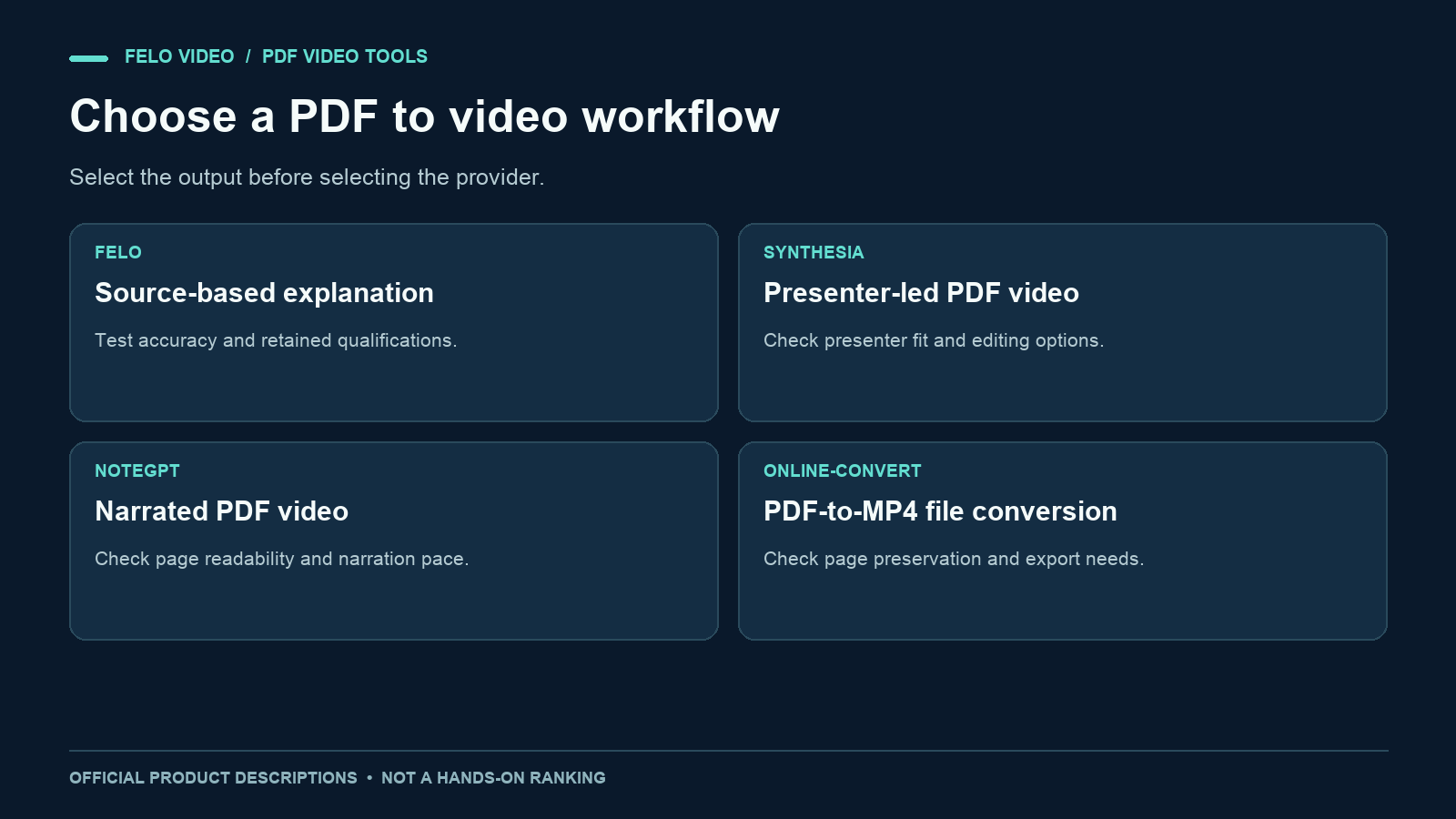
The best PDF to video converter for a training presentation may be the wrong choice for a research summary. Both accept a PDF, but the video you need them to produce can be very different.
Some workflows preserve the page sequence. Others add a presenter, narration, or a newly organized explanation. Compare the kind of output first, then test whether the tool handles your actual source accurately.
This is a desk-researched shortlist based on official product descriptions checked on November 3, 2026. It is published by Felo and includes Felo among the options. It is not a hands-on ranking: we have not run a shared PDF through all four services or measured their output quality, speed, or total cost.
Choose the output before choosing the converter
Start by answering one question: what should the viewer get from the video? Our comparison of PDF slideshows and explainers breaks down those two formats before you choose a provider.
If the answer is "follow these prepared slides," a page-oriented conversion may be enough. If it is "understand the report's main finding," you need a workflow that can reorganize information into an explanation. If a consistent on-screen presenter is part of your format, evaluate presenter-based tools explicitly.
These choices affect what you test. A page-oriented workflow should preserve layout and page order well enough for the intended viewing size. An explanation workflow needs to preserve facts while making editorial changes. A presenter workflow also needs a suitable delivery style and layout around the presenter.
Do not use "AI" as a substitute for those requirements. A tool can generate more elements without producing the particular explanation your audience needs.
Four PDF to video options to evaluate
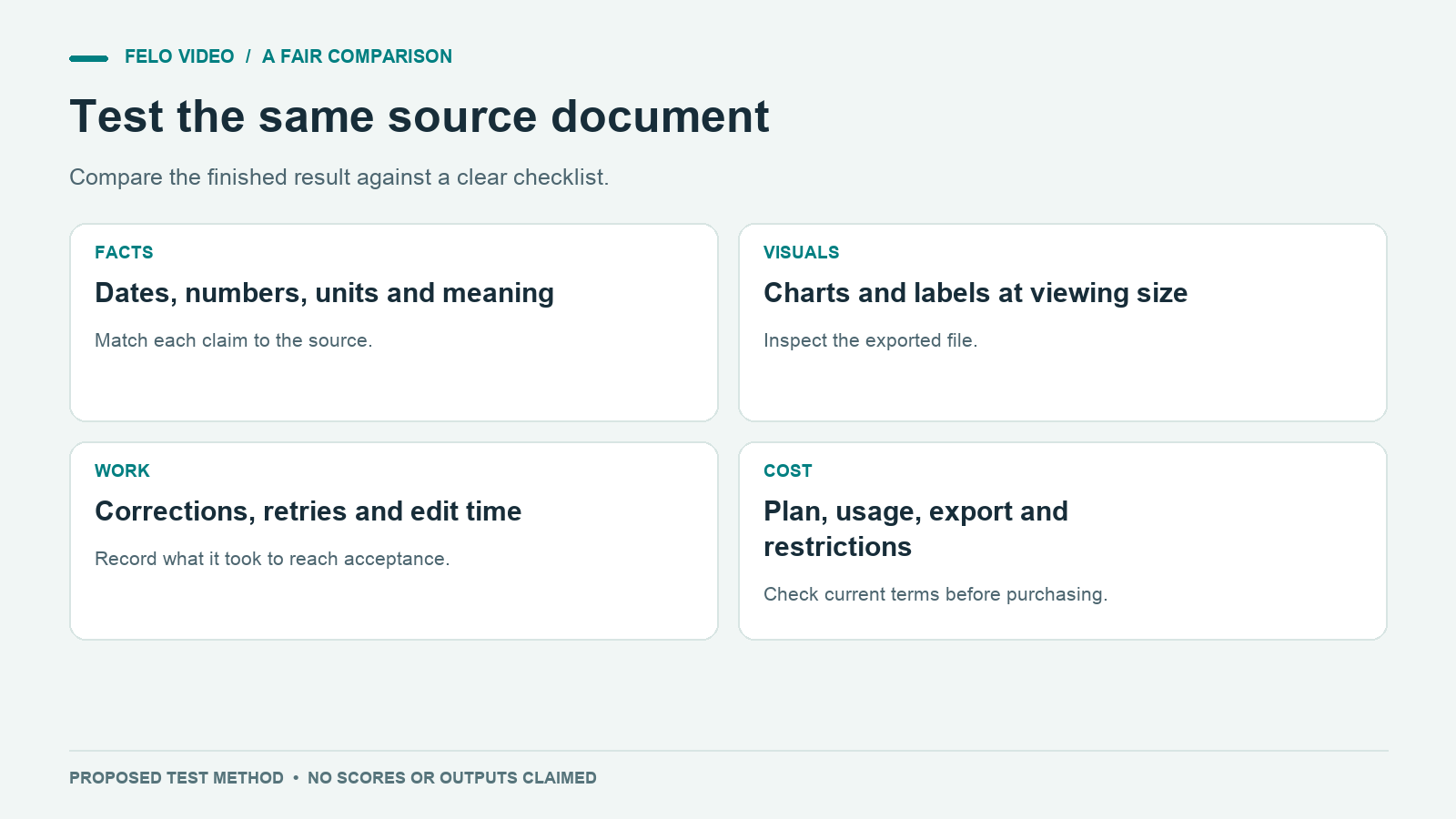
The table identifies a starting point for evaluation, not a quality winner.
| Option | Workflow described by its official materials | First question to test |
|---|---|---|
| Felo | Explanatory videos from source content, including PDFs | Does it preserve the finding and its qualifications? |
| Synthesia | PDF-based videos with AI presenter and customization options | Does the presenter format suit the material? |
| NoteGPT | Narrated PDF videos with page-oriented descriptions | Are the pages and narration usable for your lesson? |
| Online-Convert | PDF-to-MP4 conversion with output settings | Does the conversion preserve the pages as needed? |
Felo: evaluate for a focused explanation
Felo PDF to Video is designed to explain material from reports, guides, and learning documents. Consider it when the task is to communicate selected ideas from a PDF rather than reproduce every page.
For your test, provide the question the video should answer and the facts that must remain. Inspect whether the narration retains qualifications and whether the visuals represent tables correctly. Treat exact page-layout fidelity as something to test, not an assumed feature.
Synthesia: evaluate for a presenter-led format
Synthesia's PDF tool page describes uploading source material, refining the script, and customizing the video with AI presenters and other visual elements. Its documentation also describes sharing or downloading the result. See Synthesia's PDF to Video page.
A sensible evaluation question is whether a presenter improves this particular explanation. Check how much space remains for charts and diagrams, and how easily you can correct wording. Confirm that the export and editing options you need are available in the account or plan you are considering.
NoteGPT: evaluate for narrated learning material
NoteGPT describes a PDF-to-video workflow with audio narration and MP4 output. Its product page discusses converting PDF pages into video slides, alongside voice and visual settings. See NoteGPT's PDF to Video page.
Test a representative document rather than a perfectly prepared sample. Dense text, small chart labels, and scanned pages are useful checks if they occur in your real materials. Confirm how much of the page content is narrated and whether the resulting pace works for learners.
Online-Convert: evaluate for file conversion needs
Online-Convert provides a PDF-to-MP4 conversion page with optional settings such as video size and frame rate. Its documented workflow is to select a file, choose relevant settings, convert, and download. See the official PDF-to-MP4 page.
This is a candidate when your main requirement is a video-format version of existing pages. Test the actual output before assuming it includes explanation, narration, or editorial adaptation. The presence of audio-related settings alone does not establish that the service writes or narrates a script.
Use the same source and brief for a fair comparison
A tool tested with a clean slide deck should not be compared directly with another tested on a scanned report full of tables. The input difficulty matters.
Prepare one representative PDF that you have permission to upload. If the real use case involves confidential material, use an approved substitute with the same structural challenges.
A useful test document includes:
- A clear title and publication date.
- A short paragraph containing a qualification.
- A table with units and a time period.
- A chart with readable labels.
- A conclusion that follows from the evidence.
Include a fact sheet listing the expected values and meanings. For example, if a rate moves from 20% to 30%, the test should distinguish a ten-percentage-point increase from a 50% relative increase.
Then use the same audience and purpose for each explanatory tool:
Create a concise video explaining the main finding to someone unfamiliar with the report. Use the supplied facts and preserve the stated limitation. Keep dates, units, and source labels readable. Do not invent causes, quotes, or additional data. End with the supported conclusion and a reference to the source document.
A basic file converter may not accept this kind of brief. Record that difference as part of the workflow rather than forcing the comparison into a shared feature checklist. You are evaluating which method fits the job.
Score the result with criteria you can inspect
Separate critical factual checks from production preferences. An attractive video with an incorrect conclusion should not win because it has smoother transitions.
| Criterion | What to inspect | Evidence to record |
|---|---|---|
| Factual accuracy | Numbers, names, dates, and units | Specific correct or incorrect examples |
| Meaning | Qualifications and strength of claims | Script line compared with source passage |
| Visual readability | Charts and text at final viewing size | Screenshots from the export |
| Narration | Pronunciation, pace, and consistency | Timestamps needing correction |
| Editing effort | Work required to reach an acceptable result | Actual changes and time spent |
| Export suitability | Format, dimensions, captions, watermark | Properties of the downloaded file |
| Cost | Charges needed for the accepted output | Plan, usage, retries, and export conditions |
You can use a simple zero-to-two score: zero means the requirement failed, one means it needed substantial repair, and two means it met the requirement with little or no repair. Keep notes beside the scores so the numbers do not conceal important differences.
Treat a critical factual error as a separate issue to resolve. A total score can help organize your observations, but it should not allow visual polish to compensate for a wrong instruction or unsupported claim.
These are suggested evaluation criteria. They are not results from tests performed for this article.
Compare the cost of the finished video
A trial allowance or low entry price does not tell you what an accepted, downloadable video will cost in your workflow.
Record the plan used, the generation charge, any retries, and the cost or restrictions attached to export. If a tool requires a paid plan for the format you need, include that in the decision. If an output needs extensive manual reconstruction, record the labor even when the software charge is low.
Check Felo pricing and the other providers’ current pricing and account terms directly before purchasing. This article does not provide a price ranking because the relevant amounts and limits can change, and the same source may require different amounts of revision.
Avoid comparing a free preview with another tool's final export. Compare the deliverable you actually need: for example, a readable video file that can be shared in the intended channel under the applicable terms.
Ask the questions a feature list misses
Can you correct a factual mistake without starting again? Can you identify the source of each number? Does changing the narration alter the visuals in a way that introduces a new error?
Also check how the workflow handles a difficult page. A scanned table may look readable to a person while being interpreted incorrectly. A chart image may lose its labels when reformatted. A source can be accepted without every detail being extracted accurately.
For recurring work, keep a small test set of the document types you use most often. A presentation, a dense report, and a procedural guide may reveal different strengths and weaknesses. That test set is more useful than a single generic demonstration.
Document the exact version of the source and the date of the test. If you revisit the decision later, you will know whether a different result reflects a changed product, a changed prompt, or a changed input.
Questions about the best PDF to video converter
Is there one best tool for every PDF?
No single recommendation follows from the file extension. A presentation, a report, and a scanned manual create different production tasks. Match the workflow to the intended output and test a representative file.
Is a free converter enough?
It may be enough for a particular conversion. Confirm the actual export, limits, and permitted use rather than assuming a free preview meets your final requirements.
Which option should I evaluate first?
For explanation from source material, start with a workflow designed for that purpose. For a presenter format, test a presenter-based option. For page conversion, test whether a simpler converter already meets the need. The shortlist above provides candidates, not a tested ranking.
How can I compare tools without a large budget?
Use one small, representative source and a written acceptance checklist. Inspect the first output before spending more on revisions or additional tools. Keep the comparison focused on the requirements that matter to your audience.
Whichever workflow you choose, evaluate the finished video against the source and the needs of the people who will watch it.