Claude Code Context Loss: Why It Happens and How to Fix It

Claude Code loses all context when a session ends. Here's why it happens, what it actually costs you, and the permanent fix using MemClaw persistent workspaces.
You've been working on a project for three weeks. You open Claude Code this morning and type: "Let's continue with the auth refactor."
Claude has no idea what you're talking about.
Every session starts from zero. This is Claude Code's context loss problem — and it's not a bug. It's how the system is designed. But there's a permanent fix.
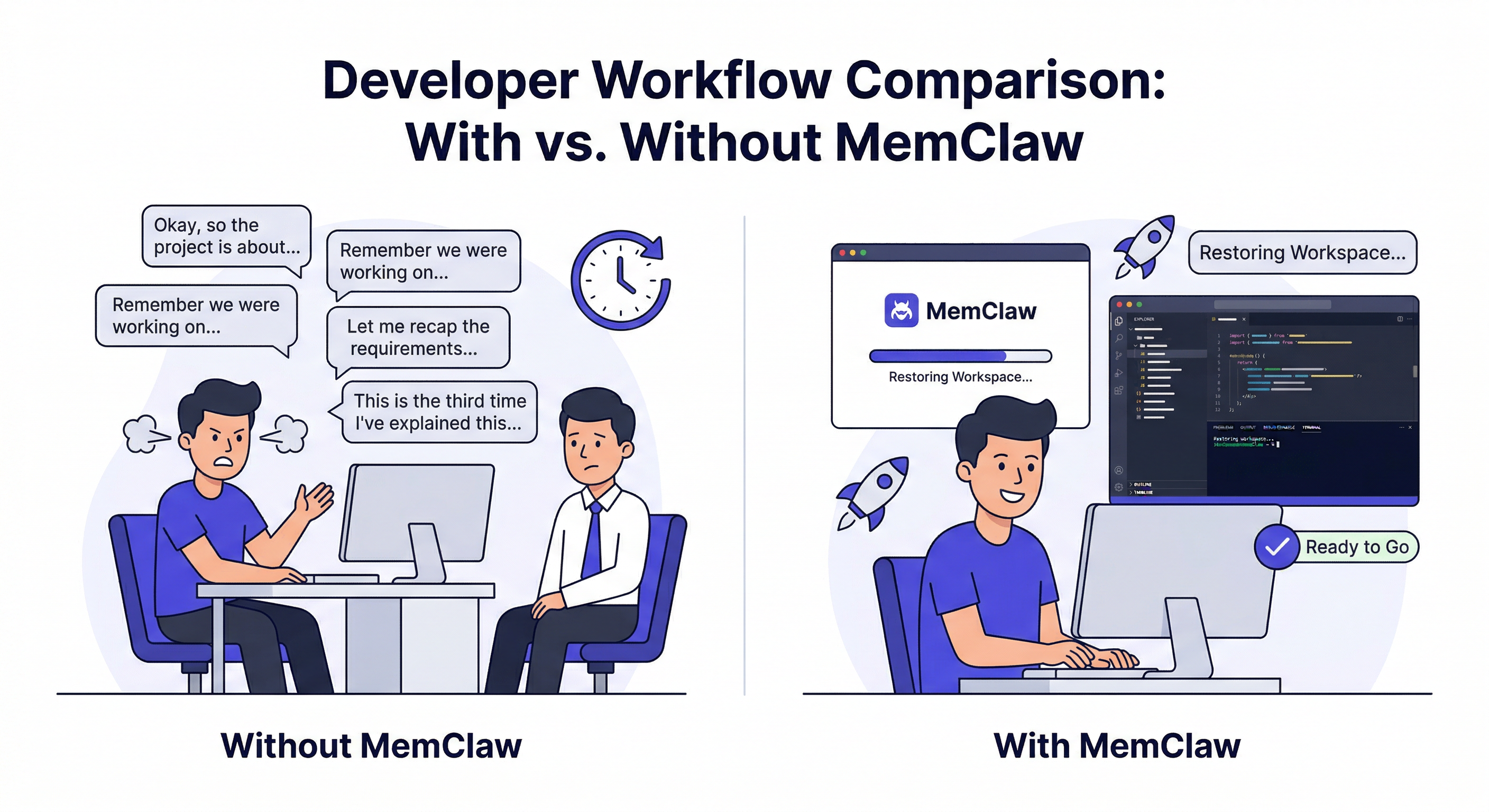
Why Claude Code Loses Context
Claude Code is stateless. Each session is an independent conversation with no memory of previous sessions. When you close a session, everything in that context window is gone.
This is a deliberate architectural choice — stateless systems are simpler, more predictable, and easier to scale. But for ongoing development work, it creates a real problem.
The obvious cost: 5–10 minutes re-explaining your project at the start of every session. Across a year of daily development, that's 20–40 hours of pure overhead.
The less obvious cost: Claude makes suggestions that contradict decisions you already made. It recommends an approach you already tried and ruled out. It asks questions you answered two weeks ago.
The least obvious cost: The cognitive load of constantly tracking "what does Claude currently know?" You're managing two mental models — your project and Claude's understanding of your project — instead of just doing the work.
The Partial Fix: CLAUDE.md
The standard workaround is a CLAUDE.md file in your project root. Claude reads it at session start:
# Project: MyApp
## Stack: Next.js 14, TypeScript, PostgreSQL
## Key decisions: JWT in httpOnly cookies for auth
## Current focus: Auth refactor (started 2026-03-20)
## Known issues: Stripe webhook fires twice — check idempotency key
This is genuinely useful and worth doing. The limits:
- Static — you maintain it manually, it slowly goes stale
- No history — no record of when decisions were made or why
- Single file — everything in one place, gets messy fast
- No search — Claude can't answer "what did we decide about caching last month?"
- No isolation — one file per project, no cross-project management
CLAUDE.md is the right choice for a single small project with a short lifespan. It breaks down for anything more complex.
The Permanent Fix: MemClaw
MemClaw replaces the static CLAUDE.md with a living, searchable workspace per project. The agent reads it at session start and writes back to it as you work.
Install:
/plugin marketplace add Felo-Inc/memclaw
/plugin install memclaw@memclaw
export FELO_API_KEY="your-api-key-here"
Create a workspace for the project:
Create a workspace called MyApp
Spend 15 minutes seeding it with current context:
Add to workspace: Next.js 14 + TypeScript + PostgreSQL.
Auth uses JWT in httpOnly cookies — security team requirement, not negotiable.
Stripe webhook fires twice — always check idempotency key before processing.
Current focus: extracting JWT validation logic from auth middleware.
Add decision: rejected Redis for session caching — too much ops overhead
for the team size. Using Postgres-backed sessions instead. Decided 2026-03-15.
Load at the start of every session:
Load the MyApp workspace
That's it. Claude reads the workspace and picks up exactly where you left off.
What "Fixed" Looks Like
Before MemClaw:
You: "Let's continue with the auth refactor." Claude: "I'd be happy to help with an auth refactor! Could you tell me about your current setup?"
After MemClaw:
You: "Load the MyApp workspace. Let's continue with the auth refactor." Claude: "I can see you're extracting JWT validation from the auth middleware. Last session you completed the extraction — the next step is updating the route handlers to use the new
validateJWTutility. The httpOnly cookie requirement from the security team is already handled in the new implementation. Want to start with the protected routes?"
The difference is the workspace. Claude knows the project because the project context is there to read.
Building the Logging Habit
The workspace gets more useful the more you put into it. Two habits make the biggest difference:
Log decisions when you make them:
Add decision to workspace: using Tailwind not custom CSS —
faster development, client doesn't need a custom design system. 2026-04-07.
Don't wait until the end of the session. Log it the moment you decide.
Update status at the end of each session:
Update workspace status: JWT extraction complete. Route handlers updated.
Next: update tests to use new validateJWT utility.
One line is enough. This is what Claude reads first when you return to the project.
After two weeks of consistent use, the workspace has enough context that loading it at session start feels meaningfully different from starting fresh. After a month, you stop thinking about context management entirely.
When CLAUDE.md Is Still the Right Choice
MemClaw isn't always necessary. CLAUDE.md is the right choice when:
- Single project, short lifespan (under a month)
- Solo developer, no team sharing needed
- Simple project where context fits in one file
- You want zero external dependencies
The tipping point for MemClaw: multiple projects running in parallel, or a project longer than a month, or a team of more than one person.
MemClaw vs CLAUDE.md — full comparison →
Getting Started
- Install MemClaw (memclaw.me)
- Create a workspace for your current project
- Spend 15 minutes adding current context — stack, decisions, status
- Load the workspace at the start of every session
- Log decisions and status updates as you work
The context loss problem doesn't go away on its own. But once you have a workspace with real project context in it, you'll notice the difference immediately.