Claude Code Projects: Organize and Isolate Multiple Projects

How to use Claude Code effectively across multiple projects — per-project context isolation, workspace setup, and the habits that keep projects from bleeding into each other.
Claude Code doesn't have a built-in concept of "projects." Every session is a blank slate. If you work on multiple projects, you're responsible for loading the right context — and for keeping projects from bleeding into each other.
Here's how to do it properly.
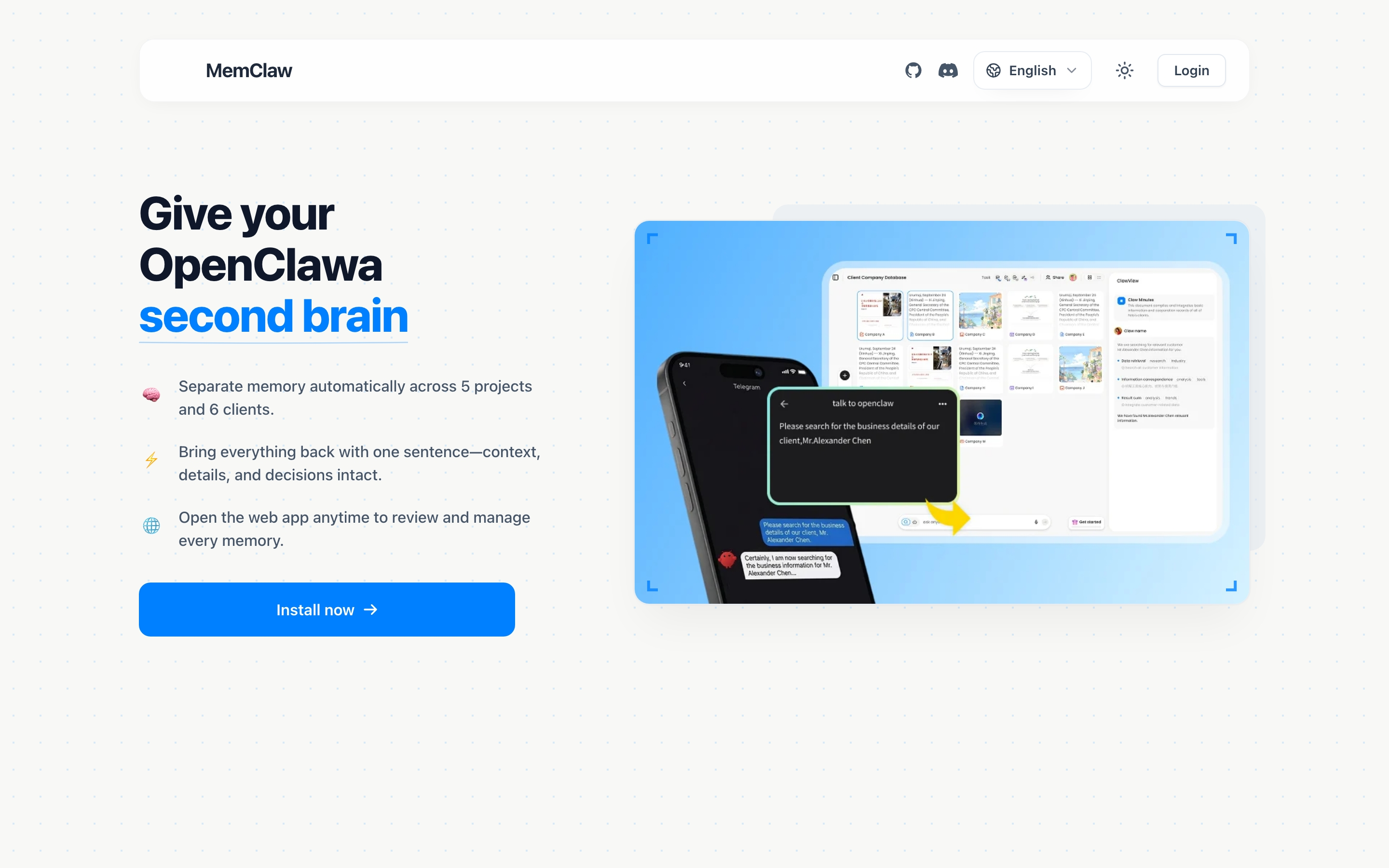
The Problem with No Project Isolation
Without isolation, multi-project Claude Code work creates predictable problems:
Context bleed. You're working on Project B but Claude is still thinking about Project A's architecture. It suggests approaches that make sense for A but not for B.
Decision drift. You made a decision on Project A (JWT auth) and a different decision on Project B (sessions). Without isolation, Claude might apply A's decision to B's session.
Re-explanation overhead. Every session, you re-explain which project you're working on, what the stack is, what the current focus is. 5-10 minutes of overhead before you get to actual work.
The fix: one workspace per project, loaded at session start.
Setting Up Project Isolation
Install MemClaw:
/plugin marketplace add Felo-Inc/memclaw
/plugin install memclaw@memclaw
export FELO_API_KEY="your-api-key-here"
Create one workspace per project:
Create a workspace called Project Alpha
Create a workspace called Project Beta
Create a workspace called Side Project
Each workspace is completely isolated. Loading Project Alpha gives Claude only Project Alpha context. Loading Project Beta gives Claude only Project Beta context.
What to Put in Each Project Workspace
Project identity — what it is, who it's for, what constraints apply:
Add to workspace: SaaS dashboard for Alpha Corp.
Stack: Next.js 14, TypeScript, Supabase.
Constraint: GDPR compliance, EU data residency.
Contact: Sarah ([email protected]).
Key decisions — choices that shape how the project is built:
Add decision: JWT in httpOnly cookies for auth.
Security team requirement. Not negotiable. 2026-04-08.
Current status — where things stand right now:
Update workspace status: auth complete, working on dashboard.
Next: data visualization components.
That's the minimum. Add more as the project evolves.
Session Workflow
Starting work on a project:
Load the Project Alpha workspace
Claude reads the workspace and is immediately oriented — no re-explaining needed.
Switching projects:
Load the Project Beta workspace
Complete context switch. Project Alpha is gone from the picture.
Returning after time away:
Load the Project Alpha workspace
Where did I leave off?
Claude reads the status you logged last session and orients you in seconds.
Keeping Projects Clean
Log decisions immediately. When you make a decision, log it before moving on:
Add decision to workspace: using Tailwind not custom CSS —
faster development, client doesn't need custom design system. 2026-04-08.
Update status at session end. One line:
Update workspace status: dashboard layout done. Working on data fetching next.
Keep workspaces current. A workspace with stale status misleads Claude. If a project goes on hold:
Update workspace status: ON HOLD as of 2026-04-08. Resuming Q3.
Last active: payment integration 80% complete.
CLAUDE.md vs. MemClaw for Project Isolation
CLAUDE.md works for single-project setups. One file per project root, version-controlled, zero external dependencies. The limits: static (you maintain it manually), no history, no search, no cross-project management.
MemClaw works for multi-project setups. Persistent, searchable, accumulates automatically, shareable with teams. Requires a Felo API key.
If you're working on one project: CLAUDE.md is fine.
If you're working on two or more projects simultaneously: MemClaw's isolation model is worth the setup.
Getting Started
- Install MemClaw (memclaw.me)
- Create one workspace per active project
- Add project identity, key decisions, and current status to each
- Load the relevant workspace at the start of every session
From the first session, Claude knows which project you're working on and gives advice specific to that project's context.