Claude Code Review Guide: How to Review AI-Generated Code

Complete guide to reviewing AI-generated code. What to check, common issues, using /review command, and building a review workflow.
Code review is one of the highest-leverage activities in software development. It catches bugs before production, enforces standards, and spreads knowledge across the team. But it's also time-consuming and inconsistent. Claude Code can make code review faster and more consistent. The key: it needs to know your project's standards, not just generic best practices. Set up context-aware code review with MemClaw → memclaw.me
The Problem with Generic AI Code Review
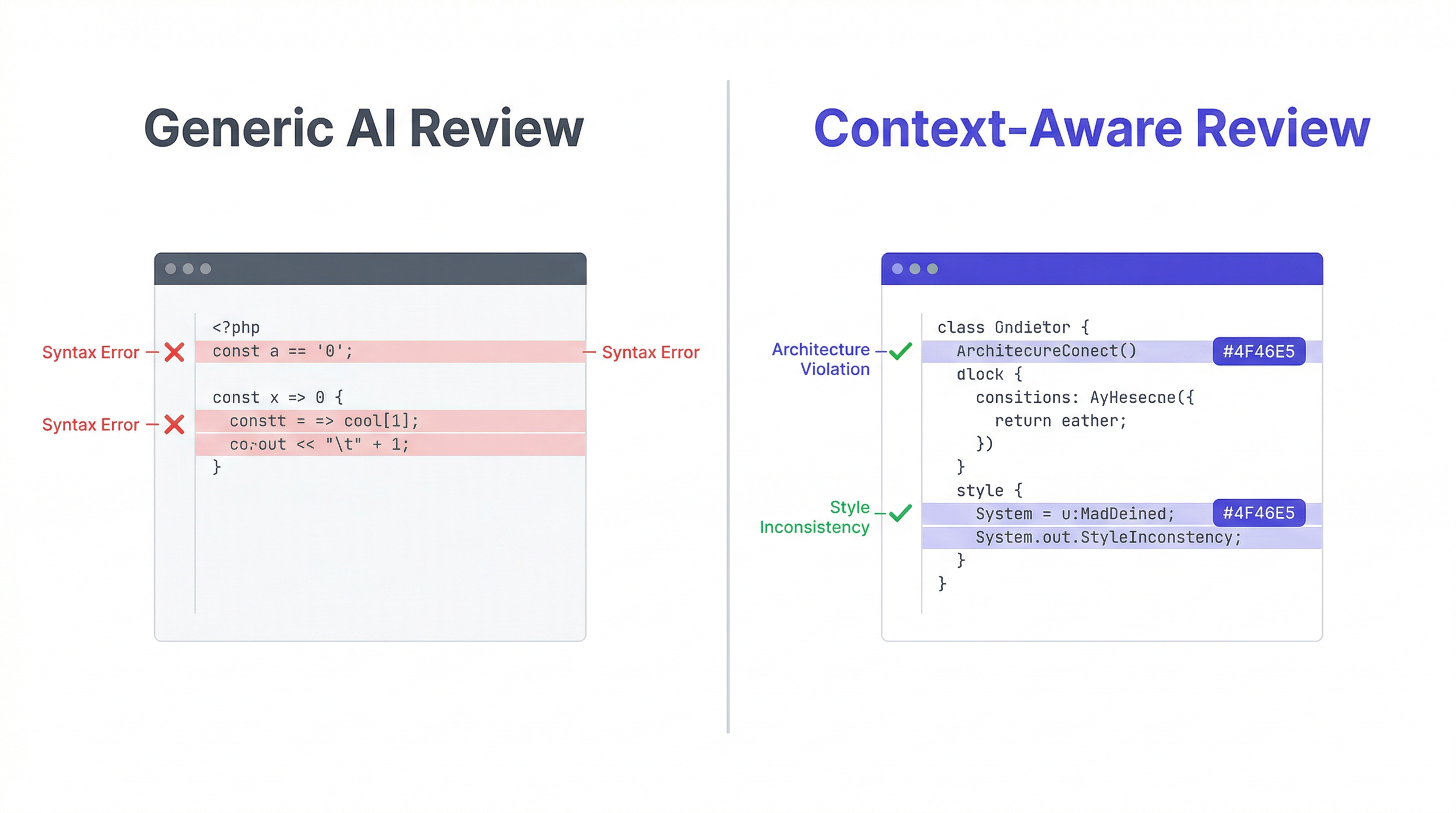
Most developers who try AI code review are disappointed. They paste code into Claude and ask for a review. They get:
- Generic best practices they already know
- Suggestions that contradict their architecture
- "Consider using X" where X is something they already rejected
- Missing the project-specific issues that actually matter The problem isn't Claude's capability — it's context. Claude doesn't know your project, so it can't review against your standards.
Context-Aware Code Review
The solution: give Claude your project context before reviewing. Without context: You: Review this code. Claude: Consider using GraphQL for more flexible queries... [You use REST only — this is useless] With MemClaw context: You: /review Claude: Loading project standards from MemClaw workspace...
Critical
src/routes/orders.ts:47 Direct DB query in route handler. Your architecture requires Repository Pattern (/lib/repositories/). → Move to OrderRepository.findByUser()
Warning
src/components/Cart.tsx:23 JWT stored in localStorage. Your decision (2026-02-15): httpOnly cookies only. → Use existing useAuth() hook The second review is useful because Claude knows your actual standards.
Setting Up Context-Aware Code Review
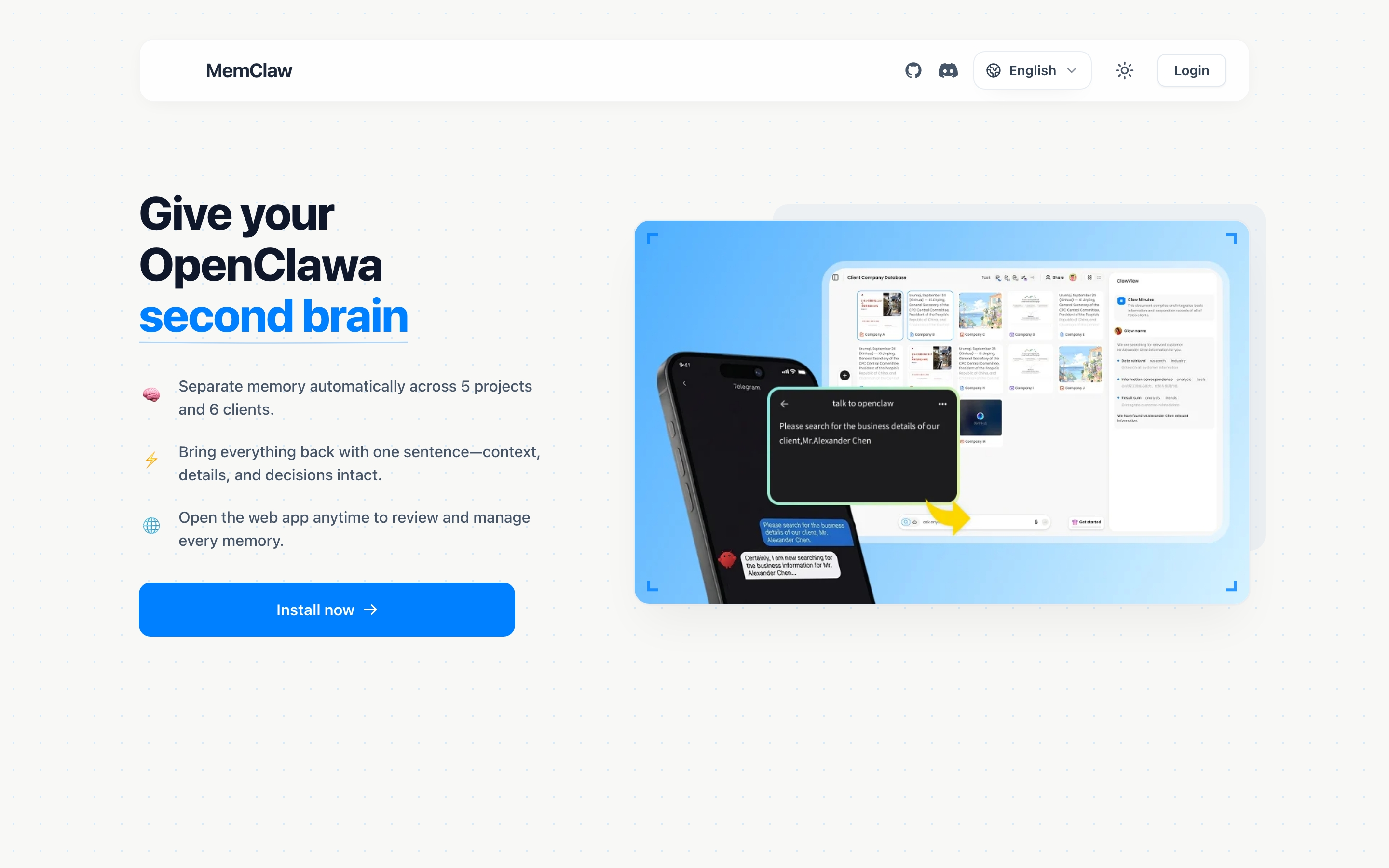
Step 1: Add your standards to MemClaw
In your MemClaw workspace, add a code review standards section:
Code Review Standards
Architecture Rules
- All DB access via Repository Pattern — no direct queries in routes
- JWT in httpOnly cookies — never localStorage
- React Query for all async operations
- Error boundaries at route level, not component level
Naming Conventions
- Components: PascalCase
- Hooks: useXxx
- Utilities: camelCase
- Constants: UPPER_SNAKE_CASE
Review Priorities
- Security: SQL injection, XSS, CSRF, hardcoded credentials
- Performance: N+1 queries, missing indexes, unnecessary re-renders
- Error handling: Unhandled promises, missing error boundaries
- Architecture violations: Direct DB in routes, business logic in components
Step 2: Create the /review slash command
.claude/commands/review.md: Review the staged changes in this repository.
First, load project standards from the MemClaw workspace.
Check for:
- Security issues (SQL injection, XSS, CSRF, hardcoded credentials, missing input validation)
- Architecture violations (check workspace for our patterns)
- Performance issues (N+1 queries, missing indexes, unnecessary re-renders)
- Missing error handling (unhandled promises, missing error boundaries)
- Test coverage gaps
- Anything that contradicts past decisions (check workspace)
Output format:
Critical (must fix before merging)
Warning (should fix, explain why)
Suggestion (optional improvements)
Each issue: file:line, description, suggested fix.
Step 3: Run the review
git add . claude /review Claude loads your project standards from MemClaw and reviews the staged changes against them.
What Context-Aware Review Catches
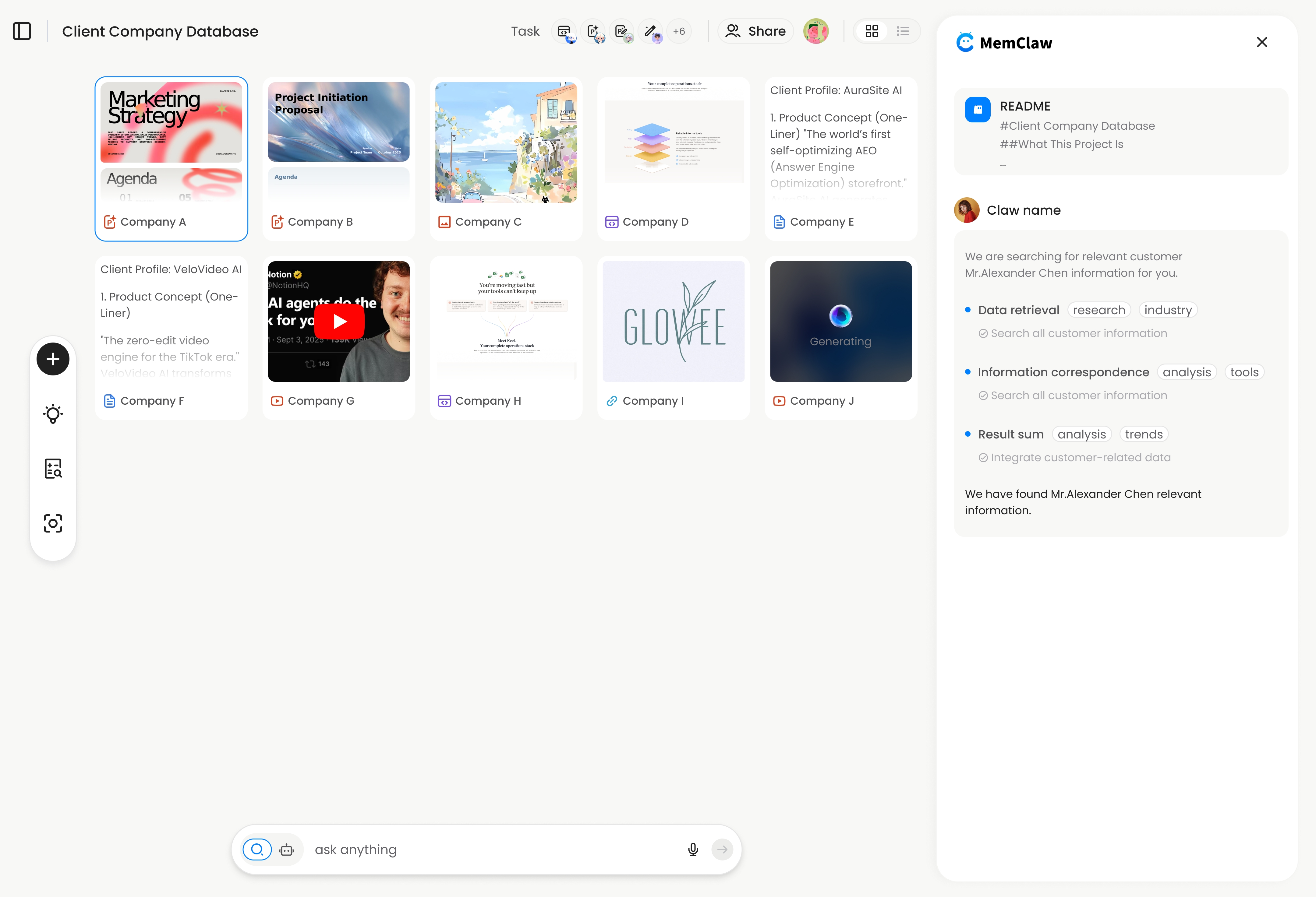
Architecture violations: "This route queries the database directly. Your convention is to use the Repository Layer in /lib/repositories/." Convention violations: "This component uses useEffect + fetch. Your convention is React Query for all async operations." Past decision conflicts: "We decided on 2026-03-10 not to use Redis caching in this module due to race condition issues. This implementation reintroduces the same pattern." Project-specific security issues: "This endpoint doesn't check the idempotency key. You have a known issue with Stripe webhooks firing twice — this needs an idempotency check." None of these appear in generic code review. They require project context.
Keeping Review Standards Current
Your review standards should evolve with your project. When you make a new architectural decision, add it to the workspace: "Add to workspace: we decided to use optimistic locking for inventory updates. Any code that modifies inventory without optimistic locking should be flagged in code review." Next time you run /review, Claude knows this new standard.
Getting Started
- Add your code review standards to your MemClaw workspace
- Create the
/reviewslash command - Run
git add . && claudethen/reviewbefore your next commit Set up context-aware code review → memclaw.me