Claude Memory Tool Selection Guide: Persistent Workspaces vs. Chat History vs. Manual Files

Comparing the three main approaches to Claude memory in 2026: chat history, CLAUDE.md files, and persistent workspaces. Which one fits your workflow depends on how many projects you're managing.
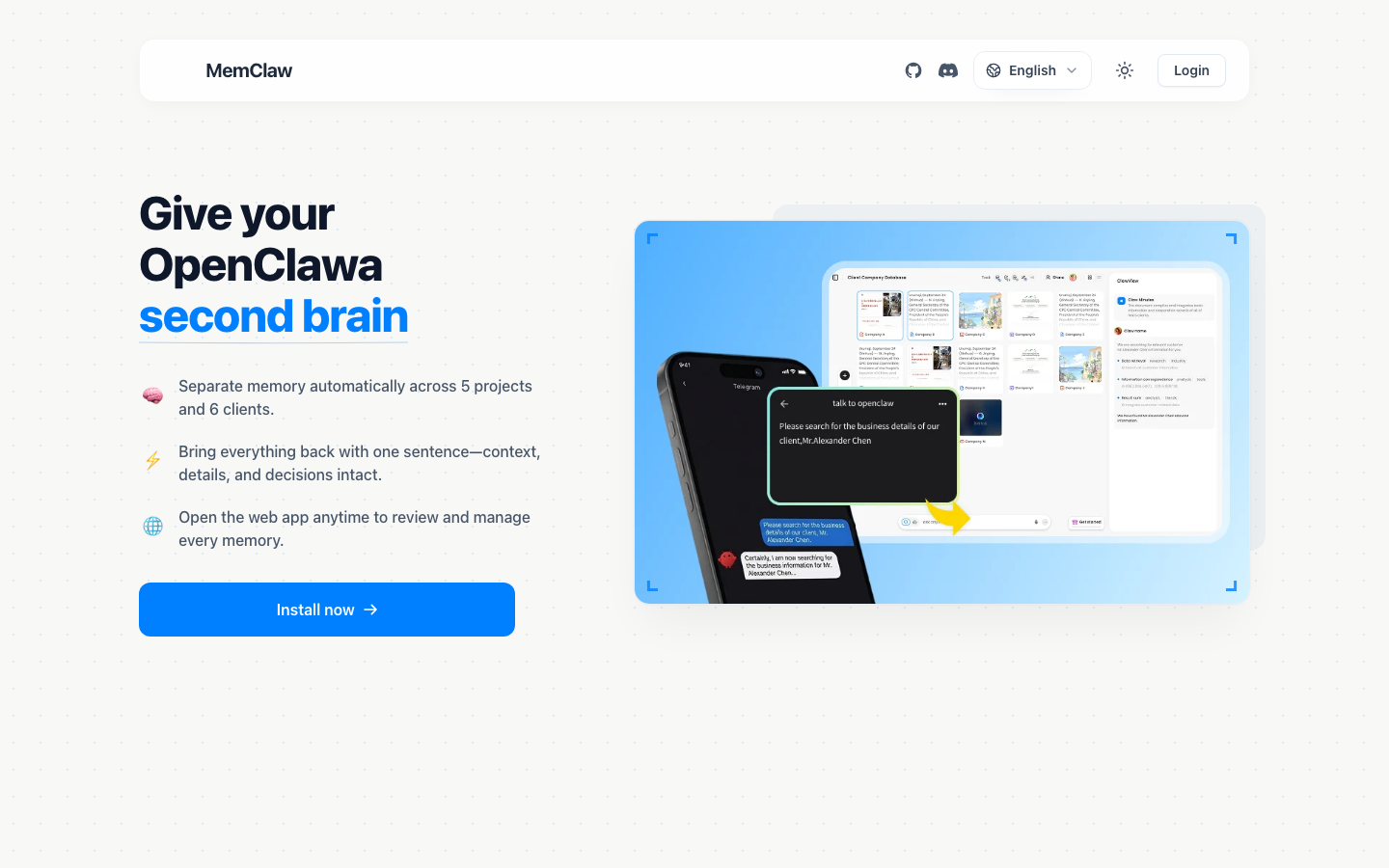
Claude doesn't remember you. Every session starts fresh — no history, no context, no record of what you worked on last week.
That's not a flaw. It's how the model is designed. But it creates a real problem for anyone using Claude on ongoing projects: you have to re-establish context every single time.
There are three main approaches to solving this. Each has genuine strengths and real limitations. This guide lays them out honestly so you can pick the one that fits your workflow.
The Complete Guide to AI Memory for Agents
Why Claude Doesn't Remember You (And Why That's by Design)
Claude is stateless. Each conversation is independent — the model has no access to previous sessions. This is a deliberate architectural choice that makes the system simpler, more predictable, and easier to scale.
Within a session, Claude remembers everything in the context window. Close the window, and it's gone.
For one-off tasks, this doesn't matter. For ongoing projects — especially multiple projects running in parallel — it creates a compounding overhead problem. Every session starts with re-briefing. Every re-briefing takes time. Every incomplete re-briefing produces lower-quality output.
The question isn't whether to solve this. The question is which approach fits your situation.
The Three Approaches to Claude Memory in 2026
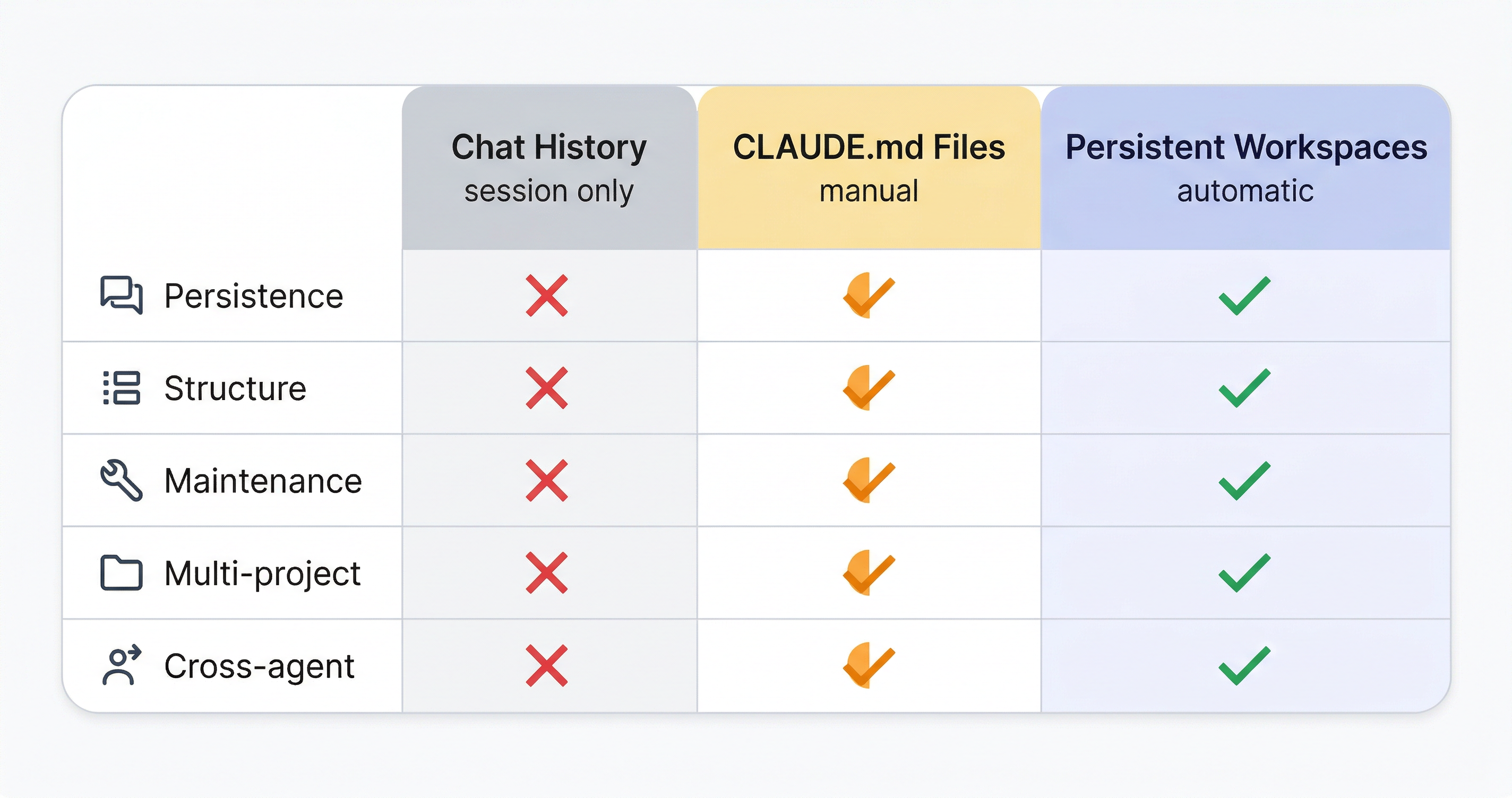
There are three practical approaches to giving Claude persistent memory. They differ in setup cost, maintenance overhead, reliability, and scalability.
| Approach | Setup | Maintenance | Scales to 5+ projects | Cross-agent |
|---|---|---|---|---|
| Chat history | None | None | No | No |
| CLAUDE.md files | Low | Manual | Possible, with effort | No |
| Persistent workspaces (MemClaw) | ~2 min/project | Automatic | Yes | Yes |
Chat History: Simple but Limited
Chat history is the default. Everything said in the current conversation is available to Claude. No setup required.
What it does well:
- Zero friction for one-off tasks
- Works immediately, no configuration
- Good for tasks that are self-contained within a single session
Where it breaks down:
- Context doesn't survive session boundaries
- Long projects eventually exceed the context window, causing early context to be truncated
- No structure — everything is in one flat stream
- No isolation between projects — you have to manually switch context
Best for: Quick tasks, one-off questions, work that doesn't span multiple sessions.
Not suitable for: Ongoing projects, multiple clients, anything where decisions made last week need to inform work this week.
CLAUDE.md Files: Flexible but Manual
CLAUDE.md is a markdown file you place in your project directory. Claude Code reads it automatically at the start of each session. You write it, you maintain it, you decide what goes in it.
What it does well:
- Free, no external dependencies
- Works natively in Claude Code
- You control exactly what context the agent sees
- Good for developers with well-organized project directories
Where it breaks down:
- Entirely manual — you have to update it after every significant decision
- No structure enforcement — it's a flat text file, easy to let it become a mess
- Doesn't work across agents — a CLAUDE.md file doesn't help if you're also using OpenClaw
- Doesn't auto-update — the agent won't write back to it unless you explicitly ask
- Maintenance overhead grows with the number of projects
Honest limitation: Most people start a CLAUDE.md file with good intentions and stop updating it after a few weeks. A stale CLAUDE.md is worse than no CLAUDE.md — it gives the agent outdated context that it treats as current.
Best for: Solo developers with 1-2 projects, disciplined about documentation, working exclusively in Claude Code.
Not suitable for: Multiple clients, teams, or anyone who wants context maintenance to be automatic.
Persistent Workspaces (MemClaw): Structured and Automatic
MemClaw gives each project an isolated workspace with a Living README — a structured document that stores background context, decisions, current progress, and pending tasks. The agent reads it at session start and updates it automatically as work progresses.
What it does well:
- Automatic maintenance — the agent updates the workspace as you work
- Structured context — background, decisions, progress, and tasks are separate layers
- Project isolation — each project has its own workspace, zero cross-project bleed
- Cross-agent compatible — the same workspace works in Claude Code and OpenClaw
- Scales to any number of projects without increasing overhead
Honest limitations:
- Requires a FELO_API_KEY (free tier available at felo.ai/settings/api-keys)
- Each project needs initial workspace setup (~2 minutes)
- Depends on an external service — if the service is unavailable, you fall back to manual context
Best for: Anyone managing multiple ongoing projects, freelancers with multiple clients, teams sharing project context across agents.
If you're juggling multiple projects in Claude Code, MemClaw's workspace approach is worth a look — setup takes under 2 minutes.
Which Claude Memory Tool Is Right for You? (Decision Matrix)
Use chat history if:
- Your tasks are self-contained within a single session
- You don't need context to carry over between sessions
- You want zero setup and zero maintenance
Use CLAUDE.md files if:
- You're a developer working in Claude Code
- You have 1-2 projects with relatively stable context
- You're disciplined about maintaining documentation
- You don't need cross-agent compatibility
Use persistent workspaces (MemClaw) if:
- You're managing 3+ ongoing projects simultaneously
- You work with multiple clients and need strict project isolation
- You want context maintenance to be automatic, not manual
- You use both Claude Code and OpenClaw on the same projects
- You've tried CLAUDE.md and found yourself not maintaining it
The honest answer for most people: If you're reading this article, you're probably managing more than one ongoing project and you've already experienced the pain of context loss. CLAUDE.md is a reasonable starting point if you're a developer with 1-2 projects. For anything more complex, persistent workspaces are the more reliable long-term solution.
Getting Started with Persistent Memory for Claude
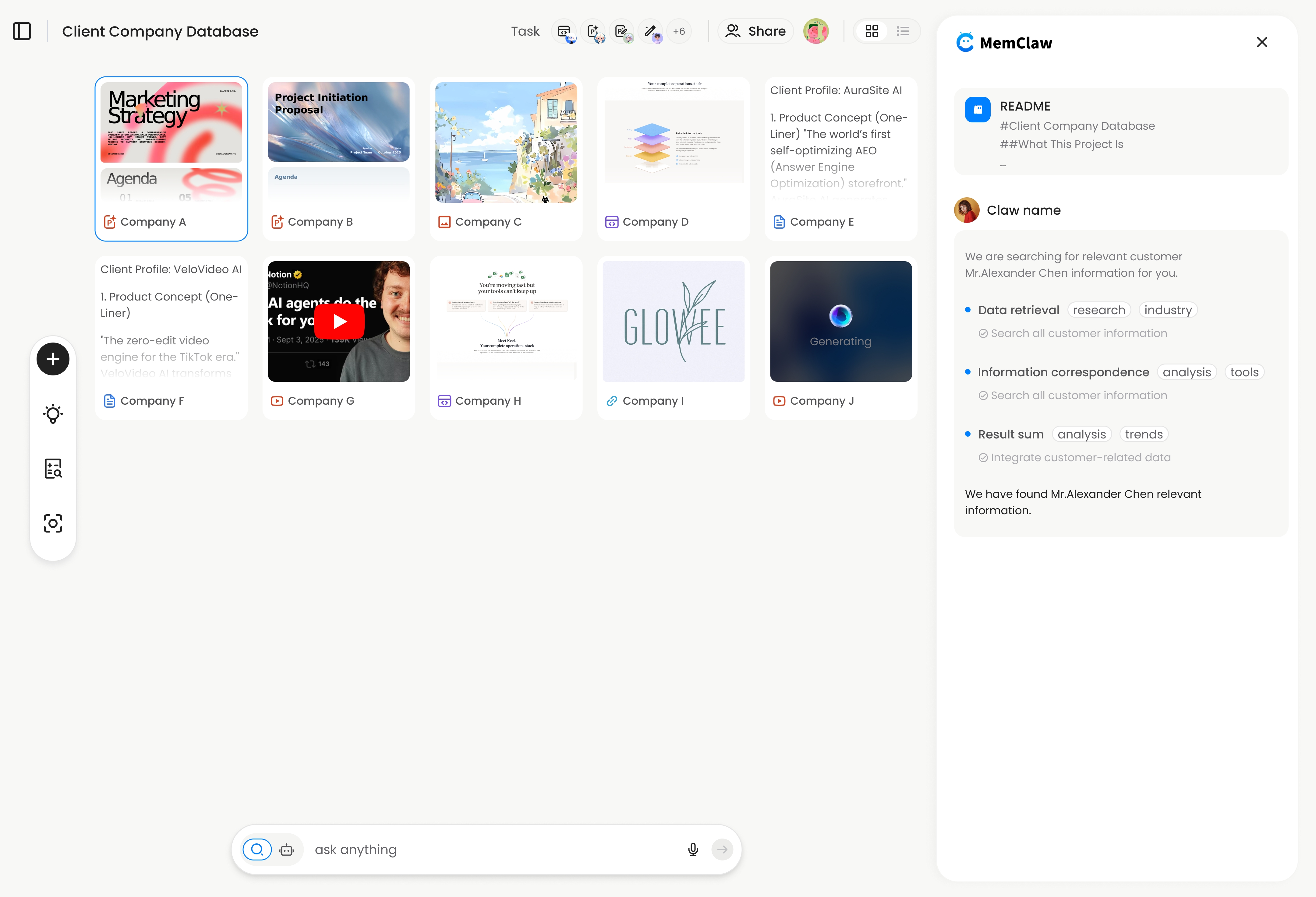
If you've decided persistent workspaces fit your workflow, here's how to get started.
Install MemClaw in Claude Code
/plugin marketplace add Felo-Inc/memclaw
/plugin install memclaw@memclaw
Set your API key
Get a free key at felo.ai/settings/api-keys:
export FELO_API_KEY="your-api-key-here"
Create your first workspace
Open a project in Claude Code and say:
Create a workspace for this project
Give the agent a brief description. It initializes the workspace with the context from your current conversation.
Load it at the start of each session
Load the project workspace
Context restoration takes about 8 seconds. The agent reads the structured Living README and is immediately oriented in the project — background, recent decisions, current progress, pending tasks.
Save decisions explicitly when they matter
Add to workspace: we decided to use Postgres over MongoDB because the client's reporting requirements need complex joins
That decision is now permanently stored. Future sessions, the agent knows it without being told.
How to Add Persistent Memory to OpenClaw
Conclusion
There's no single right answer for Claude memory — the right approach depends on how many projects you're managing and how much maintenance overhead you're willing to accept.
Chat history works for simple, self-contained tasks. CLAUDE.md files work for disciplined developers with a small number of projects. Persistent workspaces work for anyone managing multiple ongoing projects who wants context maintenance to be automatic.
The common mistake is starting with the simplest approach and sticking with it past the point where it stops working. If you're spending more than 5 minutes per session re-establishing context, the approach isn't scaling.
Try MemClaw free → memclaw.me | Get API key at felo.ai/settings/api-keys
Disclosure: This article is published by the Felo team, who builds MemClaw. We've aimed to present the alternatives fairly and include honest limitations of our own product. We recommend evaluating all options based on your specific workflow.
Related: The Complete Guide to AI Memory for Agents | How to Add Persistent Memory to OpenClaw