ClawHub: The Skills Marketplace for Claude Code

ClawHub is the app store for Claude Code capabilities. This guide covers what ClawHub is, how skills work, and which skills are worth installing — with a focus on MemClaw for persistent project memory.
If you've been using Claude Code for a while, you've probably hit the same wall: the base setup is powerful, but it doesn't know your codebase, doesn't remember your projects, and doesn't connect to the external tools you actually use.
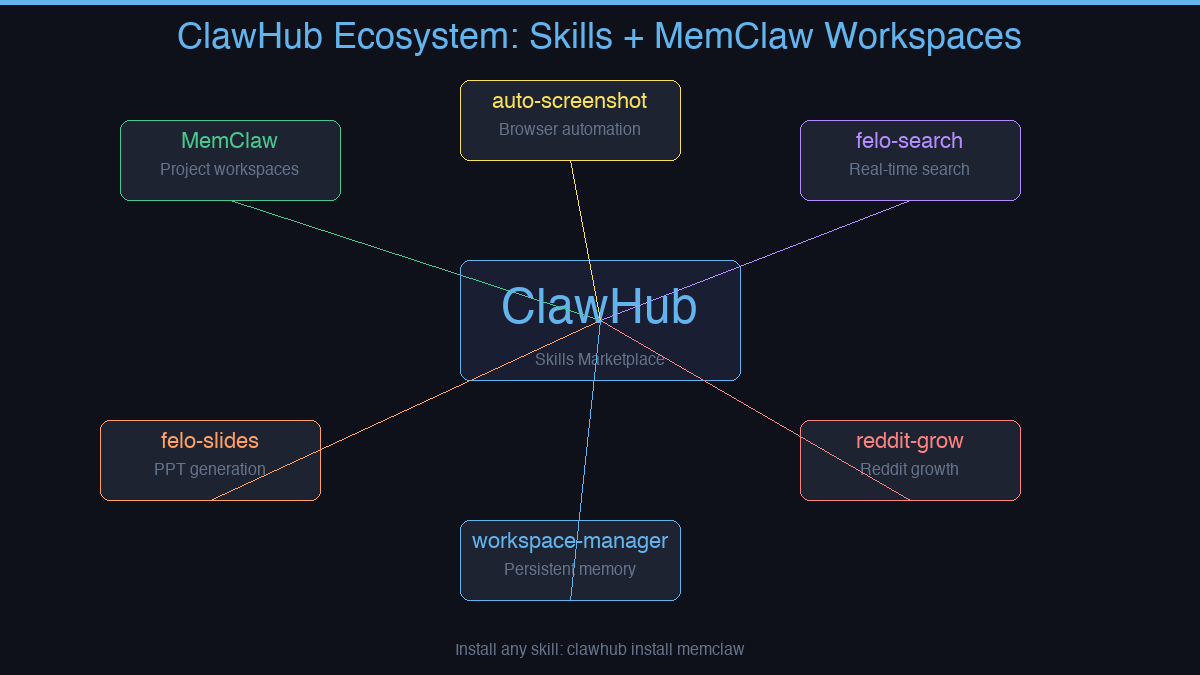
ClawHub is where that changes.
What ClawHub Is
ClawHub is a skills marketplace for Claude Code and OpenClaw. Skills are pre-built capabilities you install with a single command — no JSON config, no server setup, no technical knowledge required.
Think of it like an app store for your AI agent.
Skills Available on ClawHub
Some of the most-used skills:
| Skill | What it does |
|---|---|
| MemClaw | Persistent project workspaces — isolated context per project |
| auto-screenshot | Browser automation and screenshot capture |
| felo-search | Real-time web search inside your agent |
| felo-slides | Generate presentations from content |
| workspace-manager | Manage MemClaw workspaces via natural language |
MemClaw: The Most Important Skill for Multi-Project Work
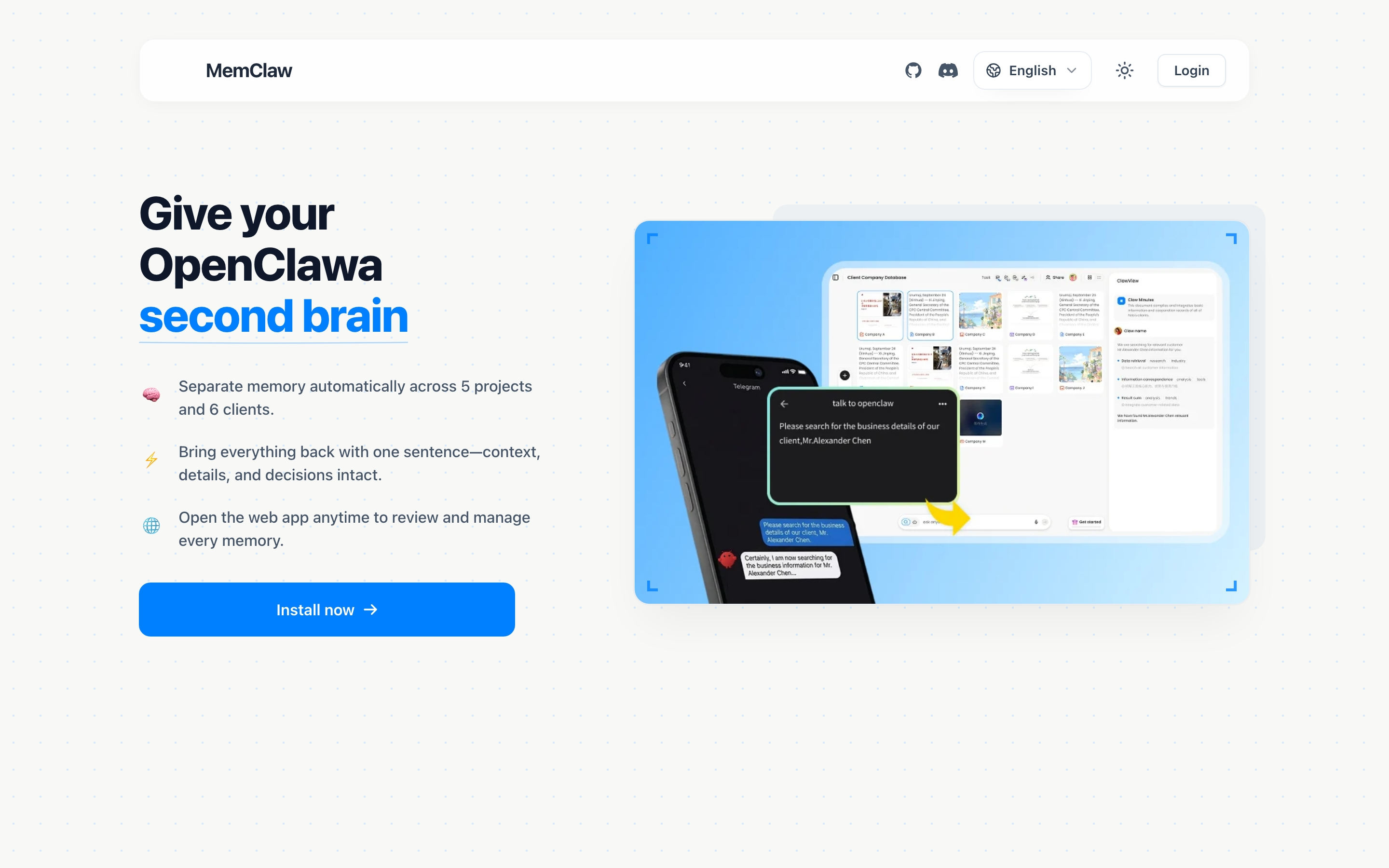
If you're managing more than one project with Claude Code, MemClaw is the skill that changes how everything works.
Without it: every session starts from zero. You re-explain your stack, your decisions, your current status. Context from one project bleeds into another.
With MemClaw: each project gets its own isolated workspace. One project = one workspace. The agent opens it and immediately knows where things left off — tasks in progress, decisions already made, artifacts stored.
What a MemClaw workspace contains:
- Living README — project background, preferences, current progress
- Artifacts — documents, reports, URLs, files
- Tasks — auto-tracked as the agent works
- Decisions — architectural choices, logged permanently
Context restore: 8 seconds. Zero cross-project bleed.
Who Uses ClawHub Skills
ClawHub skills aren't just for developers. Anyone using AI agents across multiple workstreams benefits:
- Freelancers managing multiple clients — one MemClaw workspace per client
- Product managers tracking multiple features in parallel
- Sales professionals managing multiple accounts with different histories
- Developers who need persistent codebase context between sessions
Installing MemClaw via ClawHub
/plugin marketplace add Felo-Inc/memclaw
/plugin install memclaw@memclaw
Or via Claude Code Plugin Marketplace:
/plugin marketplace add Felo-Inc/memclaw
/plugin install memclaw@memclaw
export FELO_API_KEY="your-api-key-here"
Get your API key at felo.ai/settings/api-keys.
Browsing ClawHub
You can browse available skills directly from Claude Code:
/plugin marketplace search
Or install any skill by its GitHub path:
/plugin marketplace add [org/repo]