Codex Reviews Your Code Against Live Documentation

Step-by-step tutorial: connect Codex to Felo OpenAPI, then watch it review code against the latest framework documentation and produce a sourced report.
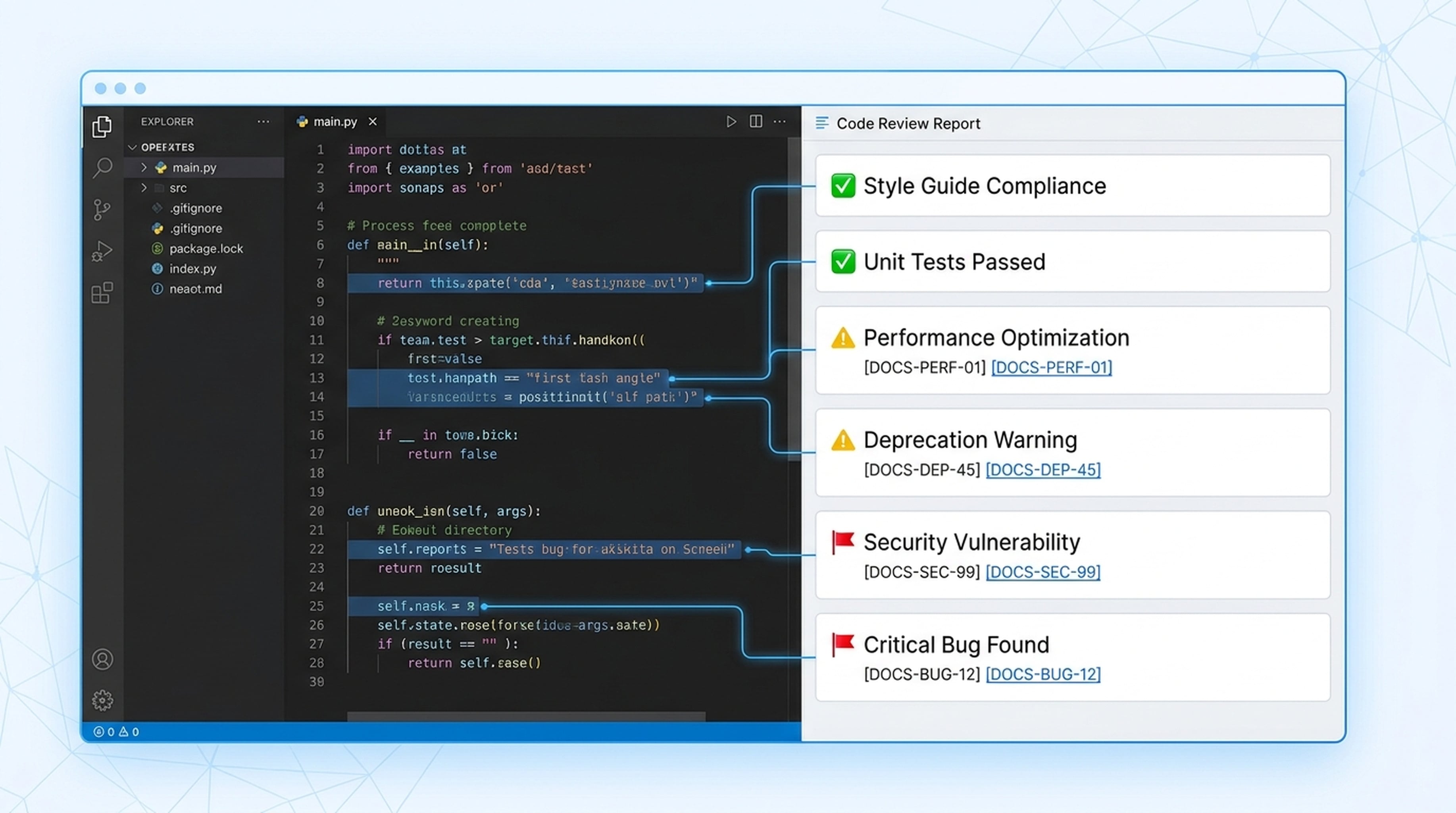
This React component was written 6 months ago. It works. But it uses patterns that React 19 deprecated. Your agent can find them — if it can read the latest docs.
function UserProfile({ userId }) {
  const [user, setUser] = useState(null);

  useEffect(() => {
    // This pattern is fine
    fetchUser(userId).then(setUser);
  }, [userId]);

  // Problem: using findDOMNode (deprecated in React 18, removed in React 19)
  const nodeRef = findDOMNode(this);

  // Problem: componentWillMount is deprecated
  componentWillMount() {
    this.setupAnalytics();
  }

  return (
    <div ref={nodeRef}>
      {user ? <UserCard user={user} /> : <LoadingSpinner />}
    </div>
  );
}
Here's the review an AI agent produced after reading the latest React 19 documentation:
The Review Report
🔴 Critical Issues
1. findDOMNode — removed in React 19
- Line:
const nodeRef = findDOMNode(this); - Source: https://react.dev/blog/react-19#removed-deprecated-apis
- Fix: Use
useRefinstead. Create a ref withconst nodeRef = useRef(null)and attach it directly:<div ref={nodeRef}>
2. componentWillMount — deprecated since React 16.3
- Source: https://react.dev/reference/react/Component#componentwillmount
- Fix: Move initialization logic to the constructor or a
useEffectwith empty deps. For side effects, useuseEffect(() => { setupAnalytics(); }, []).
🟡 Warnings
3. Missing error boundary
- The component has no error handling for failed
fetchUsercalls - Recommendation: Wrap in an error boundary or add try/catch with error state
4. No loading state for ref
- The
nodeRefmight be null on first render. Add a null check before using it.
💡 Performance Suggestions
5. Consider React 19's use API
- Source: https://react.dev/reference/react/use
- Instead of manual
useEffect+useStatefor data fetching, you could useuse(fetchUser(userId))with React 19's Suspense for cleaner data loading.
How to Set This Up
Connect your agent to Felo OpenAPI:
Connect to Felo OpenAPI:
- Models: Claude Opus 4.8, Claude Sonnet 4.6, Claude Haiku 4.5, GPT-5.6 Sol, GPT-5.6 Terra, Grok 4.5
- Search: POST /v2/chat (AI Search), POST /v2/web/extract (Web Fetch)
- Memory: LiveDocs (semantic retrieval, file upload, URL resources)
Base URL: https://openapi.felo.ai
API Key: [YOUR_API_KEY] — get one free at openapi.felo.ai

When I ask you to review code:
1. Search for the latest framework documentation
2. Read the official docs via Web Fetch (POST /v2/web/extract)
3. Compare my code against current best practices
4. Flag deprecated patterns, security issues, and performance concerns
5. Save the review to LiveDocs with documentation citations
Get your free API key at openapi.felo.ai. Replace [YOUR_API_KEY] and you're connected.
What the Agent Actually Does
It searches. Called POST /v2/chat with "React 19 latest features deprecated APIs best practices 2026". Found the React 19 release blog, migration guide, and API reference.
It reads. Called POST /v2/web/extract on react.dev/blog/react-19, react.dev/reference/react/Component, and the use API docs. Pulled the actual deprecation notices and recommended replacements.
It compares. Read your code against the documentation it just pulled. Checked every pattern, every lifecycle method, every API call.
It reports. Produced the structured review above with specific line numbers, documentation URLs, and concrete fix suggestions. Not generic "you should update" advice — actual, actionable fixes.
It saves. Stored the review in LiveDocs with your code, the documentation sources, and tags for the framework and component type. Next review builds on this history.
The Prompt
Review this React component against the latest React 19 documentation.

[Your code here]

Flag:
1. Deprecated APIs or patterns
2. Security issues
3. Performance improvements
4. Best practice violations

Cite the specific documentation URLs for each issue. Save the review to LiveDocs.
Works with any framework — React, Vue, Angular, Next.js, Django, Express. Just change the framework name in the prompt.
Batch Review
Review all files in this directory against the latest [FRAMEWORK] documentation.

[File list or code blocks]

Produce a summary report ranked by severity, with individual findings for each file.