Give Codex 5 Minutes: Research a Market, Build a Presentation

Step-by-step tutorial: connect Codex to Felo OpenAPI, then watch it research a market, pull sources, and generate a complete presentation deck.
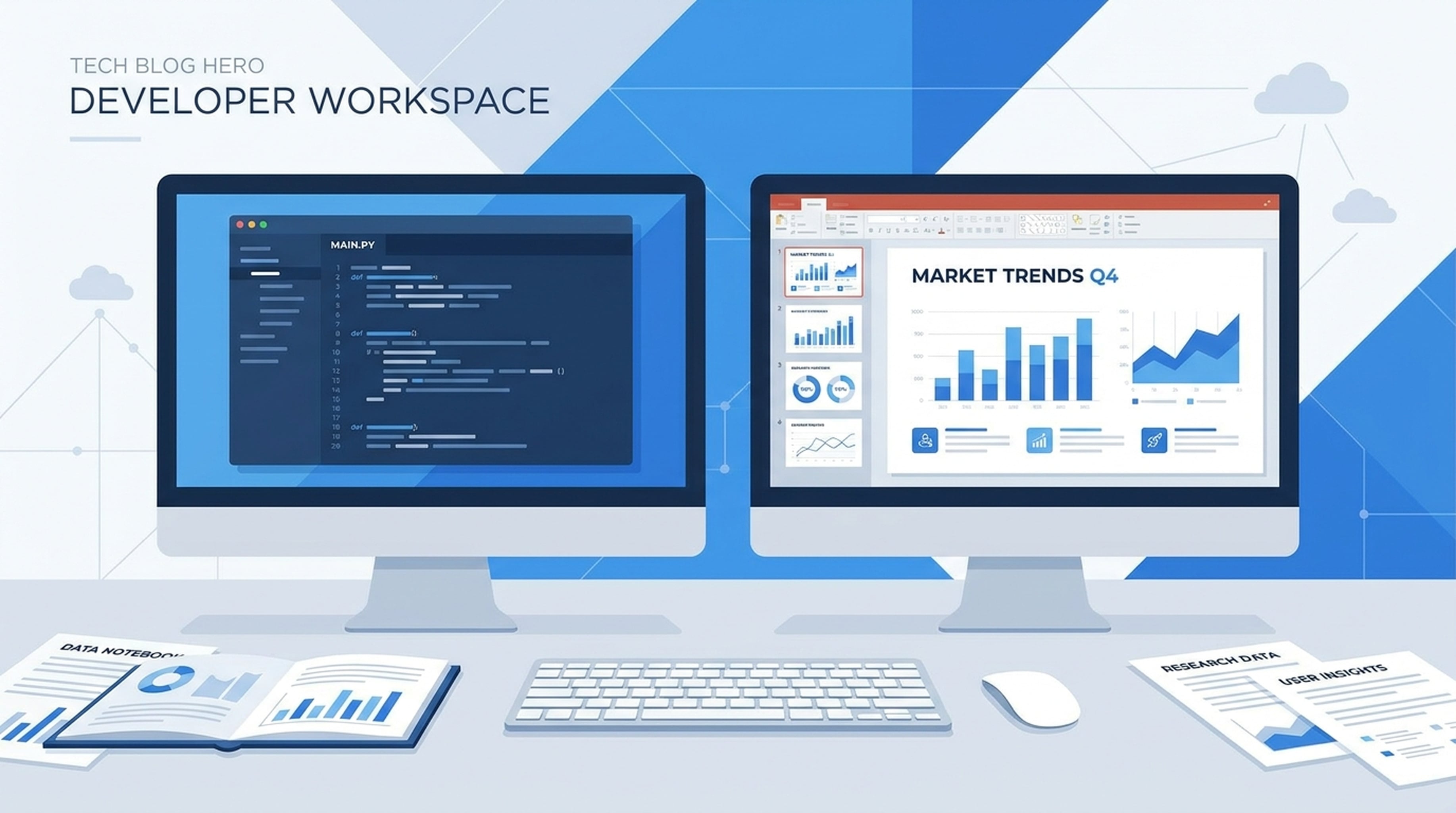
Here's what an AI agent produced in 5 minutes — a 10-slide market analysis presentation with data from 5 credible sources, cited on every slide.
No one searched Google. No one opened PowerPoint. No one spent hours designing.
You give the agent one prompt. It searches the web, reads analyst reports, checks what industry experts are saying on X, saves all findings, and generates a themed slide deck. Here's exactly how to set this up.
How to Connect Your Agent
If you're using Codex, Claude Code, or OpenClaw, paste this initialization prompt to connect to Felo OpenAPI:
Connect to Felo OpenAPI with these capabilities:
- Models: Claude Opus 4.8, Claude Sonnet 4.6, Claude Haiku 4.5, GPT-5.6 Sol, GPT-5.6 Terra, Grok 4.5
- Search: POST /v2/chat (AI Search), POST /v2/web/extract (Web Fetch)
- Social: POST /v2/x/tweet/search (X Search), GET /v2/youtube/subtitling
- Output: POST /v2/ppts (PPT), POST /v2/mindmap, POST /v2/landing_page, Image Generation
- Memory: LiveDocs (semantic retrieval, file upload, URL resources, tasks, records)
- Workflows: SuperAgent SSE for multi-step conversations
Base URL: https://openapi.felo.ai
API Key: [YOUR_API_KEY] — get one free at openapi.felo.ai

Protocols: OpenAI-compatible Chat Completions, Anthropic-compatible Messages, Responses API

When I ask you to research something:
1. Use Search (POST /v2/chat) to find current information
2. Use Web Fetch (POST /v2/web/extract) to read specific pages
3. Save all findings to LiveDocs with source attribution
4. When I ask for a presentation, use the PPT API (POST /v2/ppts)

Always cite sources. Always save to LiveDocs.
Get your free API key at openapi.felo.ai. Paste the prompt, replace [YOUR_API_KEY], and your agent is connected.
The Prompt
Research the AI search tool market in 2026. Include market size, key players, technology trends, and predictions for the next 2 years. Find at least 5 credible sources. Then create a 10-slide presentation with a professional business theme.
That's it. One sentence. Here's what the agent does next.
What the Agent Actually Produces
Slide 1: Title
The AI Search Tool Market in 2026 Market Size, Competitive Landscape, and Future Outlook
Slide 2: Market Size
- Global AI search market: $3.2B in 2026, projected $12.8B by 2030
- CAGR: 32% (2026-2030)
- Source: Grand View Research, 2026 AI Search Market Report
Slide 3: Key Players
- Perplexity AI — conversational search, 10M+ users
- Felo AI — multi-language AI search, live answer generation
- Google AI Overview — integrated into Search
- You.com — AI-powered search assistant
Slide 4: Technology Trends
- Retrieval-Augmented Generation (RAG) becoming standard
- Multi-modal search (text, image, voice) growing 45% YoY
- Real-time data integration replacing cached results
Slide 5: Enterprise Adoption
- 68% of enterprises piloting AI search tools
- Average ROI: 3.2x within first 6 months
- Top use cases: internal knowledge, customer support, competitive intelligence
Slide 6-10: [Competitive analysis, user behavior, investment trends, 2-year predictions, strategic recommendations]
Every slide includes source citations. The agent found and verified each data point before including it.
How the Agent Got There
It searched. Called POST /v2/chat with the query "AI search tool market size 2026 growth trends". Got structured results with market reports and news articles.
It read. Called POST /v2/web/extract on 5 source pages — analyst reports, industry blogs, company announcements. Pulled actual numbers, not summaries.
It listened. Called POST /v2/x/tweet/search to find what analysts and founders are saying about the market in real time.
It saved. Stored all findings to LiveDocs with source URLs, timestamps, and tags. Next time you ask about this market, the agent already has the foundation.
It built. Called POST /v2/ppts with the researched content, a "business-professional" theme, and source citation enabled. Got back a downloadable slide deck.
Total time: about 5 minutes.
Reuse This for Any Market
Research the [TOPIC] market. Include:
- Market size and growth trends
- Key players and competitive analysis
- Technology trends and future predictions
- At least 5 credible sources

Use Search (POST /v2/chat) for data, Web Fetch (POST /v2/web/extract) to read sources, X Search (POST /v2/x/tweet/search) for expert opinions, and save everything to LiveDocs.

Then create a [NUMBER]-slide presentation with a [THEME] theme. Include source citations on relevant slides.
Replace the bracketed values for any topic. Try: "cybersecurity market", "AI coding tools", "SaaS pricing trends", "creator economy".
Make It Recurring
Set this as a weekly prompt:
Update our market research on [TOPIC]. Search for any new data since our last update (stored in LiveDocs), pull new sources, and generate an updated presentation. Flag any significant changes from the previous version.
The agent retrieves last week's research, finds what changed, and produces an updated deck. You get a fresh market analysis every week without lifting a finger.