Edit an AI Video by Prompt: Keep, Change, Regenerate

Edit an AI video brief in Felo by keeping what works and changing one variable. See revision examples and learn how regeneration differs from file editing.
Felo tools: Prompt-Based Video Revision · AI Video Editing Tools · Felo AI Video Generator · Text to Video.
Editing an AI video by prompt can mean asking for a different camera move, a calmer action or a simpler background. In Felo's AI video workflow, that request creates a new generation. It is not the same operation as trimming the existing file or changing one layer in a timeline.
The distinction helps you give better feedback. Describe what the next take should preserve, change one important variable, and compare the new result against the previous one. Treat the conversation as direction for another attempt.
This guide uses three pairs of original instructions to show that process. They are examples of how to revise a brief, not before-and-after footage from a completed test.
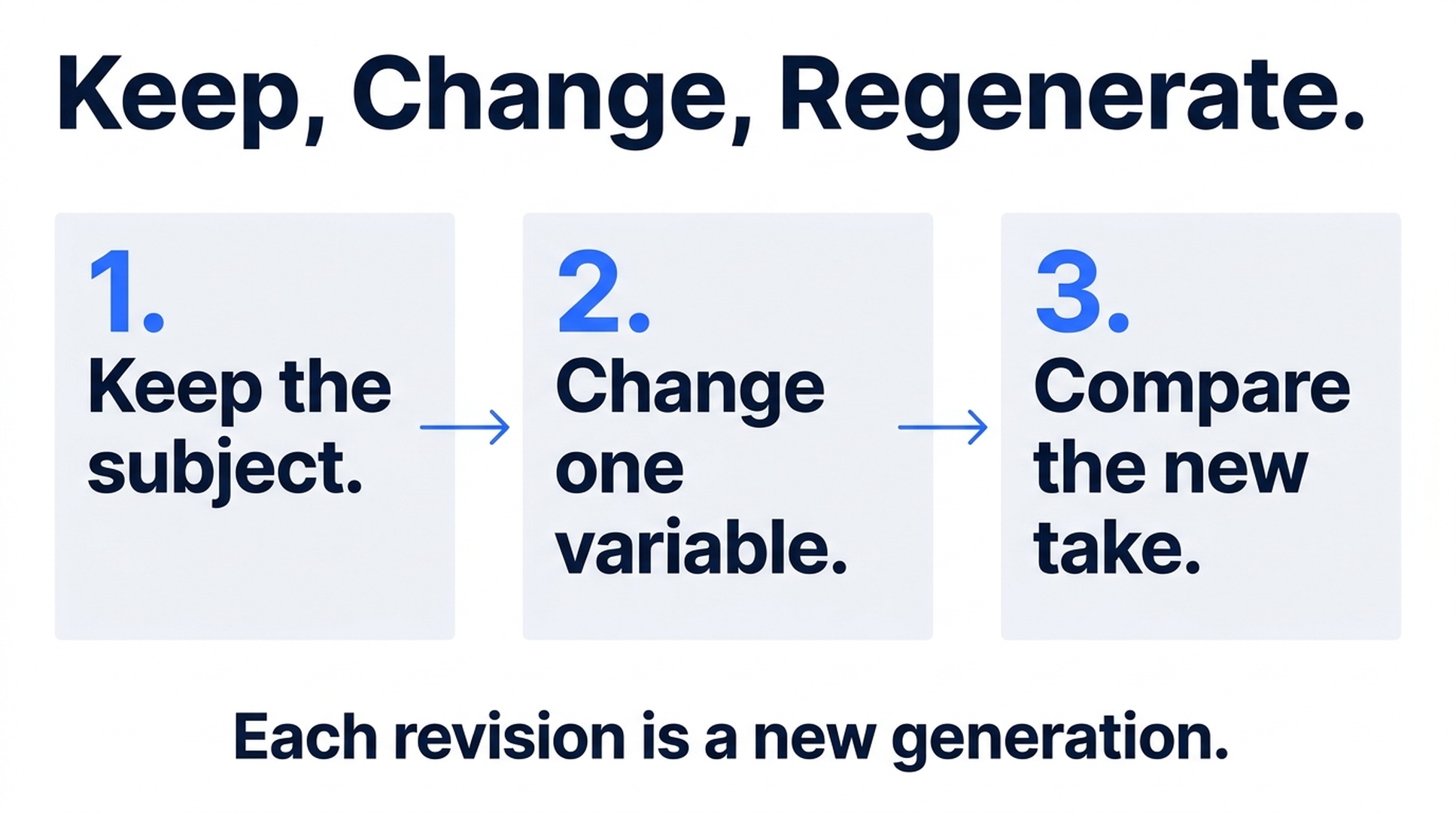
Illustrative guide; not a screenshot or a generated-video result.
What prompt-based editing does in Felo
Felo's AI video editing tools cover generating and refining clips through prompts, settings, references and model choices. Agent Mode can help turn feedback into another shot direction.
That workflow does not provide a conventional timeline for splitting clips, placing transitions, adding subtitles or mixing a separate voiceover. Uploading a video as a reference also does not turn it into a file that Felo cuts and rearranges. For those tasks, download the accepted output and continue in an appropriate editor.
Within generation, a revision can alter more than the thing you requested. A slower camera move may arrive with a different reflection or background detail. Preserve the previous take so you can compare both.
Write feedback in three parts
Start each revision with a short instruction that separates continuity from change:
- Keep: Name the subject, setting and visual qualities that should remain.
- Change: Describe one specific difference in the next take.
- Check: State what would make the revision successful.
For example: “Keep the blue kettle, pale counter and soft window light. Make the camera arc smaller. The whole handle should remain visible throughout.”
This is more actionable than “make it better.” It tells the Agent which part of the result matters and provides a concrete acceptance condition.
It is still a generation request. “Keep” communicates your intention; it does not lock pixels or guarantee that every other detail will be identical.
Revision 1: Reduce the camera movement
Initial instruction:
Create a six-second shot of a ceramic vase on a wooden table. Move the camera around the vase in a smooth arc. Soft daylight, plain cream wall, no text or cuts.
Possible issue: The viewpoint changes so much that the vase's shape becomes inconsistent or the handle moves out of view.
Revised instruction:
Keep the same ceramic-vase subject, wooden table, cream wall and soft daylight. Reduce the camera movement to a shallow arc from the front toward the front-right side. Keep the entire vase visible and the camera at a steady height. End before the camera reaches a full side view. No subject rotation, cuts or text.
The revision replaces an open-ended arc with a smaller path and a clear endpoint. It also distinguishes the camera moving from the object rotating.
Acceptance check: Watch the whole clip. The vase should remain recognizable, and the move should reveal a little depth without losing its important features. Do not judge success from one attractive frame alone.
Revision 2: Simplify the background
Initial instruction:
A person in a yellow coat walks through a lively outdoor market. Track beside them in a medium shot. Colorful stalls, people moving in the background and warm afternoon light.
Possible issue: Background activity competes with the subject, or the scene invents distracting signs and objects.
Revised instruction:
Keep the yellow-coat subject, medium side view, walking pace and warm afternoon light. Replace the busy market background with a quiet pedestrian street containing a few simple shopfronts. Keep distant background figures small and unobtrusive. Continue tracking at the subject's speed. No readable signs or added text.
The central action stays the same. The revision changes the environment's complexity instead of simultaneously changing the person, camera and lighting.
Acceptance check: The subject should be easy to follow without background details attracting more attention than the walk. Inspect clothing continuity and movement again, because a new generation can introduce new problems.
Revision 3: Make the ending useful for an edit
Initial instruction:
Generate a close-up of a small wooden box opening to reveal a ceramic object. The camera moves closer as the lid opens. Warm side lighting and a simple dark background.
Possible issue: The reveal finishes at the end of the clip, leaving little time to see the object or make the next cut.
Revised instruction:
Keep the wooden box, ceramic object, warm side lighting and dark background. Complete the lid-opening action earlier in the shot. After the object is visible, keep the camera nearly still and hold a calm closing composition. Leave clear space to the right for a title to be added later. No generated text.
This feedback targets the ending's function. It does not claim frame-accurate timing. If exact timing is necessary, trim or extend the accepted composition through a suitable editing workflow afterward.
Acceptance check: Can a viewer recognize the revealed object before the clip ends? Does the closing composition work with the next shot or planned title?
Know when to change inputs instead of wording
A prompt cannot fix every mismatch. If appearance keeps drifting, a clearer subject image may be more useful than another paragraph of description. If the ending matters, a supported last-frame input may communicate the target more directly.
The current Felo integrations differ: Seedance supports first/last frames or reference media, Wan uses first/last frames without extra reference collections, and Kling supports first, middle and last frames. MiniMax H3 does not provide native endpoint slots in Felo. Check the linked model information in the main generator before changing the input plan.
Likewise, asking a silent model to “add footsteps” will not create an audio capability it lacks. The current text-to-video table lists generated sound for Seedance and optional sound for Wan; MiniMax and Kling are silent.
Keep a small revision record
Use a simple log with four fields: version, change requested, settings and acceptance decision. For example, “Version 2: smaller arc; six seconds; same model and resolution; handle stays visible, but ending still too tight.”
This prevents circular revisions. You can return to a stronger take or combine lessons in the next prompt without relying on memory.
Check the displayed credit estimate before each new generation. Changing the model, resolution or duration can change the cost, and repeated revisions are additional generation attempts. Set a practical attempt budget for a shot before exploring indefinitely.
Once a take satisfies the brief, move it into the finished sequence. Continuing to revise an accepted shot without a specific problem can consume time without improving the project.
Frequently asked questions
Can I change only one object while preserving every other pixel?
Do not assume that level of isolated control in this workflow. Prompt revisions generate a new clip and can change other details. Use a tool designed for precise editing when exact preservation is required.
Can I add captions or trim the video in this workflow?
The documented Felo AI video generation flow is not a conventional timeline editor. Use your editing application for captions, cuts and final assembly.
Are prompt revisions free?
They are new generation attempts. Review the current estimate for the selected model and settings rather than assuming revisions are included without cost.
Should I switch models after one weak result?
First identify the failure. An unclear action may need a better brief; an unsupported control may require another model. Switching without a diagnosis makes comparison harder.
Open Felo's prompt-based video workflow with one clear revision: what stays, what changes and what you will check in the next take.
This post is also available in 简体中文, 日本語, 한국어, 繁體中文, हिन्दी, Français, العربية, Русский, اردو, Bahasa Indonesia, Deutsch, Tiếng Việt, Türkçe, Italiano, ไทย, Español, বাংলা and Português.