Felo AI Video Generator: Turn Text into Cinematic Short Films

Felo AI launches AI Video Generator: describe a scene, get a cinematic short film in minutes. Reference images, camera moves, 2K resolution, vertical formats.
How much does a 15-second commercial cost? Camera crew, lighting, location rental, post-production — tens of thousands of dollars and weeks of lead time. Today, the gap between "one text description" and "a usable film" is a matter of minutes.
AI video generation has moved past the novelty phase. From Kling's 4K physics engine to Runway's cinematic camera work, mainstream players now treat "production-ready" as the default bar. So today, we're bringing AI Video Generator to Felo: describe the shot you want in a conversation, and Felo shoots it.
What is the AI Video Generator
In one sentence: describe a scene in text, and get back a short film with cinematic quality.
No timeline to scrub frame by frame. You describe the subject, motion, camera work, and mood; Felo turns it into a continuous shot. Four core capabilities:
- Text-to-video in one go: a description is a shot — no script or storyboard required
- Reference assets: upload images to set the look or serve as the opening frame; the video follows your references
- Full parameter control: 4–15 second clips, up to 2K resolution, landscape or portrait
- Wide style range: photorealistic, anime, claymation, documentary — each with its own visual language
The underlying logic is the "one continuous shot": rather than a muddled multi-scene reel, make a single shot genuinely good — that's where the commercial, cinematic feel comes from.
Three steps to a cinematic short film
Step 1: Open the AI Video Generator
Find AI Video Generator in the Agent center and start a conversation. It will ask first: "What kind of video would you like to generate?"

Step 2: Write the shot
The more specific the description, the closer the result. Here's a formula worth copying:
subject + action + camera move + lighting & mood + style
Example: "an orange tabby jumps off a windowsill, slow push-in, golden afternoon light through sheer curtains, photorealistic" — subject, action, camera (push in), light (golden hour), and style (photorealistic) are all covered, and Felo can reconstruct the shot. You can also request a duration right in the description ("make it 10 seconds") — your preference overrides the 6-second default.
Step 3: Add reference assets (optional)
Want more control over the look? Attach up to 9 reference images (to set the style or act as the opening frame), up to 3 reference videos, and up to 3 audio clips. References directly shape the output — ideal if you have brand visual guidelines, or want to extend a real product photo into motion.
Generation takes a few minutes. When it's done, the finished video appears right in the conversation, ready to download.
Three tips for more cinematic output
- Describe one continuous shot. Multi-scene stitching belongs in editing; single-shot narratives are where the quality ceiling lives
- Put camera moves in the description. Slow pan, tracking shot, push in, static shot — these decide the cinematic feel
- Use lighting words to set mood. Golden hour, overcast, neon, cinematic — the same description changes character with a different light
One more complete example: "a black sports car drives along a coastal highway, slow tracking shot, blue hour, commercial-grade look" — fifteen seconds, one shot, a usable car-ad asset.
Where it works, right now
| Use case | Typical usage | Recommended settings |
|---|---|---|
| Product ads | Product close-up with a push-in, mood lighting | 2K / 16:9 |
| E-commerce | Dramatize selling points in scenes | 768P / 16:9 |
| Social short video | Vertical content built for phones | 768P / 9:16 |
| Event teasers | A mood piece that builds anticipation | 2K / 16:9 |
| Concept validation | Test before committing production budget | 768P / any |
Brands benefit the most: run concept validation before the real shoot. Script, camera, and lighting become visible samples in minutes; if the direction is wrong, redo it — every pass saves budget.
A few practical details worth knowing up front:
- One video per request, billed per second, 6 seconds by default, up to 15
- Up to 12 reference assets per request (9 images + 3 videos + 3 audio clips)
- State preferences in the conversation ("vertical", "2K") and they override the defaults
- Generation takes a few minutes — go do something else in between
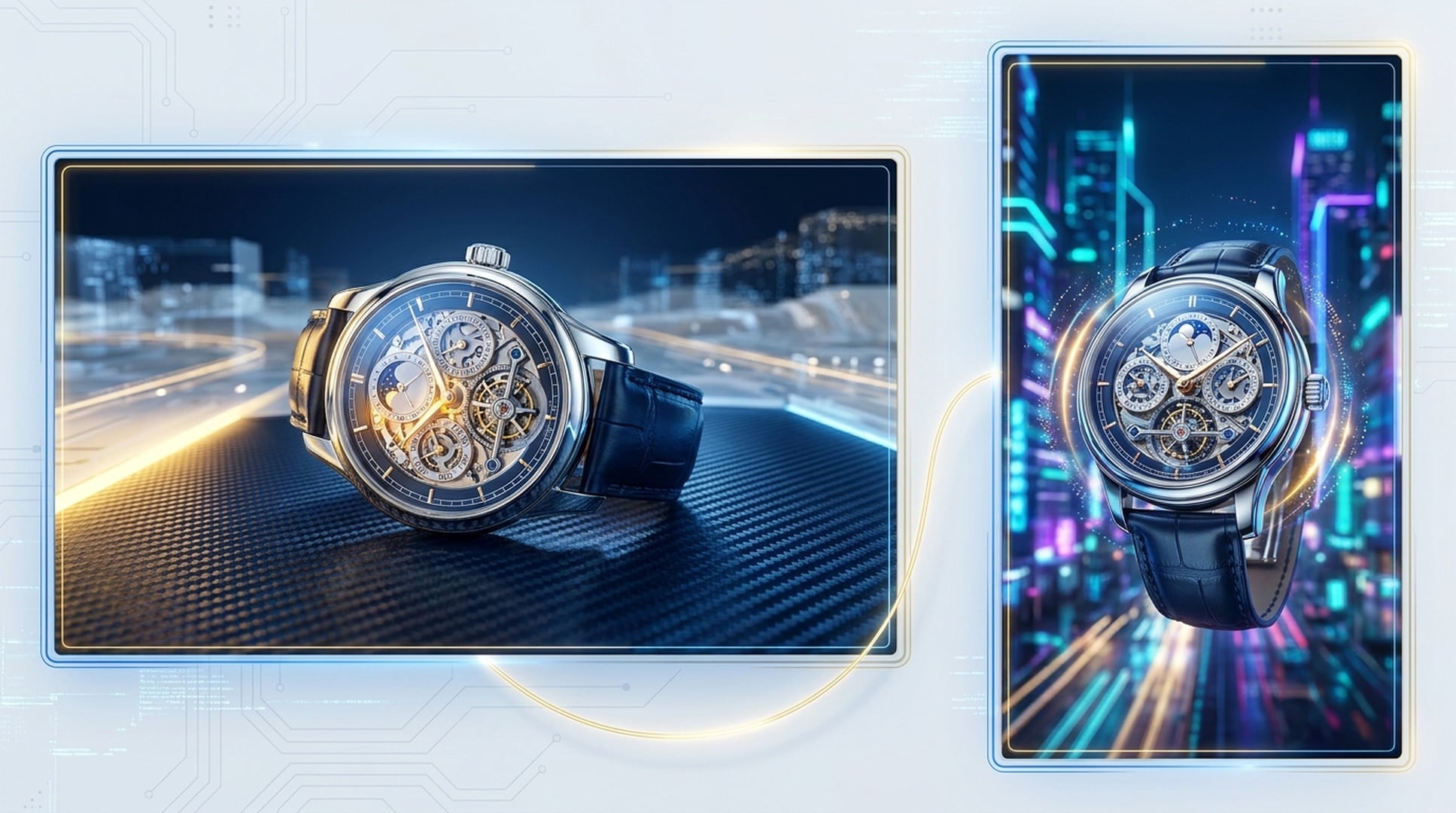
Going further: reference images as the opening frame
The AI Video Generator supports using a reference image as the opening frame — the shot starts moving from your image. Which means:
- Product photography as frame one, letting the ad flow from the real product into a CG look
- A brand poster as frame one, keeping your visual assets consistent
- A concept sketch as frame one, bringing an animator's or director's drafts to life
Pair that with 9:16 vertical and 2K output, and a single asset covers ad placement, short-video distribution, and large-screen display.
It also connects naturally with the rest of Felo: research competitor video styles with Felo Search, outline the shot list in LiveDoc, then hand it to the AI Video Generator — from idea to footage in one workflow, with no tool switching.
FAQ
How long can a video be? 6 seconds by default, up to 15, billed per second. Want something longer? Break the story into multiple continuous shots and stitch them in an editor.
Can I control the style? Yes. Besides naming styles like photorealistic, anime, claymation, and documentary, you can upload up to 9 reference images to "teach" the look you want, or set one as the opening frame.
How long does generation take? A few minutes. More complex descriptions and higher resolutions (2K) take longer; the video shows up in the conversation when it's ready.
Who can use it? Felo Pro subscribers — directly from the Agent center or the tool page.
Generate your first short film today
The barrier to shooting is gone. No crew, no gear, no budget — the only question left is what you want to make.
Felo's AI Video Generator is live for Pro subscribers:
Write your first shot, and see what Felo makes of it.
This post is also available in 简体中文, 日本語, 한국어, 繁體中文, हिन्दी, Français, العربية, Русский, اردو, Bahasa Indonesia, Deutsch, Tiếng Việt, Türkçe, Italiano, ไทย, Español, বাংলা and Português.