Which Felo Video Model Should You Choose?

Compare Felo video models by sound, references, frame inputs, ratio and resolution. Match MiniMax, Seedance, Wan or Kling to the shot you need to create.
Felo tools: Felo AI Video Generator · MiniMax H3 · Seedance 2.5 · Wan 3.0 Prime · Kling 4.0 · Text to Video.
Choose a Felo video model by the requirements of the shot: sound, reference inputs, frame control, aspect ratio and delivery resolution. Those requirements can eliminate an unsuitable option before you spend credits on a generation.
Felo currently offers MiniMax H3, Seedance 2.5, Wan 3.0 Prime and Kling 4.0. They share one workspace, but they do not expose identical controls. A model that fits a silent product insert may be the wrong choice for a scene that needs generated sound.
This guide compares the options available inside Felo as checked on November 5, 2026. It is a capability comparison, not a ranking from a controlled visual-quality benchmark.
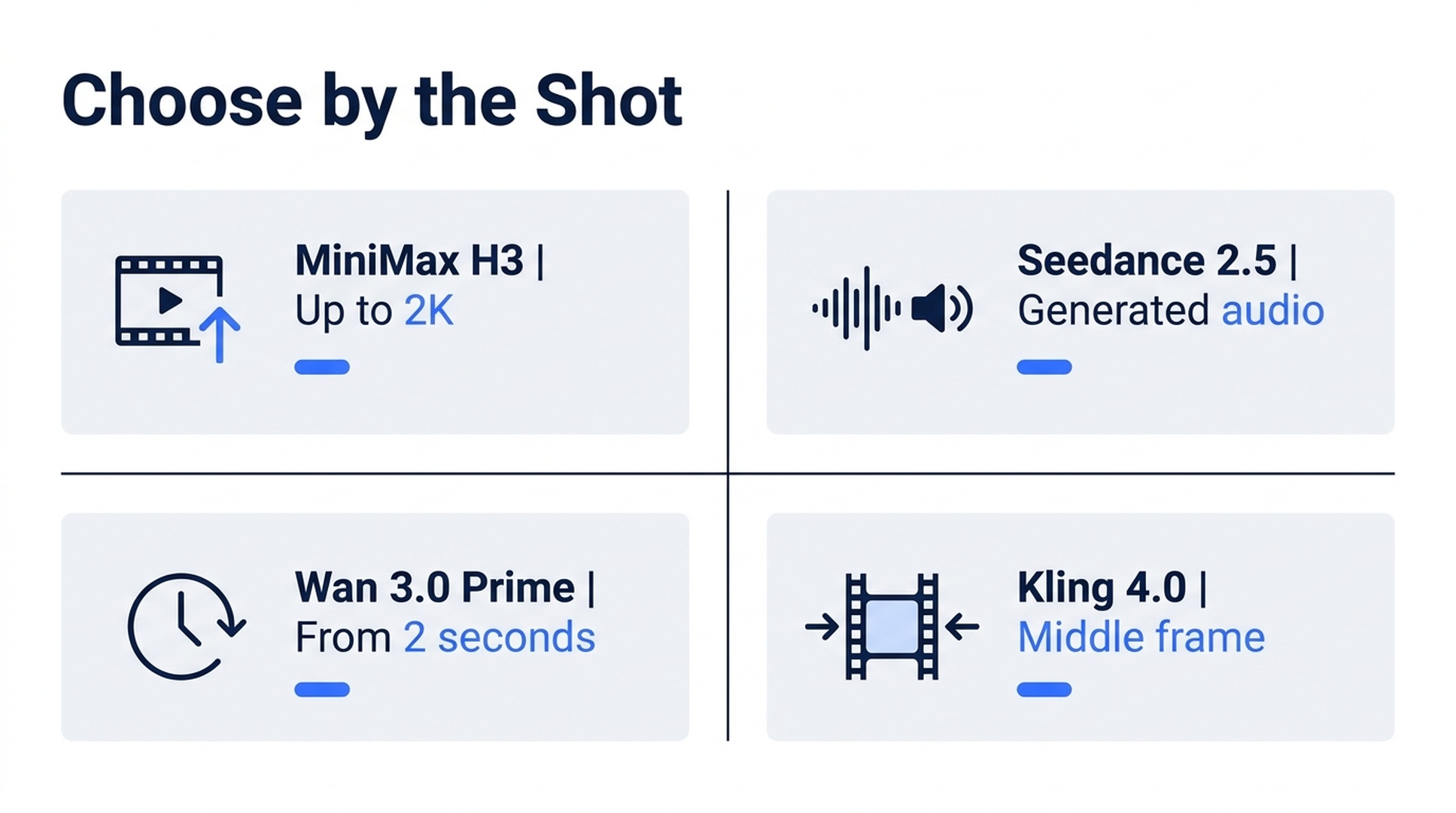
Illustrative guide; not a screenshot or a generated-video result.
Compare the settings that affect your shot
| Model in Felo | Duration | Resolution | Generated sound | Frame guidance |
|---|---|---|---|---|
| MiniMax H3 | 4–30 seconds at 480P/768P; 4–15 seconds at 1080P/2K | 480P, 768P, 1080P, 2K | Silent output in the current text-to-video matrix | No native first/last-frame slots |
| Seedance 2.5 | 4–30 seconds | 480P, 720P | Available | First and last frames, as an alternative to reference media |
| Wan 3.0 Prime | 2–30 seconds | 480P, 720P, 1080P | Optional | First and last frames |
| Kling 4.0 | 3–30 seconds | 720P, 1080P | Silent | First, middle and last frames |
These are Felo integration limits. A specification on another provider's site may describe a different configuration. See the individual MiniMax, Seedance, Wan and Kling pages for the current settings. The text-to-video matrix documents sound support.
Start with the requirement you cannot change
Suppose a client needs a 1080P scene with generated ambient sound. Seedance's current Felo resolution ceiling rules it out for native 1080P delivery. MiniMax and Kling are silent in the current matrix. Wan is the relevant candidate from this set, subject to the remaining input and composition requirements.
Now suppose the brief needs a silent 2K product shot. MiniMax H3 provides that resolution, but the clip must fit its 4–15-second range at 2K. A request for one continuous 25-second 2K clip does not fit the documented integration.
This approach is more useful than choosing a familiar model name and trying to force the brief into its settings. Write the non-negotiable requirements first. Then compare the remaining candidates creatively.
Match references to the right input system
A reference image can guide a subject's appearance. A video can guide motion. A designated first frame instead tells the model how the shot should open. These controls solve related but different problems.
| Model | Reference support to consider |
|---|---|
| MiniMax H3 | Up to 9 images, 3 videos and 3 audio files, with 12 assets total |
| Seedance 2.5 | Up to 30 images, 10 videos and 10 audio files as individual limits; reference mode cannot be combined with frame inputs for the same clip |
| Wan 3.0 Prime | First/last frames and text; no additional reference-image or reference-video collection |
| Kling 4.0 | Up to 10 reference images and 5 reference videos, alongside its documented frame controls |
For a shot built around several appearance references, eliminate Wan if those extra references are essential. For a specific intermediate pose, investigate Kling's middle frame. For Seedance, decide whether the endpoint images or the reference set matters more before preparing both.
Do not upload more assets simply because a limit allows it. A clean front view and one useful motion example may communicate more than a folder of inconsistent images. Audio-reference support also does not prove that a model generates an audible soundtrack; check output sound separately.
Check the shape of the frame
All four models support 16:9, 1:1 and 9:16 in Felo. Differences matter for other formats:
- MiniMax H3 and Seedance 2.5 also support 21:9, 4:3 and 3:4.
- Wan 3.0 Prime supports 4:3 and 3:4, but not 21:9.
- Kling 4.0 supports 21:9, but not 4:3 or 3:4.
Set the ratio before composing reference images. If the project needs a square product insert, prepare a square composition. If the final use is vertical, leave room for the subject's action within that tall frame.
A supported ratio is an output choice, not a promise that a landscape composition will automatically become a well-composed vertical shot.
Four briefs and a practical starting choice
A quiet product close-up for a large display. Start by checking MiniMax H3 at 2K. Keep the movement modest and the duration within 4–15 seconds. Review product geometry before judging sharpness.
A rainy street scene with sound and motion references. Seedance is a candidate if 720P delivery is sufficient and the project uses reference mode. Specify the dominant audible event rather than asking for an unspecified cinematic soundtrack.
A two-second transition between two prepared images. Wan's duration range and first/last-frame inputs make it a candidate. Keep the two images compatible enough for a short transition to make sense.
A three-stage reveal with a deliberate intermediate pose. Kling's first, middle and last frames provide relevant guidance. Plan sound separately. The middle frame guides the trajectory; it is not a guarantee of a precise pose at an exact timestamp.
These are starting decisions based on supported controls. They do not establish which model produces the most attractive result for every subject.
Compare usable takes, not isolated specifications
For a meaningful comparison, give each eligible model the same creative job. Keep the subject, duration, ratio and intended action as similar as supported settings allow. Record differences you cannot normalize, such as resolution or audio.
Before generating, write three acceptance checks. For example: the cup handle remains recognizable; the camera completes one short arc; the ending leaves room for a title added later. A beautiful take that fails the required ending may still be unusable.
Then record the number of attempts and the displayed credit usage. The relevant budget is what it takes to obtain a usable shot, plus any work needed afterward. Felo estimates depend on the selected settings, so inspect the current estimate instead of assuming one rate across all models.
Keep the accepted clip. Switching models or increasing resolution produces a new generation; it should not be treated as a guaranteed identical version of the previous take.
Frequently asked questions
Which Felo model is best overall?
There is no overall winner established by this guide. Use mandatory output and input requirements to form a shortlist, then evaluate actual results against the brief.
Which options generate sound?
The current Felo text-to-video matrix lists generated audio for Seedance 2.5 and optional audio for Wan 3.0 Prime. MiniMax H3 and Kling 4.0 are listed as silent.
Can I use 2K with every model?
No. Among these integrations, MiniMax H3 supports native 2K, with a 4–15-second duration range at that resolution.
Should I use Agent Mode or direct generation?
Use Agent Mode when you need help turning a brief into a shot and refining it through conversation. Direct generation is useful when the prompt and settings are already decided. Choosing a mode does not remove the selected model's limits.
Bring one concrete brief to Felo AI Video, choose the model whose controls fit it, and judge the first take against your three acceptance checks.
This post is also available in 简体中文, 日本語, 한국어, 繁體中文, हिन्दी, Français, العربية, Русский, اردو, Bahasa Indonesia, Deutsch, Tiếng Việt, Türkçe, Italiano, ไทย, Español, বাংলা and Português.