Felo Skills for DeepSeek Harness: Live Sources Without a Plugin Build

Drop Felo skills into the dsh plugin tree for dated research, X signals, transcripts, and slides — plain SKILL.md bundles, no plugin build.

DeepSeek Harness makes one bet and holds it everywhere: everything is a plugin. Tools, models, session storage, the Web UI, and skills all mount into the same plugin tree and resolve through the scope chain, instead of being wired into the agent loop.
That bet is why dsh grows without tangling. A capability you add is a capability you can replace, scope to one repository, or delete without touching the loop around it.
It does not tell the agent anything about the world outside your checkout. A dsh session can read your code all day and still not know what this week's library changelog says, what a pricing page shows right now, or what a conference talk covered last month.
Felo skills close that gap, and they arrive the way dsh expects: plain SKILL.md bundles that drop into the plugin tree. No plugin build. No SDK. Copy a folder into a root dsh already watches, reload the session, and the skill tool can call it like any other capability.
Skills are plugins too — just smaller
dsh mounts every capability as a plugin, and skills follow the same idea at a smaller scale. A skill is a folder with a SKILL.md that says when to use it, what to run, and what to return.
The split is deliberate. Plugins add tools and services — a model provider, a storage backend, a UI surface. Skills are instructions the agent loads on demand, so they cost nothing until a task matches them.
Your harness owns the loop; a skill owns the know-how for one job. A DeepSeek Harness plugin that reaches the open web is a build you maintain. A skill that reaches the open web is a folder you drop in and delete with one command.
Three roots, and one level deep
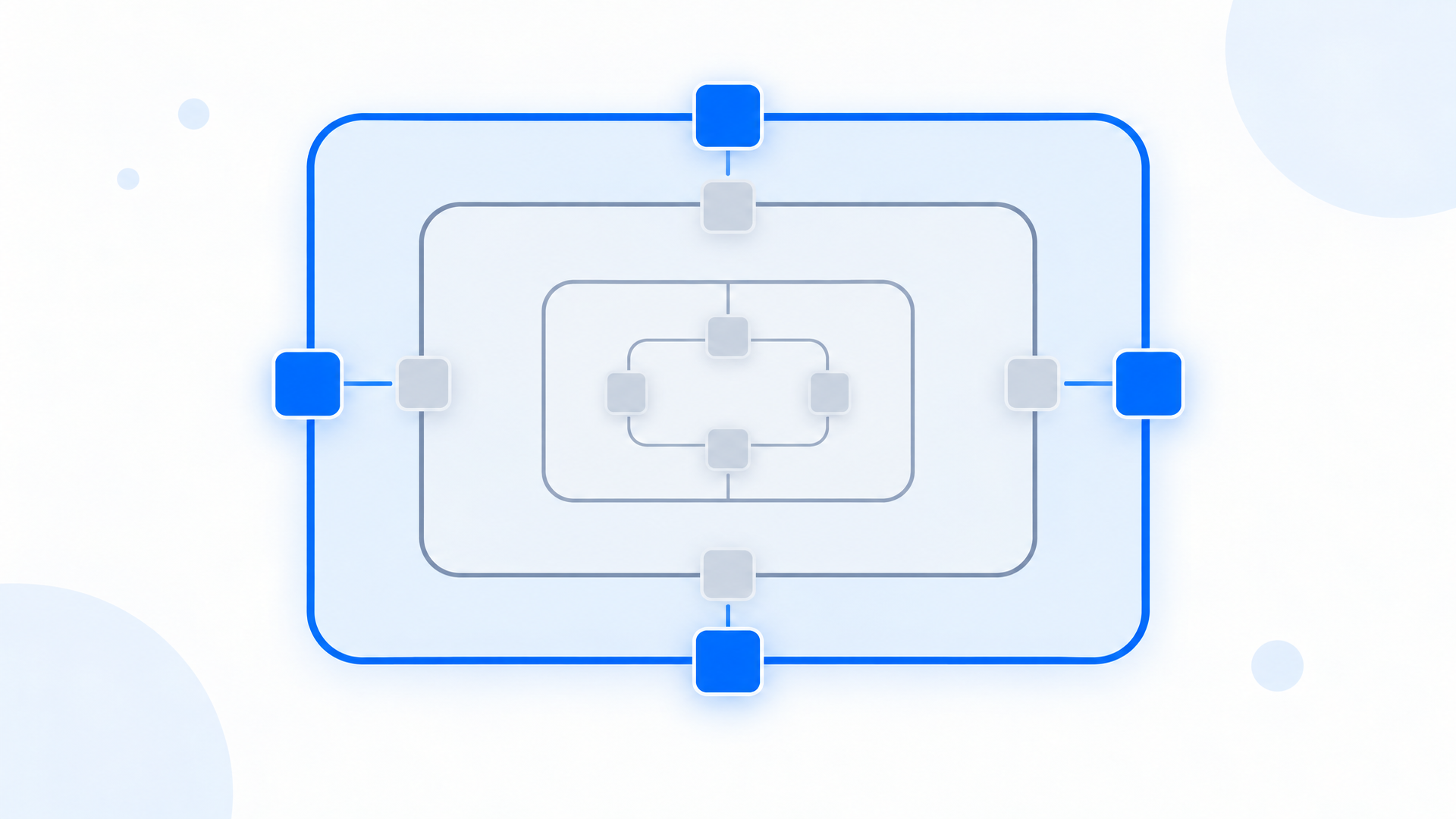
dsh reads skills from three locations, and where you put a bundle changes who gets it.
| Root | Scope | What it is for |
|---|---|---|
<projectRoot>/.dsh/skills | One repository | Highest discovery priority — repo-specific research rules |
<dshHome>/skills | This machine | Capabilities every project should see |
~/.agents/skills | The shared agents folder | Reviewed bundles you want in every session |
Two details decide whether a bundle actually loads.
Direct children only. dsh scans each root one level deep. A bundle at skills/felo-search is discovered; the same bundle at skills/research/felo-search is invisible. This is the most common reason a copied skill never shows up, and it is worth checking before you debug anything else.
kebab-case names only. Both folder bundles (<name>/SKILL.md) and flat files (<name>.md) are accepted, so a single-file skill works, but the name itself has to be lowercase and hyphenated. Anything else is skipped.
Three commands, then ask a question
Felo skills are portable bundles, and the Felo CLI owns authentication for all of them. One key covers search, page fetching, transcripts, and slide generation.
npm install -g felo-ai
felo config set FELO_API_KEY your-api-key-here
Then clone the public repository and copy the folders you want.
git clone https://github.com/Felo-Inc/felo-skills.git
cd felo-skills
Project-scoped first, so one repository can try a skill without changing every session on the machine.
mkdir -p .dsh/skills
cp -r felo-skills/felo-search felo-skills/felo-slides .dsh/skills/
User-scoped once you have decided to keep it.
mkdir -p ~/.agents/skills
cp -r felo-skills/felo-search ~/.agents/skills/
Reload the session and confirm the skill tool can see it.
List the skills you can call, then use felo-search to compare the current pricing tiers of the two vendors we are evaluating and cite the sources you used.
The skill provider watches roots that already exist, so a new bundle normally appears on the next catalog read. If it does not, start a fresh session. The Web UI is the same registry: run npx @deepseek-ai/dsh web, open 127.0.0.1:3080, and the project's skills are there too.
Five Felo skills worth mounting
Pick by the gap each one closes. Every bundle is a folder you can read before you trust it — which matters in a harness that runs with your normal user permissions instead of a sandbox.
Felo Search — dated answers with sources
A dsh session knows your lockfile, not what the vendor changed this week. Search returns findings with dates and sources, so the agent acts on what shipped rather than what the dependencies file remembers.
Search for the breaking changes in the SDK we just upgraded and list the ones that touch this module.
Felo YouTube Subtitling — release talks as text
Release walkthroughs, conference demos, and maintainer reviews live on video, not in the changelog. The transcript comes back as text the session can quote while it edits files.
Pull the transcript from this release stream and list every API the presenter says changed.
Felo X Search — where regressions surface first
People post about breakage well before they file an issue. Reading posts and replies lets a debugging session check whether anyone else hit the same wall.
Check X for reports about this version's connection handling and summarize what people are hitting.
Felo Slides — the session's findings, out of the terminal
The harness owns the investigation; a deck is how the result travels to people who will not read raw Markdown. The outline arrives as text before any slide is built, so you agree with the argument first — and moving six headings costs nothing, while correcting a finished deck costs a regeneration.
Turn the upgrade checklist into six slides with one risk per slide.
Felo SuperAgent — images from the same session
A side project needs a mark before it needs a launch. SuperAgent drafts logo directions and product-image variants without leaving the session that wrote the code.
Design three logo directions for this CLI and export the one that still reads at 32 px.
Beyond those five, the catalog includes Felo Web Fetch for turning pages into structured, reusable data, Felo LiveDoc for answers grounded in your own documents, and screenshot, social-writing, and landing-page bundles. Same install: one copy command each.
Full catalog: felo.ai/skills/deepseek-harness
Three jobs dsh users hand to Felo skills
Written the way a dsh user would actually type them.
Upgrade a dependency without guessing
A repository pins an older SDK. The harness can read the lockfile but not the vendor's migration guide, and the two disagree about what is safe to change.
Fetch the vendor migration guide, search for known issues in the new major version, and write the upgrade checklist for this repo.
What lands back is a checklist naming the files to touch, the config keys that changed, and the source behind each claim. You end up reviewing an argument instead of a summary.
Review a pull request against the outside world
A review session holds the diff, but not the advisory that makes the diff risky or the upstream discussion that explains the regression.
Check whether this dependency bump lands on a version with an open CVE, then comment with the evidence.
The comment carries the advisory and the release note. "This looks risky" is not reviewable. A dated source is.
Turn a research pass into a deck
You spent a session comparing vendors or approaches, and now the decision has to reach people who were not in the terminal with you.
Summarize the comparison into six slides: options, costs, risks, recommendation.
The deck is generated from the sources already in the session, so every number on a slide traces back to the page it came from — the same outline-first flow as Felo Slides, where the argument is approved before the slides exist.
Guardrails
dsh does not sandbox skills. The agent runs with your normal user permissions, and a bundle inherits every one of them the moment it loads. Treat each one as code you are mounting: read the SKILL.md, and read the scripts it references. The Felo bundles keep that audit short: you are reading a procedure, not tracing a compiled artifact.
Keep secrets out of the project layer. felo config set writes the key to ~/.felo/config.json, outside the repository. A key pasted into a repo-local skill folder is a key that can get committed with your code.
Pin the revision you tested. dsh is MIT-licensed and in developer preview, and breaking changes are expected. Record the commit of the skill repository you copied, so a failure next month has a known-good starting point.
Scope by project before you globalize. Start in <projectRoot>/.dsh/skills so one repository can trial a skill. Promote a bundle to ~/.agents/skills only after you have read it and watched how it behaves.
Keep the citations. Ask for dated sources in the output, every time. A claim you can check in ten seconds is worth more than a longer answer you have to take on faith.
FAQ
Does dsh support Claude-style skills?
Yes. The harness ships a skill capability family that reads SKILL.md bundles from local roots such as <projectRoot>/.dsh/skills and <dshHome>/skills. Felo skill folders follow that layout, so they load without a plugin build.
Do I need to write a DeepSeek Harness plugin to use Felo skills?
No. Skills are instructions the agent loads on demand; plugins add tools and services. Copying a folder into a discovery root is enough for the skill path.
Why do my copied skills not show up?
Two causes cover most cases: a nested folder, since discovery reads direct children of a root only, and a name that is not kebab-case. Flat <name>.md files work too if you prefer single-file skills.
Can the Web UI use these skills?
Yes. The Web UI and the terminal session share the same skill registry, so a bundle installed for the project appears in both. Start it with npx @deepseek-ai/dsh web and open 127.0.0.1:3080.
Is this safe to run on a work machine?
dsh runs with your user permissions and does not sandbox skills. Keep the project layer for evaluation, read each SKILL.md, and promote only reviewed bundles to ~/.agents/skills.
Copy one bundle into a project root, ask a question your repository cannot answer, and read the sources that come back. If the answer holds up, move the folder to ~/.agents/skills — and the next session on that machine starts with a capability that took one command to add.
Explore Felo skills for DeepSeek Harness →
This post is also available in 简体中文, 日本語, 한국어, 繁體中文, हिन्दी, Français, العربية, Русский, اردو, Bahasa Indonesia, Deutsch, Tiếng Việt, Türkçe, Italiano, ไทย, Español, বাংলা and Português.