Felo Skills for Grok Bot: Turn One-Off Research Into a Routine

Add Felo skills to Grok Bot for live web search, X signals, transcripts, and slide drafts your Bots can run on a schedule with an approval gate.
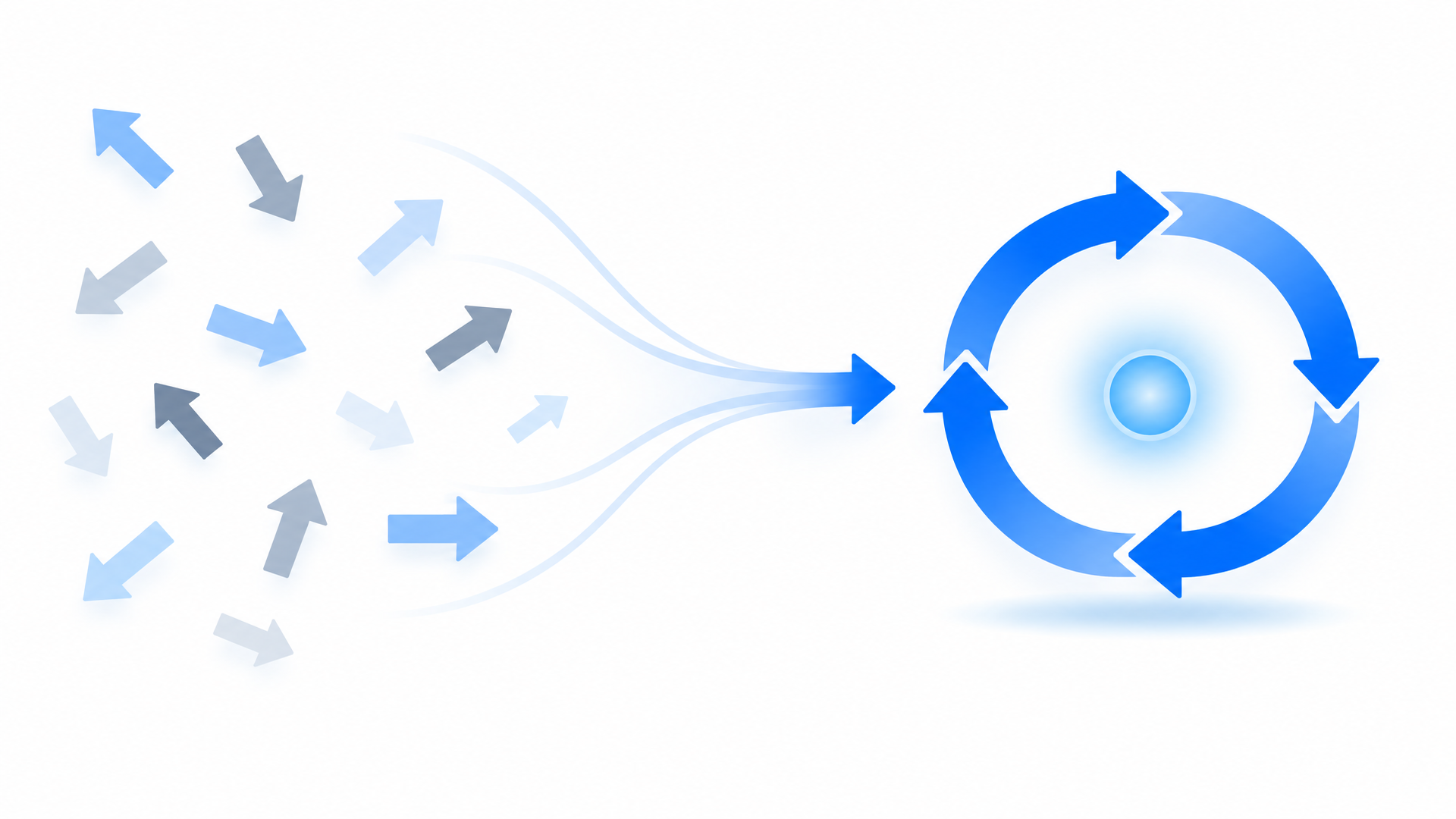
A Grok Bot is not a chatbot with a longer memory. It has a name, a job, a conversation of its own, and a computer that keeps working after you close the laptop.
That combination solves the hard half of automation. The Bot can produce the file. It can hold the context. It can wake up on Monday at eight without anyone launching an app.
The half it does not solve is knowing what is true this week.
Felo skills fill exactly that gap. They are the research layer for a Bot that already knows how to ship.
Bot, skill, routine: three ideas kept separate
Most automation tools blur these together, which is why their results are hard to audit. Grok Bot separates them deliberately.
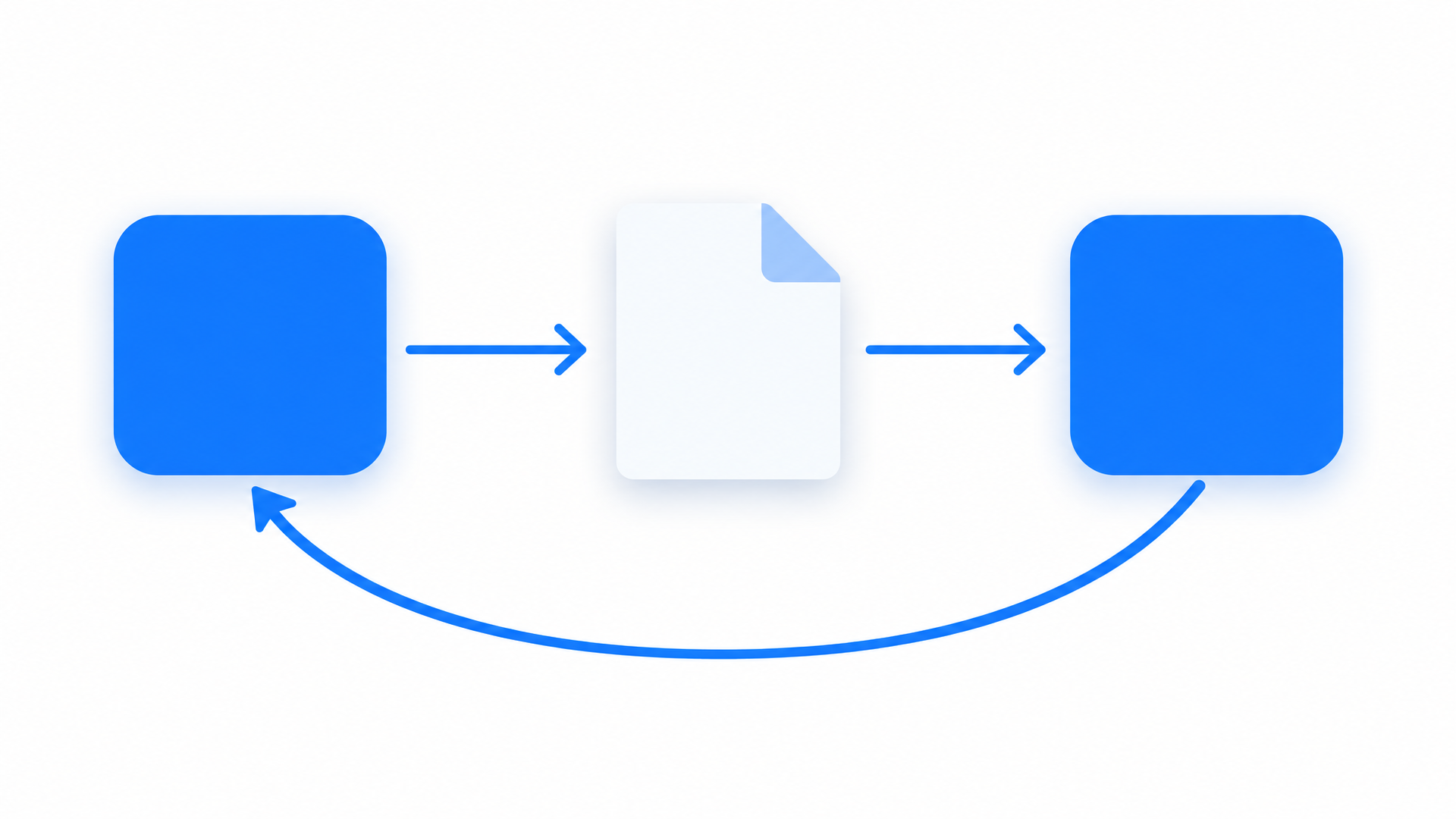
| Unit | What it is | What it decides |
|---|---|---|
| Bot | A durable teammate with a name, a job, and a memory | Who owns the work |
| Skill | A saved method — steps, rules, output format | How the work gets done |
| Routine | A schedule or an event trigger | When it runs |
The separation matters more than it looks. A skill that produces a different shape of output every run is useless to a routine, because nobody can compare this week's result against last week's. A Bot whose job is "general helper" accumulates context that never compounds.
Felo skills are built for the narrow case. A fixed research request that returns findings with dates and sources. A transcript. A deck. Pair one with a Bot whose job is clearly defined — a Weekly Market Brief Bot, a Launch Watch Bot — and every run produces something you can diff against the last one.
A Bot also carries its own files and browser on one shared cloud computer per account, reachable from iPhone, Android, and desktop alike. That is why a routine fires while every device you own is asleep — and why the approval boundary belongs in the Bot's description rather than in your head.
Where skills come from
There are two paths, and they suit different moments.
Save one from a run. Do a task by hand once, get it right, then ask the Bot to record the process. This is the path that produces skills worth keeping, because you already know the method works.
Install a packaged one. Skills from Felo and other publishers are discovered under Settings → Plugins → Yours. You enable a skill per Bot, then reference it with / in the desktop composer.
The second path skips the learning step but not the enablement step. A skill available to your account is still not available to a particular Bot until you say so — which is a feature, not friction. A deck is a deliverable, not a reply, and you do not want every Bot casually producing one.
Skills are also account-level rather than Bot-level. They are available across all your Bots, but each Bot keeps its own conversation and learned context. Duplicating a Bot copies its profile and its enabled skills; it does not copy the conversation history.
Five Felo skills worth handing to a Bot
Each of these maps to a Bot that would plausibly own it, and to a routine worth scheduling.
Felo X Search — signals from X
A Bot watching a launch needs to read what people actually posted, not a news article summarizing what people posted. This skill reaches posts, users, and replies directly.
Pull the top posts and replies about our launch today and summarize the recurring complaints.
Felo Search — answers with dates
The default research step for any Bot monitoring a market, a policy, or a vendor. Every claim comes back with a source and a date, which is what makes the routine output reviewable at a glance rather than trustworthy on faith.
Research this week's changes for the accounts on my watch list and report only what is new, with sources.
Felo Slides — the deck, after you approve the argument
A Bot's shared computer and file handling make slides a natural output. The value of running it through a skill is the checkpoint: the outline arrives as text first, so you agree with the argument before a single slide exists. Changing six headings costs nothing. Correcting a finished deck costs a regeneration — and the reviewers have already seen a version you did not intend.
Build a ten-slide briefing from the research in this conversation and save it with the sources attached.
Felo YouTube Subtitling — video into quotable text
Media watch is a common Bot job. Transcripts let a Bot report what was said in a recording without anyone watching it first.
Check this channel's new upload, pull the transcript, and tell me if it mentions our product.
Felo SuperAgent — images that wait for approval
A launch routine needs assets, not only text. SuperAgent drafts the logo or product image, and the approval boundary still decides what goes out.
Create a launch image for the product update and hold it for my review before anything is posted.
Full catalog: felo.ai/skills/grok-bot
Three Bot jobs worth scheduling
Written the way a Bot owner would actually type them.
The weekly market brief
A short brief on three competitors, every Monday at eight, flagging only what changed since last week.
Every Monday at 8:00, run the Weekly market brief skill against the current competitor list, flag only changes, and post the brief in this conversation.
What lands back is a dated brief with sources, plus a diff against the previous run. The diff is the part people underestimate. Without it, weekly briefs grow longer every week until nobody reads them.
The launch watch with an approval gate
During a launch week, someone should watch X for complaints and draft responses. Nobody should let the Bot publish on its own.
Every evening this week, check posts mentioning the launch, summarize the themes, and prepare drafts for approval. Never post without my confirmation.
You get a daily themes summary and a queue of drafts waiting behind a human yes. The Bot does the reading; you keep the sending.
The briefing pack from a recorded call
A partner call lands in the conversation and needs to become a short deck before the team meeting.
Pull the transcript from this recording, extract the commitments we made, and turn them into a five-slide recap.
A recap deck grounded in the recording, with the commitments listed as action items. The sources stay in the speaker notes, where the presenter can find them when someone asks where a number came from.
Setting up your first one
Grok Bot builds skills from work you have already done, so the sequence matters.
Create a Bot with a narrow job. "Weekly Market Brief" produces reusable context. "General helper" does not. Name the Bot, describe what it owns, and state the approval boundary in the description itself — rules that should always hold do not belong in a single conversation.
Run one research task end to end. Ask for something that needs live sources, and state the output format you want to keep. This is the run your skill gets built from, so it is worth getting right by hand first.
Save the process as a skill. Ask the Bot to record what it just did, naming the inputs, the validation step, the output format, and what still requires your approval.
Save this process as a skill called "Weekly market brief". Include the source list format, the change-detection rule, and the approval boundary.
Schedule it, then read the first run. Confirm the owning Bot, the schedule and time zone, the input source, and what should happen when a source is unavailable.
Every weekday at 8:00 AM, run the Weekly market brief skill. Post the linked watch list here. If a source is unavailable, report the failure instead of using old data.
Background routines run while the app is closed, which is the point — and also the risk. Watch the first two executions before trusting one.
Guardrails
Write the boundary into the Bot description. External contact, posting, and purchases should require approval as a standing rule, not a per-conversation instruction.
Keep sources in the output. A routine is only reviewable if each claim carries a link and a date. Put that requirement in the skill so every run inherits it.
Check the first scheduled runs. Background work can fail quietly while your laptop is shut. Two manual reviews catch most of it.
Review what you share. A shared Bot link exposes its identity, description, skills, and routines. Strip keys, internal URLs, and customer data before sending one.
FAQ
What plans does Grok Bot require?
The mobile documentation lists which Grok Bot plan tiers include it. Check current requirements in the app before investing in routine design.
What is the difference between a skill and a routine?
A skill is the reusable method — steps, rules, output format. A routine tells one Bot when to run that method, on a schedule or after an event.
Can I install Felo skills directly, or do I have to teach them?
Both paths exist. You can save a method as a skill after a successful task, or install a packaged skill through Settings → Plugins and enable it for a specific Bot. Felo publishes its bundles in a public repository so you can review them before installing.
Will a Bot have access to the sources it needs?
Research skills reach the public web through the Felo API. For account-specific sources, a Bot may need the relevant connector or login — and a skill that depends on one should say so.
Can a routine really run unattended?
Yes. Background routines run while the laptop is closed, and the mobile app shows results and approval requests. Keep publishing, messaging, and spending steps behind approval so unattended work stays inside boundaries you set.
Give one Bot a real job, run the research once by hand, save the method, and put it on a schedule. The second run should take less of your attention than the first — and the output should be easier to check, not just faster to produce.
Explore Felo skills for Grok Bot →
This post is also available in 简体中文, 日本語, 한국어, 繁體中文, हिन्दी, Français, العربية, Русский, اردو, Bahasa Indonesia, Deutsch, Tiếng Việt, Türkçe, Italiano, ไทย, Español, বাংলা and Português.