Felo Skills for QoderWork: Keep the File Local, Pull the Evidence Live

Add Felo skills to QoderWork so a desktop assistant that already reads your local files can cite live research in the docx and pptx it writes.
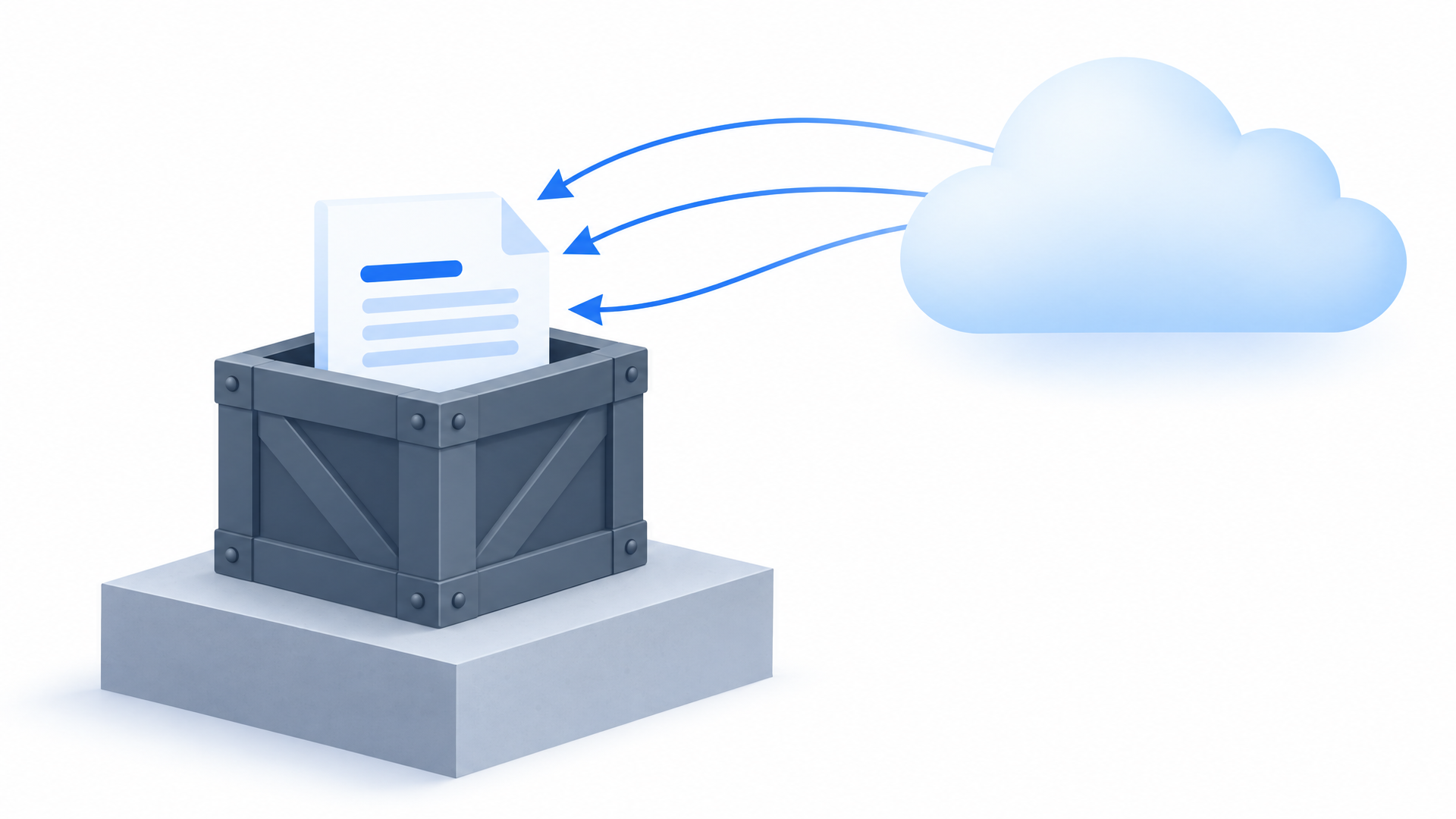
QoderWork is a desktop AI work assistant, and it behaves like one. It opens the spreadsheet on your disk, edits the draft in place, and writes the finished document back into the folder it came from. Task history stays on the device.
That locality is the feature, not the constraint. You can point the assistant at a folder of half-finished work without a permissions conversation, because the files, the versions, and the scope are all visible to you already.
What a local workspace cannot see is what happened outside it this month.
A monthly report has to compare your numbers against category data that someone else published. A competitive analysis needs the competitor's pricing page as it stands today, not the copy from last quarter. A research summary should quote the talk recorded last month, not a paraphrase of a summary. None of that is on your disk, and no amount of careful prompting will make it appear there.
Felo skills cover that half. They install like any other QoderWork skill — a folder with a SKILL.md in ~/.qoderwork/skills/ — and they answer from live sources. The division of labor stays clean: QoderWork keeps the local-file context and the document output, the skill supplies the evidence.
How skills work on QoderWork
Every skill is a directory with one Markdown file inside it: ~/.qoderwork/skills/<name>/SKILL.md. That file is the whole contract — the trigger conditions, the steps, the output shape. Nothing hides in a database, and nothing needs a plugin runtime.
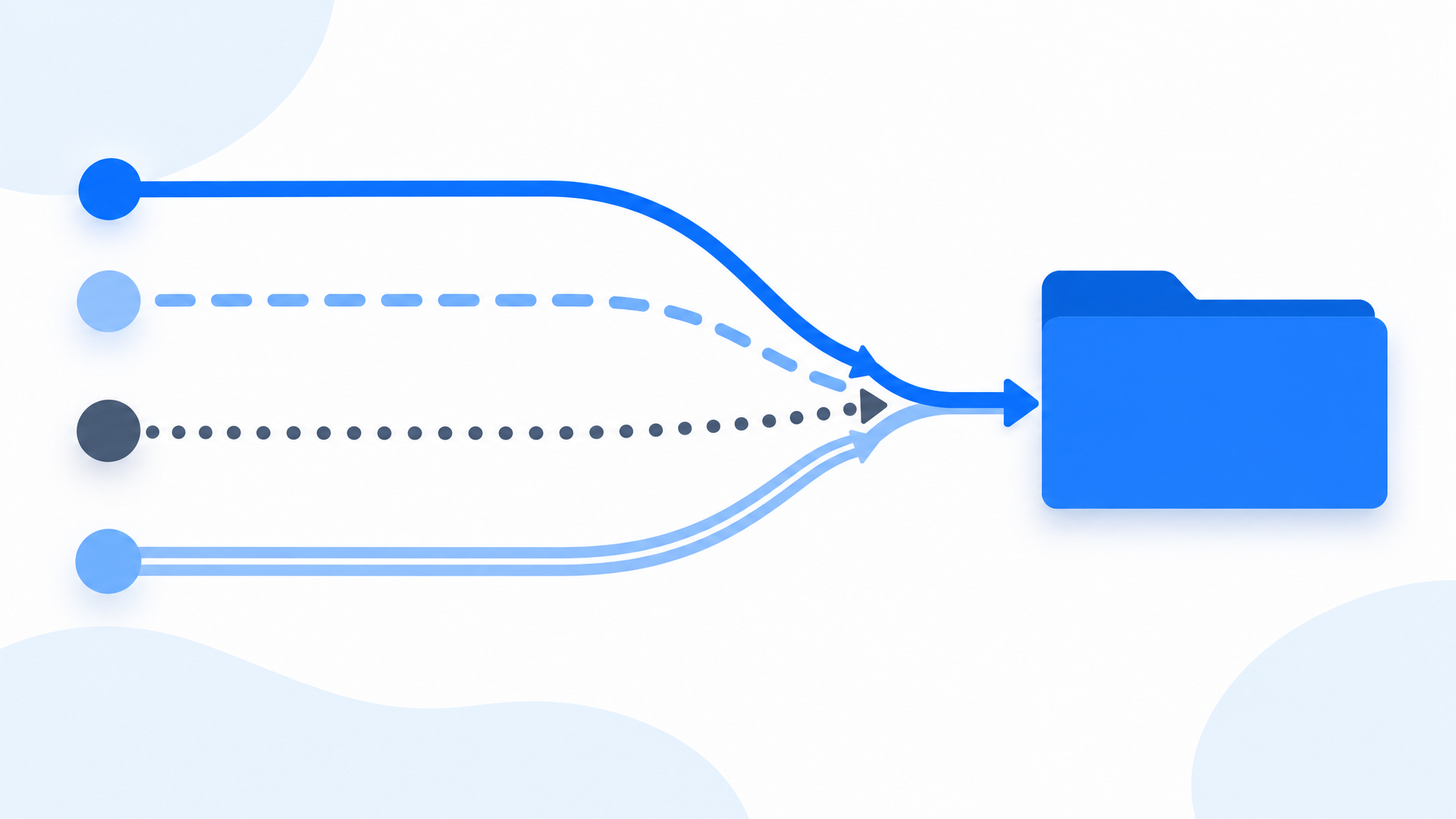
Four ways to install one. This is where QoderWork parts company with terminal-first agents. There is no single blessed import command; there are four routes, and they suit different moments.
| Route | What you do |
|---|---|
| Ask in conversation | Describe the need, and QoderWork searches its skill library |
| Skill Marketplace | Browse official and community skills by category |
| Repository link | Paste the link, and ask QoderWork to clone it into ~/.qoderwork/skills/ |
| Local upload | Upload a skill file you already have on disk |
The important detail is what happens after. QoderWork performs the download and the file placement itself, so even the route that starts with a repository link ends as a request typed into the conversation rather than a command run in a shell:
Please download the felo-search skill from the public skills repository
and put it in ~/.qoderwork/skills/, then confirm the skill is loaded.
Confirming the load costs one question, and it prevents the most annoying failure mode: a task that runs to completion on the assistant's general knowledge because the skill never registered.
Platform support. macOS 14 or later, on Apple Silicon and on Intel, and Windows 10 or later. Both 64-bit.
What the desktop app already does. QoderWork ships its own docx and pptx skills, and those own the formatting layer — template filling, Markdown to DOCX, cleaner slide output. That is why the Felo skills below return structured findings instead of fighting over layout. Three workspace traits shape how they get used:
| Trait | What it gives a research skill |
|---|---|
| Local files as first-class context | The assistant can read the spreadsheet, the draft, and the folder; the skill adds the sources those files cannot contain |
| Built-in docx and pptx output | Formatting is already covered, so a skill only has to be right about content |
| Knowledge base with ZIP upload | Whole archives can be uploaded, which keeps project material and generated research in one searchable place |
One prerequisite, two lines. Felo skills call the Felo CLI, so the key lives in your user config rather than in the project folder:
npm install -g felo-ai
felo config set FELO_API_KEY your-api-key-here
Keep the list tight. QoderWork matches a request to a skill by reading skill descriptions. A short, current list makes that match predictable; a long, stale one turns it into a guess.
Five Felo skills for a desktop work assistant
Each was picked to complement QoderWork's document skills rather than duplicate them.
Felo Search — live facts with sources and dates
The reference layer for anything the local files cannot answer: current pricing, policy changes, tariff rules, version releases. It is also the shortest path from a question to a citable answer — the same engine behind felo.ai/search.
Search for the current tariff rules for this category and note the source and date for each point.
Felo Slides — deciding what belongs on each slide
QoderWork writes the pptx; this skill decides the argument inside it. That distinction is what keeps a generated deck from becoming a wall of text dropped into slide frames. The same outlining logic powers the standalone Felo Slides product.
Turn this week's research into a ten-slide client deck with one point per slide.
Felo YouTube Subtitling — recordings into quotable text
Conference talks, webinars, and internal recordings become text the local workspace can index and the assistant can quote. Ask for the transcript before the summary, because the summary is only as good as the passage underneath it.
Get the transcript for this webinar and list every regulatory date it mentions.
Felo SuperAgent — images that land in the project folder
QoderWork already owns the files, so a generated logo or product image is saved next to the document that needs it instead of waiting in a chat window to be downloaded by hand.
Create a logo lockup for this product page and save the PNGs in this project folder.
Felo X Search — what customers actually post
Before a positioning note or a client deck goes out, read the replies. Public posts carry the part of the picture no internal document contains.
Pull the last week of posts about this brand and group the complaints by theme.
Beyond these five, the catalog at felo.ai/skills/qoderwork also carries Felo Web Fetch for pages into structured data, Felo LiveDoc for answers from your own documents, and Felo Content to Slides for turning notes into an outline.
Four workflows that mix local files with live sources
The pattern repeats across all four: QoderWork owns the file, Felo owns the evidence, and the deliverable never leaves your machine — the file stays put, and the sources come to it.
Monthly report with market context
Your numbers live in a local workbook. The commentary needs what happened outside the company this month.
Read the sales workbook, compare the quarter against published category data, and draft the commentary section with sources.
What lands back is a document where internal figures and external references sit side by side, each one traceable. Open the workbook and the report together and the comparison holds, because both are in the same folder.
Competitive analysis into a client deck
A client asks how three competitors position themselves today, and the deck has to be both presentable and defensible.
Fetch the three pricing pages, build the comparison, and turn it into a client-ready pptx.
The deck is built from pages captured this week, with the capture date recorded in the speaker notes. When someone asks why a competitor is described a certain way, the answer is a date and a page rather than a recollection.
A recorded briefing into notes and slides
A two-hour briefing contains every detail, and nobody will rewatch it before the meeting.
Summarize the transcript into a briefing note and a ten-slide recap.
Two deliverables, both derived from the recording rather than from memory. The note serves the people who were not in the room; the slides serve the ones who were and want the decisions listed.
A running knowledge base
Research accumulates across old tasks and folders, and every new question restarts from zero.
Consolidate the market notes in this folder with this week's sources into one updated document.
The result is a single document with dated entries, source lists, and a visible change history. This is the workflow that compounds: each addition makes the next question cheaper to answer, and each entry can be checked against the source it came from.
Guardrails
Keep draft edits in a copy when the document matters. The assistant can read and write local files as part of a task. That is the point of a desktop app, and it is also the risk. Work on a copy of anything you would hate to lose, and leave the original untouched until the review passes.
Require a source list in the deliverable. Ask for it in the prompt, not after the fact. A document with its sources attached can be reviewed line by line; one without them can only be trusted or rewritten.
Confirm the skill is loaded before you rely on it. A single question — which skills are available for this task — catches the quiet case where the assistant answers from general knowledge because the skill never registered.
Start with a narrow question and a single source. Longer tasks consume more, and one balance is shared across the Qoder family. Prove the skill works on a small request before running a multi-source investigation.
FAQ
Where does QoderWork store skills?
In ~/.qoderwork/skills/, one folder per skill, each with a SKILL.md that describes the trigger conditions and the steps. Felo bundles follow the same layout.
Do skills sync between my Mac and Windows machines?
Not the skill folders themselves. Your account, credits, and entitlements are shared across the Qoder family, but task history is stored locally on each device. Reinstall the skill on every machine you work from.
How is a skill different from a connector?
A connector links an external service. A skill is a written playbook the assistant applies to a task type. Felo's research skills are playbooks that call the Felo CLI, so there is no separate integration to wire up — one key covers all of them.
Will research tasks consume more credits?
Yes. Longer tasks consume more, and QoderWork draws on the same balance as the rest of the Qoder platform. Ask narrow questions against a single source first, and widen once the skill has proven itself.
Can the assistant edit my local files while researching?
It can read and write local files as part of a task, which is exactly what makes the desktop app useful. Keep draft edits in a copy when the document matters, and require a source list so any change is reviewable.
Point one skill at a file you already have. Ask for the answer with its sources, then compare it against what the assistant produced before the skill was there. The second result should not just be faster to produce — it should be easier to check.
Explore Felo skills for QoderWork →
This post is also available in 简体中文, 日本語, 한국어, 繁體中文, हिन्दी, Français, العربية, Русский, اردو, Bahasa Indonesia, Deutsch, Tiếng Việt, Türkçe, Italiano, ไทย, Español, বাংলা and Português.