Felo Skills for WorkBuddy: Give the Expert Bench a Live Source

Import Felo skills into WorkBuddy so its expert bench researches from live pages and keeps source lists attached through chat handoffs.

WorkBuddy does not answer one question at a time. Give it a goal and it splits the work across a bench of domain experts — research, documents, data, design — runs those workstreams, and hands back a deliverable.
That is a real capability, and it is why the gap is easy to miss. The report has headings. The deck has a narrative. The analysis has totals. Everything looks finished.
Then a partner asks where the competitor pricing figure came from, and the honest answer is: a model's training data, at an unspecified date.
Felo skills plug into exactly that hole. The expert keeps owning the plan and the deliverable. The skill owns retrieval, page extraction, and source notes.
How WorkBuddy picks up a skill
WorkBuddy installs skills from a local package you upload, and from its own market. For a third-party bundle, the upload path is the one you control: Skills → Add skill → Upload skill. Point it at a skill package, and the app completes the configuration after import. Each folder contains a SKILL.md and its supporting scripts, so the package is inspectable before it ever runs.
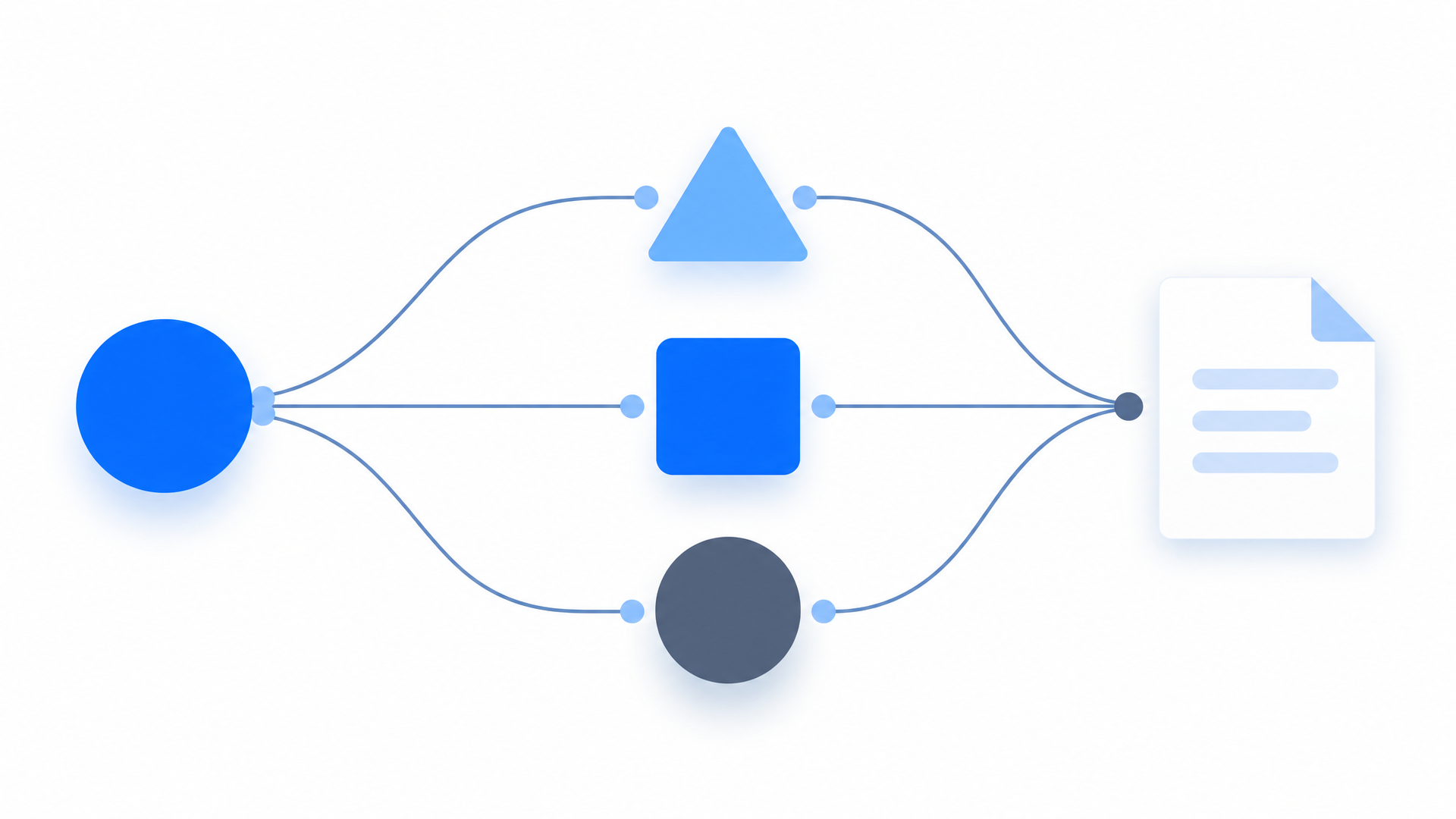
Three platform behaviors decide whether that import earns its place.
| Behavior | What WorkBuddy does | What it means for a skill |
|---|---|---|
| Expert routing | Matches a task to an expert by what it asks for | A skill with a clear description and trigger conditions gets selected at the right moment. A vague one sits unused. |
| Account-level state | Stores enable and disable state in your user configuration | A skill you reviewed follows you across every surface — desktop (macOS, Windows, Linux), WeChat, WeCom, mini program |
| External handoff | Moves deliverables into WeChat, WeCom, or a document editor | Citations have to live inside the artifact, not in the chat that produced it |
Routing is description-driven. A task that mentions a market study goes to a research or operations expert. That expert picks a tool the same way you would — by reading what the tool says it does. The description is not documentation. It is the trigger.
Enablement is account-level, not device-level. Turn a skill on at your desk and it is on when you open WorkBuddy on your phone. Turn it off and nothing is lost: disabling a skill does not modify its SKILL.md or remove the files. Testing one therefore costs a single setting, which is the right price for deciding whether the expert team should keep it.
The deliverable leaves the app. This one is easy to overlook and expensive to get wrong. A report forwarded in WeChat is read by people who never saw the task, cannot open the source panel, and will not ask. If the sources are not in the document, the numbers become unverifiable the moment it is sent.
Five Felo skills for the research and reporting bench
Install search first, then the output skills. Each pick is a folder shaped for WorkBuddy's local import.
Felo Search — market evidence with dates
Turns a research request into dated findings with source links. This is the difference between a report you can forward and one you have to fact-check line by line. The retrieval behind it is the same engine as felo.ai/search, pointed at a task instead of a chat box.
Research how the three leading competitors in this category price their plans in 2026, and list the source and date for every point.
Felo Slides — the deck the handoff needs
The research is already in the task. This turns it into a deck with one claim per slide, which is the shape that survives being forwarded in WeChat and WeCom. The outline arrives as text before a file exists, so the argument gets approved before it costs a regeneration. Sources go into the speaker notes, where a reviewer can find them when a number gets challenged.
Turn the research we just finished into an eight-slide deck for the weekly review, one conclusion per slide.
Felo SuperAgent — images inside the same task
A lot of tasks on the bench end in a picture: a brand logo, a product hero, a campaign visual. SuperAgent generates and iterates those images without leaving the task that needed them.
Draft three logo directions in our brand colours, plus one clean product hero image.
Felo X Search — customer voices before the inbox
Complaints and praise reach X before they reach a support queue. This reads posts and replies directly, which makes it a natural weekly sentiment task.
Collect this week's posts that mention our brand, group them by complaint type, and give me the links.
Felo YouTube Subtitling — video into quotable text
Customer reviews and industry sessions arrive as video links. Transcripts turn them into text the task can quote, compare, or file away.
Pull the transcript from this industry talk and list the points that contradict our current market read.
Full catalog: felo.ai/skills/workbuddy
Four tasks worth handing to the bench
Written the way the request actually gets typed into the task box.
Competitor research report plus a deck
A one-person company needs a market overview before a partner meeting. The desk research has to be current, and the output has to be presentable.
Research the leading players, pricing, and channel playbook in this category, then produce a report and a deck.
What lands back: a report where each claim carries a source, plus a slide draft generated from the same material — so the deck cannot drift away from the report. When formatting rather than content is the bottleneck, felo.ai/slides runs the same engine the skill calls.
Voice-of-customer analysis with external context
Support logs sit in a spreadsheet, but explaining why complaints spiked needs something from outside: a policy change, an outage, a competitor promotion.
Analyse this batch of user feedback against recent public events to explain the spike in complaints, then propose fixes.
What lands back: a themed analysis that separates internal patterns from external triggers, with links for the external facts. The distinction is the entire value. "Users are frustrated" is a dashboard. "Users are frustrated because a rule changed on this date, here is the notice" is a decision.
A weekly brief that does not repeat itself
The same digest gets requested every week, and last week's sources should not be searched again from scratch.
Update last week's industry brief with this week's policy changes and competitor moves.
What lands back: an updated brief with new items marked and older sources kept, so the brief accumulates a knowledge base instead of re-deriving one. The second and third runs are where a recurring task starts paying for itself.
Turn a long document into a meeting deck
A 40-page report lands in the task and the meeting is in an hour.
Compress this report into ten slides that lead with the conclusions and the risks.
What lands back: a slide draft that keeps the report's data points and source notes attached. The risks are the part a reader checks first when the numbers came from somewhere they did not see.
Setting up the first skill
Install the research skill, prove it on one real task, then attach it to the experts that repeat.
Get the files. Clone the public repository and pick the folders you want. Each contains a SKILL.md and its supporting scripts.
git clone https://github.com/Felo-Inc/felo-skills.git
Store the API key once. Install the Felo CLI and save the key to your user config. Skills read it from there, so the key does not travel inside the package you import.
npm install -g felo-ai
felo config set FELO_API_KEY your-api-key-here
Import through the Skills panel.
Skills → Add skill → Upload skill
→ select the felo-search package
→ confirm permissions
Run one task that has to be defensible. Ask for a report with sources and dates, and keep the source list with the deliverable.
Use felo-search to check the last three months of policy changes in this industry, with sources and dates, then draft a one-page summary.
Then attach it to the experts that repeat. Imported skills can be switched off without uninstalling, so keep the list short per expert and enable the rest when a task asks for them.
Guardrails
Read the permission list before you confirm. WorkBuddy shows one for every skill at import. A research skill needs network access; it does not need file deletion or messaging permissions. If a permission list asks for more than the job requires, that is the moment to stop — not after the import lands.
Keep sources inside the deliverable. A recurring task is only reviewable if every claim carries a link and a date. Put that requirement in the request and in the skill, so each run inherits it.
Start narrow. Heavier skills consume more credits, and WorkBuddy notes this in its skill documentation. A search-plus-fetch pass is cheaper than a full multi-source investigation. Price one run before you turn it into a weekly one.
Review anything you did not write. WorkBuddy's own guidance is to check the source, the requested permissions, and the scripts before installing a non-official skill. The Felo bundles are readable Markdown plus small scripts, which keeps the review short.
Keep the enabled list short. An expert that can reach six skills picks the wrong one more often than an expert that can reach two.
FAQ
How do I add a third-party skill to WorkBuddy?
Open the Skills panel, choose Add skill, and upload a local skill package — or let WorkBuddy find or create one for the task. Uploaded packages are configured automatically after the import.
Does the enable state follow me to another device?
Yes. WorkBuddy stores skill enable and disable state in your user configuration and syncs it across devices. Disabling a skill does not modify its SKILL.md or remove the files.
Will a research skill cost more credits?
Yes. Heavier skills and longer tasks consume more credits. Price a single run before you commit to a weekly schedule.
Is it safe to import a skill from a public repository?
Only after you review it. Check the source, the requested permissions, and the scripts before installing anything non-official. Felo's bundles ship as Markdown procedures with a few small scripts attached, so you can read the whole thing before you enable it.
Can Felo skills write files or send messages?
The research skills return text and links; they do not message your contacts. Skills on the platform generally can be granted broader permissions — which is exactly why you should install only bundles whose permission list matches their job.
The bench is already good at producing. The next report is one you can forward, because every number in it traces back to a page and a date.
Explore Felo skills for WorkBuddy →
This post is also available in 简体中文, 日本語, 한국어, 繁體中文, हिन्दी, Français, العربية, Русский, اردو, Bahasa Indonesia, Deutsch, Tiếng Việt, Türkçe, Italiano, ไทย, Español, বাংলা and Português.