Felo Web Fetch for Google Antigravity: Extract Product and Web Information as Structured Data

Learn how Felo Web Fetch skill gives Google Antigravity agents the ability to extract webpages into clean Markdown, HTML, or text for product research, competitive intelligence, and structured data collection.
The Problem Antigravity Agents Hit First
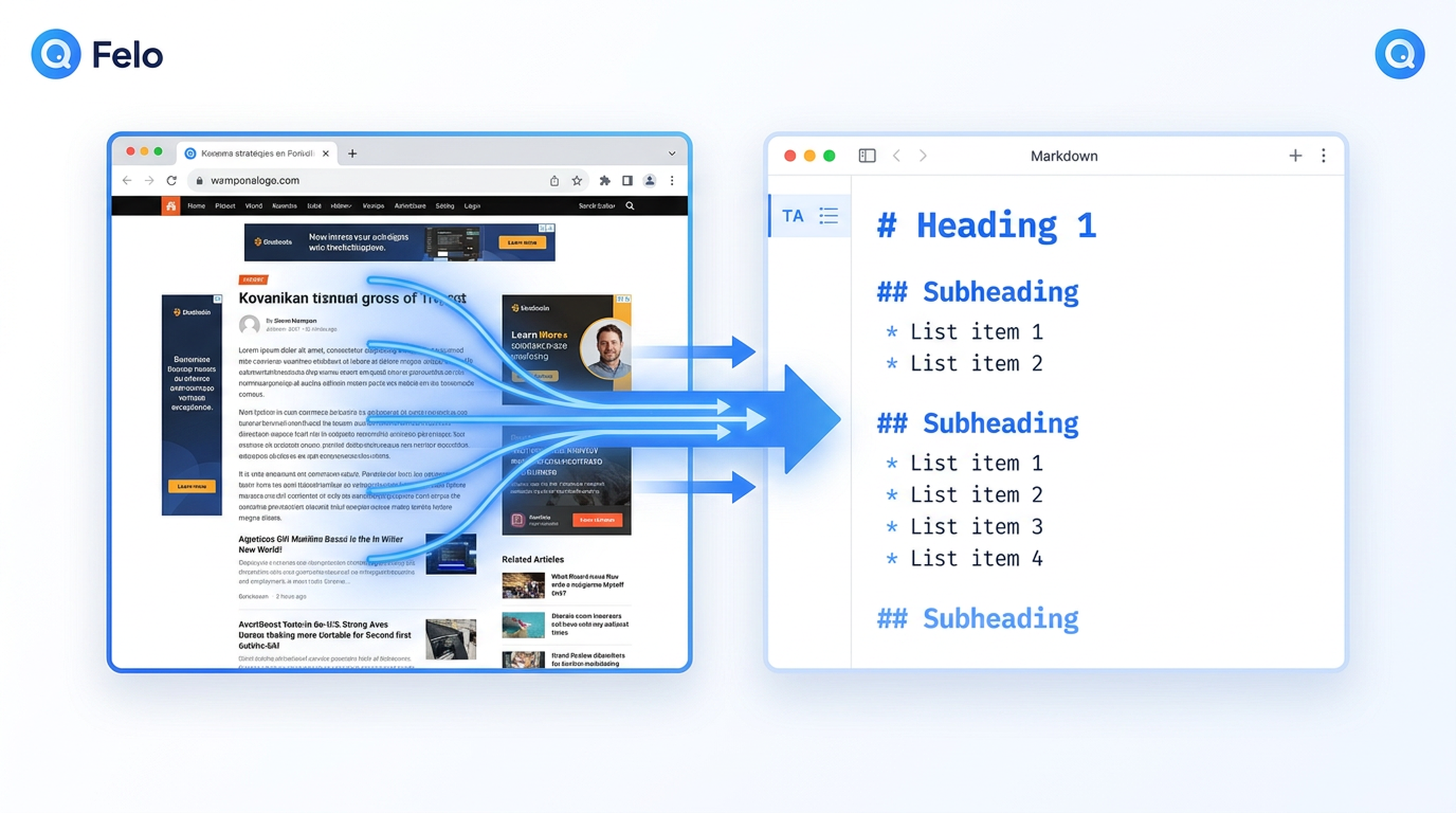
You give your Google Antigravity agent a research task. Maybe it's comparing SaaS pricing, pulling competitor feature lists, or gathering source material for a briefing. The agent plans well. It knows what it needs. But then it hits a wall: Gemini 3's training data has a cutoff date, and the agent can't reach out to the live web on its own.
That's where Felo Skills come in. Specifically, the Felo Web Fetch skill closes the extraction gap — turning any webpage into clean, structured Markdown, HTML, or plain text that your Antigravity agent can actually use.
What Is Felo Web Fetch?
Felo Web Fetch is a folder-based skill you drop into your Google Antigravity .agent/skills/ directory. Once installed, it becomes an autonomously triggered capability — your agent doesn't need you to type a slash command or copy-paste URLs. When a task requires reading a webpage, the Agent Manager matches the task to the skill's description and runs it automatically.
The skill uses the Felo Web Extract API (POST /v2/web/extract) to pull content from any URL and return it in the format your workflow needs:
| Output Format | When to Use |
|---|---|
| Markdown | Best for AI consumption — clean structure with headings, lists, and links preserved |
| HTML | When you need raw DOM structure for further processing |
| Text | Plain text extraction, useful for quick scanning or downstream text processing |
Install it from felo.ai/skills/antigravity — just copy the folder into
.agent/skills/and commit to Git. Every developer on your team gets the capability on next pull.
How It Works Inside Antigravity
The install path is intentionally simple:
# Clone the Felo skills repository
git clone https://github.com/Felo-Inc/felo-skills.git

# Copy the web-fetch skill to your Antigravity skills folder
cp -r felo-skills/felo-web-fetch ~/.gemini/antigravity/skills/
Once the felo-web-fetch folder sits in .agent/skills/, the SKILL.md file does the heavy lifting. Its description field acts as a semantic trigger. When your agent encounters a task like "compare pricing between these three SaaS products" or "extract the feature list from this competitor page," the Agent Manager loads the skill automatically — no manual invocation required.
Core Capabilities
1. Readability Mode for Clean Article Extraction
Not every webpage is well-structured. Blogs, news articles, and documentation pages often carry navigation bars, sidebars, footers, and ad clutter. Felo Web Fetch supports a readability mode (--with-readability true) that extracts only the main article content, stripping away everything else.
This is especially valuable for Antigravity agents doing research: instead of parsing 200KB of page noise, the agent receives a focused, readable article body — exactly the content it needs for analysis.
2. CSS Selector Targeting for Precision Extraction
Sometimes you don't want the whole page. You want the pricing table inside .pricing-section, or the changelog within div.changelog. Felo Web Fetch accepts a --target-selector parameter, letting you extract only the DOM element you care about.
For competitive intelligence workflows, this means your agent can pull structured pricing data, feature comparison tables, or product specifications without sifting through irrelevant page content.
3. Crawl Modes: Fast vs. Fine
| Mode | Best For |
|---|---|
fast | Static pages, documentation, blog posts — pages that render immediately |
fine | JavaScript-heavy pages, SPAs, pages that need time to render dynamic content |
The Agent Manager's default is fast for efficiency. When extracting from a React-based product page or a dashboard behind authentication, you'd switch to fine to ensure all content has loaded before extraction.
4. Cookie and Authentication Support
For pages behind login walls, Felo Web Fetch supports passing cookies (--cookie "session_id=xxx") and custom user-agent strings. This lets your Antigravity agent extract content from authenticated dashboards, internal documentation portals, or partner pages — expanding the range of source material beyond publicly accessible URLs.
5. Structured Summaries: Links and Images
Beyond raw content, the skill can include:
--with-links-summary true— all links extracted and summarized--with-images-summary true— all images extracted with metadata--with-images-readability true— images paired with their surrounding context
For a research agent compiling a product overview, these summaries become structured data points — reference links for follow-up, image URLs for visual comparison, and contextual metadata that enriches the final deliverable.
Real-World Use Cases
Competitive Intelligence at Scale
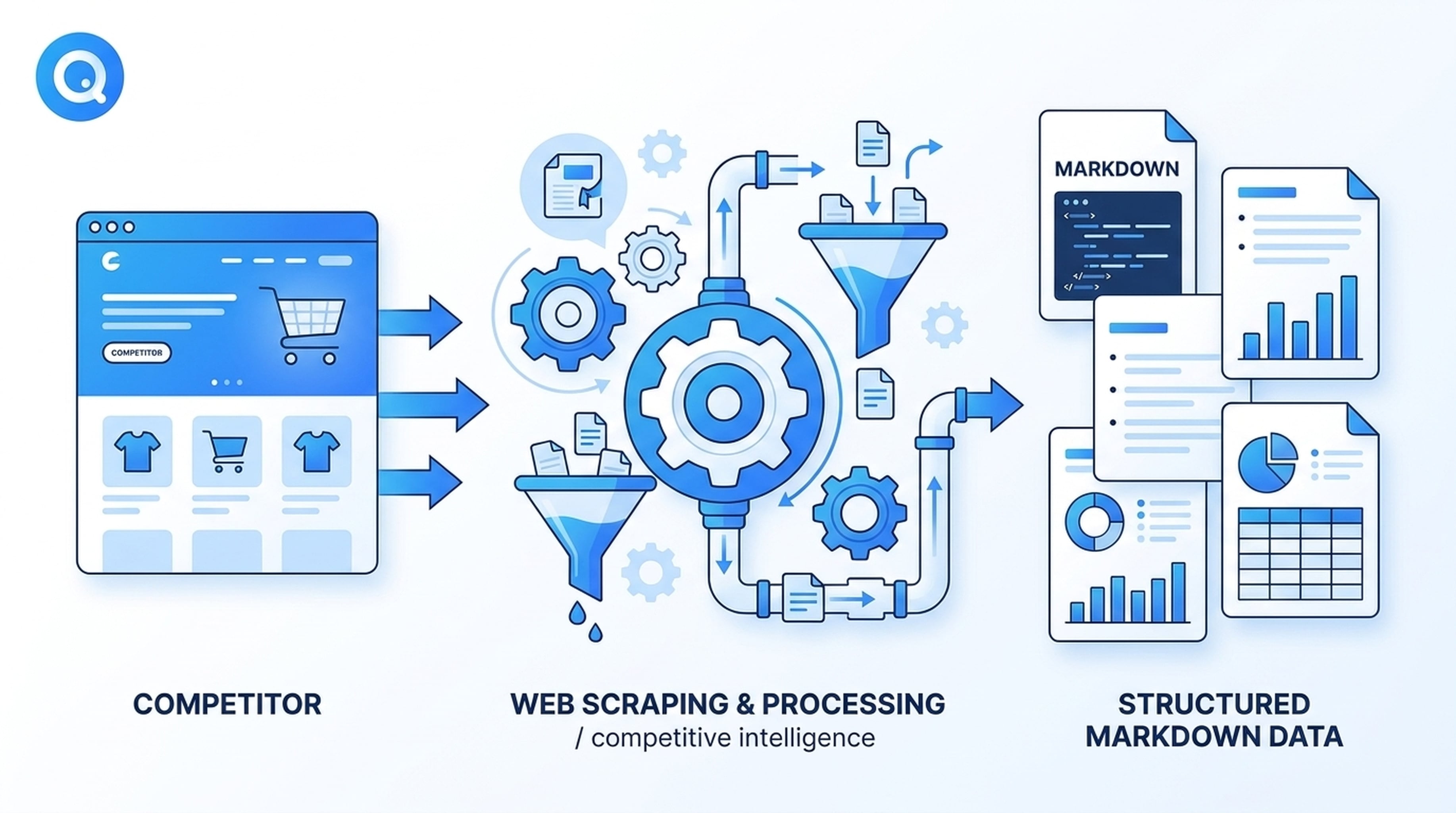
Imagine your Antigravity agent is tasked with monitoring three competitors' product pages weekly. With Felo Web Fetch installed, the agent:
- Visits each competitor's pricing page automatically
- Extracts the content as clean Markdown
- Compares features, pricing tiers, and new additions against your baseline
- Flags any changes since the last extraction
The agent doesn't need you to manually fetch pages. The skill triggers when the task matches, extracts the data, and feeds it back into the agent's reasoning pipeline.
Product Research and Buying Decisions
When an agent task involves evaluating tools, services, or platforms, Felo Web Fetch gives it access to current product pages — not stale training data. The agent extracts specifications, pricing, integration lists, and customer testimonials directly from the source, producing buying reports grounded in real, up-to-date information.
Source Material for Content Creation
Content teams use Antigravity to draft briefings, market analyses, and research reports. Felo Web Fetch feeds the agent with authoritative source material extracted from original webpages — ensuring the agent's output is based on primary sources rather than approximations.
Documentation and API Change Detection
For engineering teams, detecting changes in API documentation, SDK references, or developer portals is critical. Felo Web Fetch can extract documentation pages as Markdown, which the agent then compares against previous versions to identify breaking changes, new endpoints, or deprecated features.
API Reference for Developers
If you're integrating Felo Web Fetch programmatically (outside of Antigravity), the API is straightforward:
curl -X POST "https://openapi.felo.ai/v2/web/extract" \
  -H "Authorization: Bearer $FELO_API_KEY" \
  -H "Content-Type: application/json" \
  -d '{
    "url": "https://example.com/product",
    "output_format": "markdown",
    "with_readability": true,
    "crawl_mode": "fast"
  }'
Key request parameters:
| Parameter | Type | Default | Description |
|---|---|---|---|
url | string | — | Webpage URL to extract |
output_format | string | html | html, markdown, or text |
crawl_mode | string | fast | fast or fine |
with_readability | boolean | — | Extract main content only |
target_selector | string | — | CSS selector for specific elements |
wait_for_selector | string | — | Wait for element before extraction |
timeout | integer | — | Timeout in milliseconds |
set_cookies | array | — | Cookie entries for authenticated pages |
A successful response returns the extracted content in data.content, structured according to your chosen output_format.
Why This Matters for Antigravity Teams
The value of Felo Web Fetch isn't just in the extraction itself — it's in what extraction enables for your Antigravity agent workflow:
1. Agents work with current data, not cached knowledge. Gemini 3 can't browse the web. Felo Web Fetch bridges that gap, giving agents access to the actual content of any URL at extraction time.
2. Structured output means structured reasoning. When content arrives as clean Markdown, the agent can parse headings, lists, tables, and code blocks — producing analysis that's grounded in real page structure.
3. Zero configuration drift. Because the skill lives in .agent/skills/ and gets committed to Git, every developer on your team gets the same capability. No per-user setup, no environment-specific hacks.
4. It works alongside other Felo Skills. Combine Felo Web Fetch with Felo Search for live research verification, or with Felo Slides to turn extracted content into presentation-ready decks. The Agent Manager orchestrates the handoff between skills automatically.
Getting Started
Getting Felo Web Fetch into your Antigravity workflow takes minutes:
- Visit felo.ai and create an API key (Settings → API Keys)
- Set the environment variable:
export FELO_API_KEY="your-api-key-here" - Copy the skill folder into your
.agent/skills/directory - Commit to Git so your team's agents pick it up automatically
That's it. Your next agent task that involves reading a webpage will trigger Felo Web Fetch automatically — no manual intervention, no context switching.
The Bigger Picture
Felo Web Fetch is one piece of a larger ecosystem of Felo Skills for Google Antigravity. Together, these skills transform Antigravity's Agent Manager from a capable planner into a fully operational research and production tool — one that closes knowledge gaps, maintains persistent team memory, and ships finished deliverables.
The extraction layer that Felo Web Fetch provides is often the first skill teams install, because it solves the most immediate problem: your agent needs to read the web, and Gemini 3 can't do that alone. Once extraction works, adding live search, persistent knowledge bases, and output generation becomes a natural progression.
Ready to give your Antigravity agents the ability to extract, analyze, and act on real web content? Start with Felo Web Fetch — it's free, folder-based, and team-ready out of the box.
This post is also available in 简体中文, 日本語, 한국어, 繁體中文, हिन्दी, Français, العربية, Русский, اردو, Bahasa Indonesia, Deutsch, Tiếng Việt, Türkçe, Italiano, ไทย, Español, বাংলা and Português.