Felo X Search: Track X Signals for Research, Launches, and Reporting in Google Antigravity

Give your Google Antigravity agents live X/Twitter social listening, tweet search, user profiling, and reply tracking — all from the terminal.

The Social Signal Gap in AI Agents
Google Antigravity's Agent Manager is a powerful planner. It orchestrates tasks, reasons through complex workflows, and leverages Gemini 3's deep understanding of code and documentation. But there's a blind spot that no amount of planning can fill: Gemini 3 doesn't know what happened on X/Twitter today.
Social platforms are where product launches break, market sentiment shifts, and industry conversations unfold in real time. When your AI agent is researching a company, vetting a competitor, or preparing a market report, it needs access to the social signal layer — not just static documentation and outdated training data.
That's exactly what Felo X Search closes. It gives Antigravity agents the ability to search tweets, profile users, track trends, and pull reply threads — all triggered automatically from the Agent Manager, no manual commands needed.
What Is Felo X Search?
Felo X Search is a skill that integrates directly into Google Antigravity's Agent Manager. Once installed into your .agent/skills/ directory, it becomes an always-available data source that activates whenever an agent task involves social signals, public sentiment, or X/Twitter data.
The skill wraps Felo's X Search API — a reliable, high-throughput interface for querying X/Twitter data — behind a clean SKILL.md that the Agent Manager reads and understands. When a task semantically matches the skill's description, it triggers automatically. Your agents get live social data without you writing a single API call.
You can explore the full Antigravity skill page or visit felo.ai for the complete skill catalog.
Five Endpoints, Complete Social Coverage
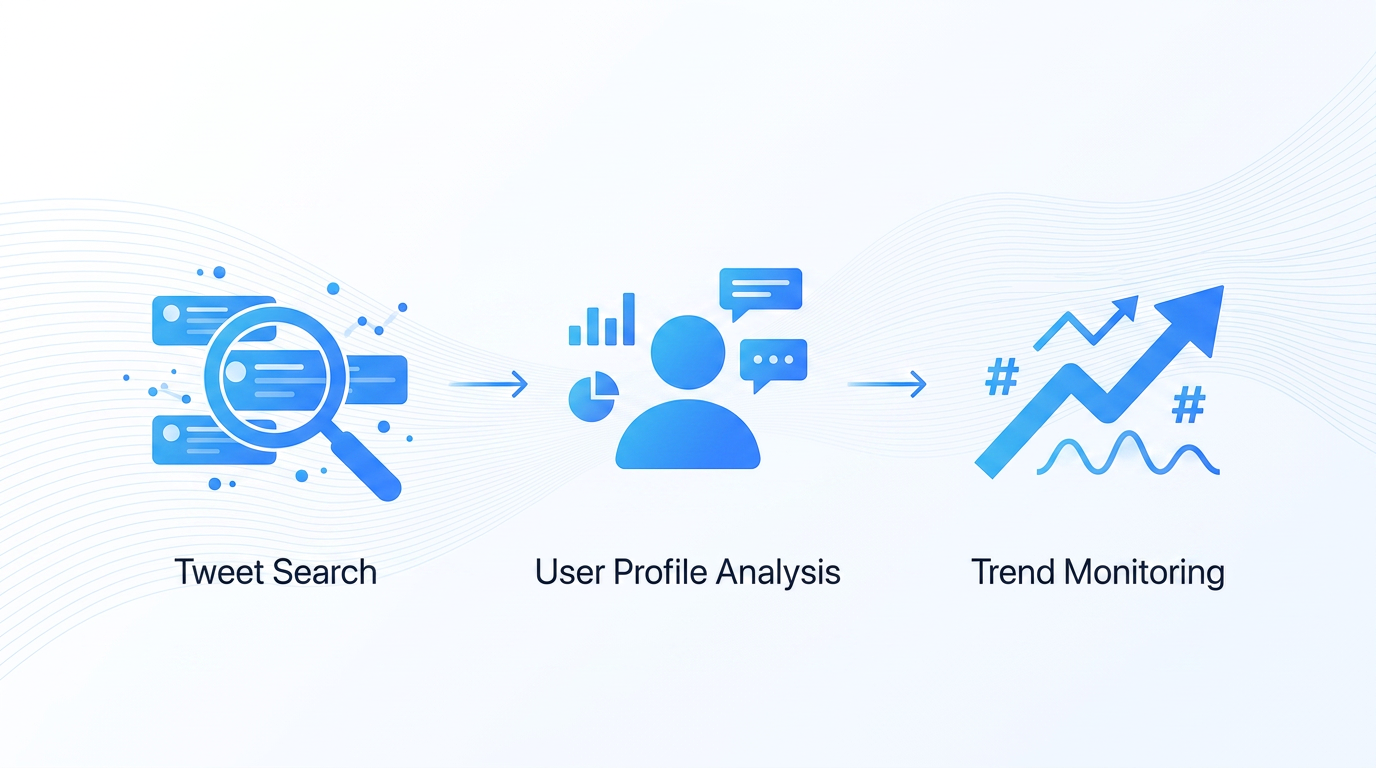
Felo X Search exposes five focused endpoints that cover every social listening scenario your agents might need:
1. Tweet Search
The bread and butter of social listening. Search for any keyword, hashtag, or advanced query across the entire X platform. Set time ranges, filter by query type, and paginate through results with cursors.
Your agents use this when they need to know what people are saying about a product launch, a competitor announcement, a regulatory change, or any event that generates real-time social buzz. Advanced X query syntax is fully supported, so agents can construct precise filters like from:username min:likes:100 without you specifying the format.
2. User Search
Find X users by keyword. When an agent is researching a company and needs to identify the official account, locate key spokespeople, or map out the social landscape around a topic, user search is the entry point.
This is especially useful in competitive analysis workflows. An agent researching a startup can quickly find the founder's X profile, cross-reference their public statements with product timelines, and incorporate social context into its research output.
3. User Info Lookup
Get detailed profile information for any username — follower counts, bios, account creation dates, and total tweet volumes. This endpoint accepts batch lookups, so agents can profile multiple accounts in a single call.
When your agent is preparing a briefing or a market report, having accurate social metrics adds credibility. Instead of saying "Company X has a strong social presence," the agent can say "Company X has 2.3M followers and averages 15K engagements per post" — backed by fresh data.
4. User Tweets
Pull recent tweets from any public account. Set limits, include or exclude replies, and paginate through historical content. This endpoint is the workhorse for ongoing monitoring.
Agents use this for tracking launch timelines (what did the CEO tweet before the product reveal?), monitoring developer relations (how is the engineering team communicating API changes?), or building sentiment timelines around specific accounts over time.
5. Tweet Replies
Given a tweet ID, pull the reply thread. This is where agents find the actual conversations happening beneath public statements — reactions, pushback, community expertise, and the kind of signal that never makes it into a press release.
For market research, reply threads are gold. An agent analyzing sentiment around a pricing change doesn't just need the announcement tweet; it needs the 200 replies that tell you how customers actually feel.
How It Works in Antigravity
The integration is elegant in its simplicity. Here's the flow:
Install once. Copy the felo-x-search skill folder into .agent/skills/ (team-wide via Git) or ~/.gemini/antigravity/skills/ (personal). Commit to your repository, and every developer on your team's Antigravity instance picks it up on the next pull.
Trigger automatically. The SKILL.md description acts as a semantic trigger. When your agent's task involves tweets, X users, social sentiment, or market signals, the Agent Manager recognizes the match and loads the skill. No slash commands. No manual invocation. Just work.
Use from the terminal. Once active, the skill provides both a CLI wrapper (felo x [query] [options]) and direct API access via curl. The CLI uses intelligent parameter inference — no subcommands needed. Just pass a query, add flags when you want user mode or tweet replies, and get structured results.
Get structured output. Results come back in clean, readable Markdown by default — user profiles, tweet threads with engagement metrics, reply chains with timestamps. Add --json when your agent needs raw data for further processing.
Real-World Agent Workflows
Here are the specific scenarios where Felo X Search transforms what your Antigravity agents can do:
Product Launch Intelligence
A product manager asks their Antigravity agent to prepare a competitive analysis of three AI startups. Without Felo X Search, the agent can pull website content, API documentation, and funding records. With it, the agent also:
- Searches tweets mentioning each startup in the past 30 days
- Profiles the founders' X accounts and pulls their recent statements
- Analyzes reply threads to gauge community reception of product announcements
- Incorporates social engagement metrics into the final report
The output shifts from "Company A announced Feature X" to "Company A announced Feature X on March 15th, generating 4.2K likes and 800 replies. The founder previewed the feature three weeks earlier, and developer reactions in the thread highlight concern about pricing."
Market Sentiment Tracking
Your agent is monitoring a market segment — say, AI code editors. It can now:
- Search for trending discussions about specific products
- Track sentiment shifts over time by running repeated searches with
--since-timeand--until-timefilters - Identify influential voices in the conversation through user search sorted by follower counts
- Pull reply threads to understand nuanced opinions that don't fit a simple positive/negative binary
Developer Relations Monitoring
For engineering teams, Felo X Search enables agents to:
- Monitor what the community is saying about API changes or deprecation notices
- Track developer sentiment after conference presentations or keynote announcements
- Identify common pain points by analyzing reply threads to product update tweets
- Build timeline reports that correlate social chatter with product release schedules
Research and Verification
When an agent encounters a claim — "Company Y has over 100K active users" — it can now verify against social signals. Checking the company's recent engagement rates, searching for independent confirmations from respected community members, and pulling discussion threads that reference the claim. This is the kind of multi-source verification that separates a useful agent from a hallucinating one.
CLI Usage That Just Works
The command-line interface is designed for both direct use and agent-driven automation:
# Search tweets about a topic
felo x "AI code editors" --limit 20

# Search for users related to a keyword
felo x "machine learning" --user

# Get info for specific accounts
felo x --id "openai,anthropic" --user

# Pull recent tweets from an account
felo x --id "openai" --user --tweets --limit 15

# Get replies to a specific tweet
felo x --id "1234567890"
For direct API access, each endpoint is a simple POST with JSON parameters. The base URL is https://openapi.felo.ai, authentication is via bearer token, and responses are consistent across all five endpoints.
Why This Matters for Antigravity Teams
The core insight behind Felo Skills for Antigravity is this: the Agent Manager is only as capable as the tools it can reach. Gemini 3's training data has a cutoff. It doesn't know what happened this morning on X. It can't tell you what a CEO just tweeted about a product launch, or what developers are saying about a new framework in real-time reply threads.
Felo X Search plugs that gap. Not with a manual workflow that requires you to switch contexts, copy-paste data, and feed it to the agent. Instead, it integrates at the skill layer where the Agent Manager can see it, understand it, and use it autonomously.
Your agents become capable of:
- Closing the knowledge cutoff gap — live social data for any research task
- Grounding claims in evidence — verified tweet data instead of hallucinated social metrics
- Shipping richer outputs — market reports with social engagement, not just product features
- Running autonomously — no manual data collection between agent tasks
Installation
Getting started takes less than a minute:
# Clone the Felo skills repository
git clone https://github.com/Felo-Inc/felo-skills.git

# Copy the skill to your Antigravity skills folder
cp -r felo-skills/felo-x-search ~/.gemini/antigravity/skills/

# Or for team-wide installation, copy to .agent/skills/ and commit to Git
Set your FELO_API_KEY environment variable (get one from felo.ai → Settings → API Keys), and you're done. The next time your Antigravity agent works on a task that involves social signals, it picks up the skill automatically.
The Bigger Picture
Felo X Search is one piece of a broader skill ecosystem for Google Antigravity. Teams typically layer in skills progressively: start with felo-search for live web data, add felo-x-search for social signals, bring in felo-livedoc for persistent team knowledge, and round it out with felo-slides for output generation.
Each layer makes the Agent Manager more capable without changing how you work. The skills are triggered by task semantics, not by manual commands. You describe what you need — the research, the analysis, the report — and the Agent Manager assembles the right tools to deliver it.
That's the promise of skills-enabled AI agents: they don't just plan your work anymore. They do it, with all the data layers and output tools that real work requires.
Ready to give your Antigravity agents the social signal layer? Browse the full skill catalog at felo.ai and install Felo X Search today.
This post is also available in 简体中文, 日本語, 한국어, 繁體中文, हिन्दी, Français, العربية, Русский, اردو, Bahasa Indonesia, Deutsch, Tiếng Việt, Türkçe, Italiano, ไทย, Español, বাংলা and Português.