First and Last Frame Video: Plan a Better Ending

Create first-and-last-frame video in Felo with compatible images and a clear connecting action. Plan the ending, choose a model and review the transition.
Felo tools: Image to Video · Seedance 2.5 · Wan 3.0 Prime · Kling 4.0 · Felo AI Video Generator.
First-and-last-frame video generation uses two images to guide how a clip begins and ends. The prompt explains the action that connects them. This is useful when a shot needs to arrive at a deliberate composition, such as a product reveal, a doorway opening or an object settling into place.
The two images alone do not define every moment between them. You still need a plausible path, suitable duration and a clear camera instruction. Good endpoint preparation reduces the number of decisions left unresolved.
Felo offers first/last-frame inputs with Seedance 2.5 and Wan 3.0 Prime, plus a middle-frame option with Kling 4.0. This guide focuses on designing those inputs around one coherent shot.
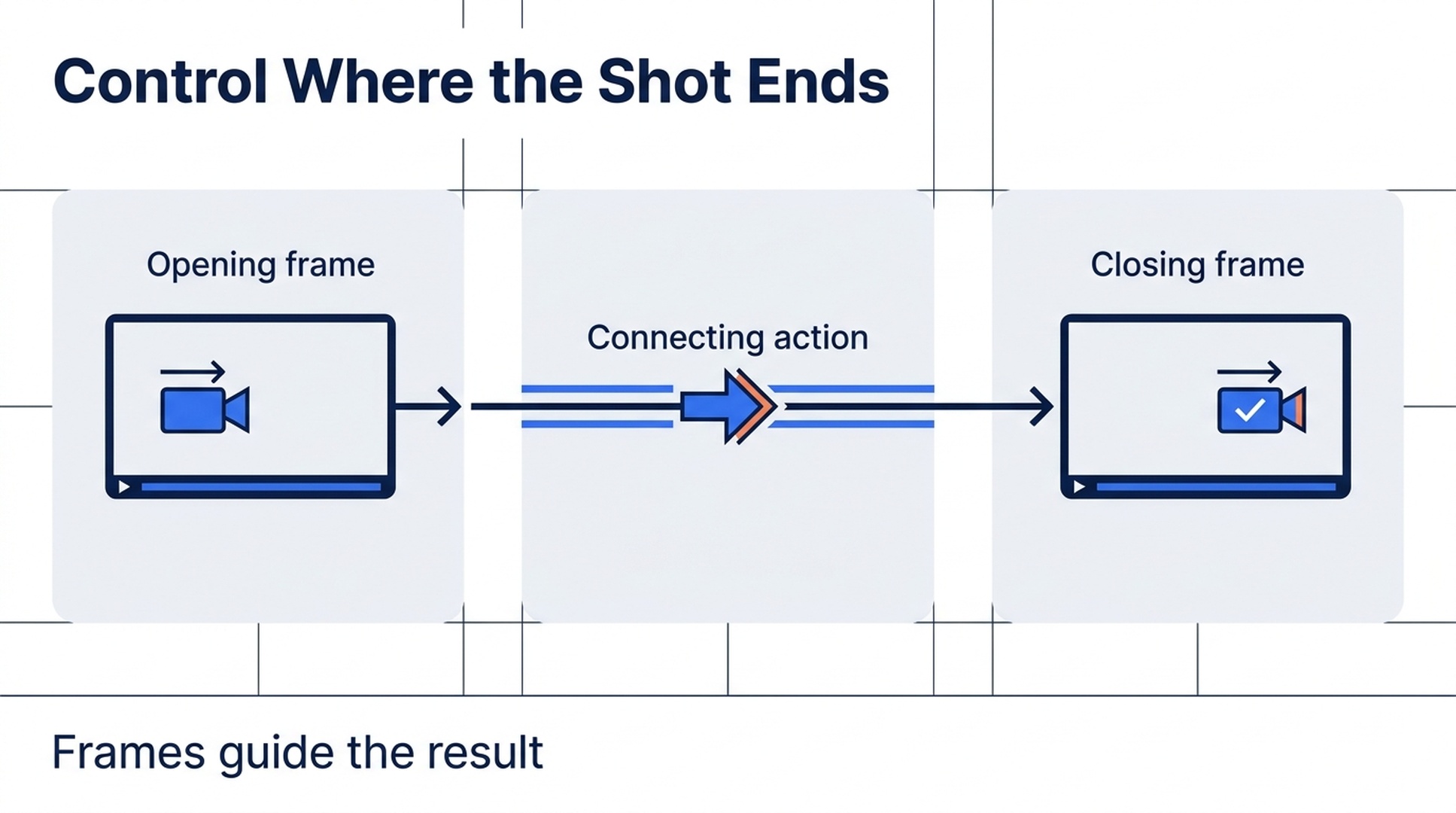
Illustrative guide; not a screenshot or a generated-video result.
Choose the ending before writing the action
Start with what the final composition must accomplish. Perhaps a bottle needs to face the viewer, a door must reveal the room beyond it, or a character must stop beside a window.
That ending should be describable in one sentence. “The box is open and the object inside is visible” is more useful than “the ending looks impressive.” It tells you what the closing image must contain and what to inspect in the result.
Then decide what the opening image withholds. If the box is already open at the start, the reveal has little work left to do. If the camera begins too far away, a short clip may need both a large move and a delicate opening action.
Design the pair around the smallest visual change that tells the story. Felo's image-to-video page documents the available frame-guided workflows.
Make the two images compatible
For a continuous shot, review four forms of continuity before uploading:
| Check | What to inspect | Why it matters |
|---|---|---|
| Subject | Same object, clothing, proportions and major details | The model needs a coherent identity across the transition |
| Scene | Compatible room, surface and background | Unexplained location changes require additional invention |
| Light | Similar direction, color and shadow logic | A lighting jump can compete with the intended action |
| Composition | A plausible path between framing and viewpoint | Extreme changes demand more movement in the available time |
Prepare both images for the intended aspect ratio. A wide opening image and a tall closing image may emphasize different crops or subject scales. Resolve that creative decision before generation rather than expecting the model to infer which framing matters.
A deliberate transformation can break continuity, but name it explicitly. “The clay bird unfolds into a paper bird” asks for a transformation. “Keep the same bird throughout” asks for continuity. Combining both instructions leaves the target unclear.
Match the frame plan to the model
Seedance 2.5 supports first and last frames for 4–30-second clips at 480P or 720P in Felo. Choose this input path instead of reference media; the integration does not allow both for one clip. Generated audio is available. See Seedance 2.5.
Wan 3.0 Prime supports first and last frames for 2–30 seconds, up to 1080P, with optional generated audio. It does not accept additional reference images or videos beyond its frame workflow. See Wan 3.0 Prime.
Kling 4.0 supports first, middle and last frames for 3–30 seconds at 720P or 1080P. Its current Felo output is silent. A middle image is useful when the route matters as much as the endpoints, such as an intermediate reveal or pose. See Kling 4.0.
MiniMax H3 does not expose native first/last-frame slots in Felo. Describing an opening and ending using references in an Agent conversation is a different form of guidance. Do not assume it provides the same input control.
Write the connection between the frames
A useful connecting prompt names the action, direction, camera behavior and ending. It does not need to redescribe every visible detail in both images.
For an opening box, this original suggested prompt provides a starting point:
Connect the supplied opening and closing frames in one six-second shot. The small wooden box stays fixed on the table while its lid opens slowly on the rear hinge. Keep the camera still and maintain the same soft side lighting. The opening action reveals the ceramic object inside. Finish with the lid open and the object clearly visible, matching the intended closing composition. No cuts, extra objects or added text.
This example has not been rendered as a controlled test. Its value is the separation of decisions: the box stays fixed, the lid moves and the camera remains still.
For a second brief, imagine a curtain revealing a window:
Begin with the supplied closed-curtain composition. A light breeze gradually moves the curtain toward the right, revealing the window and the morning garden beyond it. Keep the viewpoint fixed. Preserve the room's warm wood tones. End with the window exposed as shown in the closing frame, with only slight remaining fabric movement.
If both the camera and the subject must move, define each path separately. Avoid stacking an orbit, zoom, tilt and transformation into a short connection unless all of them are essential.
Review the middle before accepting the ending
A clip can resemble both endpoints and still contain an unusable transition. Watch the entire result at normal speed, then inspect the part where the largest change happens.
For the box example, check the hinge, the lid's thickness and the object inside. Does the lid open through a plausible path? Does the object appear suddenly? Does the box change proportions as the lid moves?
If the transition is too ambitious, reduce the visual distance between the two frames or simplify the action. If the route remains unclear and the model supports it, a coherent middle frame may provide useful guidance.
Treat the frame inputs as guidance, not guaranteed exact pixels or exact timing. A desired pause at the ending can be requested, but a production edit may still be needed to create the final timing.
Prepare the next cut
The last frame also needs to work beside the next shot. If you intend to cut from the open box to a close-up of the object, keep the object's position and light direction in mind while preparing the endpoint.
For a title card added later, request a calm final composition with space for text. Add the actual typography in your editor so you can control wording, alignment and duration precisely.
Save the accepted generation before attempting a revision. A later attempt may improve the transition but change a detail you preferred in the earlier take. Each generation is a new candidate, not an undoable timeline adjustment to the same clip.
Frequently asked questions
Will the video reproduce the closing image exactly?
The closing frame guides the output. Inspect the generated result rather than assuming every pixel, object detail or timestamp will match exactly.
Do I always need a middle frame?
No. Start with a clear action and compatible endpoints. Use a supported middle-frame input when an intermediate composition is important enough to specify.
Can I use unrelated images as the first and last frames?
You can design a transformation, but the prompt needs to explain what changes and how. For a continuous realistic shot, compatible images give you a clearer starting point.
Does this assemble two still images in a video editor?
No. The model generates motion between the inputs. Cutting stills, adding titles and arranging a finished sequence are separate editing tasks.
Choose a simple opening-and-ending pair and try the supported frame controls in Felo AI Video.
This post is also available in 简体中文, 日本語, 한국어, 繁體中文, हिन्दी, Français, العربية, Русский, اردو, Bahasa Indonesia, Deutsch, Tiếng Việt, Türkçe, Italiano, ไทย, Español, বাংলা and Português.