
Free LLM API: How to Get Started with Felo

Learn how to use a free LLM API with Felo, find $0 models, configure an OpenAI-compatible endpoint, and understand account requirements.
A free LLM API lets you try language models in your own code without paying an inference charge for eligible requests. With Felo API Platform, you can find models currently priced at $0, create an API key, and call a supported model through an OpenAI-compatible endpoint.
There is one account requirement to understand before you start: Felo requires a positive account balance for all model requests, including $0 models. Creating an API key is free, and service credits start at $1. The rate shown on the model page when you send a request applies, so check it before calling the model.
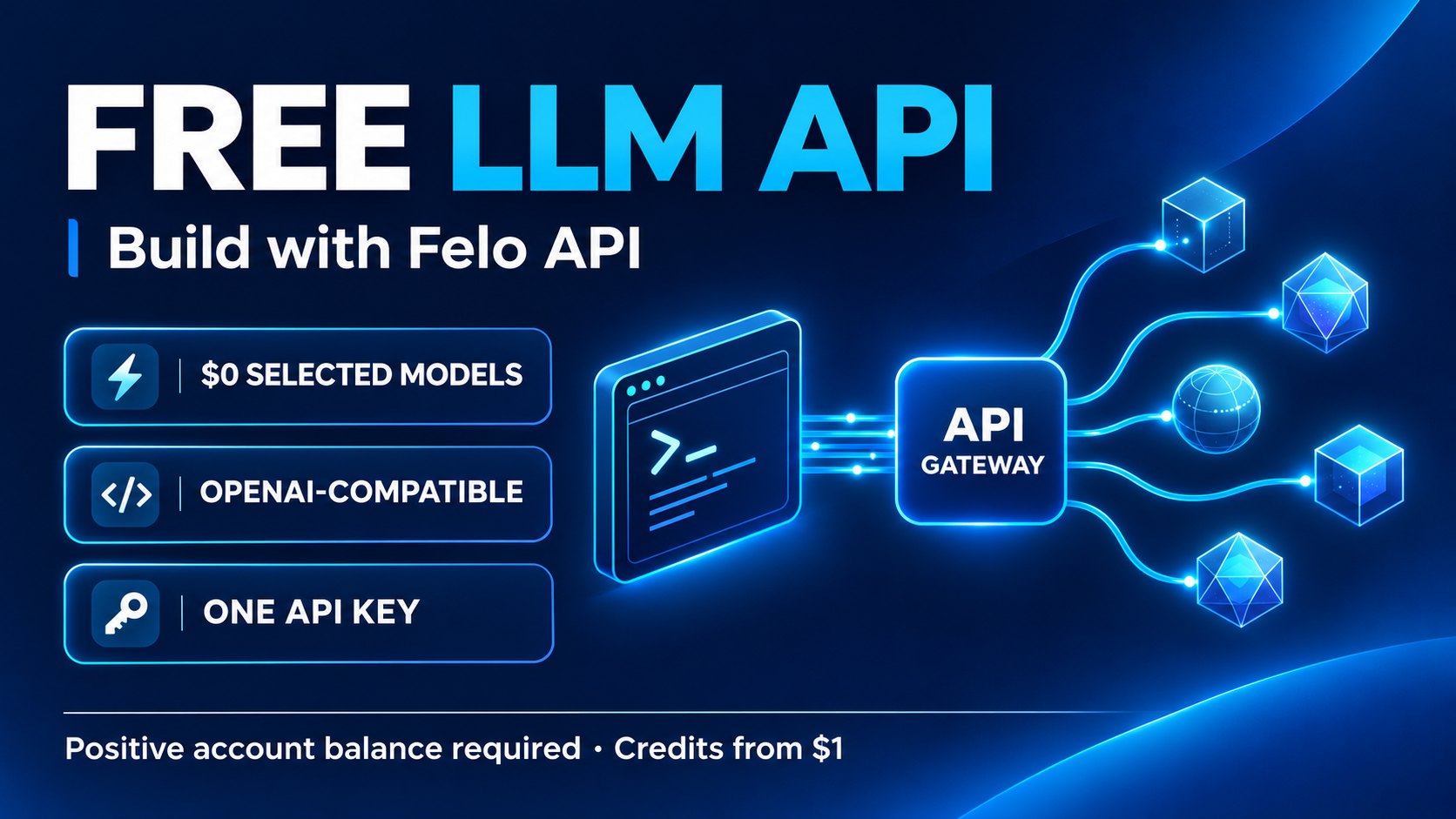
This guide walks through finding a free model, sending your first request, and handling common integration issues. Product details were checked on November 2, 2026; availability and rates can change.
What is a free LLM API?
An LLM API gives an application a way to send input to a language model and receive its response. Instead of typing into a chat interface, you make an HTTP request from a script, backend service, or development tool.
For example, a Python application could send a support message to a model and ask it to identify the topic. A document workflow could request a short summary. A developer could test several prompts before adding an AI feature to an existing application.
On Felo, the free LLM API page lists two kinds of offers: models with a published $0 rate and models on a limited-time free trial. A free trial can end, and model prices can change. The live model page is the place to check the applicable price at request time.
Free model pricing does not mean unlimited free credits. Felo says it does not offer an unlimited or recurring free-credit allowance, and requests are rejected when the account balance is zero or negative, even if the chosen model is listed as free.
How to find a free LLM API model
Open Felo's live free model catalog and review the models currently listed. For each candidate, look at the model name, provider, context window, input price, output price, and free or trial status.
The list is generated from the live catalog. When checked for this article, it showed four models with $0 input and output rates. Treat that number as a snapshot: a model can be added, removed, or repriced after publication.
Before selecting a model, consider what your application needs:
- Input and output: Confirm that the model supports the kinds of data you plan to send and receive.
- Context window: Check whether the prompt and expected response fit within the model's limits.
- Protocol: Verify that the model supports the endpoint your client will use.
- Features: Check supported parameters before depending on tool calls, structured output, or streaming.
- Price and status: Inspect both input and output rates and distinguish a $0 model from a time-limited trial.
A long context window or a free badge alone does not tell you whether a model is right for a task. Test it with examples that resemble your real workload.
How to get a free LLM API key
You can create a Felo API key without paying for the key itself. To make requests, however, the account needs a positive credit balance. Follow these steps:
- Go to the free LLM API page and follow the API key link to create or access your account.
- Create an API key and store it securely. Avoid placing it in source files, public repositories, or client-side browser code.
- Add service credits to keep your account balance above zero. Felo lists a $1 starting top-up and no subscription requirement.
- Return to the free model list. Open a model's details, confirm its current input and output rates and supported protocol, and copy the exact model ID.
- Send a small test request and review the response and account usage.
A $0 rate applies to the eligible model usage described on its page. It should not be assumed to cover a different paid model, a trial after it ends, or unrelated services. Review the published rate before each request or automated run.
Make your first free LLM API request
Felo supports several API protocols. This example uses OpenAI Chat Completions, which accepts a messages array and returns a response with a choices array. Felo documents the endpoint and SDK base URLs in its protocol guide.
First, make your API key available as an environment variable in your terminal:
export FELO_API_KEY="your-felo-api-key"
Then replace MODEL_ID below with the exact ID of a currently free model that supports Chat Completions. Check the current price and make sure your account balance is positive before running the request.
curl https://openapi.felo.ai/api/v1/chat/completions \
  -H "Authorization: Bearer $FELO_API_KEY" \
  -H "Content-Type: application/json" \
  -d '{
    "model": "MODEL_ID",
    "messages": [
      {
        "role": "user",
        "content": "Summarize the benefits of caching in two sentences."
      }
    ],
    "max_tokens": 128
  }'
A successful response normally contains the generated text in choices[0].message.content. The response can also include usage information. The exact parameters a model accepts may vary, so consult its catalog entry if you need a particular feature.
If the request fails, check the endpoint, model ID, key, balance, and supported protocol. Felo's protocol guide notes that a 401 can indicate a missing or incorrect key, while a model error can indicate an unavailable model ID or an unsupported endpoint.
Use the free LLM API with Python
If you already use the OpenAI Python SDK, the integration follows the same general pattern: set the Felo base URL, use your Felo API key, and provide a compatible Felo model ID.
Install the SDK in your Python environment:
pip install openai
With FELO_API_KEY set as above, replace MODEL_ID with the exact ID of a currently free model that supports Chat Completions:
import os
from openai import OpenAI

client = OpenAI(
    api_key=os.environ["FELO_API_KEY"],
    base_url="https://openapi.felo.ai/api/v1",
)

response = client.chat.completions.create(
    model="MODEL_ID",
    messages=[
        {"role": "user", "content": "Give me three ideas for a reading app."}
    ],
    max_tokens=128,
)

print(response.choices[0].message.content)
The SDK base URL ends in /api/v1; the client appends the Chat Completions path. Felo also documents OpenAI Responses and Anthropic Messages endpoints, each with its own request shape and base URL. Check the model's supported protocols rather than assuming every model supports every endpoint.
What can you build with a free LLM API?
Test a chatbot idea
Start with a narrow task, such as answering questions about a small set of public product documents. Test whether the model follows your instructions, admits when it lacks information, and returns answers in a useful format.
Keep the first version simple. A few representative questions can reveal whether your prompt needs more context or whether you should evaluate another model. Do not assume that a fluent response is correct: check answers against the source material.
Summarize and organize text
A model can turn meeting notes into action items, condense a long article, or classify short feedback entries. Include the expected output structure in the prompt and ask for information to be preserved rather than invented.
For repeated jobs, build a small set of examples with known good answers. Review the summaries for omissions and verify extracted fields before relying on them in an automated workflow.
Prototype structured workflows
You might ask a model to extract a customer request's topic and urgency into fields that another part of your application can process. Before relying on JSON mode, structured output, or tool calling, check whether the selected model supports those parameters.
Validate the response in your code. Even when a model produces valid JSON, the contents may be incomplete or incorrect. Decide what should happen when a field is missing, the model is unavailable, or a response does not match your schema.
Tips for using a free LLM API reliably
Check prices and trial status
The free model catalog is dynamic. A trial can end and a model's published rate can change. For an automated workload, make price verification and spending controls part of your operating process. Avoid assuming that a model remains free simply because it was free when you wrote your script.
Protect your API key
Use environment variables or a secrets manager, and keep the key on the server. If a key is accidentally exposed, revoke or rotate it through your account controls. Separate keys for different applications can make usage easier to manage.
Plan for errors and limits
Network errors and rate limits can interrupt requests. Handle failures explicitly, retry transient errors with bounded backoff where appropriate, and stop rather than retrying indefinitely. For user-facing features, show a useful message if the request cannot be completed.
A free model's availability may change. If you configure a fallback model, check its price and set a budget before enabling it. An automatic switch to a paid model can create charges that the original $0 model did not.
Use suitable test data
Before sending data to any model API, review the applicable privacy, retention, and usage terms. Use synthetic or authorized examples during development, and follow your organization's rules for customer or confidential information. A lower price does not change your responsibility to protect data.
Evaluate the result, not just the response
A successful HTTP response only shows that a request completed. It does not prove that the answer is correct or useful. Test a range of easy, ambiguous, and difficult examples; record failures; and compare results after changing the model or prompt.
Free LLM API FAQ
Is Felo's free LLM API completely free to start?
Creating an API key is free, and selected models may have a published $0 rate or a limited-time free trial. However, you must keep a positive account balance to send requests, including requests to free models. Felo says service credits start at $1. See the live free model page for current terms.
Do I need a credit card to create an API key?
Felo states that creating an API key does not require a credit card. To call a model, you still need a funded account with a positive balance. Check the available payment methods and current terms when you add credits.
Are all models on Felo free?
No. The free model page lists current $0 models and temporary trials. Other models in the catalog are billed at their published usage rates. Check the exact model and price before sending a request.
Can I use the OpenAI SDK with Felo?
Yes, for supported models and protocols. For the OpenAI SDK, Felo documents https://openapi.felo.ai/api/v1 as the base URL. Use your Felo API key and an appropriate Felo model ID, and confirm that the model supports the API features your application needs.
Is the free LLM API unlimited?
No unlimited or recurring free-credit allowance is stated on Felo's free model page. Free or trial status can change, and service limits may apply. Consult the model details and current platform documentation for the conditions relevant to your workload.
Can a free trial start charging?
Felo says a model can continue at its published rate after a trial ends. Since rates and trial status can change, check the model page at request time and configure your application and account spending controls accordingly.
A useful first step is to choose one small task, find a model that currently fits its requirements, and make a test request. Once you have working code, evaluate the output on realistic examples and monitor the terms as you build.
Explore Felo's current free LLM API models →
This post is also available in 简体中文, 日本語, 한국어, 繁體中文, हिन्दी, Français, العربية, Русский, اردو, Bahasa Indonesia, Deutsch, Tiếng Việt, Türkçe, Italiano, ไทย, Español, বাংলা and Português.