
The 2026 US Office Must-Have: Google Antigravity Skills (And How to Master Them)

Google Workspace skills every US office needs in 2026. From AI-powered Docs to autonomous Sheets that lift productivity off the desk.
Remember when Google Gravity was just an April Fool's joke? You typed a search, clicked the button, and every element on the page fell to the bottom of the screen like it was in freefall. Google showed off its ability to make the impossible look playful.
Fast forward to 2026. The joke is over. What's left is real.
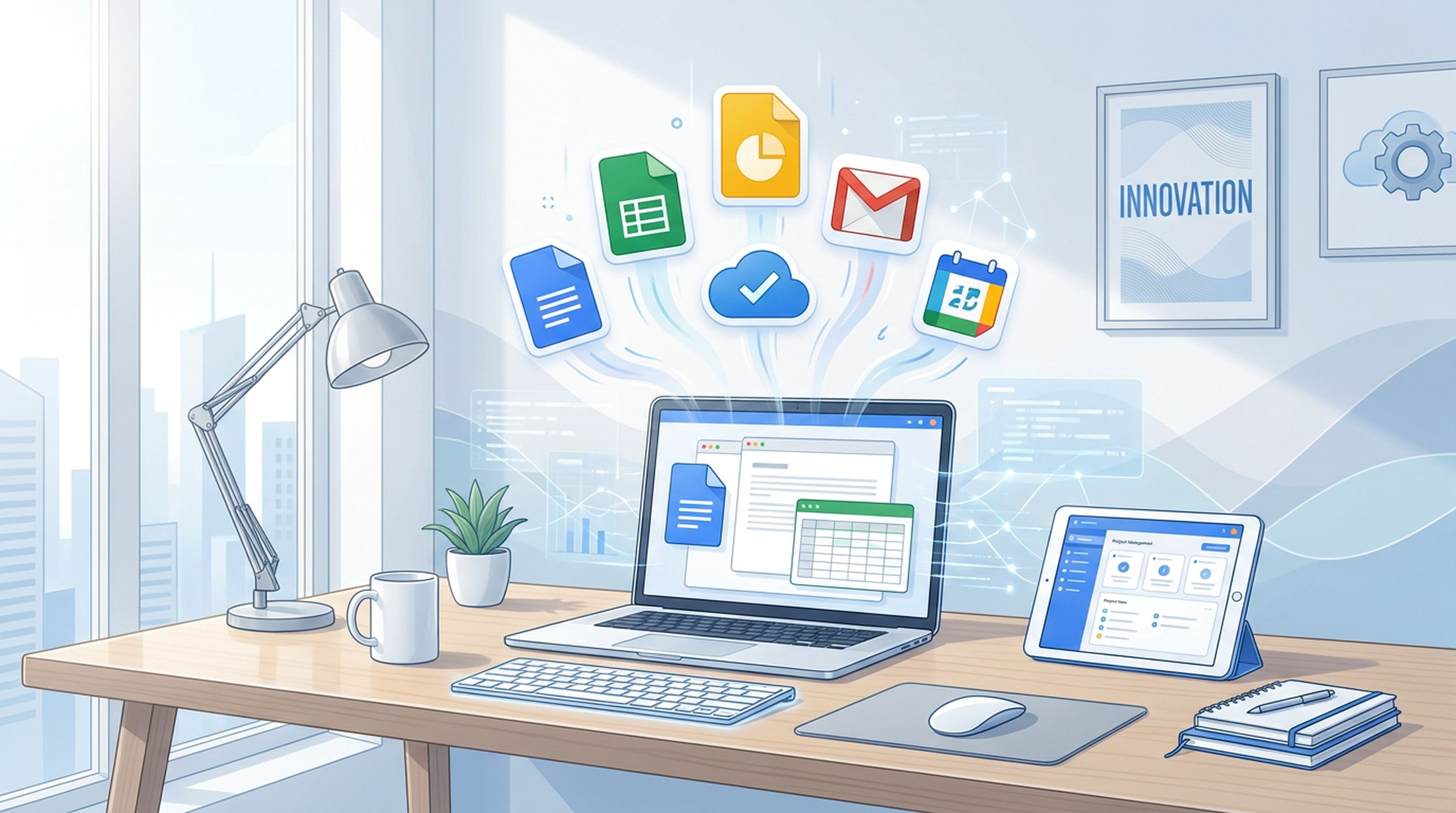
Google's workspace has quietly accumulated a set of capabilities so powerful that teams who don't adopt them feel like they're working under gravity while everyone else is floating. We call them Google Antigravity Skills. Not because Google gave them that name, but because using them together lifts your entire operation off the ground.
Here's the list and how to actually use each one.
What Are "Antigravity Skills"?
An antigravity skill is any Google Workspace capability that removes a traditional bottleneck so completely it feels like the work is doing itself. Not a small improvement. A category change.
A spreadsheet that writes its own formulas. A document that researches, cites, and drafts sections for you. A presentation that turns a rough outline into polished slides from one prompt. That's not incremental productivity. That's defying gravity.
The American office in 2026 runs on these skills. Not as nice-to-haves, but as baseline expectations. Here's the breakdown.
Skill 1: AI-Powered Drafting in Google Docs
What it does. Google Docs now has Duet AI baked in. You don't just write, you direct. Give it a prompt like "Draft a Q2 strategy memo for the leadership team, referencing our OKRs and flagging three risks" and it produces a structured first draft with citations pulled from your own Drive files.
Why it's antigravity. The first draft is traditionally the heaviest part of writing. AI removes the weight. Teams at startups report spending 60% less time on initial drafts, which leaves more time for the thinking that actually matters.
How to master it.
- Be specific with context. Instead of "write a project update," try "write a two-paragraph project update for the engineering VP, covering the API migration delay and proposing two paths forward."
- Use "Help me write" inline. Highlight a sentence you want to expand, right-click, and let AI continue in your voice.
- Ground it in your data. Connect your Drive so the AI pulls from real docs, not generic knowledge.
Skill 2: Formula Generation & Smart Fill in Google Sheets
What it does. Describe what you want in plain language and Sheets builds the formula. Try "Flag any row where spend is over budget and the project status isn't green." Smart Fill auto-populates columns based on patterns it detects in your data.
Why it's antigravity. Excel power users spent years memorizing nested IF statements, INDEX/MATCH combos, and array formulas. Now you describe the outcome and Sheets writes the code. The gap between "I know what I need" and "I know how to get it" has closed.
How to master it.
- Think in outcomes, not formulas. Don't try to write VLOOKUP. Describe the result you want.
- Use Smart Fill for data cleaning. Paste a messy import and let Sheets suggest transformations.
- Combine with AppSheet. Turn any sheet into a lightweight app with zero coding.
Skill 3: AI Slide Generation in Google Slides
What it does. Feed Slides a topic or a Doc and it generates a structured presentation with layouts, imagery suggestions, and speaker notes. The quality in 2026 is lightyears ahead of where it was at launch.
Why it's antigravity. Building a deck used to mean wrestling with alignment, hunting for icons, and iterating on layouts for hours. Now the structural work happens in seconds. You focus on the narrative, which is the part that actually needs a human.
How to master it.
- Start from a Doc, not a blank slide. Write your content in Docs first, then let AI convert it. Results are noticeably better when the source material is rich.
- Iterate section by section. Generate the full deck, then regenerate individual sections with tighter prompts.
- Use Duet AI for speaker notes. Let it draft talking points for each slide, then customize.
Skill 4: Smart Canvas & @Mentions That Actually Work
What it does. The @mention system in Docs, Sheets, and Slides has evolved beyond simple person-tagging. You can now @ a meeting to pull in the agenda, @ a project to pull in its status, @ a cell to embed live data, @ a video to insert a timestamped clip.
Why it's antigravity. Documents stop being static files and become living hubs. Every reference is a live connection. Update the source and the doc updates with it. The old cycle of copying data into a doc, emailing the doc, then realizing the data is stale just disappears.
How to master it.
- Build meeting notes that pull their own data. @ the relevant sheets, @ the project tracker, @ the timeline. Your meeting doc becomes a dashboard.
- Use @ to assign action items inline. The action item links to the task in your project tool and sends a notification to the assignee.
- Create document templates with pre-built @mentions. Set up templates for recurring meetings that auto-pull the right context.
Skill 5: Gemini in Google Workspace (The Brain)
What it does. Gemini is Google's AI model, deeply integrated across the workspace. It can summarize a 50-email thread, draft a response in your style, pull key action items from a Meet transcript, and cross-reference info across your entire Drive.
Why it's antigravity. This is the one that ties everything together. The other skills are individual tools. Gemini is the operating system. It turns the fragmentation of Docs, Sheets, Slides, Gmail, and Meet into a single searchable knowledge layer.
How to master it.
- Start with email triage. "Summarize the last 20 emails from my boss and flag anything requiring my response." That alone saves 30 minutes a day.
- Use it for meeting prep. Before a meeting, ask Gemini to pull all recent communications with the attendees and generate a brief.
- Cross-reference across tools. "What did we decide about the vendor in last month's emails and the project doc?" Gemini pulls from both.
Skill 6: Real-Time Collaboration That Doesn't Suck
What it does. Google's simultaneous editing has been around forever, but 2026 brings cursor presence awareness, comment threading that doesn't get lost, suggestion mode that actually preserves your intent, and live data cursors that show you exactly who's looking at what.
Why it's antigravity. The best collaboration tool is the one you don't notice. Google Workspace in 2026 is invisible. You're just working together. No file conflicts. No "final_v3_ACTUAL_FINAL.xlsx" nonsense. No waiting for someone to finish editing before you can start.
How to master it.
- Use suggested edits for high-stakes docs. Contracts, strategy docs, anything that needs review. Suggested mode lets you see every change as a conversation.
- Assign comments with due dates. A comment isn't just a thought, it's a task with an owner and a deadline.
- Leverage version history guilt-free. Made a mistake? Version history has you covered. No more paranoid "save as" copies.
Skill 7: Gmail Smart Reply + AI Compose
What it does. Gmail's AI can now draft entire emails from a few keywords, match your tone and style based on your writing history, and even suggest whether you should reply, archive, or schedule a call based on the email's content and urgency.
Why it's antigravity. The average knowledge worker spends 28% of their workday on email. That's not a time management problem. It's structural. AI compresses the time from "I need to respond" to "response sent" by an order of magnitude.
How to master it.
- Train your style. The more you edit AI drafts to match your voice, the better it gets at drafting like you.
- Use scheduling strategically. Draft at 2 AM, schedule for 9 AM. Your inbox looks proactive, your sleep stays intact.
- Let AI triage. "Show me only emails that need a response from me today." That filter alone is transformative.
The Bigger Picture: It's Not About the Tools
Here's the thing about antigravity skills. The tool itself isn't the skill. The skill is knowing which tool to combine with which other tool to eliminate a specific bottleneck.
The real antigravity move isn't using AI in Docs. It's using AI in Docs to draft the memo, feeding that memo into Slides to generate the presentation, using Gmail's AI to write the announcement email, and using Smart Canvas to link it all back to a single source of truth.
That's not using Google Workspace. That's conducting it.
How Felo AI Fits Into This Picture
Felo AI is built on the same philosophy: eliminate the gap between what you need and what you can produce. Where Google Workspace handles your internal gravity, Felo handles the external world. Real-time research, multi-language search, AI-generated presentations from live data, and knowledge base construction across your scattered documents.
Teams that combine Google's internal productivity stack with Felo's external research and content generation report something that feels suspiciously like flight.
Want to see it in action?
FAQ
Are Google Antigravity Skills a real Google product?
Not as a branded name. "Antigravity Skills" is our term for the collection of AI-powered Google Workspace capabilities that together feel like defying the gravity of traditional office work. The individual features (Duet AI, Smart Fill, Gemini integration) are all real Google products.
Do I need a paid Google Workspace plan for these features?
Most AI features require Google Workspace Business or Enterprise plans. Some features are available on individual Google accounts with limited usage. Check Google's current pricing page for the latest details.
Can Felo AI integrate with Google Workspace?
Felo AI complements Google Workspace by handling external research, multi-language content, and presentation generation from live web data. While not a direct integration, the combination of both tools covers the full spectrum from internal productivity to external intelligence.
What's the single most impactful antigravity skill to learn first?
Start with Gemini in Gmail — email triage alone will give you back 20-30 minutes a day. Then layer in Docs AI drafting. Those two alone will change how you work.
The office of 2026 doesn't run harder. It runs lighter. The question isn't whether you can afford to adopt these skills. It's whether you can afford not to.
This post is also available in 简体中文, 日本語, 한국어, 繁體中文, हिन्दी, Français, العربية, Русский, اردو, Bahasa Indonesia, Deutsch, Tiếng Việt, Türkçe, Italiano, ไทย, Español, বাংলা and Português.