GPT Image 2 Prompt Guide: 8-Element Framework + 50 Ready-to-Use Templates

Master GPT Image 2 prompts with the 8-element framework and 50 copy-paste templates. Covers e-commerce product shots, marketing design, UI/UX, content creation, and text rendering.
"I know AI can generate images, but I have no idea what to type."
That's probably the most common barrier to using AI image tools. You open the tool, stare at the blank input box, type "a cat," and the result looks nothing like what you had in mind.
GPT Image 2 makes this easier — it understands natural language far better than previous models, so you don't need to memorize cryptic keyword combos. But "easier" doesn't mean "type anything." A well-structured prompt still produces dramatically better results than a vague one.
This article gives you two things: a universal framework for writing prompts, and 50 templates you can copy, tweak, and use right away.
The Framework: 8 Elements of a Great Prompt
Writing a prompt isn't creative writing — it's a visual spec sheet for the AI. OpenAI's official guidance boils down to 8 elements:
| Element | What It Does | Example |
| Core Subject | The main focus of the image | A hand cream bottle, a woman in a trench coat |
| Details | Materials, colors, textures | Frosted glass, deep blue velvet |
| Action & Position | What the subject is doing and where | Placed on the left side of a marble counter |
| Setting | Background, time, weather | A seaside café at sunset |
| Lighting | Light source, direction, color temperature | Soft natural light from a left-side window |
| Camera | Lens, depth of field, angle | 50mm lens, f/1.8 shallow DOF, 45° overhead |
| Style & Medium | Photo, illustration, watercolor, 3D | Photorealistic, flat vector illustration |
| Constraints | What to exclude | No text, no people, pure white background |
You don't need all 8 every time. Simple images need 3-4 elements. Complex scenes benefit from more. The key is building a habit of structured description instead of stream-of-consciousness typing.
Section 1: E-Commerce Product Photography
Product photography is where GPT Image 2 shines brightest. 4K resolution plus precise lighting control means the output can go straight to your product listing.
1. White Background Product Shot
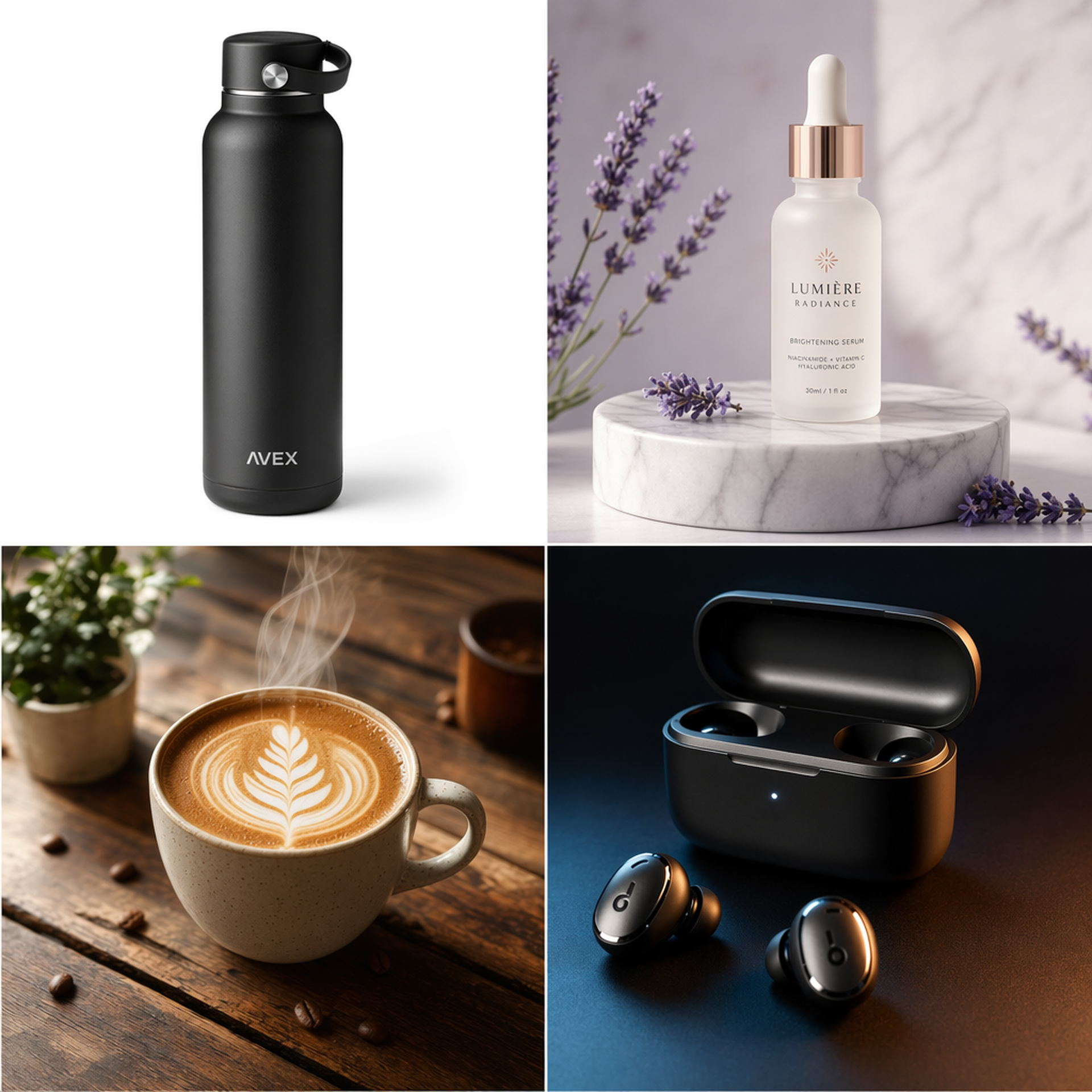
A photorealistic product shot of a matte black stainless steel water bottle, centered on a pure white background. Three-point studio lighting, soft shadows underneath. Shot with an 85mm lens, f/8, sharp focus throughout. Clean, commercial product photography style.
2. Lifestyle Skincare
A frosted glass skincare serum bottle on a marble pedestal, surrounded by scattered lavender sprigs and water droplets. Soft natural light from above creating caustics through the glass. Shot with a 50mm macro lens, shallow depth of field. Photorealistic, editorial beauty photography.
3. Coffee Photography
A steaming cup of latte art on a rustic wooden table, next to a croissant on a ceramic plate. Morning sunlight streaming through a nearby window, casting warm golden highlights. Shot from 45-degree angle with a 35mm lens. Cozy café atmosphere, photorealistic food photography.
4. Sushi Platter
An elegant sushi platter arranged on a dark slate board. Include salmon nigiri, tuna maki, and shrimp tempura roll. Soft overhead lighting with subtle reflections on the fish. Garnished with wasabi and pickled ginger. Shot with a 90mm macro lens, shallow depth of field. High-end Japanese restaurant style.
5. Flat Lay Fashion
A flat lay of a men's casual outfit: navy linen shirt, khaki chinos, brown leather belt, and white canvas sneakers. Arranged neatly on a light gray concrete surface. Overhead shot, even soft lighting, no harsh shadows. Clean, minimalist e-commerce style.
6. Tech Product — Earbuds
A sleek wireless earbuds case open on a dark gradient surface, with one earbud floating beside it. Dramatic rim lighting from behind, subtle blue LED glow from the case. Shot with a 100mm macro lens, f/2.8. Premium tech product photography, dark moody aesthetic.
7. Home Decor
A modern ceramic table lamp on a bedside table next to a stack of books and a small succulent plant. Warm evening light from the lamp itself, creating a cozy amber glow. Shot with a 35mm lens at eye level. Lifestyle home decor photography, Scandinavian minimalist style.
8. Cosmetics Lineup
Three lipstick tubes in different shades of red, standing upright on a reflective rose gold surface. Soft diffused lighting from above, subtle reflections below. Arranged in a diagonal line with slight spacing. Shot with an 85mm lens, f/4. Luxury cosmetics advertising style.
9. Beverage Ad
A tall glass of iced matcha latte with visible layers of green tea and milk, condensation droplets on the glass surface. Fresh mint leaves and ice cubes scattered around the base. Bright, airy lighting from the right side. Shot with a 50mm lens. Fresh, summer beverage advertising style.
10. Packaging Design
A kraft paper coffee bag with a minimalist logo, standing on a wooden counter next to scattered coffee beans. Morning light from a side window, warm tones. The bag label reads "MOUNTAIN BREW" in clean sans-serif typography. Shot with a 50mm lens, f/2.8. Artisan brand photography.
Section 2: Marketing Design
Creating marketing visuals is where GPT Image 2's text rendering really pays off. You can put headlines and taglines directly in the image — no Canva needed.
11. Social Media Post
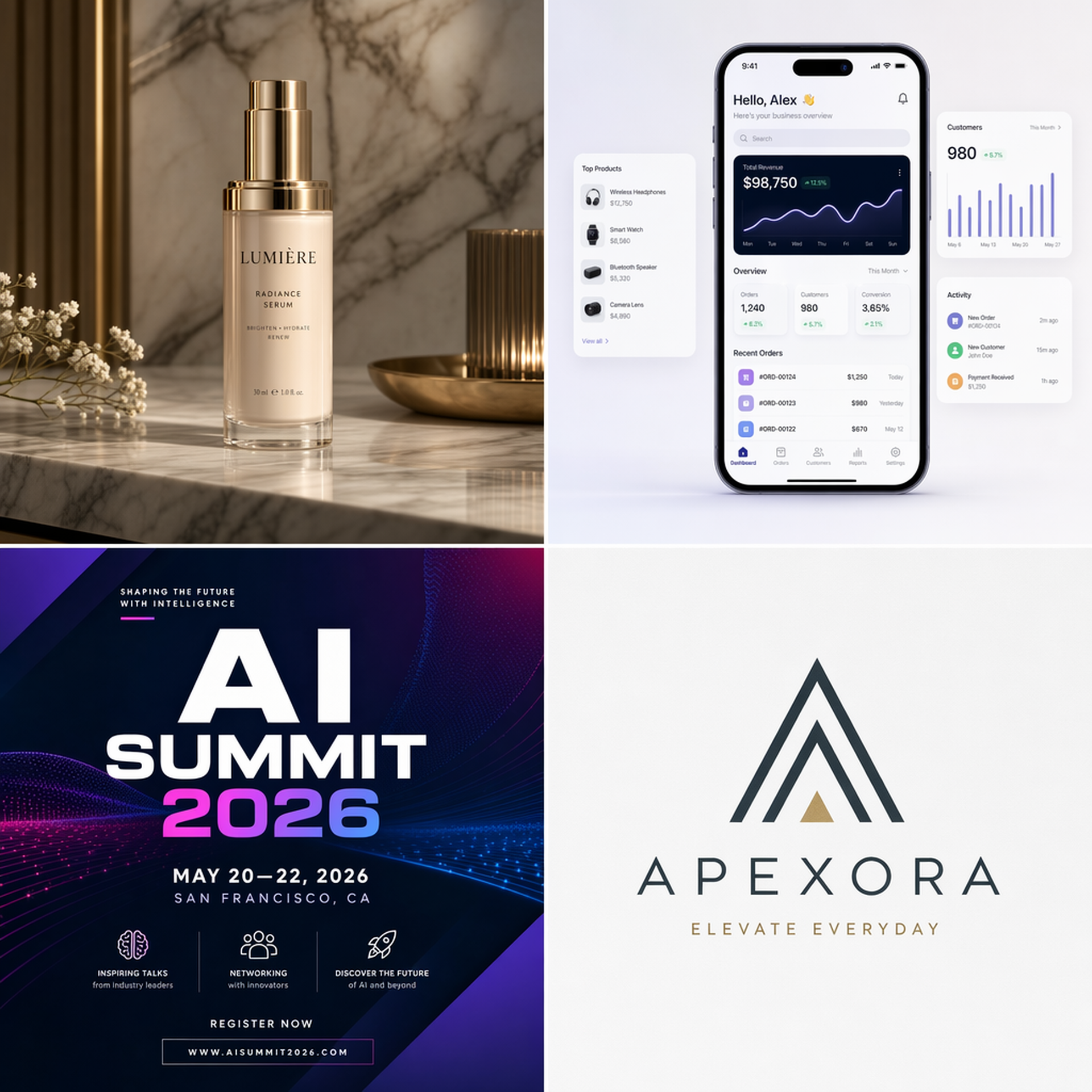
A vibrant Instagram post graphic for a summer sale. Background: gradient from coral pink to warm orange. Center text reads "SUMMER SALE" in bold white sans-serif font, with "UP TO 50% OFF" in smaller text below. Scattered tropical leaves and sunglasses as decorative elements. Square format, clean and eye-catching.
12. Event Poster
A modern event poster for a tech conference. Dark navy background with geometric neon blue and purple accent lines. Title text "AI SUMMIT 2026" in large bold futuristic font at the top. Date "JUNE 15-17, TOKYO" in smaller white text below. Subtle circuit board pattern in the background. A4 portrait format.
13. Flash Sale Banner
A wide banner for an online store flash sale. Split design: left side shows a lifestyle photo of someone wearing headphones, right side has bold text "FLASH DEAL" with a countdown timer graphic showing "24:00:00". Color scheme: electric blue and white. Clean, modern e-commerce banner style. 16:9 aspect ratio.
14. Holiday Card
A warm Chinese New Year greeting card design. Rich red background with golden paper-cut style decorations of a snake. Text "新年快乐" in elegant gold calligraphy at the center, with "HAPPY NEW YEAR" in smaller English text below. Traditional yet modern design, festive atmosphere.
15. Quote Template
A clean social media quote template. Soft cream background with a thin gold border. A large quotation mark icon in muted sage green at the top left. Space for quote text in the center in elegant serif font. Brand logo placeholder at the bottom right. Minimalist, premium feel. Square format.
16. Product Launch Teaser
A teaser image for a new product launch. Dark background with a single dramatic spotlight illuminating a mysterious silhouette of a smartphone. Text "SOMETHING BIG IS COMING" in thin, spaced-out white letters at the top. Date "04.30.2026" at the bottom. Cinematic, suspenseful mood.
17. Infographic
A clean infographic showing "5 Steps to Better Sleep". Vertical layout with numbered steps connected by a flowing line. Each step has a small circular icon (moon, bed, clock, phone with X, tea cup). Soft blue and lavender color palette. Clear, readable text for each step title and brief description. Modern flat design style.
18. Email Header
A professional email header banner for a SaaS product newsletter. Gradient background from deep purple to indigo. Company logo "DATAFLOW" in white on the left. Tagline "Your Weekly Analytics Digest" in light gray on the right. Subtle data visualization graphics as background texture. 600x200px proportions.
19. Before & After
A before-and-after comparison image split vertically. Left side labeled "BEFORE" shows a cluttered, disorganized desk with papers everywhere. Right side labeled "AFTER" shows the same desk clean and organized with a laptop and plant. Consistent lighting in both halves. Clean dividing line in the center. Photorealistic style.
20. App Store Screenshot
A polished App Store screenshot mockup. iPhone 15 Pro frame showing a fitness tracking app interface with a circular progress ring, daily steps count "8,432", and a weekly activity chart. Background: soft gradient from teal to dark blue. Headline text above the phone: "Track Your Progress". Clean, Apple-style marketing aesthetic.
Section 3: UI/UX Design
GPT Image 2 won't replace Figma, but it's excellent for rapid concept exploration and inspiration.
21. Mobile Login Screen
A modern mobile app login screen UI design. Clean white background. App logo at the top center. Email and password input fields with rounded corners and subtle gray borders. A large blue "Sign In" button below. "Forgot Password?" link in small gray text. Social login options (Google, Apple) at the bottom. iOS style, minimal and elegant.
22. E-Commerce Home
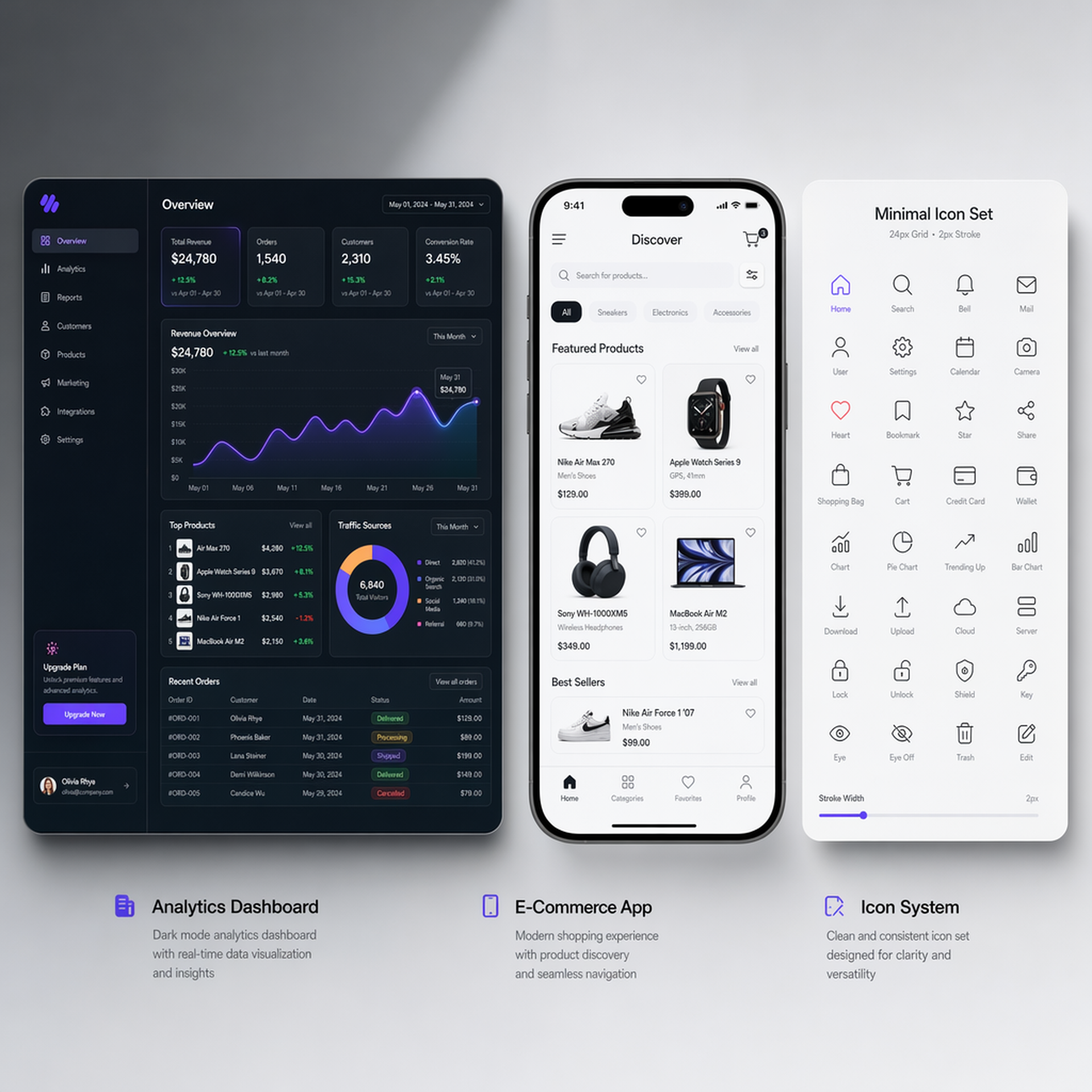
A mobile e-commerce app home screen. Top: search bar with camera icon. Below: horizontal scrolling banner showing seasonal promotions. Product grid with 2 columns showing items with images, prices, and heart icons. Bottom navigation bar with Home, Categories, Cart, and Profile icons. Modern, clean UI with white background and coral accent color.
23. Analytics Dashboard
A dark-themed analytics dashboard interface. Top row: four KPI cards showing Revenue, Users, Conversion Rate, and Average Order Value with trend arrows. Main area: a large area chart showing monthly revenue trends. Side panel: a donut chart for traffic sources and a bar chart for top products. Color scheme: dark navy background with teal, purple, and amber accents. Modern SaaS dashboard style.
24. Music Player
A music player app interface with a currently playing screen. Large album art in the center (abstract colorful artwork). Song title "Midnight Drive" and artist "Luna Wave" below the art. Progress bar showing 2:15 / 4:30. Playback controls: shuffle, previous, play/pause, next, repeat. Background: dark with a subtle blur of the album art colors. Spotify-inspired modern design.
25. Weather App
A weather app main screen showing current conditions. Large temperature display "23°C" with a sun icon. Location "Tokyo, Japan" at the top. Hourly forecast strip showing next 12 hours with small weather icons. 7-day forecast list below. Background: a soft gradient matching clear sky blue to white. Clean, iOS-style weather app design.
26. Chat Interface
A messaging app chat screen between two users. Mix of sent (blue bubbles, right-aligned) and received (gray bubbles, left-aligned) messages. Include text messages, one image message, and one voice message bubble with a waveform. Timestamp "2:30 PM" between message groups. Input bar at bottom with text field, attachment icon, and send button. WhatsApp-inspired clean design.
27. Settings Page
A mobile app settings screen. Grouped sections with headers: "Account", "Notifications", "Appearance". Each row has an icon, label, and either a toggle switch, chevron arrow, or current value. Include a profile section at top with avatar, name, and email. Light theme with subtle gray section dividers. Standard iOS Settings app style.
28. SaaS Landing Page
A SaaS product landing page design. Hero section: bold headline "Automate Your Workflow" with subtext and a purple CTA button "Start Free Trial". Right side shows a floating dashboard mockup. Below: three feature cards with icons. Trusted-by logos strip. Clean, modern design with purple and white color scheme. Desktop width.
29. Icon Set
A set of 12 consistent line icons for a mobile app, arranged in a 4x3 grid on a white background. Icons include: home, search, user, settings, notification bell, calendar, camera, message, heart, bookmark, share, and download. Uniform 2px stroke weight, rounded corners, single color (dark gray). Minimal, geometric style.
30. Empty State
A mobile app empty state illustration. A friendly cartoon character sitting on a large empty box, looking curious. Soft pastel colors (light blue, lavender, peach). Text below: "No items yet" in medium gray, and "Start adding your favorites!" in smaller light gray text. A teal "Browse" button at the bottom. Playful, encouraging mood.
Section 4: Content Creation
Blog posts, slide decks, newsletters — they all need visuals. These prompts cover the most common content creation scenarios.
31. Blog Header — Tech
A blog header image for an article about artificial intelligence. Abstract visualization of neural network connections: glowing blue and purple nodes connected by thin light lines, floating in a dark space. Subtle depth of field effect. Wide format 16:9. Modern, tech-forward aesthetic. No text in the image.
32. Blog Header — Business
A professional blog header for a business strategy article. Overhead shot of a clean desk with a laptop, notebook, coffee cup, and a few sticky notes. Warm natural light from the side. Muted earth tones. Wide format 16:9. Corporate yet approachable feel. No text.
33. Slide Illustration — Teamwork
A flat illustration of diverse team members collaborating around a large screen showing charts and data. Four people: one pointing at the screen, one taking notes on a tablet, two discussing. Soft pastel color palette (mint green, light blue, warm yellow). Clean vector illustration style with simple geometric shapes. No text. White background.
34. Slide Illustration — Growth
An abstract 3D illustration of an upward-trending arrow made of translucent glass, rising through floating geometric shapes (cubes, spheres). Soft gradient background from light blue to white. Subtle reflections and refractions in the glass. Clean, modern corporate illustration style. No text.
35. Newsletter Cover
A square cover image for a newsletter about remote work tips. Isometric illustration of a cozy home office setup: desk with laptop, bookshelf, plant, coffee mug, and a cat sleeping on a cushion nearby. Warm, inviting color palette with soft shadows. Flat design with subtle 3D depth. No text in the image.
36. YouTube Thumbnail Style
A dramatic YouTube thumbnail-style image. A person looking amazed at a glowing holographic AI interface floating in front of them. Bold, saturated colors with high contrast. Dynamic lighting with blue and orange color grading. Slightly exaggerated perspective for visual impact. Cinematic, attention-grabbing style. No text.
37. Concept Art — Future City
A futuristic smart city concept illustration. Aerial view of a city with green rooftops, solar panels, autonomous vehicles on clean streets, and drone delivery systems in the sky. Warm golden hour lighting. Mix of modern architecture and nature. Detailed, photorealistic concept art style. Wide format.
38. Seasonal — Autumn
A serene autumn scene in a Japanese garden. A wooden bridge over a small pond reflecting colorful maple trees in red, orange, and gold. A few fallen leaves floating on the water surface. Soft, diffused afternoon light. Shot with a 24mm wide-angle lens. Peaceful, contemplative mood. Photorealistic landscape photography.
39. Abstract Background
An abstract background with flowing organic shapes in soft gradients of teal, coral, and cream. Smooth, fluid forms overlapping with subtle transparency effects. No sharp edges, everything feels soft and flowing. Suitable as a presentation background or website hero section. Minimal, contemporary design.
40. Hand-Drawn Illustration
A hand-drawn style illustration of a person reading a book in a cozy window seat. Warm watercolor textures with visible brush strokes. Color palette: warm browns, soft yellows, and muted greens. The scene feels intimate and peaceful. Loose, artistic illustration style with intentional imperfections. No text.
Section 5: Text Rendering
This is GPT Image 2's biggest breakthrough. AI-generated text in images used to be a joke. Now it actually works.
41. Logo Design
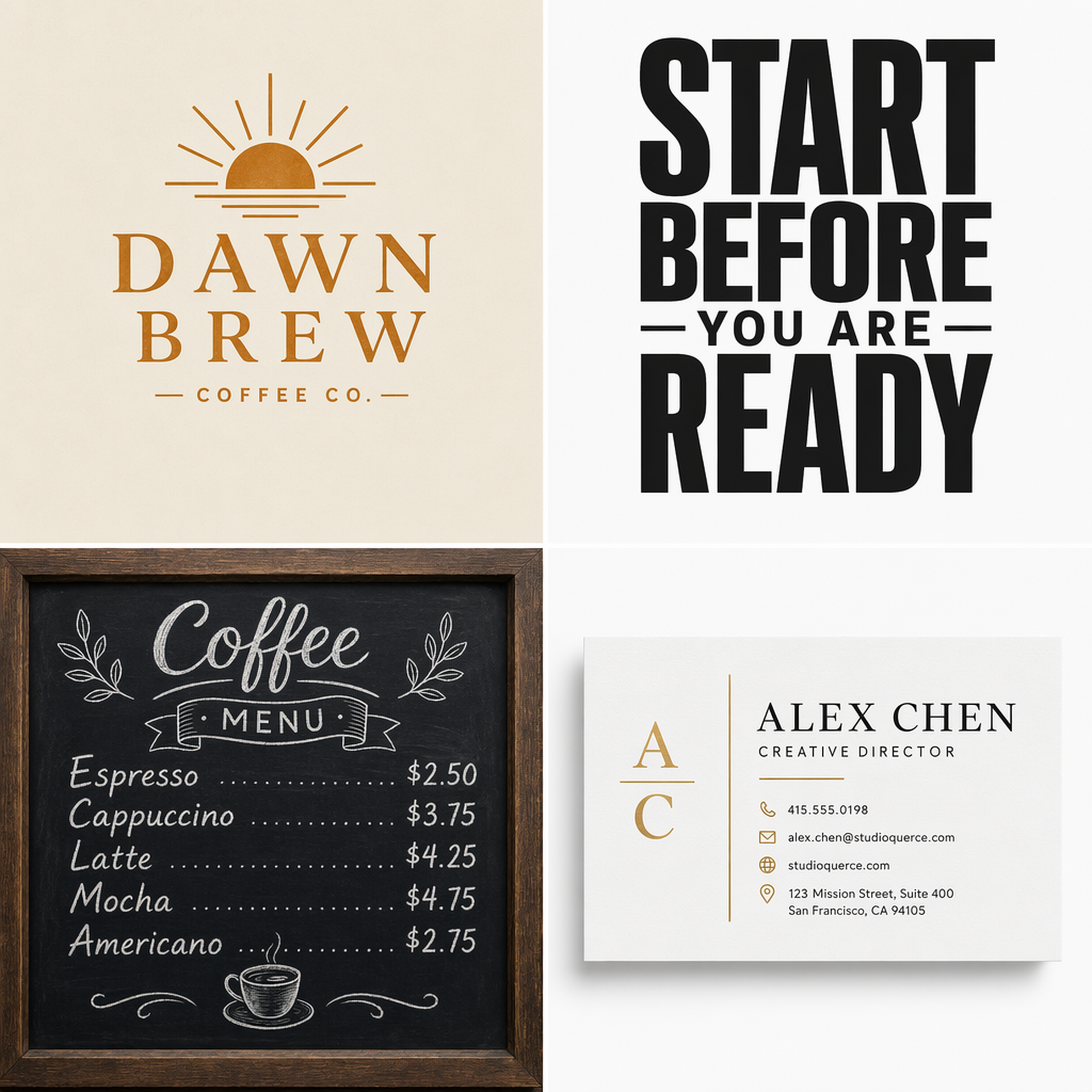
A minimalist logo design for a coffee brand called "DAWN BREW". The logo features a simple sunrise icon above the text. Clean sans-serif typography, with "DAWN" in bold and "BREW" in light weight. Color: warm amber on white background. Vector-like clean shapes, strong silhouette, balanced negative space. Flat design, no gradients.
42. Typographic Poster
A typographic poster with the quote "START BEFORE YOU'RE READY" in large, bold black sans-serif letters. The word "START" is significantly larger than the rest. Clean white background with a single small red geometric accent shape. Minimalist Swiss design style. High contrast, strong visual hierarchy.
43. Café Menu
A chalkboard-style coffee shop menu. Title "TODAY'S MENU" in decorative hand-lettered style at the top. Three sections: "COFFEE" (Espresso $3, Latte $4.5, Cappuccino $4), "TEA" (Matcha $4, Earl Grey $3.5), "PASTRIES" (Croissant $3, Muffin $3.5). White chalk text on dark green chalkboard background. Small coffee cup doodles as decorations. Warm, artisan café aesthetic.
44. Business Card
A modern business card design, front side. Clean white background. Name "ALEX CHEN" in medium-weight sans-serif font, centered. Title "Creative Director" in smaller gray text below. Contact info at the bottom: email, phone, website in small text. A thin gold line separating the name from contact details. Minimal, premium feel. Standard business card proportions.
45. Certificate
An elegant certificate of completion. Cream/ivory background with a thin ornamental gold border. Header: "CERTIFICATE OF COMPLETION" in spaced-out serif capitals. Body text: "This is to certify that [NAME] has successfully completed the course in [SUBJECT]". Decorative gold corner flourishes. Space for signature line and date at the bottom. Formal, traditional design.
46. Book Cover
A book cover design for a novel titled "THE LAST SIGNAL". Dark, atmospheric background showing a lone radio tower on a hill silhouetted against a stormy sky with lightning. Title "THE LAST SIGNAL" in distressed white serif font at the top. Author name "J. MORRISON" in small clean text at the bottom. Thriller/sci-fi genre aesthetic. Moody, cinematic feel.
47. Multilingual Poster
A multilingual welcome poster for an international conference. Clean modern design with a world map outline as subtle background. Large text "WELCOME" at the top, followed by translations: "欢迎" (Chinese), "ようこそ" (Japanese), "환영합니다" (Korean), "Bienvenue" (French), "Willkommen" (German). Each in a different accent color. White background, clean sans-serif typography.
48. Product Label
A product label design for an organic honey jar. Circular label shape. Brand name "GOLDEN MEADOW" in an arc at the top in dark brown serif font. A simple line illustration of a bee and honeycomb in the center. "Pure Raw Honey · 500g" text at the bottom. Color palette: warm gold, cream, and dark brown. Artisan, natural product aesthetic.
49. Quote Card
A quote card for Instagram. Soft sage green background. Large quotation marks in darker green at the top. Quote text: "The best time to plant a tree was 20 years ago. The second best time is now." in elegant serif font, centered. Attribution "— Chinese Proverb" in smaller italic text below. Minimal, calming design. Square format.
50. Concert Ticket
A concert ticket design. Horizontal layout with a perforated tear-off section on the right. Left section: event name "NEON NIGHTS FESTIVAL" in bold neon pink text on dark background. Date "SAT, AUG 15, 2026" and venue "TOKYO DOME" below. Right tear-off section: "ADMIT ONE" with a barcode graphic. Retro-futuristic design with neon glow effects.
Pro Tips: Level Up Your Results
Once you've got the basics down, these techniques will push your output quality further.
Iterate, don't rewrite. First result not quite right? Don't start over. Make small adjustments: "change the lighting to come from the right side," "switch to a darker background." Change one variable at a time — it's easier to zero in on what you want.
Choose the right quality setting. GPT Image 2 offers three tiers:
- Low: Fast exploration and bulk generation
- Medium: Balanced default for everyday use
- High: Use for fine text, complex details, and portraits
Wrap text in quotes. Want accurate text in your image? Always put the exact words in quotation marks: "SUMMER SALE" not just Summer Sale. Specify font style and placement for even better results.
Use negative constraints. Add exclusions at the end of your prompt: "No text in the image," "No people," "Clean background, no clutter." Telling the AI what to avoid is just as important as telling it what to include.
Reference image + text = precision. Upload a style reference and combine it with your text prompt: "Use the same color palette and lighting style as the reference image, but change the subject to..." This beats pure text description for nailing a specific aesthetic.
Try These Prompts in Felo Right Now
All 50 prompts work in Felo today.
Felo AI has integrated GPT Image 2 with full support for 4K output, multiple quality settings, and PNG/JPEG/WebP formats. Three entry points:
- Image Generation Tool: Select GPT Image 2, paste a prompt, get results in 30 seconds
- LiveDoc: Generate images inline while writing documents
- AI Task: Batch generation or combine with other AI capabilities
Pick the scenario you need most, copy the prompt, swap in your own details, and see what happens.