Image Generation API for AI Agents: Complete Guide 2026

How to use the Image Generation API with AI agents — from creating visual assets to integrating image generation into complete workflows.
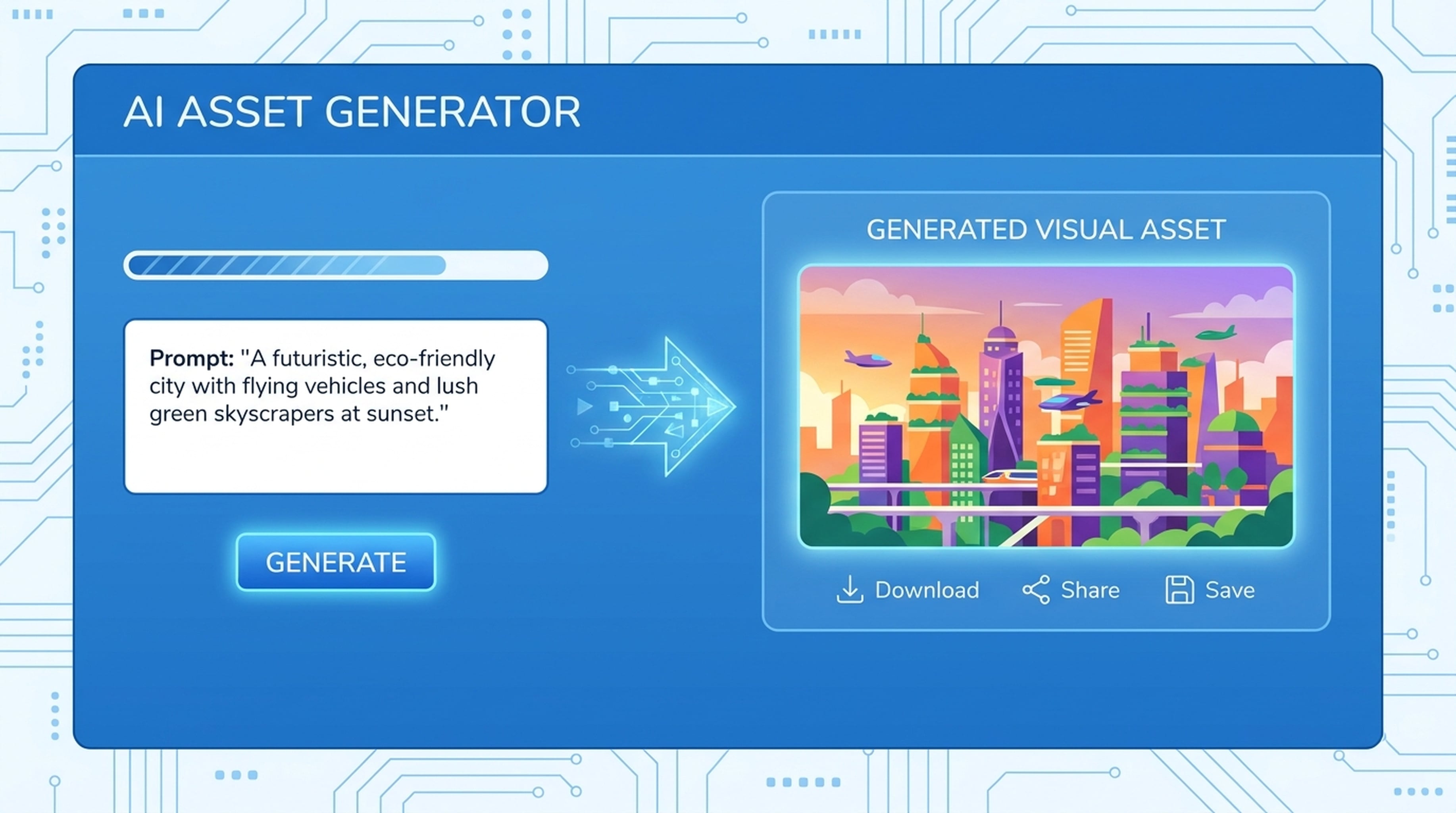
AI agents that can generate images move from text-only to full creative workflows. The Image Generation API lets agents create visual assets on demand — for presentations, landing pages, campaigns, and reports.
What the Image Generation API Does
The Image Generation API accepts a text description and returns an image. Simple in concept, powerful in practice when combined with other agent tools.
Capabilities:
- Text-to-image generation
- Visual asset creation for campaigns
- Illustrations for presentations and landing pages
- Concept visuals for product development
How Agents Use the Image Generation API
Standalone Usage
Agent receives a prompt and generates an image directly:
Generate a modern tech illustration showing AI and automation
The API returns an image file the agent can share or include in output.
Combined With Other Tools
The real power comes from chaining image generation with other APIs:
Research → Image → Presentation
- Agent researches a topic
- Generates visuals that match the content
- Calls PPT API (
POST /v2/ppts) with both text and images - Returns a visually complete presentation
Concept → Image → Landing Page
- Agent researches a product concept
- Generates hero images and section visuals
- Calls Landing Page API (
POST /v2/landing_page) with copy and images - Returns a complete landing page with custom visuals
Brief → Image → Campaign
- Agent analyzes a campaign brief from LiveDocs
- Generates multiple visual variations
- Produces a campaign package with images, copy, and structure
Image Generation Use Cases
Presentation Visuals
Generate themed illustrations that match your presentation content. Consistent visual style across all slides.
Landing Page Hero Images
Create custom hero images that match your product and messaging. No stock photo hunting.
Campaign Visuals
Generate multiple visual assets for a campaign — social posts, banner images, concept art.
Product Concepts
Generate concept visuals during product development. Quick iterations before committing to design.
Report Illustrations
Add visual context to research reports and analysis documents. Charts, diagrams, and conceptual illustrations.
Tips for Better Generated Images
Be specific in your prompt. Include style, subject, composition, and mood. "A clean, modern illustration of AI agents working together, blue and white color scheme, flat design style" beats "AI illustration."
Specify aspect ratio. Tell the API what dimensions you need — 16:9 for presentations, 1:1 for social, or custom dimensions.
Iterate on style. Generate a few variations, pick the best style, then generate more in that style for consistency.
Combine with research. Let the agent research visual trends and competitor aesthetics before generating. Images that match industry conventions perform better.
Getting Started
- Create your free API key
- Explore the Image Generation API
- Generate your first image
Give your agent creative eyes. Let it see and create.