How to Install Felo Skills in Google Antigravity (2026 Guide)

Step-by-step guide to installing Felo Skills in Google Antigravity. Get live search, web extraction, slide generation, and X/Twitter search working inside Antigravity agents in under two minutes.
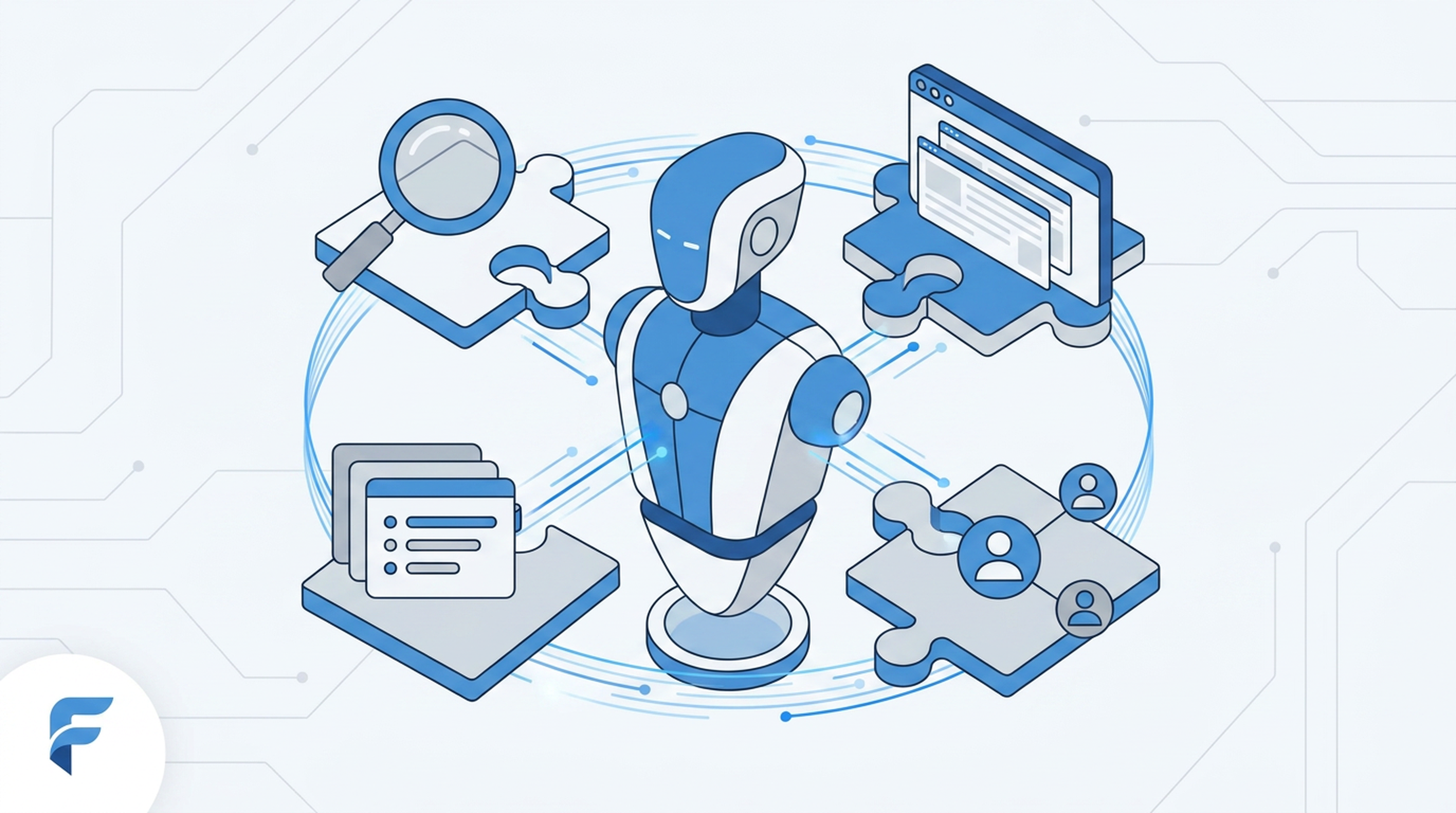
Felo Skills now runs inside Google Antigravity. The same live search, web extraction, and slide generation that developers use in Claude Code and Gemini CLI can now work directly in Antigravity agents — with a single install and under two minutes of setup.
This guide walks through what Antigravity skills are, what Felo brings to the table, how to install everything step by step, and four concrete use cases to get you started.
What Are Antigravity Skills?
Antigravity skills are filesystem-based, portable units of domain knowledge that AI agents discover and load on demand. Each skill lives in a directory with a SKILL.md file at its center. When a matching task comes in, the agent reads the skill's instructions and pulls in heavier resources only when it actually needs them.
The problem they solve is context explosion. If you want an agent that's expert across multiple domains — web research, code review, slide generation — the naive approach is to stuff everything into the system prompt. That works until the prompt hits thousands of lines and the agent starts losing focus.
Antigravity skills fix this with a three-level loading architecture:
- Level 1 — Metadata: YAML frontmatter stays in the system prompt. Near-zero context cost.
- Level 2 — Instructions: The full
SKILL.mdloads only when a task matches the skill. - Level 3 — Resources: Scripts, schemas, and heavy assets stay on disk. Only their output enters the context window.
The result: an agent that holds expertise across many domains without paying the context cost for all of them at once. Skills can be committed to Git, so teams share agent knowledge alongside their code. They can also be installed from community registries — which is where Felo Skills comes in.
What Felo Skills Adds
Felo Skills is an open-source (MIT) plugin package that brings Felo's live capabilities to AI coding agents. It includes nine skills:
- felo-search — real-time web search with cited sources, across 25+ languages
- felo-web-fetch — extracts any webpage as Markdown, HTML, or plain text
- felo-slides — generates presentation decks from a text prompt or URL
- felo-youtube-subtitling — pulls video transcripts and timestamps
- felo-x-search — searches X/Twitter posts and reply threads, no personal X login needed
- felo-livedoc — builds a semantic knowledge base from docs, PDFs, and URLs
- felo-superagent — runs long-running agent workflows with memory
- felo-content-to-slides — converts notes or URLs into slide structures
- Website Screenshot Agent — captures and reports on web pages at scale
Live features like search, PPT generation, and LiveDoc require a Felo API key from openapi.felo.ai. The key is free to obtain.
How to Install
The full process takes under two minutes on a machine with Node.js already installed.
Step 1: Install the Felo Skills Package
npm install -g felo-ai
This installs the felo CLI globally and places the skill directories under your global node_modules. Verify the install with:
felo --version
Step 2: Set Your API Key
felo config set FELO_API_KEY your-key-here
Get your API key from openapi.felo.ai. Without it, the npm package installs fine but live features (search, slides, LiveDoc) will return an auth error when triggered.
Step 3: Register the Skill in Antigravity
Copy the Felo skill directory into your Antigravity skills folder. There are two scopes:
# Global install — available across all Antigravity workspaces
cp -r $(npm root -g)/felo-ai/skills/antigravity ~/.antigravity/skills/felo

# Workspace-level — only active in the current project
cp -r $(npm root -g)/felo-ai/skills/antigravity .agent/skills/felo
If your Antigravity version supports the community skill installer, you can use the one-liner instead:
npx add-skill felo-ai/antigravity-skill
Step 4: Verify the Install
Start an Antigravity session and run:
/skills
felo should appear in the list. To confirm a specific skill is active, trigger it directly:
/felo-search latest Felo AI release notes
The agent will call felo-search, return cited results, and continue the session with that context loaded. If you see an auth error instead, double-check your API key with felo config get FELO_API_KEY.
Security note: Skills can execute code. Before deploying in a shared or production environment, review the
SKILL.mdand any bundled scripts in the skill directory.
4 Use Cases
1: Real-Time Research During a Coding Session
Your Antigravity agent is helping you build a feature. You need the latest API docs for a third-party service — but the model's training data is months old.
With felo-search active, you ask inline: search for current Stripe webhook docs. The skill fires, returns cited results from the live web, and the agent continues coding with up-to-date context. No browser tab required.
2: Web Extraction for Data Pipelines
You're prototyping a scraper and need to see how a target page actually renders before writing extraction logic. felo-web-fetch pulls any URL as clean Markdown or plain text directly into the agent's context. You can inspect the structure, test selectors, and iterate — all inside the Antigravity session.
3: Slide Generation from Code Docs
You've just shipped a feature and need to brief the team. felo-slides takes a URL, a markdown file, or a plain text description and generates a presentation deck. Run it from inside your Antigravity session:
/felo-slides summarize our Q2 release notes into a 10-slide deck
The deck exports without leaving the terminal.
4: Social Listening Without an X Account
felo-x-search works without a personal X login. If your agent workflow involves monitoring a topic, tracking a competitor, or pulling community reactions to a release, you can run X searches directly from the agent. No OAuth setup required. Most X search tools require account authentication — this is one area where Felo's package stands apart.
FAQ
Do I need a Felo account to use the Antigravity skill?
A Felo API key is required for live features (search, slides, LiveDoc). The key is free to obtain at openapi.felo.ai. The npm package itself is MIT licensed and installs without an account — you only hit the auth requirement when a live feature is triggered.
Does the Felo Antigravity skill work with Antigravity 2.0?
Yes. Antigravity 2.0, launched at Google I/O 2026, introduced a new CLI built in Go and an SDK for custom agents. The Felo skill follows the standard SKILL.md format and is compatible with both the Antigravity desktop app and the new CLI.
Can I use Felo Skills in Claude Code and Antigravity at the same time?
Yes. Felo Skills is designed to work across multiple agent platforms — Claude Code, Antigravity, Gemini CLI, OpenClaw, Hermes Agent, and OpenAI Codex. The same npm package and API key work across all of them. You install to each platform's skills directory separately, but there's no per-platform licensing or separate key.
Get Started
The Felo Antigravity skill is available now at felo.ai/skills/antigravity/. If you're already running Felo Skills in Claude Code or Gemini CLI, the same API key works in Antigravity — the only new step is copying the skill directory into the right folder.
This post is also available in 简体中文, 日本語, 한국어, 繁體中文, हिन्दी, Français, العربية, Русский, اردو, Bahasa Indonesia, Deutsch, Tiếng Việt, Türkçe, Italiano, ไทย, Español, বাংলা and Português.