Kling 4.0 in Felo: First, Middle and Last Frames

Plan Kling 4.0 videos in Felo with first, middle and last frames. Learn how to prepare consistent images, direct movement and review the complete result.
Felo tools: Kling 4.0 · Image to Video.
An opening image tells a video model where to begin. A closing image gives it a destination. Kling 4.0 adds a useful extra control in Felo: a middle frame that describes an important state along the way.
This Kling 4.0 guide explains how to plan those three images, write the movement between them and review the resulting clip. It is a workflow for creating one controlled shot, rather than an assumption that a few stills will automatically become a finished film.
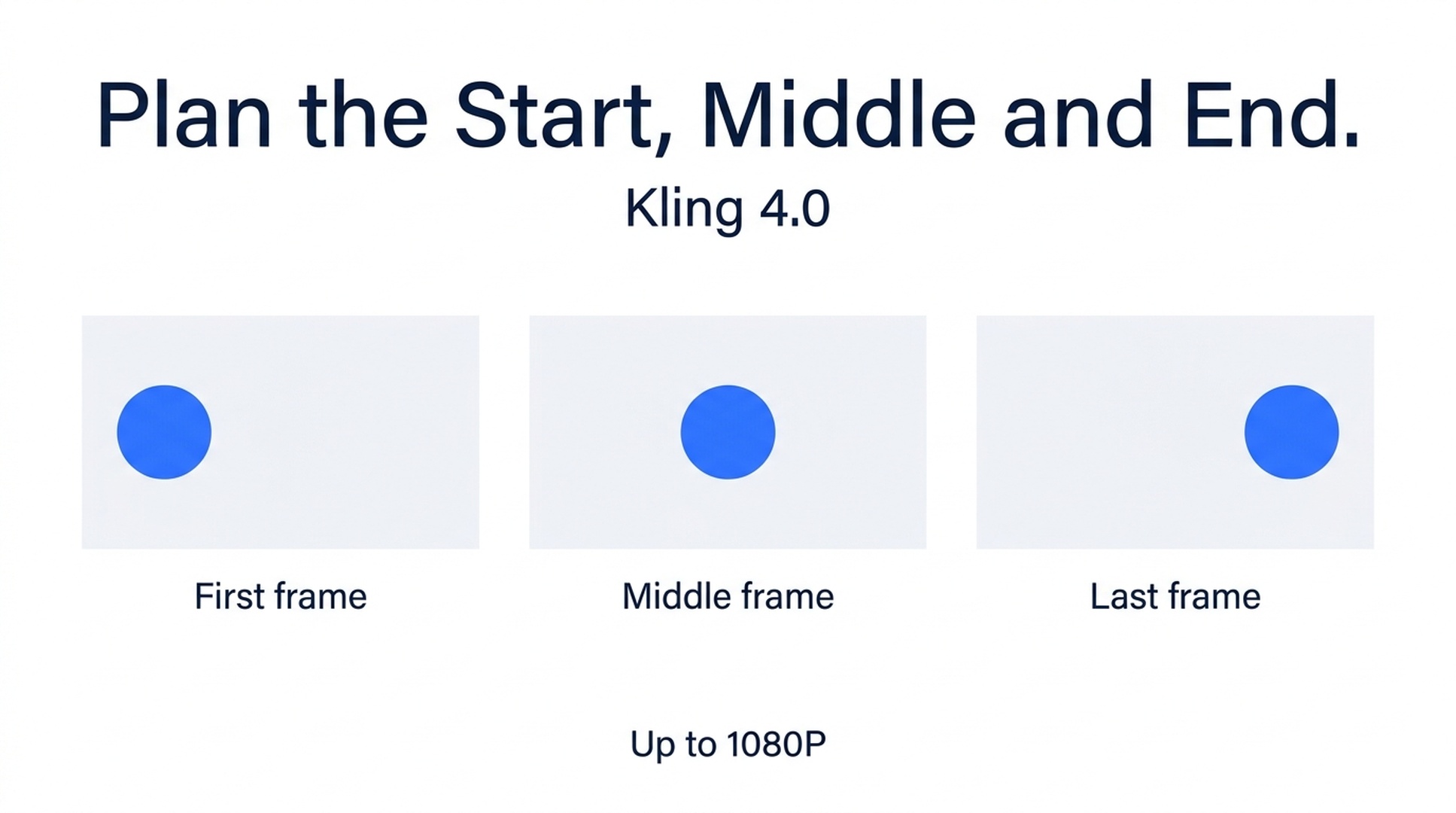
Illustrative guide; not a screenshot or a generated-video result.
What Kling 4.0 exposes in Felo
Kling 4.0 in Felo supports 3–30-second videos at 720P or 1080P. The available ratios are 21:9, 16:9, 1:1 and 9:16. It accepts text, reference images and videos, plus first, middle and last frames.
The model page lists up to 10 reference images and 5 reference videos. These are reference limits, not a statement that Felo exposes 10 separately timed keyframes. For the frame workflow described here, use the first, middle and last controls that Felo documents.
Kling 4.0 outputs through Felo currently have no soundtrack. Plan to add music, effects or narration in your editor if the finished video needs them. These integration details come from the Kling 4.0 model page.
Give the middle frame a specific job
The most useful middle frame resolves uncertainty. Suppose a character starts beside a doorway and finishes inside a room. Without an intermediate state, several movements could connect those positions. A middle frame can show the character crossing the threshold, still facing the intended direction.
The middle frame should not introduce a second story. If it changes the costume, location and camera angle simultaneously, it gives the model more conflicts to resolve rather than clearer guidance.
| Frame | The question it answers | A product-reveal example |
|---|---|---|
| First | What is visible before the action? | A bottle partly concealed by a translucent panel |
| Middle | What must happen along the way? | The panel has moved halfway aside |
| Last | What should the shot leave us looking at? | The complete bottle is visible in a clean composition |
A frame is guidance for generation. It is not proof that the model will reproduce every supplied pixel or place the middle state at an exact timestamp. Check the actual result before relying on it in an edit.
Prepare three compatible images
Use images that could belong to the same continuous shot. Keep the subject's proportions, materials and defining details consistent. The background and light should also agree unless their change is the point of the scene.
For a product shot, inspect the outline, cap, handle, label area and reflections. A small difference between frame images can turn into an unintended transformation. For a character, check clothing, hair, pose and the direction of travel.
Prepare the images for the desired output ratio. A tall portrait, a square middle frame and a wide closing frame leave the composition underspecified. Cropping your planning images consistently is a separate preparation task; do not assume the generator will preserve every part of mismatched source images.
The image-to-video documentation lists JPG and PNG references for Kling, up to 30 MB and at least 300 pixels per side. Follow the workspace's validation if requirements change.
A first, middle and last frame workflow
The following bottle reveal is a suggested exercise, not a generated test result.
- Set the final composition first. Put the bottle where the viewer should see it at the end. Leave space for any text you intend to add later in an editor.
- Build the opening from the same scene. Partially conceal the product with one panel, rather than changing the product or viewpoint.
- Make the middle state explain the reveal. Move that panel partway aside. Keep the bottle and camera position stable.
- Open Kling 4.0 in Felo. Select the documented frame inputs and add the images to their intended roles.
- Write the connecting action. Describe which element moves, which direction it moves and what stays fixed.
- Choose a short initial duration. Six seconds is a reasonable starting suggestion for this exercise; the correct length depends on the movement you design.
Suggested prompt:
Use the supplied first, middle and last images as the progression of one continuous product reveal. The translucent panel slides smoothly to the right, revealing the bottle behind it. Keep the bottle shape, cap, position and pale background consistent. The camera stays fixed. The panel does not pass through the bottle. Finish on the unobstructed bottle and allow a brief settled ending. No cuts or added text.
The prompt names the cause of the reveal. It does not ask for a camera orbit, a changing background and a product rotation at the same time.
Frame control and reference control solve different problems
A reference image says what something should look like. A frame image says what the composition should look like at a particular part of the shot. The same photograph can be useful in either role, but the instructions are different.
For a recurring character, references may help communicate appearance across separate generations. That does not guarantee a face, outfit or pose will remain identical. Review every clip, especially where the person turns away or becomes partly obscured.
For a product reveal, frames may communicate the arrangement more directly. If the only thing you need is a stable object with a small camera move, a complex three-frame sequence may add unnecessary preparation. Start with the simplest input that expresses the shot.
Felo describes both reference and frame capabilities. Whether a particular combination can be submitted together should be checked in the selected model's interface, rather than inferred from a list of supported inputs.
Review the movement between the frames
Do not approve a clip by looking only at its thumbnail or final image. The difficult parts often happen during the transition.
Watch for four things:
- Identity: the bottle, face or clothing remains recognizable throughout.
- Path: objects move through plausible space instead of passing through one another.
- Continuity: lighting and the background do not jump without a reason.
- Ending: the last composition leaves enough usable material for the next cut.
If the middle of the clip fails, first ask whether the intermediate frame contains a conflicting state. Correcting that image may be more useful than lengthening the prompt. If the action is too ambitious, split it into two shots and assemble them outside the generator.
Make revisions you can compare
Save the source images and prompt used for each take. When you revise, name the preserved elements and change one decision: panel speed, camera position or the amount of time spent at the ending.
For example:
Keep the three frame compositions and fixed camera. Slow the panel movement so the bottle is revealed gradually, then finish without further object movement.
A revision is a new generation, not a frame-level adjustment to the existing file. Check the credit estimate and recheck all important details afterward, including elements you asked to preserve.
Kling 4.0 questions
Can I use a 3:4 image as the output format?
Felo's current Kling options are 21:9, 16:9, 1:1 and 9:16. Prepare the shot for a supported ratio or choose another model with the format you need.
Can Kling add the soundtrack in this workflow?
Not in the Felo integration documented here. Its output is silent. Seedance 2.5 and Wan 3.0 Prime are the available Felo options that support generated sound.
Is a middle frame required for every shot?
No. It is useful when there is a meaningful intermediate state to communicate. A simple pan or subtle portrait movement may not need it.
Can I assemble several shots in the generator?
Felo's video generator produces individual clips. Use a video editor for a multi-clip sequence, transitions, titles and separate audio tracks.
Plan the point where your shot is most likely to become ambiguous. That is where the middle frame can earn its place.
This post is also available in 简体中文, 日本語, 한국어, 繁體中文, हिन्दी, Français, العربية, Русский, اردو, Bahasa Indonesia, Deutsch, Tiếng Việt, Türkçe, Italiano, ไทย, Español, বাংলা and Português.