MemClaw for Freelancers: Managing Multiple Client Projects Without Context Chaos

Freelancers juggling multiple clients face constant context switching. This guide shows how MemClaw isolates client projects and eliminates context contamination.
MemClaw for Freelancers: Manage Multiple Client Projects with AI Memory
Freelancers face a unique context challenge: you're constantly switching between client projects, each with different tech stacks, different coding standards, different constraints. Without persistent memory, every time you open a client project in Claude Code, you start from zero. You re-explain the stack, the patterns, the client's preferences. MemClaw gives each client project its own workspace. When you open a project, Claude loads that client's context automatically. Set up MemClaw for your client projects → memclaw.me
The Freelancer
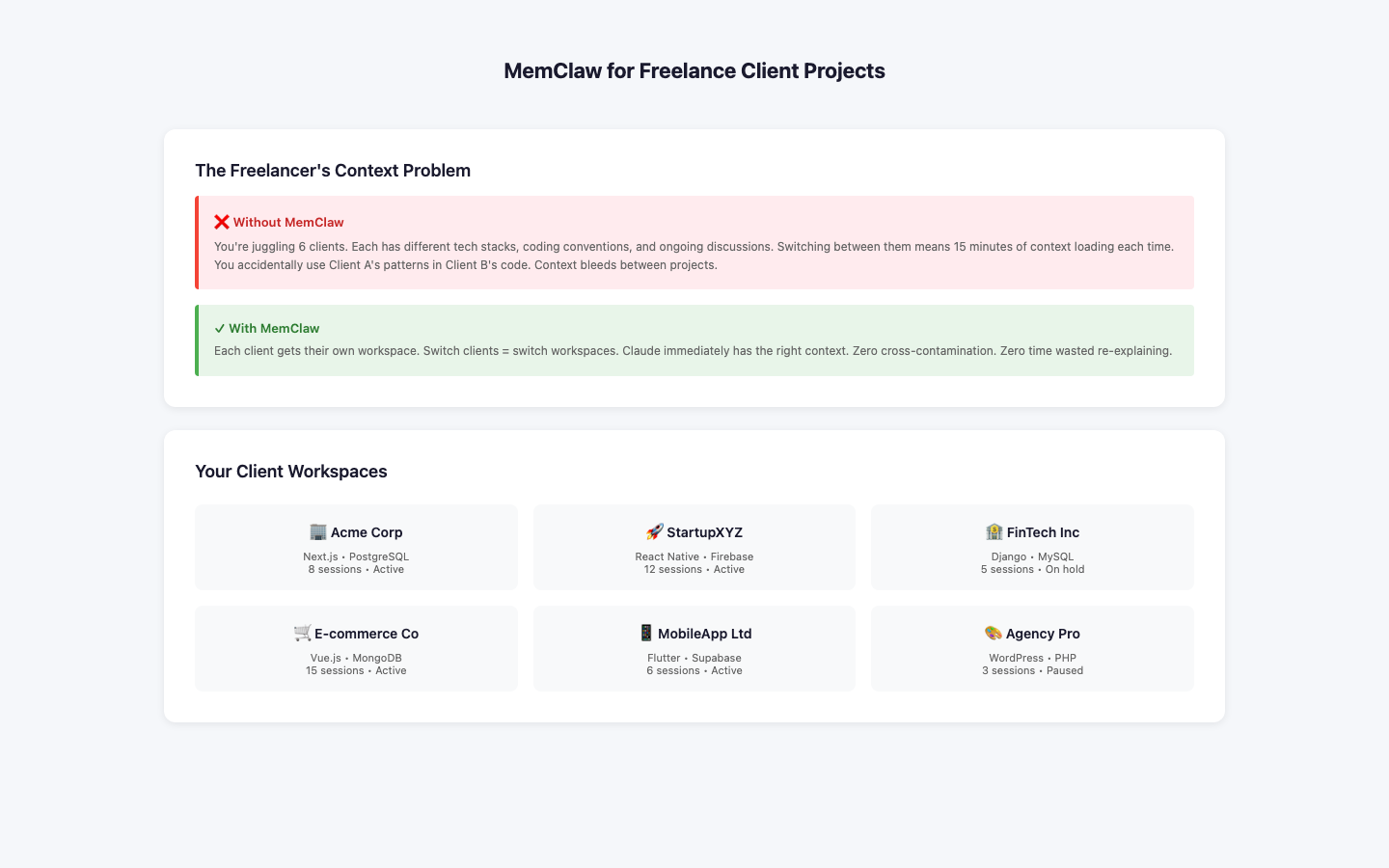 Context Problem
You're working on four client projects this week:
Context Problem
You're working on four client projects this week:
- Client A: React + Node.js, strict TypeScript, no external libraries without approval
- Client B: WordPress + WooCommerce, PHP, legacy codebase
- Client C: Next.js + Supabase, modern stack, moving fast
- Client D: Vue.js + Laravel, specific naming conventions Each has different rules. Each has different history. Each has different current priorities. Without MemClaw, you're re-explaining all of this every session. With MemClaw, you run /start and Claude knows which client you're working for and what the rules are.
One Workspace Per Client
Each workspace contains that client's specific context.
What to Put in Each Client Workspace
Client constraints (most important)
Current engagement
Tech stack
Client preferences
Protecting Client Confidentiality
Important: MemClaw stores project context, not client data. Never put:
- Client business data or financials
- User/customer data
- Proprietary algorithms or trade secrets
- Anything under NDA that shouldn't leave the client's systems Stick to technical context: stack, patterns, constraints, current work.
The Context Switch Workflow
When switching between clients:
- End current session: /end (logs progress for that client)
- Open new client directory
- Start new session: /start (loads that client's context) Claude immediately knows you're working on a different client with different rules.
Getting Started
- Create one workspace per client at memclaw.me
- Add .claude/mcp_config.json to each client project
- Seed each workspace with client-specific context
- Use /start and /end consistently Set up client workspaces → memclaw.me