MemClaw for Freelancers: Managing Multiple Clients with AI

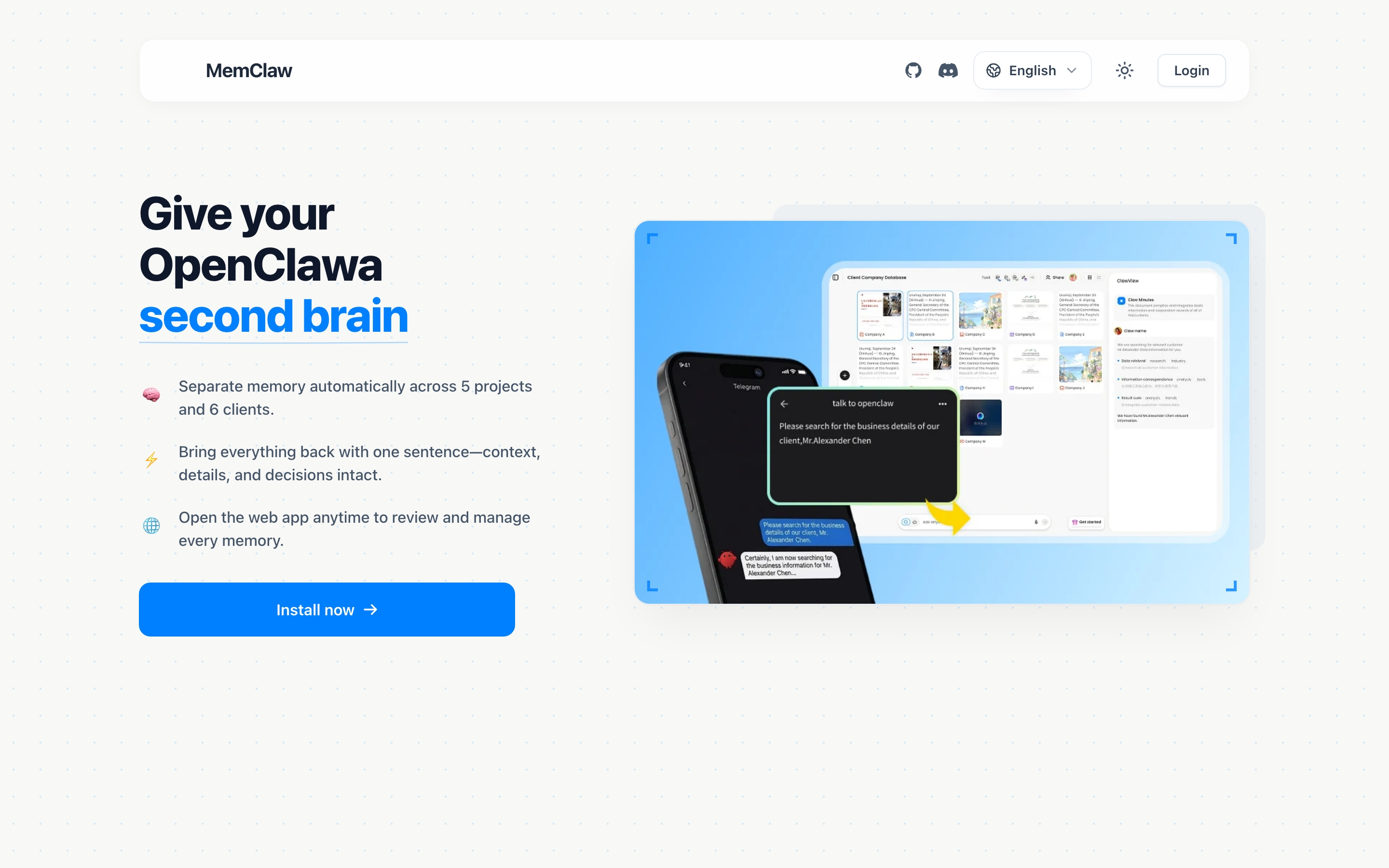
Stop re-briefing your AI agent every session. MemClaw gives each client their own isolated workspace so you can switch projects in seconds without context bleed.
Running five client projects in parallel with an AI agent is supposed to save time. In practice, it often doesn't — because the agent has no memory.
Every morning you pick up where you left off on Client A. Except the agent doesn't know where you left off. So you re-explain the project, the client's requirements, the tech stack, the decisions made last week. That's 10 minutes gone before you've done anything.
Then you switch to Client B. Same thing.
By the time you've briefed the agent on three clients, you've spent 30 minutes on setup that should be instant.
This is the freelancer's AI problem: not that the tools are bad, but that they have no memory of your specific projects. MemClaw solves this with one straightforward idea — one client, one workspace.
Why Context Bleed Kills Freelance Productivity
Context bleed is what happens when your AI agent mixes up information from different projects. It's subtle at first — the agent suggests an approach that made sense for Client A but not Client B. Or it references a decision you made three weeks ago for a different project.
With one or two clients, you catch it and correct it. With five or six, you stop catching it. You start second-guessing every suggestion the agent makes. The agent becomes less useful, not more.
The root cause is structural: if you're using a single CLAUDE.md file or no memory system at all, everything the agent knows lives in one undifferentiated pool. There's no boundary between "Client A context" and "Client B context."
The fix isn't being more careful. It's giving each client their own isolated environment.
One Client, One Workspace
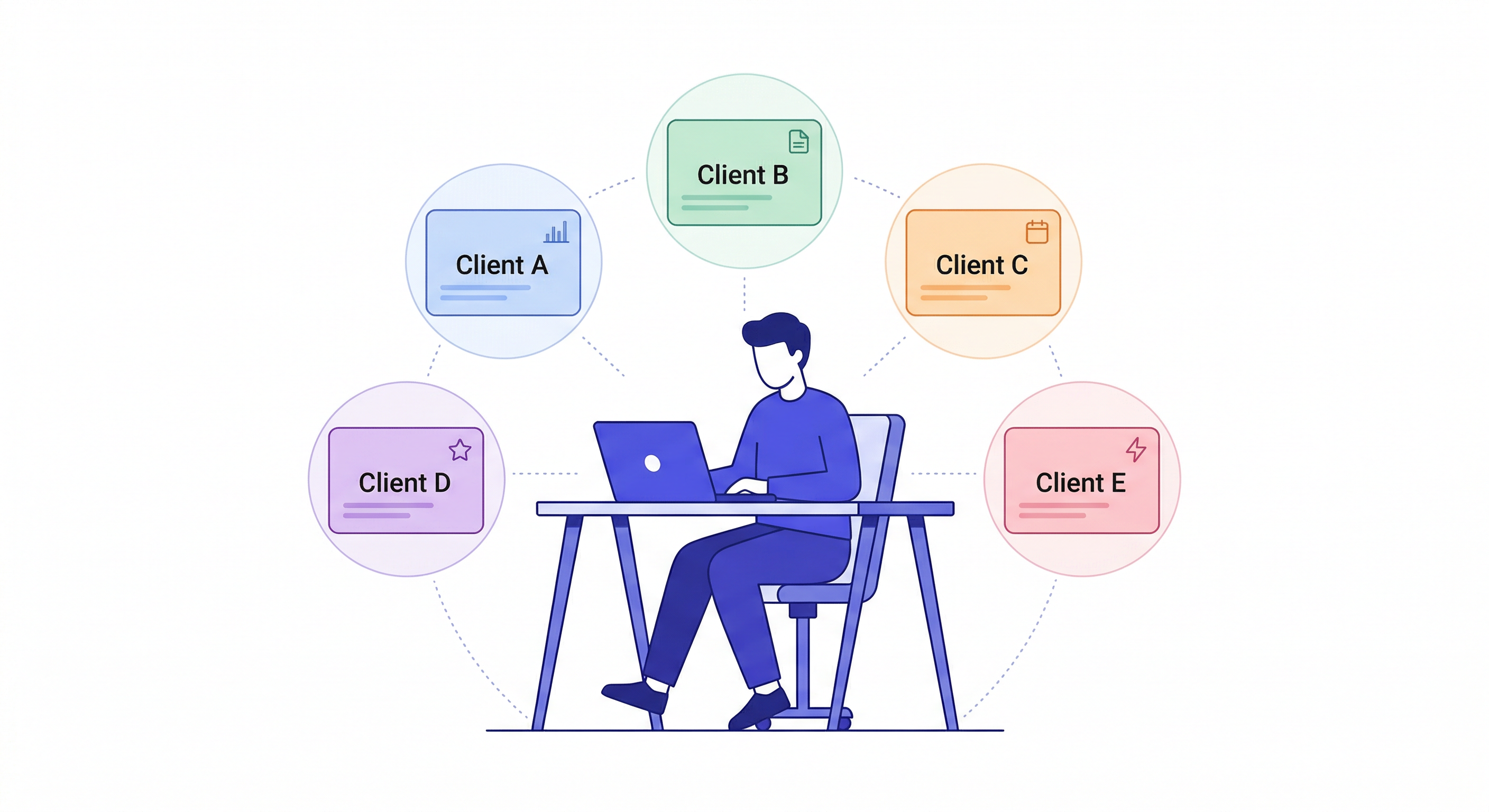
MemClaw creates a separate workspace for each client. Loading a workspace gives the agent only that client's context — nothing else.
Create a workspace called Client Alpha
Create a workspace called Client Beta
Create a workspace called Client Gamma
When you start a session on Client Alpha:
Load the Client Alpha workspace
The agent immediately has Client Alpha's full context: the project background, your preferences for working with them, decisions made, current status, artifacts produced. Client Beta and Client Gamma don't exist in this session.
Switch to Client Beta:
Load the Client Beta workspace
Client Alpha is gone. Client Beta's context is active. Clean switch, zero bleed.
Openclaw Memory Management Guide
What Each Workspace Stores
A client workspace isn't just a summary document. It's a living record that grows with the project.
Project background
The foundation — who the client is, what the project is, key constraints. You set this once when you create the workspace:
Add to workspace: Client Alpha is a Series A fintech startup.
Building a B2B invoicing tool. Stack is Next.js, Node, Postgres.
Main contact is James ([email protected]). Budget is fixed, deadline is June 30.
Decisions
Every meaningful decision goes in, with the rationale:
Add decision: using Stripe not Paddle — client already has a
Stripe account and doesn't want to migrate
Add decision: no multi-currency for v1 — out of scope,
James confirmed this in the March 12 call
When the agent suggests something you've already decided, you ask:
What did we decide about payment processing?
And get an accurate answer. No re-litigating closed questions.
Current status
Update this at the end of each session:
Update workspace status: finished invoice creation flow.
Next session: payment reminders feature
When you start the next session, the agent already knows where you left off.
Artifacts
Anything the agent produces — specs, copy, analyses — save it:
Save that requirements doc to the workspace
Add the email copy we just wrote to the workspace
Retrieve it later:
Show me the requirements doc for Client Alpha
The Daily Freelancer Workflow
Here's what a typical day looks like with workspace-scoped memory.
9:00am — Start on Client Alpha
Load the Client Alpha workspace
→ "Client Alpha is the invoicing tool for James at Alpha Co.
   Last session (April 2): finished invoice creation flow.
   Next: payment reminders. Constraint: must send via SendGrid,
   James confirmed. Decision logged: no multi-currency in v1."
You start immediately. No re-briefing.
11:30am — Switch to Client Beta
Load the Client Beta workspace
→ "Client Beta is the marketing site redesign for Beta Inc.
   Last session: completed homepage and about page.
   Next: case studies section. Note: Sarah wants to review
   all copy before publishing."
Clean switch. Client Alpha's invoicing decisions aren't in this conversation.
2:00pm — Quick check on Client Gamma
Load the Client Gamma workspace
→ "Client Gamma is the internal HR tool for Gamma Corp.
   Status: waiting on client to provide employee data schema.
   Blocked since March 28. Follow up needed."
You see immediately that this project is blocked and needs a nudge before you can make progress.
4:30pm — Back to Client Alpha
Load the Client Alpha workspace
→ Agent already knows the context. Pick up where you left off.
The total time spent briefing: zero. The total time saved compared to re-briefing each switch: 25-40 minutes per day.
The Real Cost of Re-Briefing
It's easy to underestimate how much time re-briefing costs — because it feels like part of the work, not overhead on top of it.
Here's what a week looks like without workspace-scoped memory:
- Monday: 12 minutes briefing the agent on Client Alpha's invoicing project
- Tuesday: 8 minutes briefing on Client Beta's marketing site
- Wednesday: Switch back to Alpha — 10 minutes reconstructing where you left off
- Thursday: New client kickoff — 15 minutes explaining the project from scratch
- Friday: Client Gamma check-in — 8 minutes re-establishing context
That's 53 minutes of setup work in one week, none of which produced any output. Across a year, over 45 hours spent re-explaining things the agent should already know.
With workspaces, that number approaches zero. Loading a workspace takes 10 seconds. The agent is oriented. You start on the actual work immediately.
The compounding effect matters too: every decision you log today means you don't relitigate it in a future session. Every artifact you save is available in every future session. The workspace gets more valuable the longer you use it — not because the technology changes, but because the accumulated context grows.
Handling Client Handoffs and Onboarding
One underappreciated use case: handing off a project.
When a client project transfers to another freelancer or moves in-house, the workspace contains the full project history — every decision, every status update, every artifact. The new person loads the workspace and is oriented without a 2-hour knowledge transfer call.
Summarize the current state of this project
List all the decisions we've made and why
What's been built and what's still pending?
These questions get accurate answers from the workspace — not from your memory, not from digging through chat history.
The same applies when you return to a dormant client. A project you haven't touched in three months? Load the workspace, and the agent has the full context. You don't have to reconstruct what happened.
Setup: Getting MemClaw Running
MemClaw installs as an OpenClaw or Claude Code skill.
Via Claude Code Plugin Marketplace:
/plugin marketplace add Felo-Inc/memclaw
/plugin install memclaw@memclaw
Via OpenClaw natural language:
Please install https://github.com/Felo-Inc/memclaw and use MemClaw after installation.
Set your API key:
export FELO_API_KEY="your-api-key-here"
Get your key at felo.ai/settings/api-keys.
Then create a workspace for each active client:
Create a workspace called [client name]
No JSON config, no file paths, no technical setup beyond that.
For Non-Developer Freelancers
MemClaw isn't only for developers. If you're a freelance designer, writer, consultant, or marketer using OpenClaw or Claude Code, the same memory problem applies — and the same solution works.
The prompts are natural language. You don't need to know what a workspace registry is or how the storage works. You just tell the agent what to remember:
Add to workspace: client prefers formal tone, no contractions
Add to workspace: brand colors are #1A1A2E and #E94560
Add decision: using Canva not Figma — client can edit Canva files themselves
And you load context the same way:
Load the Client Alpha workspace
The agent picks up where you left off, with whatever context you've stored — regardless of whether that context is technical decisions or brand preferences.
Scaling from 3 Clients to 10
The value of workspace-scoped memory compounds as you take on more clients.
With three clients, you can probably keep most context in your head and re-brief quickly. With six, that breaks down. With ten, it's not viable.
The math is simple: if re-briefing each client takes 8 minutes and you work on three clients per day, that's 24 minutes lost daily. Across a 5-day week, 2 hours. Across a year, over 100 hours spent re-explaining things the agent should already know.
Workspace-scoped memory changes that equation. The re-briefing time is zero regardless of how many clients you're managing. Loading a workspace takes seconds. The agent is oriented immediately.
This is why MemClaw is particularly valuable for freelancers who are growing — not just those already managing a large roster. The earlier you set up proper workspace discipline, the more valuable your memory system becomes over time. A workspace you've been maintaining for six months is genuinely valuable. Decisions are logged. Status is current. Artifacts are organized. A new session on a six-month-old project feels like you never left.
The habits that make this work are simple: load the workspace at session start, log decisions when you make them, save artifacts before you close the session, update status at the end. Four behaviors, 30 seconds each. The payoff compounds every week.
Frequently Asked Questions
How many workspaces can I create? There's no hard limit. Create one per client, one per project — whatever granularity makes sense for your workflow.
Can I share a workspace with a client? Yes. MemClaw supports team sharing. If a client uses OpenClaw or Claude Code, you can invite them to the workspace so they have the same context you do.
What if I use both OpenClaw and Claude Code? Both agents read from and write to the same workspace. Context logged in an OpenClaw session is available in Claude Code and vice versa.
Does the workspace replace my project management tool? No. MemClaw stores AI agent context — what the agent needs to pick up where it left off. Your project management tool handles tasks, timelines, and client communication. They're complementary.