MiniMax H3 Prompting Guide: Camera, Motion and Detail

Build clearer MiniMax H3 prompts in Felo with subject, motion, camera and detail. Learn reference limits, native 2K settings and how to refine a new take.
Felo tools: MiniMax H3 · Image to Video · Text to Video.
A detailed prompt can still produce a confusing shot if the subject and camera are both trying to do too much. This MiniMax H3 prompting guide starts with a simpler task: describe one event clearly enough that you can tell whether the resulting video followed it.
The workflow below is for MiniMax H3 inside Felo. It covers shot structure, reference materials, resolution choices and focused revisions, with suggested prompts you can adapt to your own scenes.
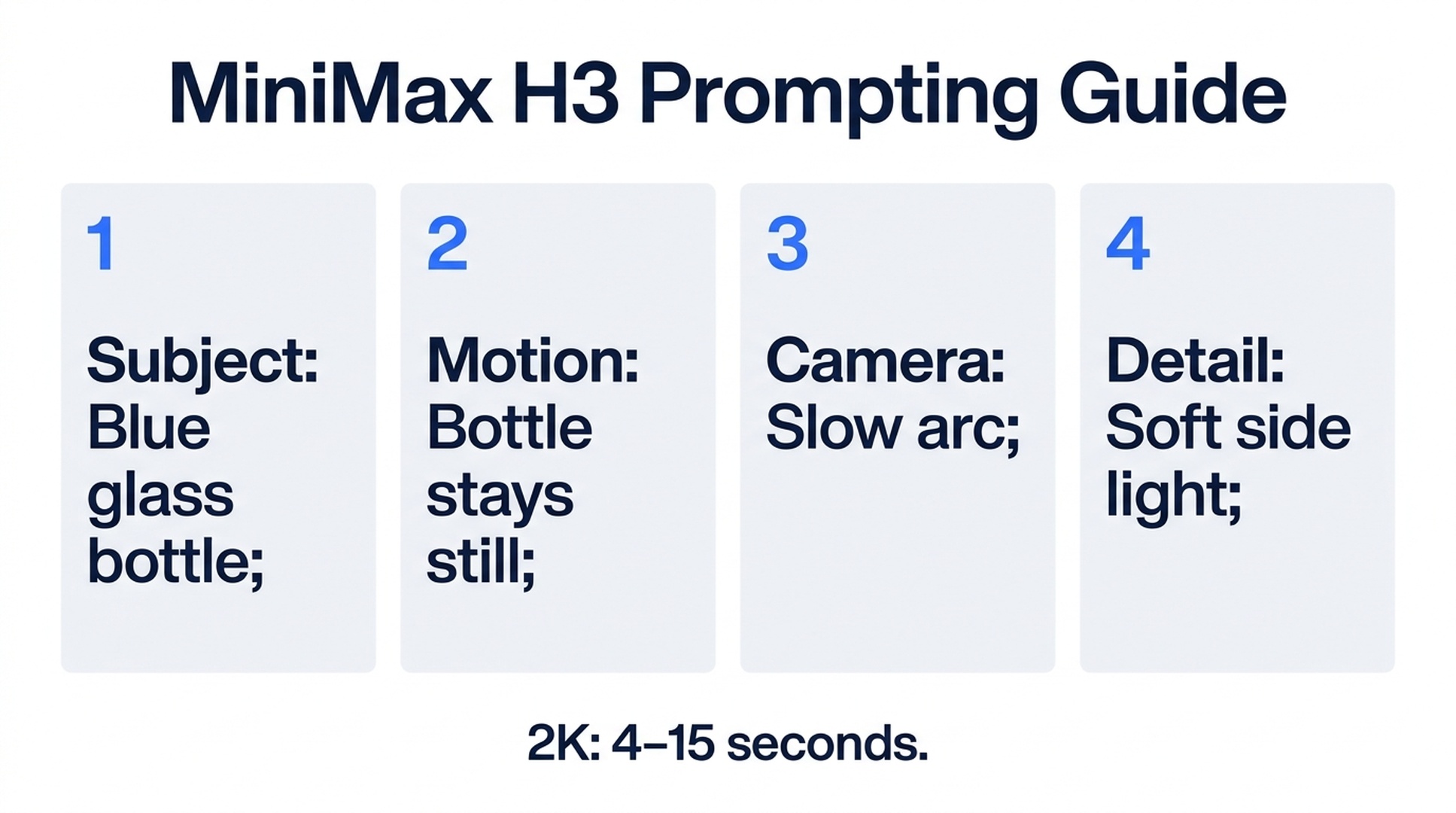
Illustrative guide; not a screenshot or a generated-video result.
MiniMax H3 settings in Felo
MiniMax H3 supports six ratios: 21:9, 16:9, 4:3, 1:1, 3:4 and 9:16. Felo offers 480P and 768P for clips of 4–30 seconds, and 1080P or 2K for clips of 4–15 seconds.
The documented reference limits are up to 9 images, 3 videos and 3 audio clips, with a maximum of 12 files in total. That combined cap matters: the individual limits are not an invitation to upload 15 files.
MiniMax H3 has no dedicated first-and-last-frame slots in the Felo workflow described by the current image-to-video page. The Agent can describe which reference image the shot should begin or end on, but that is different from models with explicit frame inputs.
Felo's current text-to-video matrix also lists MiniMax H3 output as silent. Audio-reference support does not mean the output contains an audio track. See the model specifications, frame-input explanation and sound matrix.
The MiniMax H3 prompt formula
Build the instruction around four decisions, then add a closing state.
Subject: identify the main object or person and the details that make it recognizable. “A bottle” is broad; “a squat blue glass bottle with a brushed silver cap” narrows the target.
Motion: state the event the viewer should see. A turn, a short walk, a ripple or a passing shadow is easier to evaluate than several unrelated events.
Camera: give one principal movement, or say the camera is fixed. The subject's motion and camera motion should be described separately.
Detail: use material and light to explain what the image should resolve. Brushed metal under a soft side light is more useful direction than a list of quality adjectives.
Ending: say what the viewer should be looking at when the shot finishes. A useful clip often needs a readable final composition, not simply the end of its allotted seconds.
Prompt example: a product close-up
Suggested settings: 1:1, 6 seconds, initially 768P. The example is a proposed prompt, not a claim about a rendered result.
A squat blue glass bottle with a brushed silver cap stands on pale stone. The bottle remains still while the camera makes a very slow, small arc from the front-left toward the front. Soft side light reveals fine condensation on the glass and a clean highlight on the cap. Keep the bottle proportions and cap shape unchanged. Finish with the complete bottle visible and centered. One continuous shot, no added text, hands or extra objects.
Before generating, supply an appropriate product reference if the bottle must match a real item. A generic description is suitable for a fictional concept; it is not enough to guarantee the shape or branding of a commercial product.
Review the silhouette, reflections and camera path at draft resolution. Only consider a 2K version once the underlying shot makes sense. Higher resolution does not fix a misshapen bottle or an unintended camera move.
Prompt example: a quiet establishing shot
Suggested settings: 21:9, 8 seconds, 768P.
A small stone lighthouse stands on a low headland above a calm sea before sunrise. Pale clouds move slowly behind it. The camera makes a gentle forward movement from a wide view while keeping the complete lighthouse visible. Cool natural light, rough stone texture and restrained colors. The building stays rigid and unchanged. End before reaching the lighthouse. No cuts, text or additional buildings.
This shot has one subject and a gradual change in viewpoint. If the building shifts shape, simplify the camera move. If it becomes too small to read, change framing rather than adding more adjectives about detail.
The official MiniMax page includes a lighthouse example called Storm Lighthouse. That is a separate Felo gallery demonstration, not the output of this prompt.
Prompt example: motion in a vertical composition
Suggested settings: 9:16, 6 seconds, 768P.
A single cream-colored paper airplane glides downward through a sunlit stairwell, staying near the center of a tall frame. The camera tilts gently down to follow it. Warm side light reveals the folded paper edges. Keep the plane's shape intact and the walls still. End as the plane approaches the lower landing, with the plane fully visible. No extra planes, lettering or cuts.
The prompt says how the subject moves through the frame. For a vertical shot, that is more helpful than writing a wide scene and expecting the ratio control to solve the composition afterward.
All three examples are designed for silent output. Add sound during finishing, or choose an audio-capable model if generated sound is essential to the experiment.
Use references with clear roles
Do not upload a folder of loosely related images and expect the model to know which one defines the subject. Give each relevant asset a job in your written brief.
For example, one photograph can define the bottle shape while another conveys the desired lighting. If those images disagree about color, resolve the conflict explicitly. A motion reference should be used only when its movement is relevant, not simply because the clip looks attractive.
Keep the reference set as small as the task allows. More inputs can communicate more information, but they can also create more contradictions. For the bottle exercise, a clear product image and a precise camera description may be enough to start.
If exact opening and closing compositions are the main requirement, consider Seedance 2.5 or Wan 3.0 Prime. Kling 4.0 additionally documents a middle frame. Choose that control deliberately rather than treating MiniMax reference images as interchangeable with frame slots.
Draft resolution and final resolution
For MiniMax H3, 768P is one available draft tier. Start there when you want to check movement and composition without committing to a higher-resolution version. Check the estimate in the workspace rather than assuming a fixed savings percentage.
Switching to 2K and generating again creates a new take. It does not increase the resolution of the exact file you already approved. The timing, small details or movement may differ, even if you keep the prompt unchanged.
Keep the draft until the new version passes review. If preserving the exact performance matters more than changing the shot, a separate upscaling workflow may be more appropriate. Felo's video generator does not upscale existing files.
Revise the smallest useful variable
| Issue | Focus the next instruction on |
|---|---|
| Subject is hard to identify | Framing and defining details |
| Motion is too busy | One main action; fewer moving elements |
| Camera appears to wander | One direction and one movement |
| Texture changes during the clip | Consistent material and lighting descriptions |
| Closing shot is unusable | A clear final composition and settled ending |
A revision might say: “Keep the bottle and lighting. Reduce the camera arc so the label area remains visible throughout.” This gives you a concrete difference to compare. It does not guarantee that every other pixel will remain unchanged.
MiniMax H3 FAQ
Can I generate a 30-second 2K clip?
Not with the Felo limits documented here. MiniMax H3 supports up to 30 seconds at 480P or 768P, and up to 15 seconds at 1080P or 2K.
Does a longer prompt improve quality?
Not by itself. Additional wording is useful when it resolves a real ambiguity. Repeated style terms and conflicting instructions can make the brief harder to interpret.
Should I use Agent Mode?
Use it when you want help turning an idea into a shot plan. Direct generation is an option when your prompt and materials are already prepared.
What should I check before downloading?
Watch the complete clip for identity drift, unwanted movement and an awkward ending. Review at the size where the video will actually appear, not only in a large preview.
A useful MiniMax H3 prompt gives you a testable shot. Write what must happen, state what must remain consistent and use the first result to decide the next change.
Generate with MiniMax H3 in Felo →
This post is also available in 简体中文, 日本語, 한국어, 繁體中文, हिन्दी, Français, العربية, Русский, اردو, Bahasa Indonesia, Deutsch, Tiếng Việt, Türkçe, Italiano, ไทย, Español, বাংলা and Português.