Nano Banana 2 Lite on Felo — 4-Second AI Images on an Infinite Canvas

Google's Gemini 3.1 Flash Lite Image model meets Felo LiveDoc's infinite canvas. Generate and edit 1K images in seconds, visually, with no back-and-forth prompting.
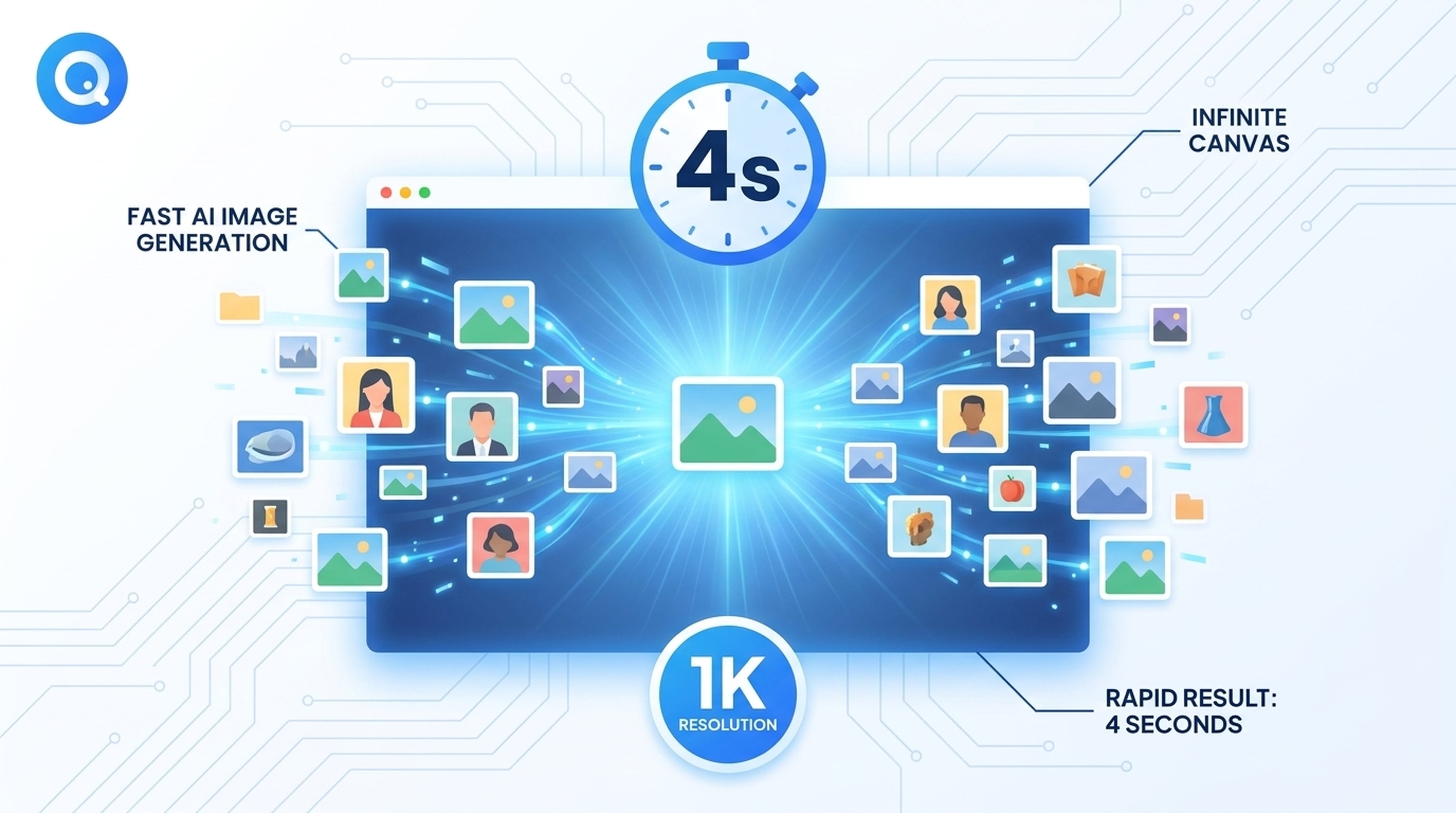
Google just released Gemini 3.1 Flash Lite Image — a model that generates 1K images in about 4 seconds. We've integrated it into Felo as Nano Banana 2 Lite. But speed is only half the story.
The other half is how you use it: on Felo LiveDoc's infinite canvas, you generate, place, compare, and edit images visually — no more back-and-forth prompt cycles. Just describe what you want, get the image, and keep building.
Try Nano Banana 2 Lite on Felo →
The Problem with AI Image Generation
Generating images with AI has always involved friction:
- You write a prompt.
- You wait for the output.
- It's not quite right.
- You tweak the prompt and try again.
- Repeat until you're satisfied.
Even with a fast model, this cycle kills momentum. You're stuck in a chat interface, managing text prompts and image outputs in isolation. There's no spatial context, no side-by-side comparison, no way to naturally iterate.
Enter Nano Banana 2 Lite — 4-Second Images
Nano Banana 2 Lite is Google's Gemini 3.1 Flash Lite Image model, running inside Felo AI. It's the fastest Gemini image model available today:
- 4-second generation — Google targets under 2 seconds end-to-end. In practice on Felo, you get a 1K image in about 4 seconds. That's fast enough to feel instant.
- 1K (1024px) output — optimized for thumbnails, stickers, social posts, blog covers, ad variants, and draft concepts.
- 14 aspect ratios — from square stickers to 21:9 banners, pick the ratio that fits your use case.
- Image editing — upload a photo and ask for background swaps, color adjustments, cleanup, or sticker conversions. All in the same interface.
When to Use Nano Banana 2 Lite
| Use Case | Fit |
|---|---|
| Social media thumbnails | ✅ Best fit |
| Blog cover images | ✅ Best fit |
| Stickers and icons | ✅ Best fit |
| Quick creative drafts | ✅ Best fit |
| Simple image edits | ✅ Best fit |
| 2K/4K production files | ❌ Use Nano Banana 2 or Pro |
| Complex multi-reference work | ❌ Use Nano Banana 2 or Pro |
| Strict brand consistency | ❌ Use Nano Banana Pro |
The Infinite Canvas Advantage
Here's where Nano Banana 2 Lite on Felo becomes something different from any other image generator.
Felo LiveDoc is an infinite canvas workspace — a single, expandable surface where you can place documents, images, diagrams, notes, and AI-generated content side by side. When you combine it with Nano Banana 2 Lite's speed, you get a visual creative workflow that eliminates the prompt-tweak-wait cycle entirely.
How It Works
Instead of a chat-based back-and-forth, here's the new workflow:
- Open LiveDoc — you start with a blank infinite canvas.
- Generate with Nano Banana 2 Lite — type a prompt directly on the canvas, and the image appears in seconds.
- Place and compare — drag generated images around, place them next to each other, compare versions side by side.
- Edit visually — select an image, describe the change you want, and the edited version appears right there.
- Build context — add notes, annotations, and references around your images. Everything stays organized on the canvas.
The canvas doesn't scroll away. It doesn't hide your previous outputs. Every image you generate becomes a permanent part of your creative workspace — visible, movable, and editable.
Real Workflow Examples
Social media batch: Need 6 thumbnail variants for a campaign? Generate all 6 with Nano Banana 2 Lite, place them on the canvas, compare at a glance, pick the winner, and edit the chosen one — all without leaving the canvas.
Product mockup: Upload a product photo, ask for a background change, then generate a complementary lifestyle scene. Place both on the canvas to see how they work together before finalizing.
Icon set: Generate a set of related icons at 1K resolution. Lay them out on the canvas to check visual consistency. Edit individual icons that need adjustment. Everything stays in context.
Why the Combination Matters
Speed alone doesn't solve the creative workflow problem. A 4-second model in a chat interface is still a chat interface — you're still managing prompts and outputs in a linear conversation.
The infinite canvas changes the paradigm:
- Spatial memory — you can see everything at once. No more "what was that third version again?"
- Direct comparison — place generated images side by side for instant visual comparison.
- Visual iteration — select an image, describe a change, see the result in context with everything else.
- Mixed media — combine AI images with text notes, screenshots, PDFs, and live documents on the same surface.
Nano Banana 2 Lite provides the speed. Felo LiveDoc provides the context. Together, they remove the friction that makes AI image generation feel tedious.
Model Comparison: Lite vs. Flash vs. Pro
Felo offers three tiers of Gemini image models. Here's when to use each:
| Need | Nano Banana 2 Lite | Nano Banana 2 | Nano Banana Pro |
|---|---|---|---|
| Fast 1K drafts | Best fit | Good but heavier | Overkill |
| 2K or 4K output | Not supported | Up to 4K | Pro-grade |
| Many reference images | Avoid | Stronger fit | Best |
| Search-grounded images | Not supported | Supported | Advanced |
| Simple uploaded-image edits | Best fit | Good fit | Detail control |
| Infinite canvas workflow | ✅ | ✅ | ✅ |
Start with Lite for fast drafts. Move to Nano Banana 2 or Pro when you need higher resolution, more references, or stricter quality control.
Getting Started
Step 1: Try Nano Banana 2 Lite
Go to Nano Banana 2 Lite on Felo and type a prompt. You'll get a 1K image in about 4 seconds.
Step 2: Open LiveDoc
Go to Felo LiveDoc and open the infinite canvas.
Step 3: Generate and Iterate
Use Nano Banana 2 Lite directly on the canvas. Generate, place, compare, edit — all in one visual workspace.
Tips for Better Results
- Be specific about format and ratio early — "16:9 blog thumbnail" beats "a nice image."
- Keep compositions simple — one main subject, one background, one style direction.
- Use Lite for volume — generate multiple variants quickly, then pick the best one to refine.
- Separate edit requests — ask for one or two changes per edit cycle. Background swaps, color adjustments, and cleanup work great.
- Review before publishing — check text, faces, and fine details. Move to Nano Banana 2 or Pro when precision matters.
The Bottom Line
Nano Banana 2 Lite gives you 4-second AI image generation. Felo LiveDoc's infinite canvas gives you a visual workspace where speed actually translates to creative momentum.
The combination means you spend less time managing prompts and more time actually creating.
Try Nano Banana 2 Lite on Felo →
This post is also available in 简体中文, 日本語, 한국어, 繁體中文, हिन्दी, Français, العربية, Русский, اردو, Bahasa Indonesia, Deutsch, Tiếng Việt, Türkçe, Italiano, ไทย, Español, বাংলা and Português.