OpenClaw Best Practices: 12 Tips for Getting More Done (2026)

Practical OpenClaw best practices for 2026 — project organization, context management, custom instructions, multi-project workflows, and the tools that make OpenClaw actually useful.
Most people install OpenClaw, ask it a few questions, and use maybe 20% of what it can do. The gap between "I use OpenClaw" and "OpenClaw is essential to how I work" comes down to habits — how you structure your prompts, organize your projects, and manage context.
These 12 practices come from patterns that heavy OpenClaw users (freelancers, developers, PMs) consistently rely on. No fluff, no obscure tricks — just the things that make a measurable difference.
1. Front-Load Context in Your First Message
The single biggest factor in OpenClaw output quality is the context you provide upfront. A vague first message gets a vague response.
Weak:
"Help me write an API endpoint"
Strong:
"I'm building a REST API in Python (FastAPI). The endpoint should accept a JSON payload with user_id and amount, create a Stripe payment intent, and return the client_secret. We use Pydantic for validation and all errors should return structured JSON with an error_code field."
The difference: the second prompt gives OpenClaw enough to produce something usable on the first try. The first prompt leads to three rounds of clarifying questions.
Rule of thumb: If your first message is under 2 sentences, you're probably going to waste time on back-and-forth.
2. Use Skills Instead of Describing Tasks from Scratch
OpenClaw's skill system lets you install tools that handle specific workflows — web search, file management, data analysis, presentation creation. Most people don't explore past the default setup.
Check what's available:
"What skills do you have installed?"
Browse the ClawHub marketplace for skills relevant to your work. If you find yourself repeatedly describing the same type of task (research, report generation, data extraction), there's probably a skill that handles it.
The productivity difference is real: instead of explaining a 5-step workflow every time, you invoke a skill that already knows the workflow.
3. Keep One Conversation Per Task
It's tempting to use one long conversation for everything. Don't.
Long conversations create problems:
- Context from Task A influences responses for Task B
- OpenClaw starts referencing things you discussed 50 messages ago that are no longer relevant
- You can't easily find or reuse the output from a specific task
Better approach: One conversation = one task or one logical unit of work. Need to switch tasks? Start a new conversation.
This is especially important if you work on multiple projects. Mixing Client A's database schema with Client B's marketing copy in the same conversation is a recipe for confusion.
4. Save Important Decisions Outside the Chat
OpenClaw won't remember what you discussed yesterday. If you make an important decision during a conversation — architecture choices, client preferences, project constraints — save it somewhere persistent.
Options:
- A project notes file you maintain manually
- A
CLAUDE.mdif you use Claude Code alongside OpenClaw - A workspace tool like MemClaw that tracks decisions automatically
The specific tool matters less than the habit. Decisions that live only in chat history are decisions you'll make again next week.
"Add to workspace: we chose PostgreSQL over MongoDB because the client needs strong relational queries for their reporting dashboard"
That one sentence saves you 10 minutes of re-discussion in a future session.
5. Give OpenClaw a Role When It Matters
For tasks that need a specific perspective, assign a role explicitly:
"Act as a senior backend engineer reviewing this code for production readiness. Focus on error handling, edge cases, and security."
"Act as a product manager. Given these three feature proposals, evaluate each on user impact, engineering effort, and alignment with our Q2 goals."
Roles work because they constrain the response. Without a role, OpenClaw gives general-purpose answers. With a role, it prioritizes what that role would prioritize.
Don't overuse this — for straightforward tasks ("write a function that sorts an array"), a role adds nothing. Save it for tasks where perspective matters.
6. Break Complex Tasks into Steps
If you ask OpenClaw to "build me a full CRUD API with authentication, rate limiting, and database migrations," you'll get a wall of code that probably doesn't fit your setup.
Better:
- "Design the database schema for a user management system. Requirements: email/password auth, roles (admin, user, viewer), soft delete."
- "Write the FastAPI route for user registration using this schema."
- "Add JWT authentication middleware."
- "Add rate limiting to the auth endpoints."
Each step builds on the previous one, and you can course-correct between steps. This is faster than regenerating a monolithic response.
7. Use OpenClaw for Research Before Decisions
Before making a technical decision, use OpenClaw (with a web search skill) to gather context:
"Compare Redis vs Memcached for session storage. Our requirements: 5,000 concurrent users, need data persistence, running on AWS."
"What are the tradeoffs of using Supabase vs building our own auth? We're a 3-person team."
OpenClaw excels at synthesizing information from multiple sources into a clear comparison. This saves you the 30 minutes of reading Stack Overflow threads and blog posts yourself.
The key: always give your specific constraints. "Redis vs Memcached" gets a textbook answer. "Redis vs Memcached for our specific requirements" gets a useful one.
8. Organize Multi-Project Work with Workspaces
If you work on more than two projects, the biggest productivity killer is context switching. Every project switch means re-explaining background, re-stating preferences, and hoping OpenClaw doesn't mix up which client you're talking about.
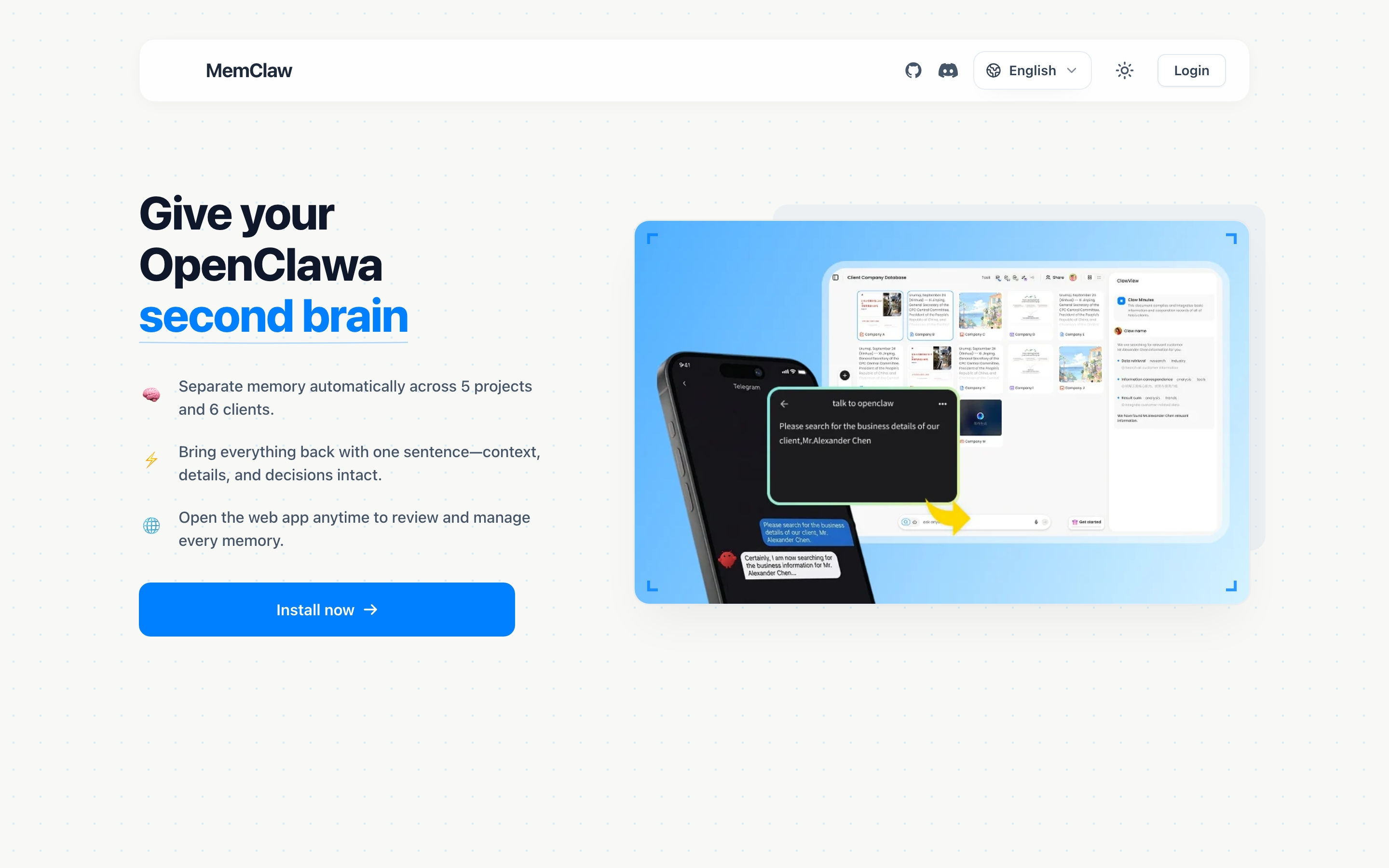
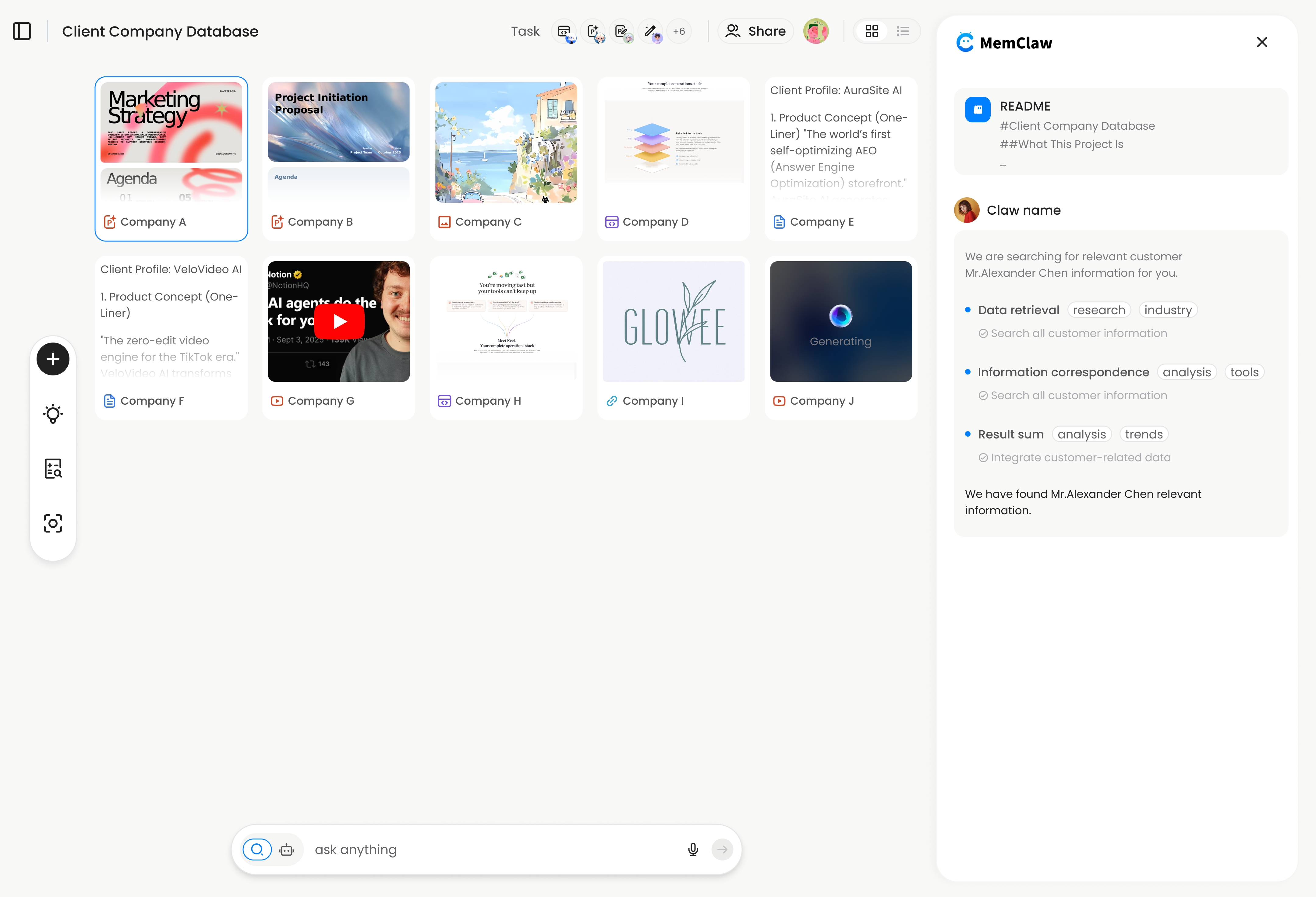
Workspace tools solve this by giving each project its own isolated memory:
"Load the Acme workspace"
OpenClaw gets the full project context — background, decisions, current status, artifacts — in seconds. No re-briefing.
MemClaw is one option that works across both OpenClaw and Claude Code. Each project gets a workspace with a living README (auto-updated), artifacts, and task tracking. Setup:
export FELO_API_KEY="your-api-key-here"
# Get key at: https://felo.ai/settings/api-keys
bash <(curl -s https://raw.githubusercontent.com/Felo-Inc/memclaw/main/scripts/openclaw-install.sh)
Then: "Create a workspace called [project name]"
If you manage 3+ clients or projects, this one change has the biggest impact on daily productivity.
9. Iterate, Don't Regenerate
When OpenClaw's output is 80% right but needs adjustments, don't ask for a complete redo. Edit incrementally:
"This is good, but change the error handling to return structured JSON instead of raising exceptions. Keep everything else the same."
"The tone is too formal. Rewrite the second and third paragraphs to be more conversational. Don't touch the intro or conclusion."
Iteration is faster and more predictable than regeneration. You keep the parts that work and fix the parts that don't.
10. Set Up Reusable Custom Instructions
If you find yourself giving the same instructions across multiple conversations, create a persistent instruction set.
For OpenClaw, you can set system-level instructions that apply to every conversation:
- "Always respond in bullet points unless I ask for prose"
- "When writing code, use TypeScript with strict mode"
- "When I share a URL, summarize it before responding"
This eliminates repetitive setup at the start of every conversation.
11. Use Structured Output for Actionable Results
When you need actionable output (not just information), ask for structure explicitly:
"Give me a migration plan in this format: 1) What to migrate first (and why), 2) Dependencies that need to be resolved, 3) Estimated complexity (low/medium/high) for each step, 4) Risks and mitigations."
"Analyze this code and give me issues as a table: | Issue | Severity | Line | Fix |"
Structured output is easier to act on than paragraphs. Tables, numbered lists, and explicit formats turn AI responses into checklists you can execute.
12. Review and Verify, Don't Trust Blindly
OpenClaw is useful, not infallible. Develop the habit of verifying:
- Code: Run it. Check edge cases. Don't paste AI-generated code into production without testing.
- Facts: If OpenClaw cites a specific stat or claims something is true, verify the source — especially for pricing, API documentation, or legal information.
- Architecture decisions: Get a second opinion (from a colleague, or by asking OpenClaw to argue against its own recommendation).
The best OpenClaw users treat it as a very fast first-draft generator, not as an authority. Review time is part of the workflow, not a sign that something went wrong.
Putting It All Together
The practices that have the biggest impact, ranked:
- Front-load context — better input = better output, every time
- One conversation per task — prevents context bleed
- Save decisions externally — stops you from re-making the same choices
- Organize projects with workspaces — essential above 3 projects
- Iterate, don't regenerate — faster, more predictable results
You don't need all 12 at once. Pick the two that match your biggest pain point and start there.
Managing multiple projects? Get workspace isolation free at memclaw.me
MemClaw is made by the Felo team. View the code at github.com/Felo-Inc/memclaw.