How to Add Persistent Memory to OpenClaw with MemClaw

OpenClaw doesn't retain project context between sessions. MemClaw adds persistent, structured memory to OpenClaw — and shares it with Claude Code so both agents work from the same project knowledge.
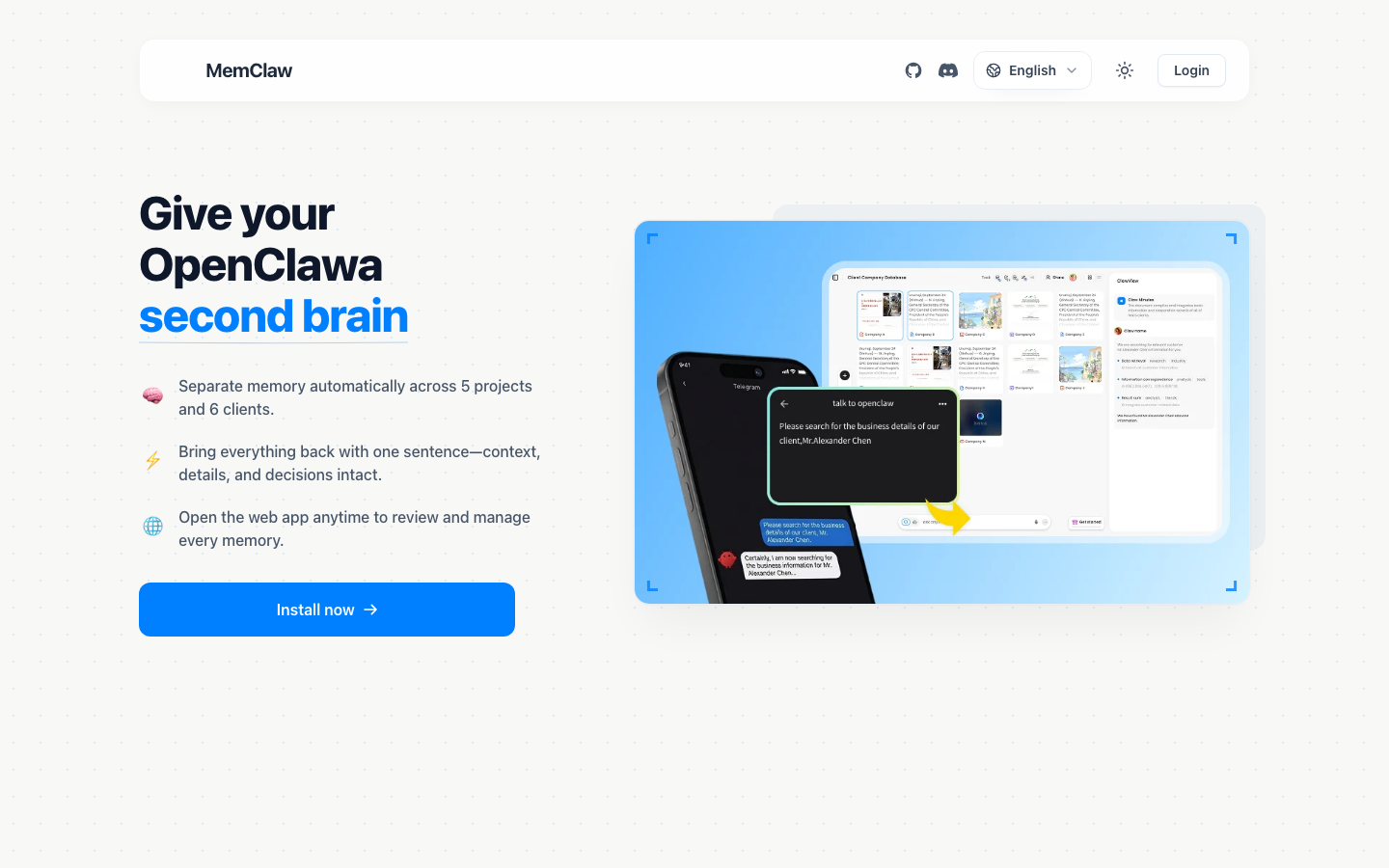
OpenClaw is a capable AI agent. But like all AI agents, it forgets everything when you close the session. The next time you open it, it has no memory of the project you were working on, the decisions you made, or where you left off.
For one-off tasks, this doesn't matter. For ongoing projects, it creates a significant overhead: every session starts with re-briefing the agent on the project context.
This guide explains how MemClaw — a persistent memory skill built for OpenClaw users — solves this problem. And why it matters that it works across Claude Code too.
The Complete Guide to AI Memory for Agents
The OpenClaw Memory Problem: Context Doesn't Survive Sessions
OpenClaw, like Claude Code and other AI agents, operates within a single session's context window. Everything you tell it in a conversation is available within that conversation. Close the window, and it's gone.
This is a fundamental characteristic of how current AI agents work, not a limitation specific to OpenClaw. The model itself has no persistent memory — it knows only what's in the current context.
For OpenClaw users managing multiple projects, this creates the same problem it creates for any AI user: every session is a fresh start. You explain the project. You explain the decisions. You explain where you left off. Then you start working. Then you close the session and do it all again tomorrow.
The overhead is real. For simple projects, it might be 5 minutes. For complex ongoing projects with multiple decision threads, it can be 20-30 minutes per session. Multiply that across three or four active projects, and context management becomes a significant part of the workday.
What OpenClaw Skills Can (and Can't) Do for Memory
OpenClaw has a skill system that extends its capabilities. Skills can add tools, workflows, and integrations. But standard skills don't solve the persistent memory problem — they extend what OpenClaw can do within a session, not what it remembers between sessions.
What you can do with skills:
- Add tools (search, APIs, code execution)
- Define custom workflows
- Set up domain-specific knowledge
What standard skills don't do:
- Persist context between sessions
- Maintain project-specific memory
- Automatically update context as you work
MemClaw is specifically designed to fill this gap. It's not just a tool extension — it's a memory layer that gives OpenClaw persistent, structured project context that survives session boundaries.
MemClaw: A Memory Skill Built for OpenClaw Users
MemClaw adds persistent project workspaces to OpenClaw. Each workspace stores:
- Background context: What is this project, who is it for, what are the constraints
- Decisions log: What choices have been made and why
- Current progress: What's in progress, what was the last thing worked on
- Pending tasks: What still needs to be done
When you start an OpenClaw session, you load the workspace and the agent is immediately oriented. No re-briefing. Context restoration takes about 8 seconds.
The workspace is automatically updated as you work. When you make a decision, save a document, or complete a task, the workspace reflects the current state. You can also explicitly save context:
Add to workspace: we decided to use the REST API approach rather than GraphQL because the client's frontend team isn't familiar with GraphQL
That decision is permanently stored and available in every future session.
MemClaw is the only skill that gives your OpenClaw agent project-scoped memory that also works in Claude Code.
Installation Guide: Adding MemClaw to OpenClaw
Option 1: One-line install script (recommended)
bash <(curl -s https://raw.githubusercontent.com/Felo-Inc/memclaw/main/scripts/openclaw-install.sh)
Option 2: Natural language install
Send this to OpenClaw:
Please install https://github.com/Felo-Inc/memclaw and use MemClaw after installation.
OpenClaw handles the installation automatically.
Set your API key
Get a free key at felo.ai/settings/api-keys:
export FELO_API_KEY="your-api-key-here"
Verify installation
In OpenClaw, run:
Create a test workspace
If MemClaw is installed correctly, OpenClaw will create a workspace and confirm. Delete the test workspace afterward:
Delete the test workspace
Using MemClaw in Your OpenClaw Workflow
Once MemClaw is installed, the workflow is straightforward.
Starting a new project
Create a workspace for [project name].
This is [brief project description].
MemClaw creates an isolated workspace for the project and initializes the Living README with the context you provide.
Starting each session
Load the [project name] workspace
The agent reads the workspace and confirms what it knows about the project. Verify before starting work — this eliminates context errors.
Saving decisions during sessions
Add to workspace: [decision and reasoning]
Use this for decisions you want to ensure are captured — architectural choices, client approvals, scope changes, known issues.
Checking project status
Show me the current state of the [project name] workspace
Useful at the start of a session when you want to review what's pending before loading the full workspace.
Completing and closing projects
Archive the [project name] workspace
When a project is complete, archive the workspace. It's preserved but no longer shows in your active workspace list.
Cross-Agent Memory: OpenClaw + Claude Code, Same Workspace
This is where MemClaw's design becomes particularly useful for developers.
Many developers use both OpenClaw and Claude Code. OpenClaw is strong at research, document analysis, and high-level planning. Claude Code is strong at code generation, refactoring, and technical implementation. They're complementary, and it's natural to use both on the same project.
The problem: by default, context is siloed by agent. Work you do in OpenClaw doesn't carry over to Claude Code. You have to re-establish project context when you switch between them.
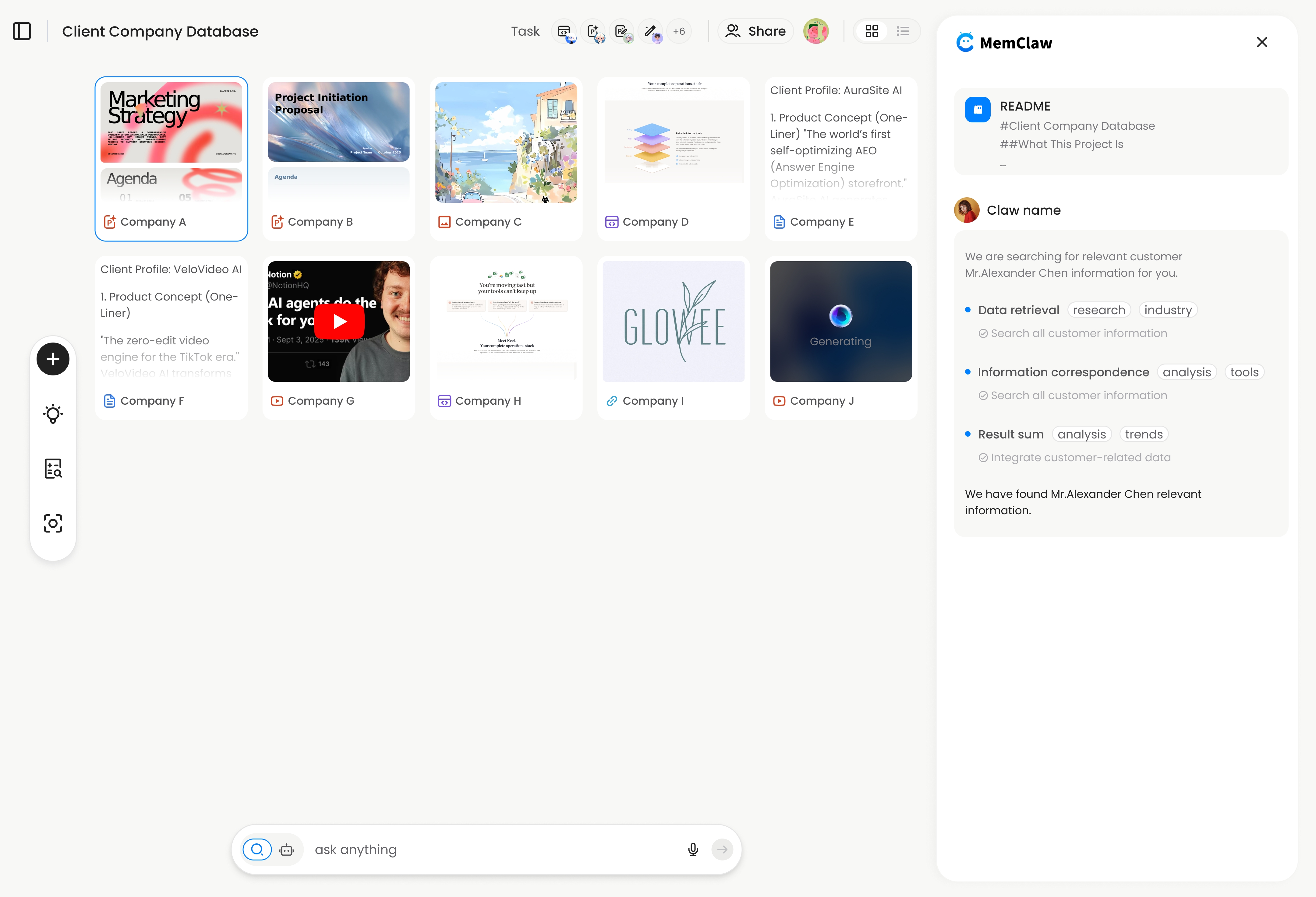
MemClaw workspaces are cross-agent compatible. The same workspace works in OpenClaw and Claude Code. Both agents read from and write to the same workspace.
Practical workflow:
# Research phase in OpenClaw
Load the project workspace
[Research and planning work — agent updates workspace automatically]
Add to workspace: architecture decision from today's planning session

# Switch to Claude Code for implementation
Load the project workspace
[Claude Code reads the same workspace — knows the architecture decision]
[Implementation work]
No re-briefing when you switch agents. The workspace is the shared project memory that both agents draw from.
Supported agents:
- OpenClaw
- Claude Code
- Gemini CLI (
~/.gemini/skills/) - Codex (
~/.codex/skills/)
FAQ for OpenClaw Users
Does MemClaw work with all versions of OpenClaw?
MemClaw works with OpenClaw via the standard skill interface. As long as your OpenClaw installation supports skills (which all current versions do), MemClaw will work.
Can I share a workspace with a teammate?
Yes. MemClaw supports team sharing — you can invite teammates to a workspace, and they can load it with their own OpenClaw or Claude Code installation. Both team members see the same project context.
What happens if I don't have a FELO_API_KEY set?
MemClaw requires a FELO_API_KEY to function. Get a free key at felo.ai/settings/api-keys. Without the key, the skill will prompt you to set it before creating or loading workspaces.
Is there a limit to how many workspaces I can create?
Check current limits at memclaw.me — plan details are on the site.
How is MemClaw different from just using a CLAUDE.md file?
CLAUDE.md files are static — you write them and update them manually. MemClaw workspaces are dynamic — the agent updates them automatically as work progresses. CLAUDE.md also only works in Claude Code; MemClaw workspaces work across OpenClaw, Claude Code, and other supported agents.
Can I use MemClaw without OpenClaw?
Yes. MemClaw works in Claude Code too. Install it the same way: /plugin marketplace add Felo-Inc/memclaw. Claude Memory Tool Selection Guide
Summary
OpenClaw doesn't have persistent memory by default. MemClaw adds it.
The skill creates isolated project workspaces with structured context that persists across sessions. Each workspace stores background, decisions, progress, and tasks. Loading a workspace takes 8 seconds. The agent is immediately oriented in the project.
The cross-agent compatibility is the distinctive feature: if you use both OpenClaw and Claude Code on the same project, both agents share the same workspace. You don't maintain separate context for each agent. You maintain one workspace per project, and both agents draw from it.
Give your OpenClaw agent a memory it actually keeps. → Install MemClaw
Related: The Complete Guide to AI Memory for Agents | Claude Memory Tool Selection Guide