OpenClaw Search Skills Compared: How to Pick the Right One for Your Agent

A practical comparison of 4 OpenClaw web search skills — Built-in Web Search, Exa, Felo Search, and Tavily. Covers setup, output format, language support, and pricing to help you choose.
Your OpenClaw agent needs web access to be useful. The built-in web tools handle basic page fetching, but for actual search — finding information across the web based on a query — you need a dedicated search skill.
The problem is there are several options on ClawHub, and they work differently. Some return raw links. Some return AI-synthesized answers. Some charge per query. Some are free. Picking the wrong one means your agent either wastes tokens parsing irrelevant pages or gives you outdated information.
We tested four search skills over two weeks of daily use to see how they actually perform. Here's what we found.
The Four Contenders
Before diving into details, here's the quick overview (alphabetical order):
| Skill | Output Type | Multi-Language | Pricing | Install |
|---|---|---|---|---|
| Built-in Web Search | Raw search results | English-focused | Free (included) | Pre-installed |
| Exa | Structured content snippets | English-focused | Paid (per query) | npx clawhub@latest install exa |
| Felo Search | AI-synthesized answers + citations | CJK + English | Free (open access) | npx clawhub@latest install felo-search |
| Tavily | Structured summaries | English-focused | Freemium (1,000 free/mo) | npx clawhub@latest install tavily |
Built-in Web Search — What You Get Out of the Box
OpenClaw ships with basic web search through its built-in web tools. No installation needed, no API key required.
How it works: Your agent sends a query to a search engine and gets back a list of URLs with titles and snippets. It then needs to visit each page, extract the relevant content, and synthesize an answer.
Strengths: - Zero setup — works immediately - No API costs - Reliable for simple, English-language queries
Weaknesses: - Returns raw results that your agent must process — this burns tokens and adds latency - Multi-step process: search → visit pages → extract → synthesize - Limited effectiveness for non-English queries - No source citation in the final output unless your agent manually tracks them
When to use it: Quick English-language lookups where you don't need structured output or source tracking. Good enough for "what's the capital of France" but struggles with "summarize the latest React 19 migration issues."
Exa — Neural Search for Developers
Install: npx clawhub@latest install exa
Exa takes a different approach from traditional search engines. It uses a neural search index that understands semantic meaning, returning content snippets rather than just links.
How it works: Your query gets matched against Exa's index using embeddings. Results come back as structured content with relevant passages highlighted, reducing the need for your agent to visit and parse full pages.
Strengths: - Semantic search — understands intent, not just keywords - Returns content snippets directly, saving tokens - Strong for technical and developer-focused queries - Good at finding specific code examples and documentation
Weaknesses: - Paid service — pricing is per API call - Index is smaller than Google's — may miss recent or niche content - English-centric — limited effectiveness for CJK languages - Requires API key setup
When to use it: Developer workflows where you need to find specific technical content, code patterns, or documentation. Less suited for general news or multi-language research.
Felo Search — AI Answers With Source Citations
Install: npx clawhub@latest install felo-search
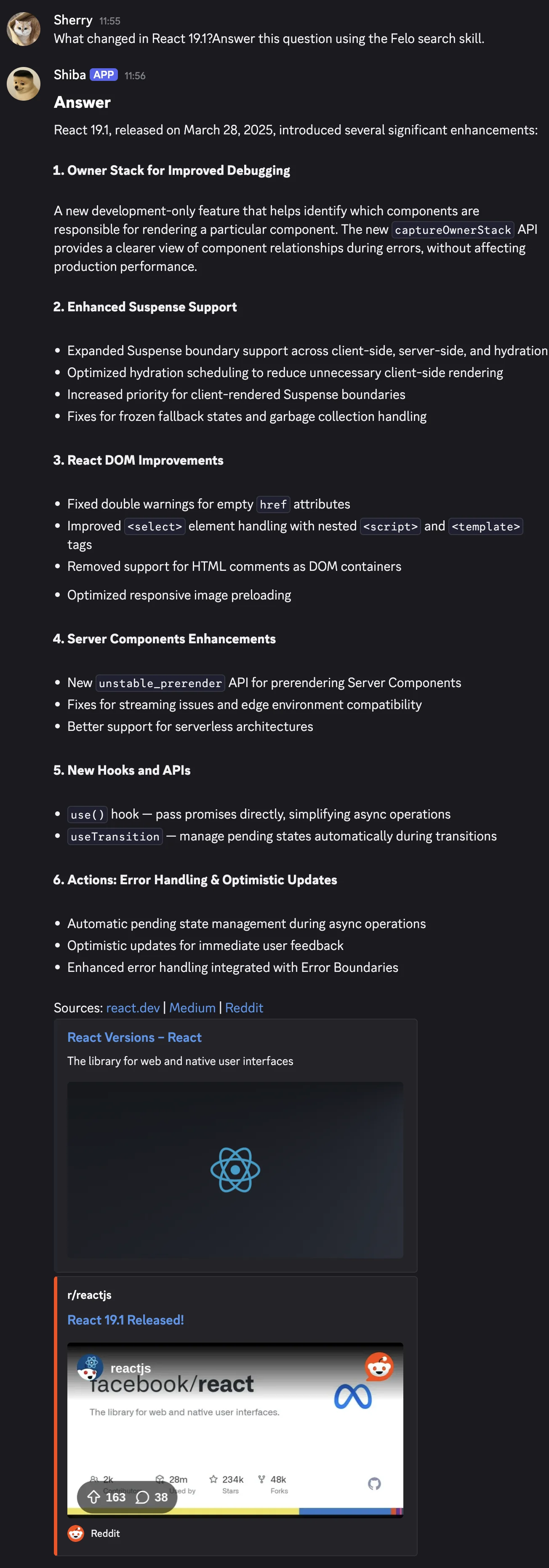
Felo Search doesn't return links or snippets — it returns a complete AI-synthesized answer with source citations attached to each claim. The search and synthesis happen on Felo's side, so your agent gets a ready-to-use response in one call.
How it works: Your query goes to Felo's Search API, which searches the web, reads the relevant pages, and returns a synthesized answer. Each statement in the answer includes a citation pointing to its source URL.
Strengths: - One-call workflow — no need for your agent to visit pages and extract content - Every claim is cited — your agent (or you) can verify sources - Native CJK support — handles Japanese, Chinese, Korean queries as well as English - Free during the current open access period - Shared API key with other Felo skills (slides, SuperAgent, web-fetch)
Weaknesses: - Requires a FELO_API_KEY — extra setup step compared to built-in search - Answer quality depends on Felo's synthesis model — you're trusting their summarization - Less control over which sources are consulted compared to Exa's filtered search - Newer service — smaller community and fewer third-party integrations than Tavily
When to use it: Multi-language research, competitive analysis, news monitoring, or any workflow where you need a direct answer with sources rather than a list of links to process. Particularly strong if you work across English and CJK languages.
Tavily — The Community Favorite
Install: npx clawhub@latest install tavily
Tavily is the most recommended search skill in OpenClaw community discussions. It's purpose-built for AI agents, returning structured summaries optimized for LLM consumption.
How it works: Your query goes to Tavily's API, which searches the web and returns a structured response with a summary, relevant content snippets, and source URLs. You can configure search depth (basic or advanced) and filter by topic.
Strengths: - Designed specifically for AI agent consumption — output format is LLM-friendly - Configurable search depth and topic filtering - Established community — most tutorials and guides reference Tavily - Freemium model — 1,000 free searches per month - Good documentation and OpenClaw-specific setup guides
Weaknesses: - Free tier is limited (1,000 queries/month) — heavy use requires a paid plan - English-focused — CJK language support is limited - Returns summaries but not full AI-synthesized answers — your agent still does some processing - API key required
When to use it: General-purpose search for English-language workflows, especially if you're following community tutorials or want the most battle-tested option. The free tier is generous enough for personal use.
Head-to-Head Comparison
| Feature | Built-in | Exa | Felo Search | Tavily |
|---|---|---|---|---|
| Setup complexity | None | API key | API key | API key |
| Output format | Raw links | Content snippets | Full AI answer + citations | Structured summary |
| Tokens consumed per query | High (multi-step) | Medium | Low (one-call) | Medium |
| Japanese/Chinese support | Limited | Limited | Native | Limited |
| English quality | Good | Strong | Good | Strong |
| Pricing | Free | Paid | Free (open access) | 1,000 free/mo |
| Source citations | Manual | Partial | Automatic | Included |
| Community adoption | Universal | Niche | Growing | Highest |
| Best for | Simple lookups | Dev/technical search | Multi-language + citations | General purpose |
Note: Felo Search is listed third (alphabetical order). This comparison reflects our testing experience — your results may vary based on query types and use patterns.
Which One Should You Pick?
There's no single "best" search skill — it depends on what you're doing.
Stick with built-in if you only need occasional, simple English lookups and don't want to manage API keys.
Choose Exa if you're primarily doing developer-focused research — finding code examples, API documentation, or technical specifications. The semantic search is genuinely better for these queries.
Choose Felo Search if you work across multiple languages (especially CJK + English), want source citations on every answer, or prefer a one-call workflow that minimizes token usage. The free pricing is a bonus, but the multi-language support is the real differentiator.
Choose Tavily if you want the most community-supported option with the most tutorials and integrations available. The 1,000 free queries per month cover most personal use cases.
Or combine them. Some users run Felo Search for multi-language queries and Tavily for English-only research. The skills don't conflict — you can install both and let your agent choose based on the query language.
Setup Guide
All three third-party skills follow the same pattern:
# 1. Install the skill
npx clawhub@latest install <skill-name>

2. Set the API key
Exa: Get key from exa.ai
export EXA_API_KEY="your-key"
Felo: Get key from felo.ai → Settings → API Keys
export FELO_API_KEY="your-key"
Tavily: Get key from tavily.com
export TAVILY_API_KEY="your-key"
3. Test it
Ask your agent: "Search for the latest OpenClaw security updates"
For Felo Search, the same API key works across all 8 Felo skills (search, slides, SuperAgent, LiveDoc, web-fetch, X search, YouTube subtitles, content-to-slides). One key, multiple tools.
Wrapping Up
The OpenClaw web search landscape has matured quickly. A year ago, the built-in tools were your only option. Now you have specialized skills that return structured data, cite sources, and handle multiple languages.
Start with one, test it against your actual queries for a week, and switch if it doesn't fit. The install/remove cycle is fast enough that experimentation costs nothing.
Disclosure: Felo Search is developed by Felo AI. This article was written by the Felo team. We've aimed to provide a fair comparison based on actual testing, but please be aware of the potential conflict of interest. Exa, Tavily, and the built-in web tools are independent projects not affiliated with Felo.