Pollo AI Alternative: When Felo Fits Your Workflow

Considering Felo as a Pollo AI alternative? Compare shot generation, reference controls and editing boundaries, then test one workflow before switching.
Felo tools: AI Video Creation Platform · MiniMax H3 · Seedance 2.5 · Wan 3.0 Prime · Kling 4.0 · Native 2K Video Generation · Felo AI Video Generator.
Felo is worth considering as a Pollo AI alternative when your main task is developing a shot, selecting a compatible video model and refining the result through a clear brief. It is not a feature-for-feature replacement for every tool in Pollo's broader suite.
The most useful comparison begins with what you already do in Pollo. A product-photo animation, a template-based effect and a change to uploaded footage may all be called “AI video,” but they require different inputs and controls.
Disclosure: This article is published by Felo. It compares official product documentation checked on November 5, 2026. It does not claim hands-on quality, speed or pricing superiority from a controlled test.
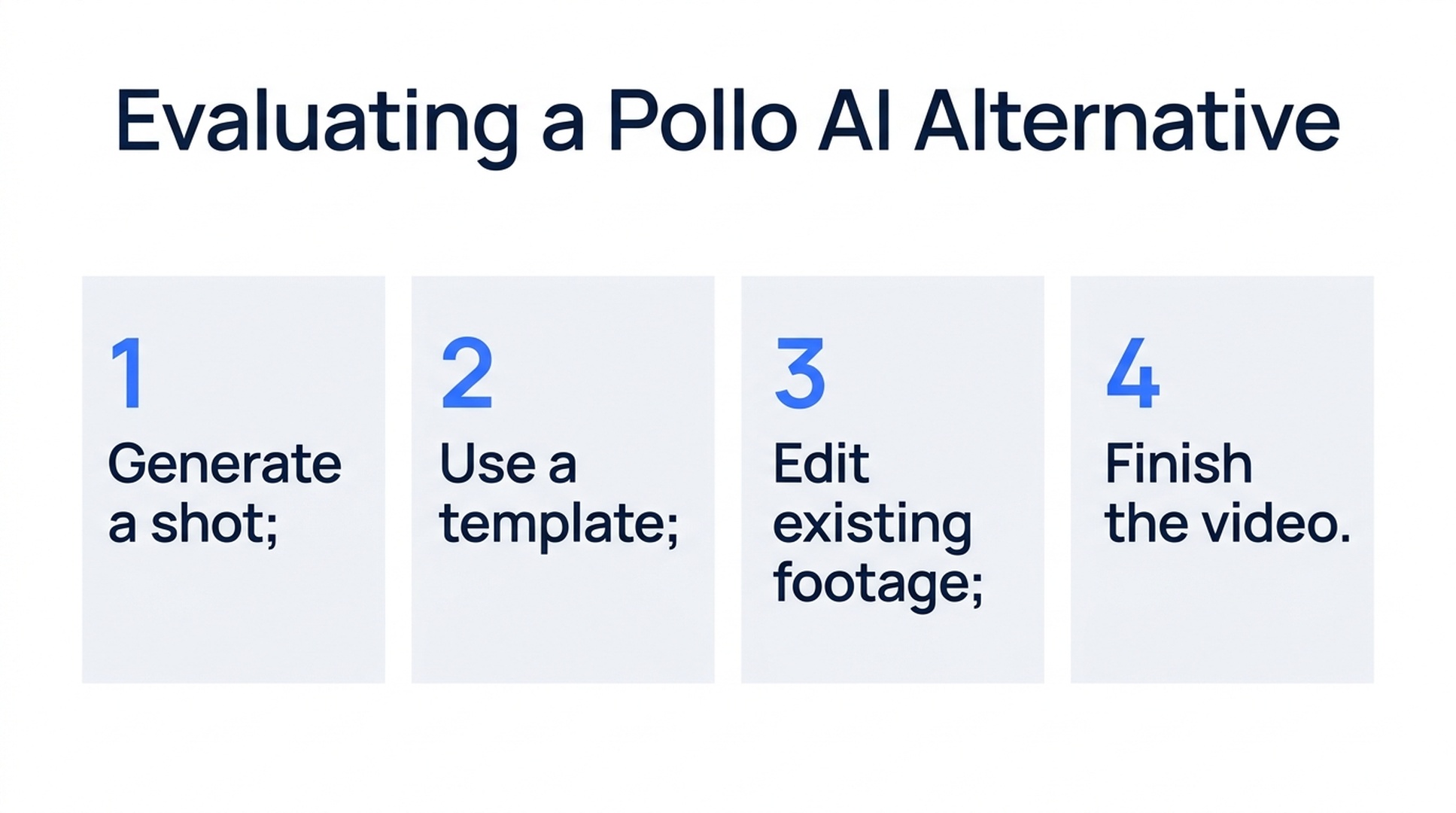
Illustrative guide; not a screenshot or a generated-video result.
Identify the workflow you want to move
Make a short list of the operations in a typical project. For example: prepare a product image, generate a reveal, create two variations, add text and assemble a final ad.
Then mark which operations happen in the generator and which happen in another application. If your current editor already handles captions and assembly, a new generator only needs to supply suitable clips. If you rely on a platform to modify existing footage or produce a specific effect, that operation must be checked directly.
Pollo's product overview lists model-based generation, templates and a range of marketing and media tools. Its Agent also offers conversational creation. Moving to Felo should therefore be based on the fit of the actual workflow, not a claim that Pollo lacks an Agent.
Where Felo offers a clear evaluation path
Felo's video workspace supports Agent Mode for developing a shot through conversation and direct generation for a prepared prompt. The current model choices are MiniMax H3, Seedance 2.5, Wan 3.0 Prime and Kling 4.0. See Felo's video creation platform.
For a practical trial, choose one recurring clip rather than moving a whole campaign at once. A short product reveal, an atmospheric insert or a vertical opening shot gives you a contained task with visible acceptance criteria.
The central decision is the input system. A collection of product and motion references calls for different support from a carefully prepared opening-and-closing-frame pair. Felo exposes these differences through its model integrations, so check the selected model rather than assuming all inputs are interchangeable.
Translate the task before copying the prompt
A prompt written for another service can describe the same creative intent, but its settings and input references may not transfer directly.
| Existing task | What to prepare for a Felo trial | What to verify |
|---|---|---|
| Animate a product photograph | One clear subject image and one main action | Product shape, reference support and output ratio |
| Reach a planned closing composition | Compatible opening and closing images | Supported frame slots and a plausible connecting action |
| Generate a scene with sound | A visual brief plus specific audible events | Generated-audio support and output resolution |
| Create a cinematic insert | Subject, camera move, light and ending | Continuity, usable duration and fit beside existing footage |
| Apply an effect to uploaded footage | A precise description of what must stay unchanged | Whether the task needs an existing-video editor rather than a new generation |
This table is a migration checklist, not evidence that every Pollo operation has a matching Felo feature. Keep the last row separate: preserving an existing performance is different from generating another interpretation of it.
Choose a model for the trial
For a silent product shot requiring native 2K, check MiniMax H3. In Felo, 2K and 1080P clips run 4–15 seconds; its lower-resolution options support longer clips. It has reference inputs but no native first/last-frame slots. See MiniMax H3 settings.
For a scene with generated sound and reference media, Seedance 2.5 is a candidate if 480P or 720P fits the delivery requirement. It supports references or first/last frames, with those input approaches mutually exclusive for one clip. See Seedance 2.5 settings.
For first/last-frame work with optional sound and up to 1080P, examine Wan 3.0 Prime. It does not accept extra reference-image or video collections. For a first/middle/last-frame plan, examine Kling 4.0, whose current Felo output is silent. See Wan and Kling.
These controls establish suitability for a trial. They do not establish the quality of the result before you generate and review it.
A product-shot brief to use for the comparison
Here is an original suggested brief, not a tested result:
Create a six-second vertical shot of the product in the supplied photograph. Keep its silhouette, main color and visible hardware recognizable. Place it on a plain pale surface under soft side lighting. Keep the product still while the camera makes a small move from the front toward the front-right side. End with the product fully visible and space above it for a title added later. No generated text or scene cuts.
Use the same creative brief in both workflows where supported. Record any necessary input or setting differences. If a reference is used differently, note that rather than presenting the test as identical.
Inspect the whole clip for shape changes, missing details and inconsistent camera movement. Then place it in the same edit. A take that looks appealing alone may still leave insufficient room for the title or fail to connect to the next shot.
Where a switch may leave a gap
Pollo's AI Video Editor starts from uploaded footage and describes prompt-based changes to elements such as backgrounds and objects. If that is your core task, Felo's generation-and-revision flow should not be assumed to replace it.
Pollo also has a dedicated video upscaler for existing files. Felo's video-upscale page instead explains native high-resolution generation. Generating a new 2K take does not preserve an earlier clip's exact performance and timing as an enhancement operation would aim to do.
Felo's documented AI video workflow also does not provide conventional timeline assembly, subtitle placement or a separate voiceover mix. Plan that finishing work in your editor. If a Pollo template or specialized tool is essential, test that exact need before deciding to replace it.
Compare the work remaining after generation
Keep a record of each trial's settings, attempts, credit usage and reasons for rejection. Add a note about finishing work: cropping, timing adjustments, captions or audio replacement.
Use a simple production question: how much effort remains before this clip can enter the final sequence? A usable shot after fewer revisions can matter more than a large model catalog, but you need your own results to establish that difference.
Do not infer a pricing winner from this article. Credit systems and available settings differ, and plans can change. Compare the current total needed for the same deliverable, including unsuccessful attempts.
A gradual move is often easier to evaluate. Keep your existing workflow for approved assets and test Felo on one new scene. Expand only when the trial demonstrates a useful fit.
Frequently asked questions
Is Felo a good Pollo AI alternative for image-to-video?
It is a candidate when the selected Felo model supports the references or frame controls your shot needs. Test product accuracy, motion and delivery settings with your own image.
Does Felo replace Pollo's full tool collection?
No such parity is claimed here. Uploaded-video editing, templates, enhancement and finishing tasks need separate checks.
Does an Agent make Felo unique in this comparison?
No. Both services document Agent-related workflows. Compare the actual process and results for your brief.
Will the same model name produce the same result?
Do not assume identical integrations or outputs. Input controls, settings and generation variability can differ. Compare the specific configuration available in each service.
If your priority is generating and refining individual shots, bring one recurring brief to Felo AI Video and evaluate it before moving the rest of your workflow.
This post is also available in 简体中文, 日本語, 한국어, 繁體中文, हिन्दी, Français, العربية, Русский, اردو, Bahasa Indonesia, Deutsch, Tiếng Việt, Türkçe, Italiano, ไทย, Español, বাংলা and Português.