Prepare for a Client Meeting: AI Agent Pulls All Context in 2 Minutes

Step-by-step tutorial: connect your agent to Felo OpenAPI, then let it retrieve past interactions, research the client, and generate a complete meeting briefing.
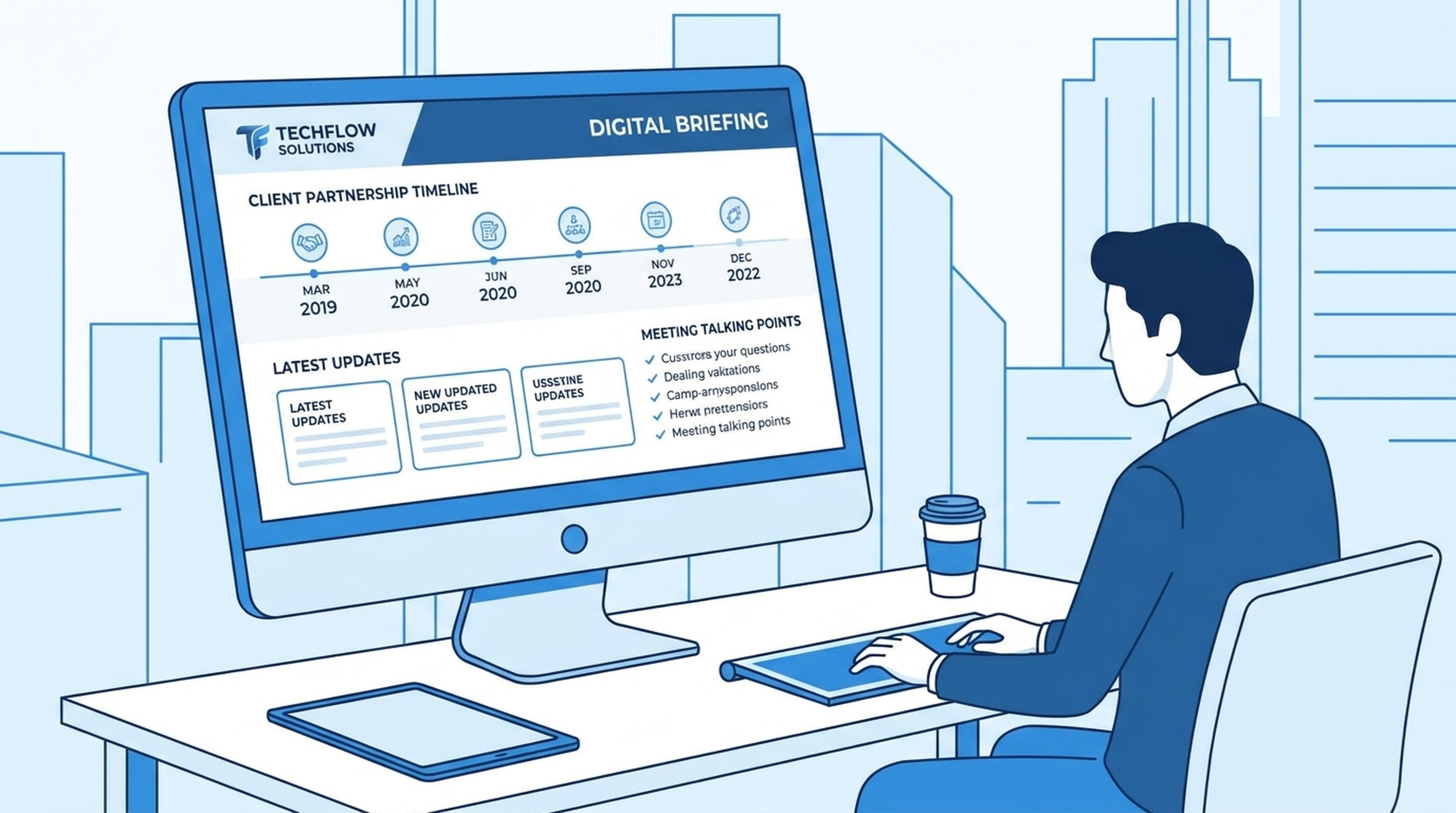
Tomorrow you're meeting with Acme Corp. You last spoke with them 3 months ago.
You remember they were interested in your enterprise plan. But did they close the deal? Did they hire a new CTO like they were planning? What did you agree to follow up on?
Instead of digging through emails, Slack, CRM notes, and their website — here's the briefing your agent prepared in 2 minutes:
Meeting Briefing: Acme Corp
Relationship History
First contact: June 2025 at TechCrunch Disrupt. Met with Sarah Chen, VP of Engineering.
Last meeting: April 12, 2026. Discussed enterprise plan for their 120-developer team. They requested a follow-up after their Q2 planning cycle.
Pending action items:
- ✅ Send enterprise pricing sheet — Done (April 15)
- ⏳ Schedule demo for their engineering leads — Not yet done
- 🔴 Follow up on pilot program timeline — Overdue
Interest level: High. They specifically asked about our API rate limits and SSO support.
Latest Developments
Funding: Raised $50M Series B on July 1, 2026 (TechCrunch). Led by Sequoia. Plan to double engineering headcount.
Product: Launched "Acme Platform 2.0" on June 20 — a developer platform for building internal tools. This aligns directly with our product.
Leadership: Hired James Park as new CTO on June 15. Previously VP of Engineering at Stripe. His focus: developer experience and platform reliability.
Industry context: The internal developer platform (IDP) market is growing rapidly. Backstage adoption is up 40% YoY. Acme's 2.0 launch puts them in direct competition with Cortex and Port.
Talking Points
-
Congratulate on Series B. "Saw the news — congrats on the $50M. How are you thinking about allocating it across the engineering org?"
-
Connect to their Platform 2.0 launch. "Your Platform 2.0 looks like it targets the same internal tooling space. Our solution could integrate with your platform as the code quality layer."
-
Introduce new CTO context. "Welcome James from Stripe — he'll likely have strong opinions on developer tooling. Our Stripe integration might be a good entry point."
-
Address the overdue pilot follow-up. "We mentioned a pilot program last time. I'd love to understand where that stands given the new funding."
Questions to Ask
- How is the Series B funding being allocated across the engineering team?
- What challenges are you facing with Platform 2.0 adoption internally?
- Is James involved in tooling decisions yet?
- Has the pilot program timeline changed with the new leadership?
Potential Concerns
- They evaluated CodeClimate in Q1. Check if that evaluation is still active.
- New CTO may want to evaluate their own tooling stack before committing.
- Budget constraints from last meeting may be resolved by Series B — confirm.
How to Set This Up
Connect your agent to Felo OpenAPI:
Connect to Felo OpenAPI:
- Models: Claude Opus 4.8, Claude Sonnet 4.6, Claude Haiku 4.5, GPT-5.6 Sol, GPT-5.6 Terra, Grok 4.5
- Search: POST /v2/chat (AI Search), POST /v2/web/extract (Web Fetch)
- Social: POST /v2/x/tweet/search (X Search), GET /v2/youtube/subtitling
- Output: POST /v2/ppts (PPT), POST /v2/mindmap, POST /v2/landing_page, Image Generation
- Memory: LiveDocs (semantic retrieval, file upload, URL resources, tasks, records)
Base URL: https://openapi.felo.ai
API Key: [YOUR_API_KEY] — get one free at openapi.felo.ai

When I ask for meeting preparation:
1. Retrieve past interactions and files from LiveDocs
2. Search for the client's latest news and updates
3. Check X for executive statements and company signals
4. Generate a structured briefing document
Get your free API key at openapi.felo.ai. Replace [YOUR_API_KEY] and you're connected.
The Prompt
Prepare a briefing for tomorrow's meeting with Acme Corp.

Check:
1. Our past interactions and files about Acme Corp in LiveDocs
2. Their latest news, product launches, and company updates
3. Any recent statements from their executives on X
4. Industry trends affecting their business

Generate a structured briefing with:
- Relationship history
- Latest developments
- Talking points and recommendations
- Questions to ask
- Potential concerns to address
What the Agent Actually Does
It looks up your history. Called LiveDocs to retrieve past meeting notes, email summaries, shared documents, and action items related to Acme Corp. Found the April 12 meeting notes with specific discussion points and pending items.
It searches for news. Called POST /v2/chat with "Acme Corp funding product launch 2026". Found the Series B announcement, Platform 2.0 launch, and CTO hire.
It reads their website. Called POST /v2/web/extract on acmecorp.com. Pulled current product offerings, team information, and recent blog posts.
It checks executive signals. Called POST /v2/x/tweet/search for statements from the CEO and new CTO. Found James Park's first public comments about developer experience priorities.
It synthesizes. Combined all the information into a structured briefing with relationship context, latest intel, talking points, questions, and risk factors.
It saves. Stored this briefing in LiveDocs so the next meeting prep builds on today's research.
After the Meeting
Update the LiveDocs record for Acme Corp with today's meeting notes. Include:
- Topics discussed
- Decisions made
- Action items with owners and deadlines
- Next meeting date
- Updated interest level and relationship status
This keeps the knowledge base current. Next time you prep for a meeting with Acme Corp, the agent already knows what happened today.
Reuse for Any Meeting
Prepare a briefing for tomorrow's meeting with [CLIENT/COMPANY].

Check:
1. Our past interactions and files in LiveDocs
2. Their latest news and company updates
3. Recent executive statements on X
4. Industry trends affecting their business

Generate a structured briefing with relationship history, latest developments, talking points, questions to ask, and potential concerns.
Works for sales meetings, investor meetings, partnership discussions, customer check-ins — any meeting where context matters.