From Product Idea to Campaign Package: One Prompt, Everything Generated

Watch an AI agent research competitors, generate promotional images, draft a landing page, and create a launch presentation — all from one prompt.
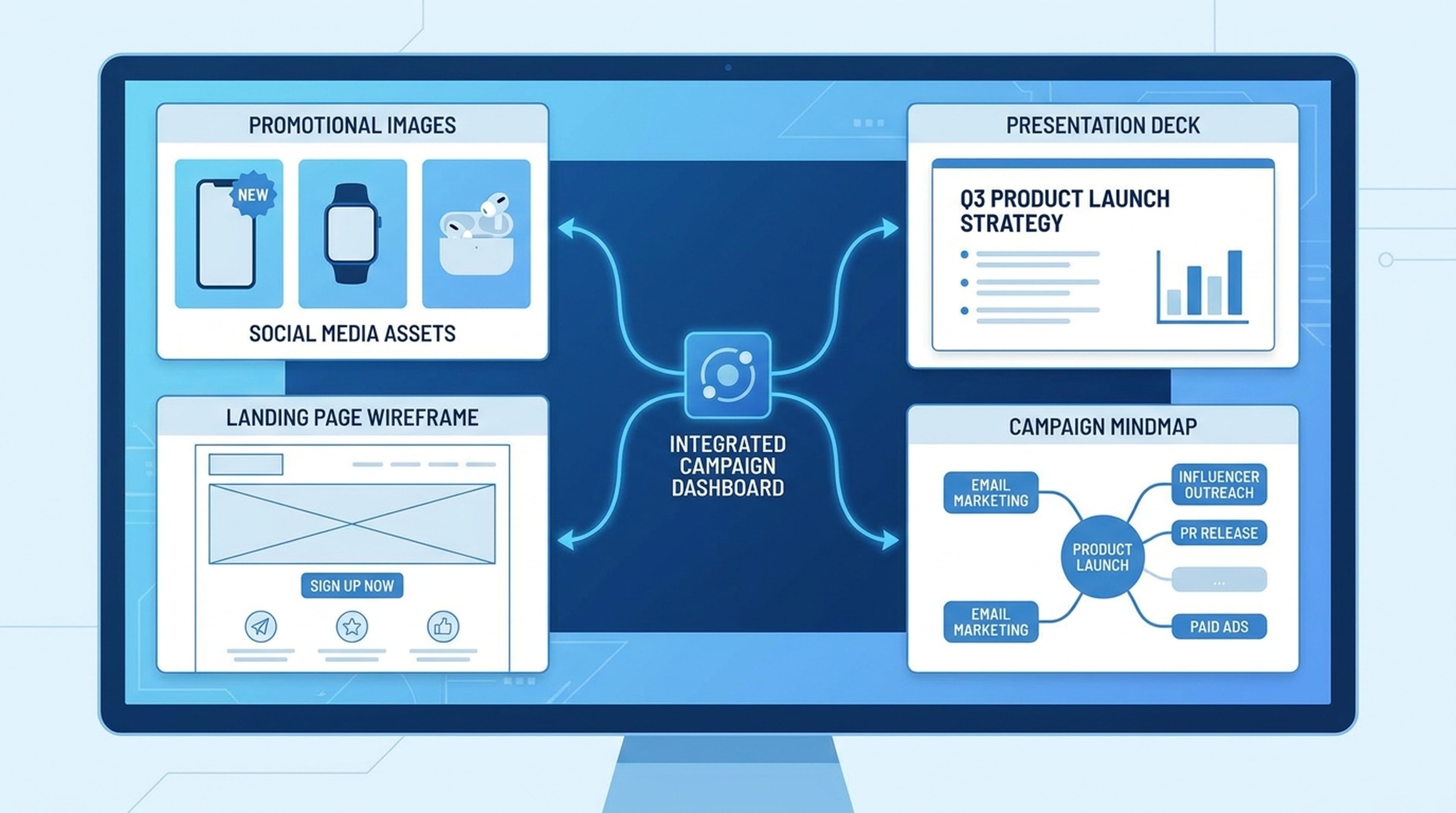
A product launch used to mean: market research (1 week), design (1 week), copywriting (3 days), presentation (2 days). Four people, two weeks, endless coordination.
Here's what one prompt produced instead:
- 3 promotional images — hero, features, social media
- A landing page with researched copy, feature section, and CTA
- A 12-slide launch presentation
- A product feature mindmap
- Everything saved to a shared workspace the team can access
How to Connect Your Agent
Using Codex, Claude Code, or OpenClaw? Paste this:
Connect to Felo OpenAPI with these capabilities:
- Models: Claude Opus 4.8, Claude Sonnet 4.6, Claude Haiku 4.5, GPT-5.6 Sol, GPT-5.6 Terra, Grok 4.5
- Search: POST /v2/chat (AI Search), POST /v2/web/extract (Web Fetch)
- Social: POST /v2/x/tweet/search (X Search), GET /v2/youtube/subtitling
- Output: POST /v2/ppts (PPT), POST /v2/mindmap, POST /v2/landing_page, Image Generation
- Memory: LiveDocs (semantic retrieval, file upload, URL resources)
Base URL: https://openapi.felo.ai
API Key: [YOUR_API_KEY] — get one free at openapi.felo.ai

When I ask for campaign materials:
1. Research competitors and market positioning using Search and Web Fetch
2. Generate visuals using Image Generation API
3. Create output (landing pages, PPTs, images, mindmaps)
4. Save everything to LiveDocs with source attribution
Get your free API key at openapi.felo.ai. Replace [YOUR_API_KEY] and you're connected.
The Prompt
We're launching an AI-powered code review tool for development teams. Target audience: mid-size tech companies with 50-200 developers.

Do the following:
1. Research competitors (SonarQube, CodeClimate, DeepCode) and find their positioning
2. Generate 3 promotional images — one for the hero section, one for features, one for social media
3. Draft a landing page with hero section, features, social proof, and CTA
4. Create a 12-slide launch presentation
5. Generate a product feature mindmap
6. Save everything to LiveDocs
What You Actually Get
3 Promotional Images
Hero image — A modern developer workspace with AI code analysis overlay, dark theme, clean tech illustration. Used as the landing page hero background.
Features image — A workflow diagram showing: code submitted → AI analysis → actionable feedback → merged. Clean, flat design, matches the hero style.
Social media image — "Ship cleaner code, faster." Bold text with the product UI mockup, sized for X/LinkedIn sharing.
Landing Page
Hero: "Ship cleaner code, 3x faster. AI-powered code review that catches bugs, enforces standards, and integrates with your existing workflow."
Features:
- Automated code analysis against latest best practices
- Security vulnerability detection with fix suggestions
- Team-wide coding standard enforcement
- Pull request integration (GitHub, GitLab, Bitbucket)
Social proof: "Reduces review time by 67% — based on beta data from 200+ dev teams"
CTA: "Start Free Trial — No credit card required"
The page structure, copy, and layout are all generated. Ready to hand to your web team or publish directly.
12-Slide Launch Presentation
- Problem: Code review is the bottleneck
- Market size: $2.1B code review tools market
- Our solution: AI-powered, not just automated
- How it works: The review pipeline
- Key features (deep dive)
- Competitive comparison
- Pricing strategy
- Go-to-market plan
- Beta results
- Roadmap
- Team
- Ask: What we need from stakeholders
Product Feature Mindmap
Visual map showing the product architecture: Core Engine → Analysis Modules (security, style, performance) → Integration Layer → Output & Reporting.
How the Agent Built This
Research first. It searched for competitor pricing, read their landing pages via Web Fetch, and checked X for what developers are complaining about with current tools. Found the positioning gap: existing tools are good at finding bugs, bad at explaining why and how to fix.
Generated visuals. Called the Image Generation API with specific style prompts — consistent color palette, flat design, tech-forward aesthetic. Got 3 images that look like they came from the same designer.
Drafted the landing page. Called the Landing Page API with competitor research, pain points from social data, and the generated images. Got back a complete page with copy, structure, and CTA placement.
Created the presentation. Called the PPT API with the research findings, beta results, and a "modern-tech" theme. 12 slides, themed, ready to present.
Saved everything. All outputs — research, images, landing page, presentation, mindmap — stored in LiveDocs. The team can access, review, and iterate from one place.
Reuse for Any Product Launch
We're launching a [PRODUCT] for [TARGET AUDIENCE].

1. Research competitors and market positioning using Search and Web Fetch
2. Generate [NUMBER] promotional images for hero, features, and social
3. Draft a landing page with hero, features, social proof, and CTA
4. Create a [NUMBER]-slide launch presentation
5. Generate a [TOPIC] mindmap
6. Save everything to LiveDocs with source attribution
Fill in the blanks. Works for SaaS products, hardware launches, service offerings, internal tools.