From Prompt to Landing Page: Automating Web Content with AI Agents

How AI agents can research, design, and generate complete landing pages using the Landing Page API — from a single prompt to a publish-ready page.
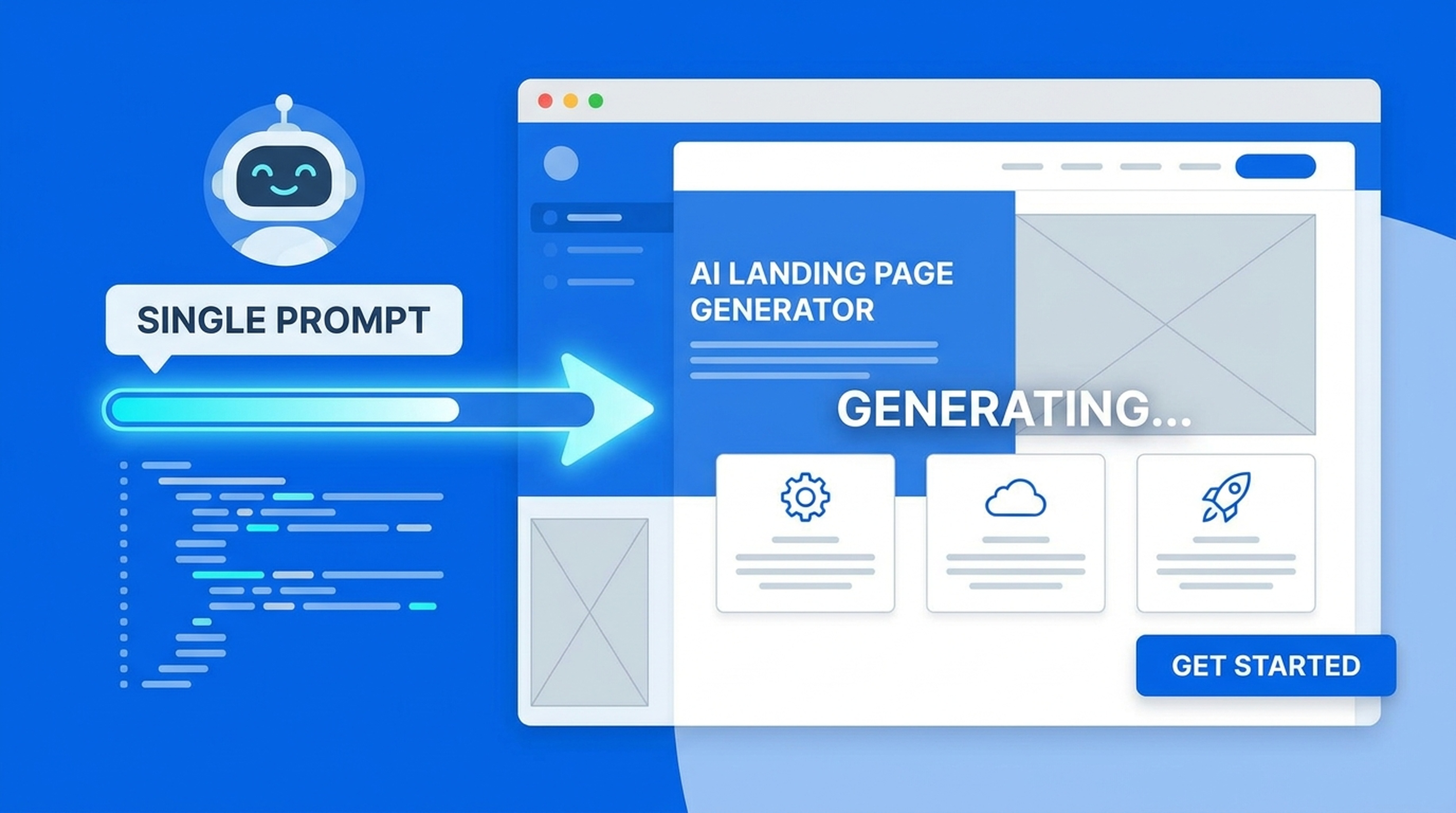
Building a landing page used to mean wireframes, copywriting rounds, design iterations, and developer handoff. AI agents can now do it from a single prompt — research, copy, structure, and all.
The Old Landing Page Process
Here's how landing pages typically get built:
- Brief the team on the product and target audience
- Research competitors and market positioning
- Write copy — hero, body, features, CTA
- Design the layout and visual elements
- Build the page or hand off to a developer
- Review, revise, repeat
Three to five people. Two to three weeks. Multiple revision cycles.
The Agent-Powered Alternative
Give an agent a product description and ask for a landing page. It:
- Researches the market and competitors
- Pulls web sources for data and validation
- Generates visual assets
- Drafts the landing page with copy, structure, and layout
- Returns a ready-to-publish page
One prompt. Minutes instead of weeks. The same quality because the agent is working from real research, not guessing.
How the Landing Page API Works
The Landing Page API is part of Felo OpenAPI's output layer. It accepts a topic, product description, or content brief and generates a structured landing page.
What It Produces
- Hero section — headline, subheadline, and primary CTA
- Body content — features, benefits, social proof, and supporting sections
- CTA placement — strategic call-to-action positioning
- Structure — logically organized sections with clear hierarchy
- Copy — written for the target audience, informed by research
How Agents Use It
The Landing Page API works best as part of a research-to-output workflow:
- Agent searches for market context and competitive positioning
- Reads competitor landing pages for structure and messaging patterns
- Identifies differentiators and target audience pain points
- Calls the Landing Page API with researched content
- Returns a complete landing page draft
Step-by-Step Example
Scenario: Launch a Landing Page for an AI Search Tool
Prompt: "Create a landing page for an AI-powered search tool that helps teams find internal knowledge. Target audience is mid-size tech companies."
Agent workflow:
- Searches for the AI search tool market and key competitors
- Reads competitor landing pages to understand messaging patterns
- Identifies common pain points: slow internal search, scattered knowledge, poor retrieval
- Extracts positioning angles: speed, accuracy, team collaboration
- Calls the Landing Page API with researched insights and target audience
- Generates a landing page with hero, features, social proof, and CTA sections
Output: A structured landing page with researched copy, logical flow, and clear conversion path.
Advanced Workflows
Landing Page With Generated Visuals
Combine the Landing Page API with the Image API:
- Agent researches the topic
- Generates custom visuals and graphics
- Calls the Landing Page API with both copy and image assets
- Returns a visually complete landing page
Landing Page With Live Data
Combine the Landing Page API with search and extraction:
- Agent searches for current market data and statistics
- Reads industry reports for supporting evidence
- Calls the Landing Page API with data-backed claims
- Returns a landing page with credible, sourced assertions
Landing Page From Existing Content
Combine the Landing Page API with LiveDocs:
- Retrieve product documentation and brand guidelines from LiveDocs
- Agent extracts key messaging and positioning
- Calls the Landing Page API with brand-aligned content
- Returns a landing page that matches your existing voice and style
Use Cases
Product Launches
Create landing pages for new product launches in minutes instead of days. The agent researches the market, identifies positioning angles, and generates a page that speaks to the right audience.
Campaign Testing
Generate multiple landing page variations for A/B testing. The agent can produce different angles — feature-focused, benefit-focused, social proof-focused — from the same research base.
Internal Tools
Create landing pages for internal tools, documentation hubs, or team resources. The agent pulls existing documentation from LiveDocs and structures it into a navigable page.
Event Pages
Generate landing pages for conferences, webinars, or product demos. The agent researches the topic, pulls speaker information, and creates an event page with registration CTAs.
Service Pages
For agencies and consultancies, generate service-specific landing pages that combine market research, case studies, and clear service descriptions.
Tips for Better Landing Pages
Research first, generate second. Let the agent pull real market data and competitor insights before calling the Landing Page API. Research-backed copy converts better than generic claims.
Be specific in your prompt. Include target audience, key differentiators, and desired outcome. The more context the agent has, the better the output.
Review and refine. The API produces a strong first draft. Review the copy, adjust the messaging, tweak the CTA, and you're ready to publish.
Combine with other tools. The best landing pages come from workflows that combine research, visual generation, and structured output.
Integration With Your Agent
The Landing Page API works through Felo OpenAPI, which connects to all major agent platforms:
- Claude Code — via the Felo OpenAPI setup guide
- Codex — through model and tool APIs
- OpenClaw — with full tool layer access
- Hermes Agent — custom workflow integration
- Custom agents — any REST-capable runtime
Your agent handles the research and strategy. The Landing Page API handles the output.
Getting Started
- Create your free API key
- Explore the Landing Page API
- Connect your agent and generate your first landing page
Stop spending weeks on landing pages. Give your agent the research tools and output capability to do it in minutes.