Reference to Video: Control Subject, Motion and Style

Plan reference-to-video generation in Felo. Give subject, motion and style inputs clear roles, check model limits and resolve conflicts before generating.
Felo tools: Image to Video · AI Video Editing Tools · MiniMax H3 · Seedance 2.5 · Wan 3.0 Prime · Kling 4.0 · Text to Video.
Reference-to-video generation uses existing media to guide a new clip. A photograph can establish the subject, a short video can demonstrate movement, and a designated frame can guide the opening or ending. The useful question is what each input should contribute.
Without that distinction, reference collections become contradictory. One image suggests a red jacket, another shows a blue coat, and a motion clip includes a camera move you never wanted. The model receives more material but a less coherent direction.
In Felo, reference support varies by video model. This guide explains how to prepare a small, purposeful set of inputs and choose a compatible workflow.
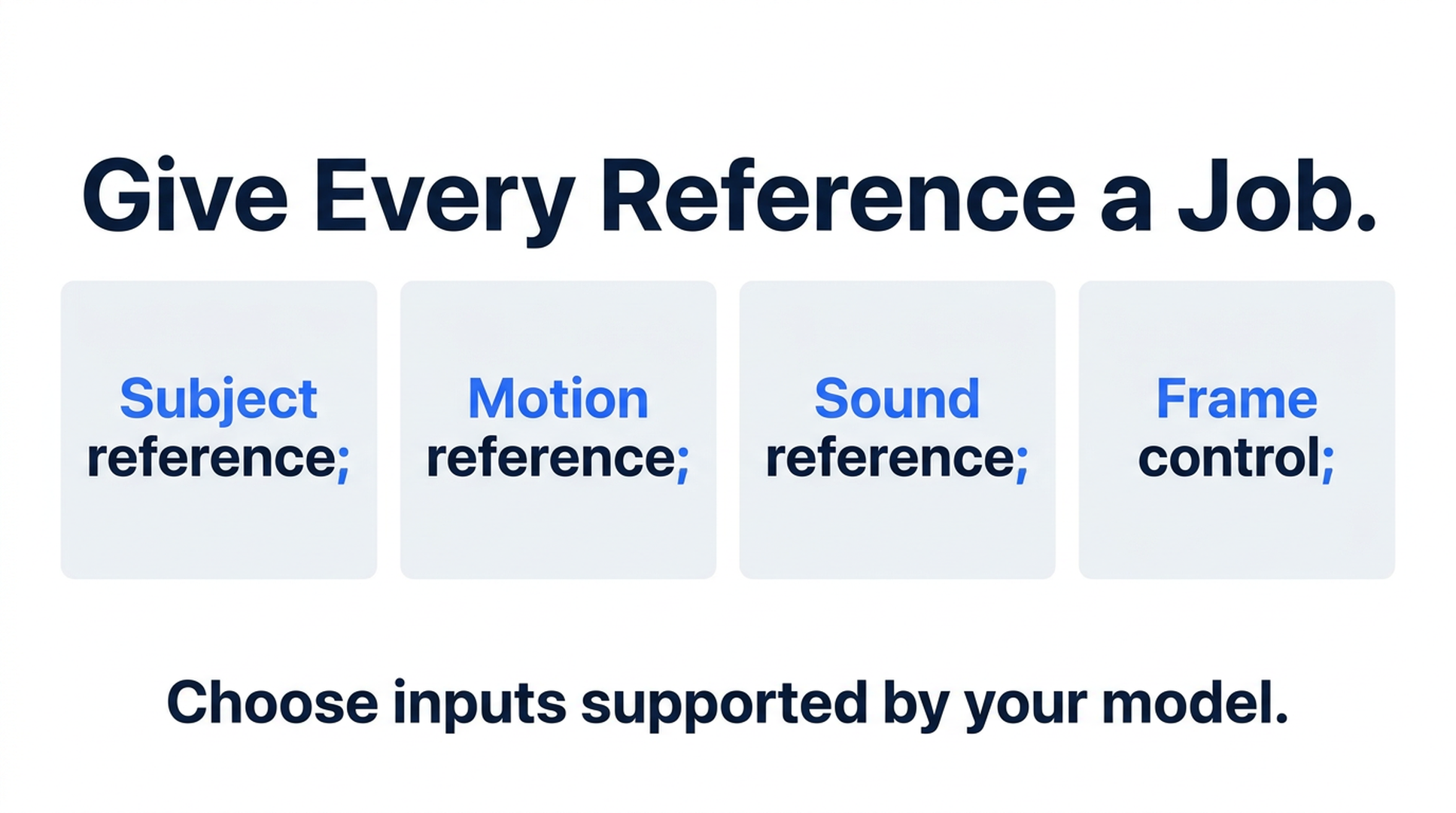
Illustrative guide; not a screenshot or a generated-video result.
A reference is a direction, not a finished edit
Uploading media for reference-to-video generation does not mean the system cuts those files into a timeline. It creates a new video influenced by the inputs and prompt. The generated result can reinterpret details.
That distinction matters when you need the exact performance of a person in an existing recording or unchanged product lettering. Reference guidance alone does not establish pixel-perfect preservation. Review the output against the original asset before accepting it.
Felo's image-to-video guide describes reference and frame options. Its editing tools page distinguishes generation controls from conventional timeline editing.
Give each asset one primary role
Organize inputs by what you want to carry into the result:
| Role | A useful input | A clear instruction |
|---|---|---|
| Subject appearance | A well-lit image with the subject unobscured | Use this image for the shape, color and materials of the bag |
| Motion | A short example containing the intended action | Use this clip for walking pace, not its background or clothing |
| Visual treatment | An image with a relevant lighting or palette example | Borrow the soft side lighting; keep the subject from the product image |
| Sound reference | A compatible audio input where the model supports it | Use this for the intended rhythm or sound character |
| Frame control | An image assigned to a first, middle or last-frame slot | Begin or end with this composition |
These are instructions you write, not a claim that Felo exposes five dedicated reference-role buttons. Describe the role of each attached asset in plain language.
If two images disagree about the subject, select one as the appearance reference. Treat the other as a lighting or composition example only if that distinction is useful and clear. Removing an unnecessary asset is often better than explaining a complicated hierarchy of exceptions.
Check model compatibility before building the set
MiniMax H3 accepts up to 9 images, 3 videos and 3 audio files, with a combined limit of 12 assets. It does not expose native first/last-frame slots in Felo; the Agent can describe an intended opening or ending using the supplied material. That is prompt guidance, rather than the same control offered by a dedicated frame input. See MiniMax H3 in Felo.
Seedance 2.5 supports reference media or first/last frames. You cannot combine those two input approaches for one clip. Its model page lists individual maxima of 30 images, 10 videos and 10 audio files; do not assume those maxima add up to an allowed combined request. See Seedance 2.5 inputs.
Wan 3.0 Prime supports first and last frames but does not accept an extra collection of reference images or videos. It suits a different starting point: a prompt and prepared endpoints. See Wan 3.0 Prime inputs.
Kling 4.0 offers first, middle and last frames, up to 10 reference images and up to 5 reference videos. Its current Felo output is silent. See Kling 4.0 inputs.
Start with the control the shot actually needs. For example, a required middle composition favors a different input plan from an action guided by a motion clip.
Prepare a reference set for one coherent shot
Imagine a six-second clip of a canvas backpack on a wooden desk. The goal is a small camera arc that reveals the front pocket.
First, select a clear product photograph. The bag should be large enough to inspect, with its straps and pocket visible. An image showing several different products creates unnecessary ambiguity.
Second, decide whether motion guidance is needed. A short example of a camera moving around a stationary object can help express the intended movement. A busy montage with cuts, zooms and changing subjects is a poor match for one continuous arc.
Third, write down what must remain stable: the bag's color, front pocket, straps and position on the desk. Then describe what may change: viewpoint and background parallax.
Finally, select a compatible model and ratio. Do not prepare a large reference library before learning that your preferred model uses endpoint frames instead.
A reference-to-video prompt to adapt
The following is an original suggested prompt, not a report from a rendered test. Attach appropriate assets in a supported reference workflow before trying it.
Create one six-second shot of the canvas backpack shown in the product photograph. Use that image for the bag's color, front pocket, straps and fabric texture. Use the motion reference only for a slow camera arc around a stationary subject. Keep the backpack upright on a wooden desk. Move through a small arc from a frontal view toward the front-right side, while keeping the whole bag in frame. Soft window light comes from the left. Keep the background simple. End with a clear view of the front pocket. No cuts or added text.
Notice that the instructions separate subject motion from camera motion. The backpack stays still. The camera moves. They also explain which properties to take from each input.
For a style reference, add a specific instruction such as “Use the lighting example for soft shadows, while keeping the bag and desk from the main brief.” Avoid asking the model to copy an entire unrelated scene when you only need its lighting.
Diagnose conflicts in the first result
If the product changes shape, inspect the reference set before making the prompt longer. A side view may hide a feature that the front view establishes. Remove ambiguity and reduce the camera move if it exposes too much unseen geometry.
If the motion is wrong, simplify the action and specify which object moves. “Dynamic movement” does not distinguish a rotating product from an orbiting camera.
If the style overwhelms the subject, reduce its role in the prompt or remove the style asset for the next test. Keep the core subject and action instructions stable so you can see what that change accomplishes.
If the clip is silent, check generated-audio support. Accepting an audio reference is a separate capability from producing a soundtrack. Felo's current text-to-video matrix lists Seedance as audio-capable, Wan with optional audio, and MiniMax and Kling as silent.
Frequently asked questions
Are reference images the same as first and last frames?
No. A reference image can guide appearance or style throughout a shot. A designated frame is an instruction about a particular part of its progression. Both guide generation; neither should be treated as an unconditional pixel-level guarantee.
Is a larger reference set always better?
No. Use enough inputs to explain the shot clearly. Extra images that conflict with the main subject or composition can make the direction harder to interpret.
Can I combine Seedance frame inputs and references?
Not in the same clip in Felo's current integration. Choose the input approach that addresses the main creative requirement.
Can reference-to-video preserve an existing clip exactly?
It generates a new result. If the original timing, performance or frames must remain intact, use an editing workflow designed to operate on the existing file.
Prepare one subject image and one clear shot brief, then explore the supported inputs in Felo's image-to-video workflow.
This post is also available in 简体中文, 日本語, 한국어, 繁體中文, हिन्दी, Français, العربية, Русский, اردو, Bahasa Indonesia, Deutsch, Tiếng Việt, Türkçe, Italiano, ไทย, Español, বাংলা and Português.