Script to Video vs Article to Video: Which Input Works?

Compare script, article, and document inputs for AI video creation with three examples and a practical decision framework.
You have the source material for a video. The question is whether to send the tool a finished script, a published article, or the documents behind the story.
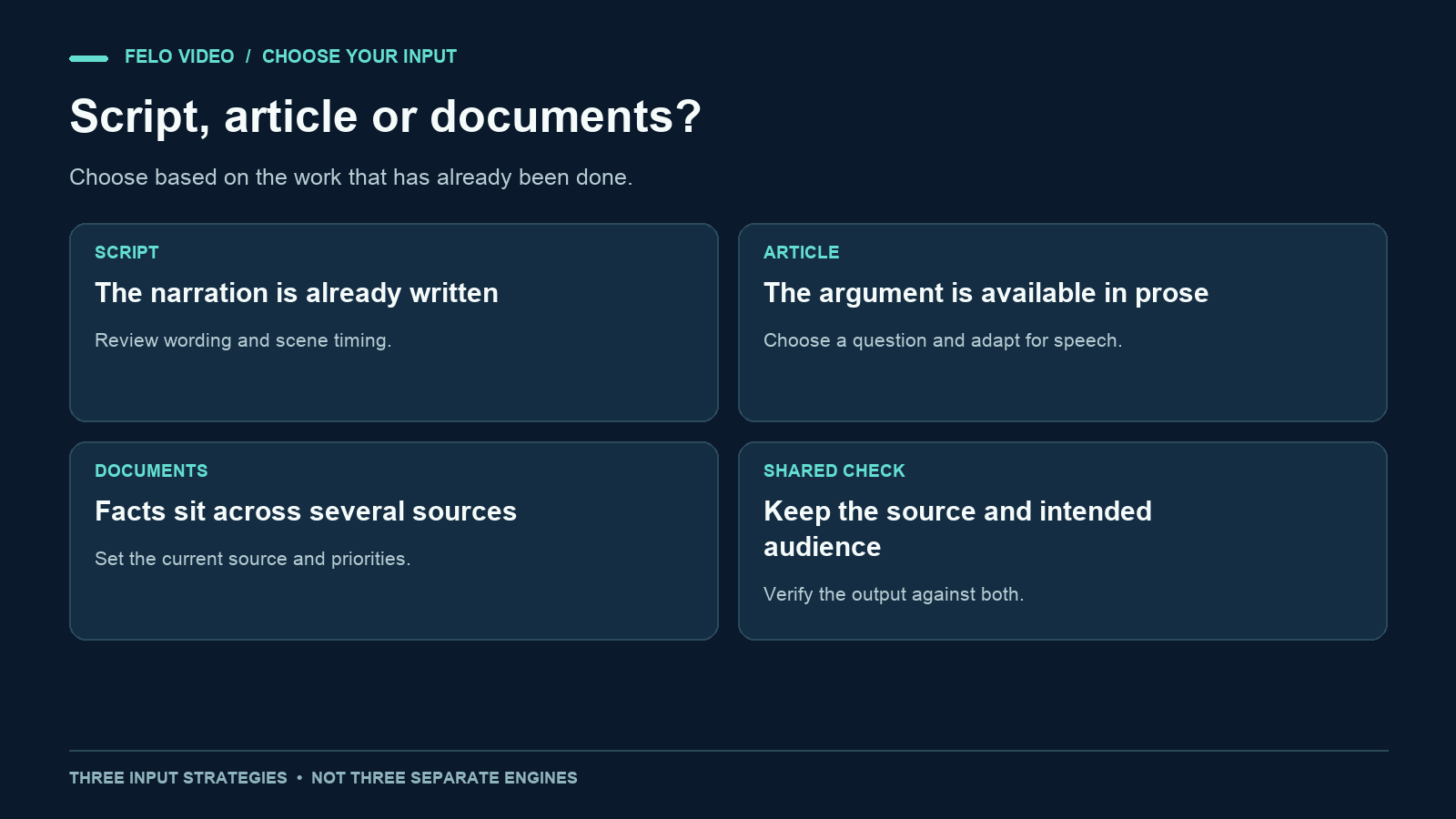
The difference between script to video and article to video is largely about how much editorial work you have already done. A script specifies the spoken explanation. An article supplies a written argument that still needs adaptation. A document package may contain the facts without a single clear narrative.
Choose the input based on what is settled and what still needs a decision. The examples below use one fictional workplace task to show how the same facts can be prepared in three ways.
Compare the editorial work each input requires
A prepared script can give you control over wording and sequence. With Script to Video, you can start from that narration; you are still responsible for making the wording work as speech.
An article-to-video workflow gives the system more context and usually more material than a short video needs. You must identify the audience, the selected question, and the source details that cannot be lost.
A document-to-video workflow can draw on several sources, but a collection of documents can also create ambiguity. Current procedures, supporting FAQs, and old proposals may disagree. You need to say which source governs.
| Input | What you provide | What remains to decide |
|---|---|---|
| Script | Planned narration and often visual directions | Timing, scene treatment, and output corrections |
| Article | A written argument or explanation | What to select and how to rewrite it for viewing |
| Documents | Facts, procedures, notes, or several sources | Source priority, scope, structure, and narration |
These are input strategies. They do not imply that each landing page uses a completely separate video engine or that one input will always produce a better result.
Use script to video when the wording is ready
A script is useful when someone has already decided what the narrator should say. That might be an approved product explanation, a lesson with carefully chosen terms, or an announcement whose wording needs to stay close to a reviewed statement.
Include visual directions, but keep them separate from spoken text. The explainer video script template offers a scene-by-scene format for doing that. A line such as "show the three fields one at a time" is an instruction to production, not something the narrator should read.
Be explicit about how strictly the script should be followed. Even then, inspect the generated narration. A supplied script is not proof that every word, number, or pause survives unchanged in the output.
Script input is less helpful when the draft is really an outline disguised as prose. If it says "explain the benefits here," the explanatory work is still unfinished. You can ask a tool to propose that section, but treat the result as new writing that needs review.
Use article to video when the argument is already written
A published article often contains a strong explanation, but its structure assumes the reader can move at their own pace.
The opening may take several paragraphs to establish context. Footnotes may qualify a claim. A later section may answer the question your video audience cares about most. Converting the article therefore involves selection and restructuring.
Tell the tool which part to use. For example: "Use the section about approved-file handoffs. Explain the approval check to new teammates. Leave the historical background out of the video."
An accessible URL can be a convenient source, but check that the relevant material was actually read. Login-only pages, missing images, and unclear formatting can reduce the available context. If necessary, provide the relevant passage directly and identify its source.
The video should remain faithful to the article's claims even if its order changes. A new hook should not introduce a stronger conclusion than the source supports.
Use documents when the story lives across several files
Some videos begin with a current procedure, a supporting FAQ, and a set of meeting notes. None is a finished article or script.
This input can work well when the task is to explain a process or synthesize a small source package. Its main risk is ambiguity about authority. A past proposal may sound like a current instruction if you do not label it.
Prepare a short manifest: which file is current, what each file contributes, and how to handle conflicts. If the sources are genuinely unresolved, settle the issue before generating a confident explanation.
A document workflow also needs a clear scope. "Explain all these files" can produce a broad summary that misses the action the viewer needs. "Explain how a new teammate submits a shared-file request" is much easier to evaluate.
The same task prepared three ways
Our fictional task is a shared-file handoff. The approved process says a teammate requests a file, a coordinator assigns an owner, the owner checks approval, and the requester confirms that the delivered link answers the request.
The examples are input artifacts, not a report of generated outputs or a product benchmark.
Input A: a prepared script
Audience: new teammates.
Goal: explain how a shared-file request becomes complete.

Narration:
Submit the file name and intended use in the shared request log.
The coordinator assigns an owner. That owner checks whether the
file is approved for your use. If approval is missing, the owner
asks the coordinator before sending it. When the approved file
is ready, the owner sends the link and records the action.
Confirm that the link answers your request. The owner marks the
request complete after your confirmation.

Visual directions:
Show a labeled sample request card. Keep the requester,
coordinator, and owner roles distinct. Make the approval branch
visible. Do not show automatic assignment or automatic closure.
This input has already chosen the sequence and spoken wording. Review the output for faithful narration, readable role labels, and correct completion logic.
If the system makes the owner disappear before confirmation, the visuals have changed the process even if the script still sounds correct.
Input B: a source article with a focused brief
Source: an article explaining our fictional shared-file process.
Use only the sections called Requesting an asset and Confirming
the result. The background about how the team chose its tool is
not needed for this video.

Audience: new teammates.
Question: what must happen before a file request is complete?

Include the intended-use field, coordinator assignment, approval
check, and requester confirmation. Rewrite for spoken English.
Keep the exception for missing approval. Do not invent response
times or claim the process is automatic.
Here, the tool has more room to propose narration. Your review should check whether the selected passages survived and whether the new script kept the article's conditions.
Do not judge the result only by whether it mentions all four roles or steps. The relationship between them matters: confirmation must happen before completion.
Input C: a document package with priorities
Source priority:
1. SOP-v2: current and authoritative.
2. FAQ-current: adds the missing-approval exception.
3. Meeting-notes-v1: historical context only. Its proposed email
   process was not adopted.

Task:
Explain the current shared-file request process to new teammates.
Use the shared request log described in SOP-v2. Keep the
requester, coordinator, and owner responsibilities distinct.
Exclude the old email proposal. End with requester confirmation
and the owner's completion update.
This input asks for more synthesis. The first review question is whether the output followed the current SOP rather than blending it with the historical proposal.
If you need exact wording for a particular instruction, add that wording to the brief. A source package can include both flexible background and a sentence that must remain.
Choose with a short decision test
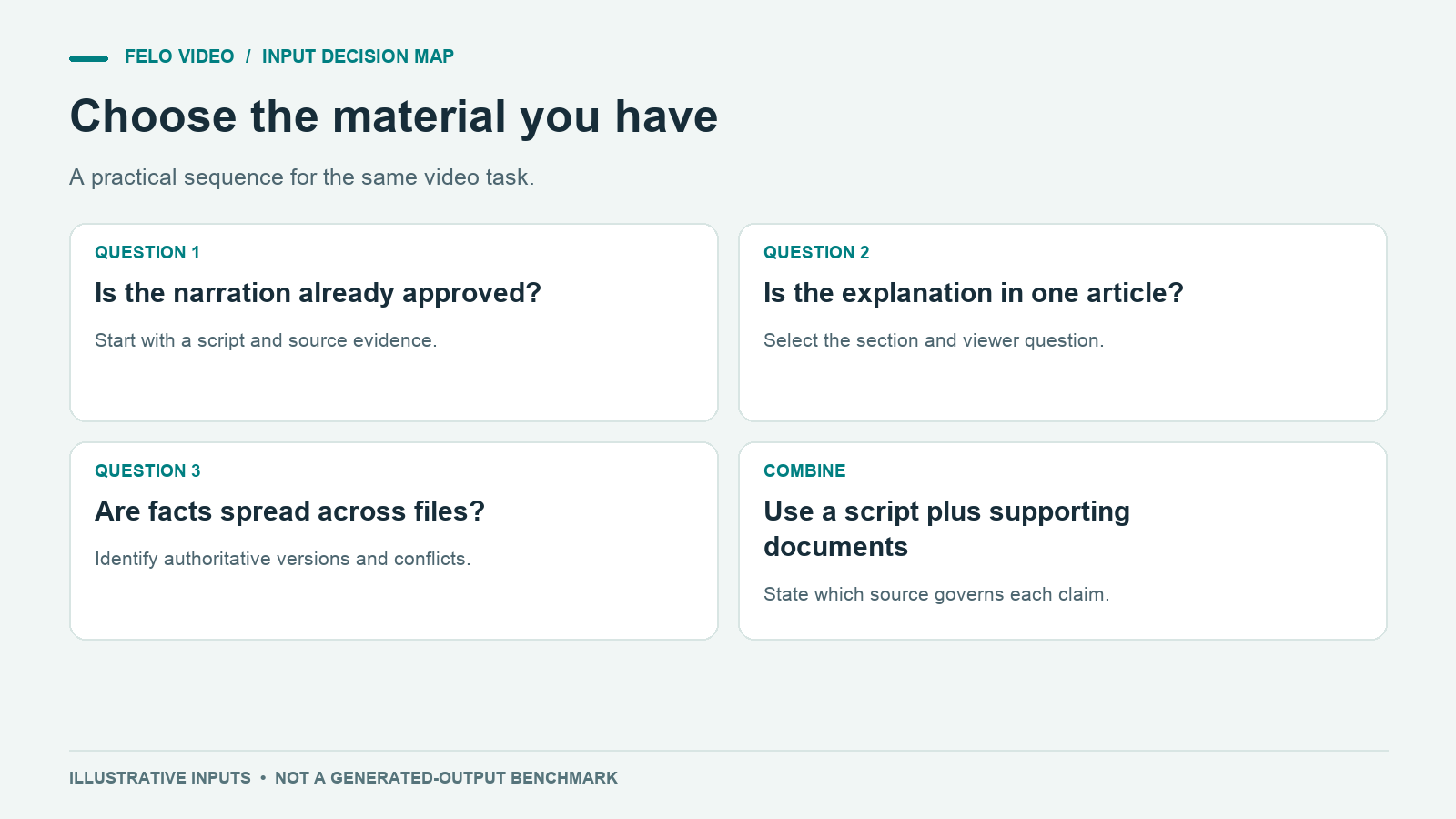
Ask these questions in order:
- Has the narration already been approved? Start with the script and its supporting sources.
- Is there one accurate article with the explanation you need? Start with that article and identify the selected question.
- Are the facts spread across documents? Prepare a source hierarchy and a focused task before generation.
You can combine inputs. A finished script may come with a PDF that substantiates the numbers. An article may come with a chart asset. A document package may include a proposed opening paragraph.
When combining them, state what governs each part. "Use the PDF for factual values and the script for the planned narration" is clearer than attaching both and leaving the relationship implicit.
A conflict between sources should not be resolved through visual polish. If the script says one date and the approved notice says another, correct the input before production.
Evaluate the result according to the input's risk
Each input strategy suggests a different first check.
For script input, compare the narration with the supplied text. Look for changed numbers, omitted negatives, and production notes accidentally spoken aloud.
For article input, compare the video with the original argument. Check whether omitted context changes the claim and whether the new sequence remains understandable.
For document input, compare the video with the source hierarchy. Check versions, roles, unresolved conflicts, and whether a historical proposal has become a current instruction.
Then apply the shared checks: visual accuracy, readable captions, appropriate pace, and a clear next step. Inspect the export at its actual viewing size rather than judging only a large editing preview.
Choose the input that matches the material you have, then make the audience and source priorities explicit in the request.
Questions about script to video vs article to video
Is a script always the most accurate input?
A script can preserve an already-reviewed explanation, but it can also contain mistakes. Accuracy depends on the source and the review, not just the input format.
Can I ask for the exact narration I supplied?
Yes, make that requirement explicit. Then compare the generated audio and captions with the script rather than assuming exact reproduction.
Should I remove the source after writing the script?
Keep it available for review. The script says what you plan to communicate; the source helps establish whether those statements are supported.
What if my article is too long?
Select a section or question and identify the necessary evidence. A focused video can link to the full article for the rest of the explanation.
What if the sources contradict each other?
Identify the authoritative version or resolve the disagreement with the source owner. Do that before presenting a confident instruction to viewers.
The best starting point is the material that gives you enough context while keeping the decisions you care about clear.